Wireless Display PC
Screen View
قم بتنزيل Wireless Display على جهاز الكمبيوتر باستخدام GameLoop Emulator
Wireless Display على الكمبيوتر الشخصي
Wireless Display ، القادم من المطور Screen View ، يعمل على نظام Android في الماضي.
الآن ، يمكنك لعب Wireless Display على جهاز الكمبيوتر باستخدام GameLoop بسلاسة.
قم بتنزيله في مكتبة GameLoop أو في نتائج البحث. لا مزيد من الانتباه إلى البطارية أو المكالمات المحبطة في الوقت الخطأ بعد الآن.
ما عليك سوى الاستمتاع بجهاز Wireless Display على الشاشة الكبيرة مجانًا!
Wireless Display مقدمة
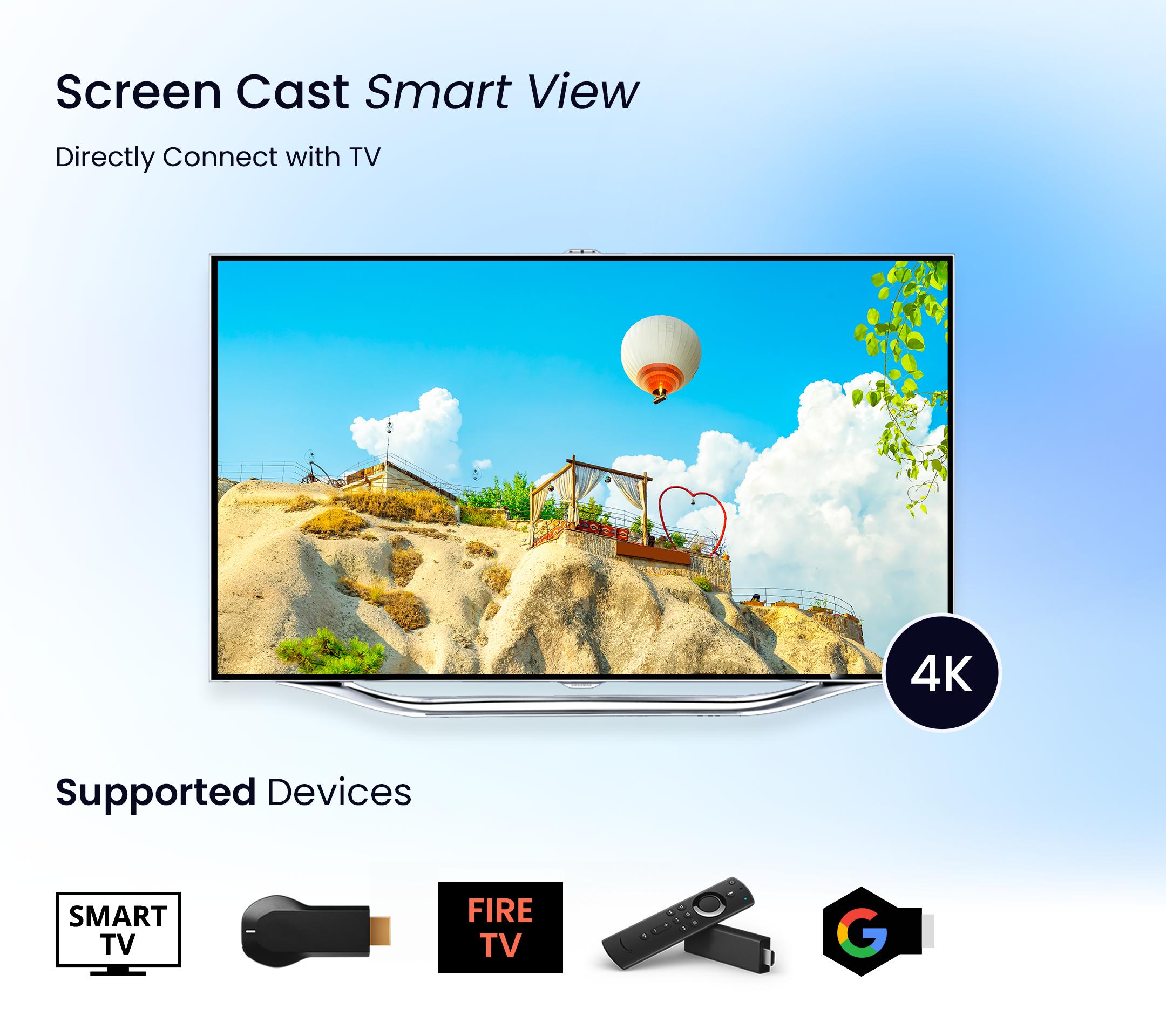
Screen Cast - Smart View app allows you to mirror your media content (Photos, Videos) to your Smart TV.
Screen Mirroring is a technique, which allows you to mirror your smartphone on the TV screen. You can easily access all of your games, photos, videos and other application on a big screen using this Screen Stream Mirroring App.
This Screen Mirroring App allows you to easily connect your device and your TV. It provides you a secure connection to protect your data, files and applications.
This Screen Cast - Smart View app is perfect for making presentation in business meetings With photos, videos casting the app also suite for personal entertainment.
Screen Cast - Smart View Technologies:
- AllShare Cast
- Miracast
- Chromecast
- Wifi Display
- Screen Casting
- Screen Sharing
- Cast Content
Main Features of Screen Cast - Smart View App:
- Miracast app: Mirror your favorites videos, movies, web series on Android TV screen.
- PDF Reader: Read, view and Stream your pdf files on a big TV screen.
- Cast To TV app: Mirror all your media content on smart tv.
- Screen Sharing app: Listen to your audio files on a smart TV screen.
- Automatically search nearby TVs to cast screen via DLNA.
- AirPlay files from your storage & to know your library fast.
- Screen mirroring cast is live cast video on the browser.
- Web cast supports real-time screen share.
Cast To TV app:
- The Miracast screen mirroring app lets you enjoy a smart view of a digital album on TV. Mirror your Phone Screen & enjoy watching Live Video Streaming on a big android TV Screen using Chromecast Streamer.
Roku Cast To TV app:
- Are you getting bored watching movies alone on a small phone screen? Then just try our Miracast Screen Mirroring and enjoy the smart view of your phone screen on smart TV and make your moments enjoyable with your friends and family.
Screen Mirror PDF:
- This Miracast Screen mirroring App instantly access all your pdf files from your internal storage at one place and provide a smart view of your pdf files on smart devices.
- Read your favorite books and documents directly on a big TV screen
How to use Screen Cast - Smart View App:
- Make sure your smart phone and smart TV are connected to the same Wi-Fi network.
- Enable “Wireless display” on your phone.
- Enable Miracast or Chromecast on your smart TV.
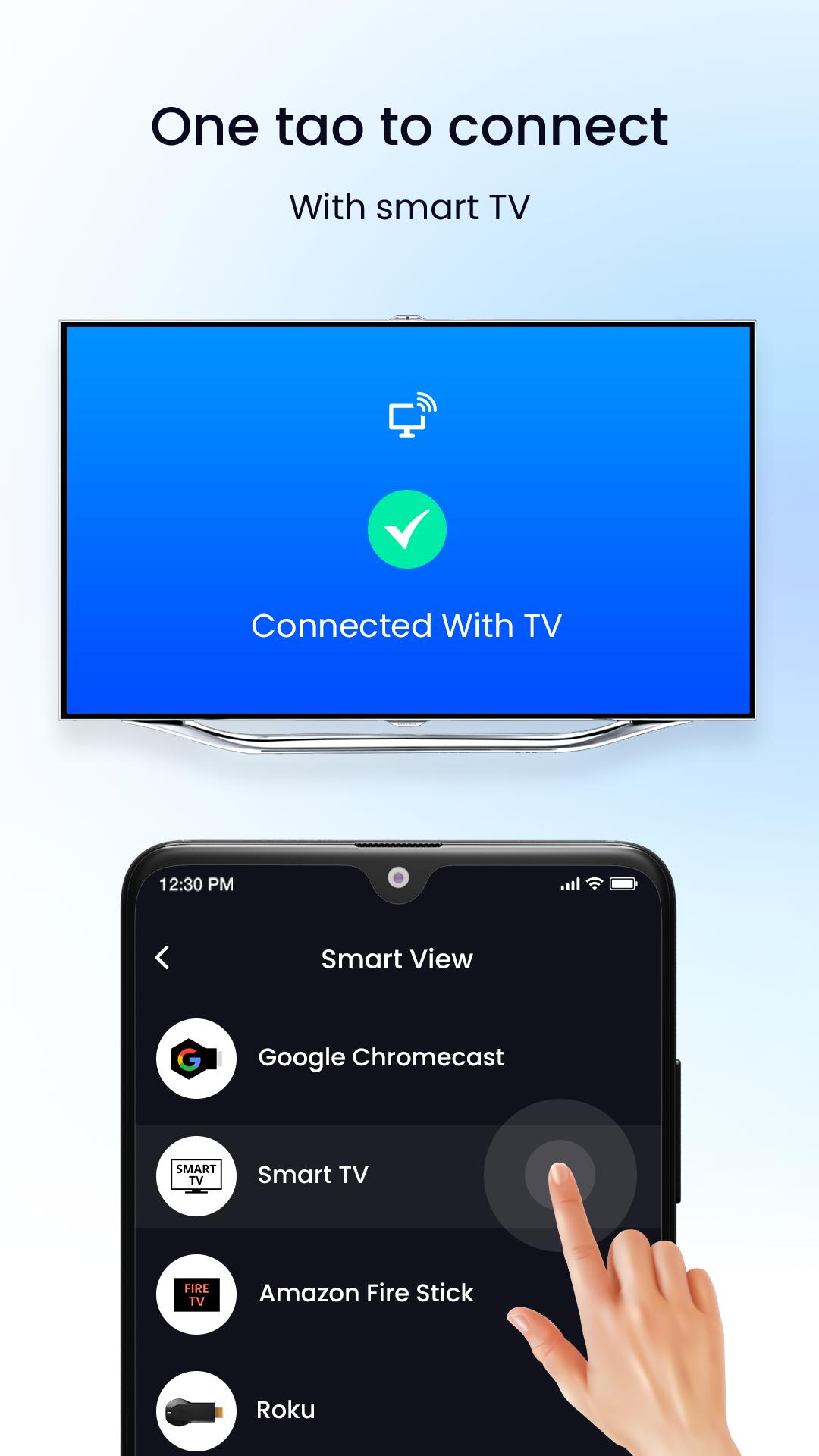
- Select tab to connect button in our app.
- Now select your Tv device to share your mobile screen to the tv.
Download free this Roku TV Cast app use this "Screen Cast - Smart View app" to watch your media content on smart devices.
معاينة
العلامات
أدواتمعلومة
مطور
Screen View
احدث اصدار
1.4
آخر تحديث
2022-10-20
فئة
أدوات
متاح على
Google Play
أظهر المزيد
كيف تلعب Wireless Display مع GameLoop على جهاز الكمبيوتر
1. قم بتنزيل GameLoop من الموقع الرسمي ، ثم قم بتشغيل ملف exe لتثبيت GameLoop.
2. افتح GameLoop وابحث عن "Wireless Display" ، وابحث عن Wireless Display في نتائج البحث وانقر على "تثبيت".
3. استمتع بلعب Wireless Display على GameLoop.
Minimum requirements
OS
Windows 8.1 64-bit or Windows 10 64-bit
GPU
GTX 1050
CPU
i3-8300
Memory
8GB RAM
Storage
1GB available space
Recommended requirements
OS
Windows 8.1 64-bit or Windows 10 64-bit
GPU
GTX 1050
CPU
i3-9320
Memory
16GB RAM
Storage
1GB available space