
Max VPN - Fast & Stable Proxy PC
Acoben
قم بتنزيل Max VPN - Fast & Stable Proxy على جهاز الكمبيوتر باستخدام GameLoop Emulator
Max VPN - Fast & Stable Proxy على الكمبيوتر الشخصي
Max VPN - Fast & Stable Proxy ، القادم من المطور Acoben ، يعمل على نظام Android في الماضي.
الآن ، يمكنك لعب Max VPN - Fast & Stable Proxy على جهاز الكمبيوتر باستخدام GameLoop بسلاسة.
قم بتنزيله في مكتبة GameLoop أو في نتائج البحث. لا مزيد من الانتباه إلى البطارية أو المكالمات المحبطة في الوقت الخطأ بعد الآن.
ما عليك سوى الاستمتاع بجهاز Max VPN - Fast & Stable Proxy على الشاشة الكبيرة مجانًا!
Max VPN - Fast & Stable Proxy مقدمة
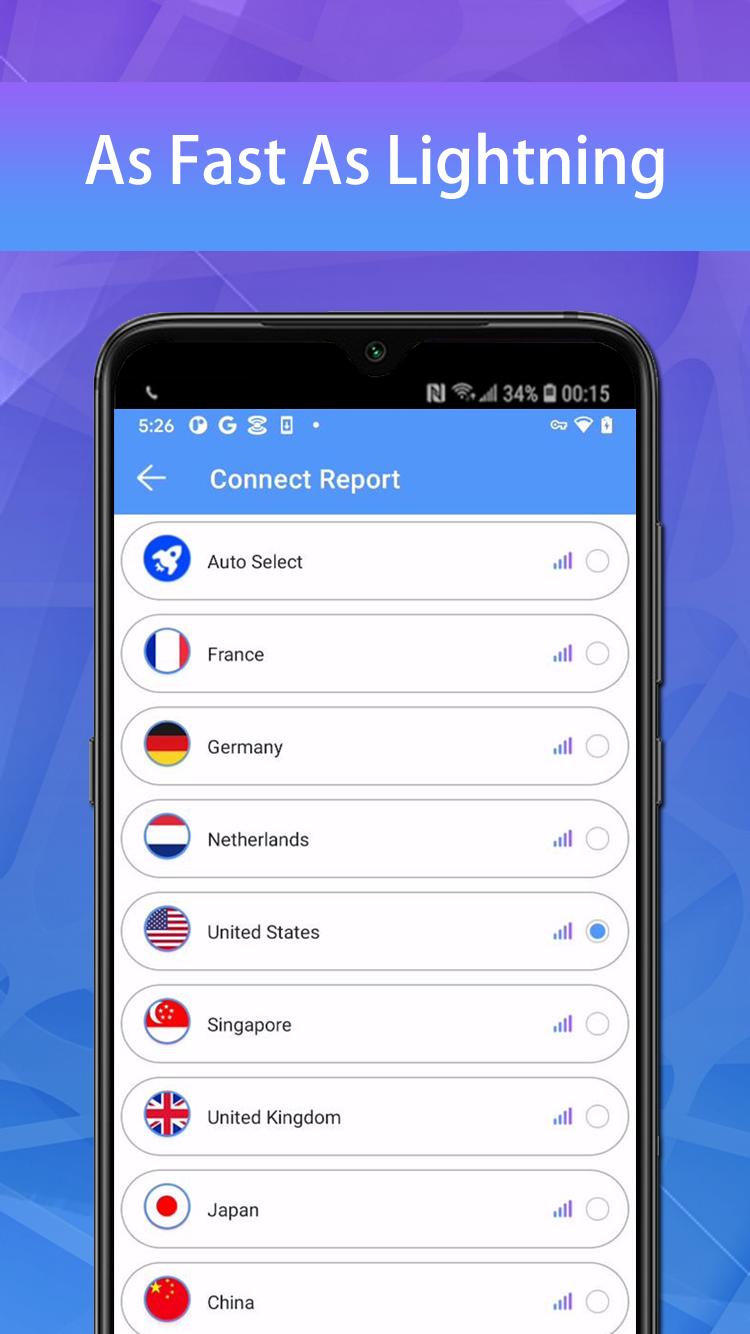
Max VPN is a free VPN with lightning-fast speeds, secure server connections, and no data caps.
When you're connected to Max VPN, you can access the internet anonymously and stay protected online. Max VPN encrypts all your data using encryption protocols. Max VPN is a trustworthy and good VPN provider with a zero logs policy. Your data can no longer be intercepted or read by third parties.
✔ 10000+ free servers around 100+ global locations
✔ Set fastest servers automatically for you
✔ Support for all major platforms Windows, MacOS, Android, iOS etc.
✔ Fast VPN server for torrenting, gaming & streaming
✔ Military-grade 256-bit encryption and unlimited bandwidth
✔ Access geo-restricted content
✔ Protect your privacy on public WiFi networks
✔ No registration required
✔ Protect your password and personal data
You can find more details on our official site:
Privacy Policy: https://d3cgubmp1140jz.cloudfront.net/max.html
معاينة

العلامات
أدواتمعلومة
مطور
Acoben
احدث اصدار
1.3.7
آخر تحديث
2023-05-25
فئة
أدوات
متاح على
Google Play
أظهر المزيد
كيف تلعب Max VPN - Fast & Stable Proxy مع GameLoop على جهاز الكمبيوتر
1. قم بتنزيل GameLoop من الموقع الرسمي ، ثم قم بتشغيل ملف exe لتثبيت GameLoop.
2. افتح GameLoop وابحث عن "Max VPN - Fast & Stable Proxy" ، وابحث عن Max VPN - Fast & Stable Proxy في نتائج البحث وانقر على "تثبيت".
3. استمتع بلعب Max VPN - Fast & Stable Proxy على GameLoop.
Minimum requirements
OS
Windows 8.1 64-bit or Windows 10 64-bit
GPU
GTX 1050
CPU
i3-8300
Memory
8GB RAM
Storage
1GB available space
Recommended requirements
OS
Windows 8.1 64-bit or Windows 10 64-bit
GPU
GTX 1050
CPU
i3-9320
Memory
16GB RAM
Storage
1GB available space