GPS Locker PC
SilentLexx UA
قم بتنزيل GPS Locker على جهاز الكمبيوتر باستخدام GameLoop Emulator
GPS Locker على الكمبيوتر الشخصي
GPS Locker ، القادم من المطور SilentLexx UA ، يعمل على نظام Android في الماضي.
الآن ، يمكنك لعب GPS Locker على جهاز الكمبيوتر باستخدام GameLoop بسلاسة.
قم بتنزيله في مكتبة GameLoop أو في نتائج البحث. لا مزيد من الانتباه إلى البطارية أو المكالمات المحبطة في الوقت الخطأ بعد الآن.
ما عليك سوى الاستمتاع بجهاز GPS Locker على الشاشة الكبيرة مجانًا!
GPS Locker مقدمة
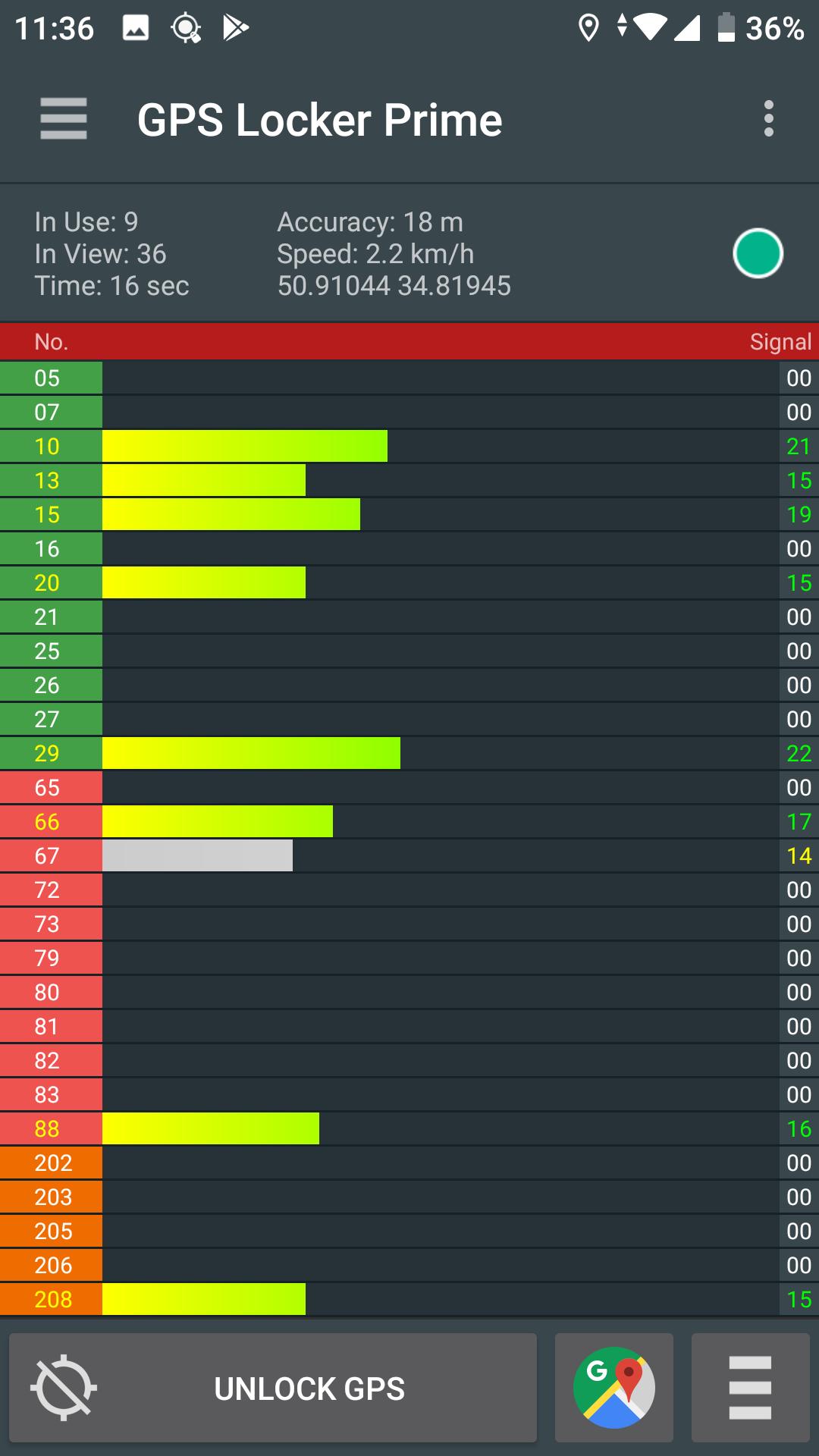
GPS Locker is created to keep a GPS signal locked switching between applications and when your device's screen is off. GPS Locker helps get a faster GPS signal lock and fix your GPS.
Where it can be helpful:
- In mobile games which are used in the game process GPS navigation.
- GPS Locker will be useful for those who use GPS navigation (for example, everyone is familiar with the situation when the device can not immediately catch the GPS signal at the exit of the tunnel in a car, etc.).
- Helps to improve GPS signal to devices that are often lost GPS signal.
Key Features:
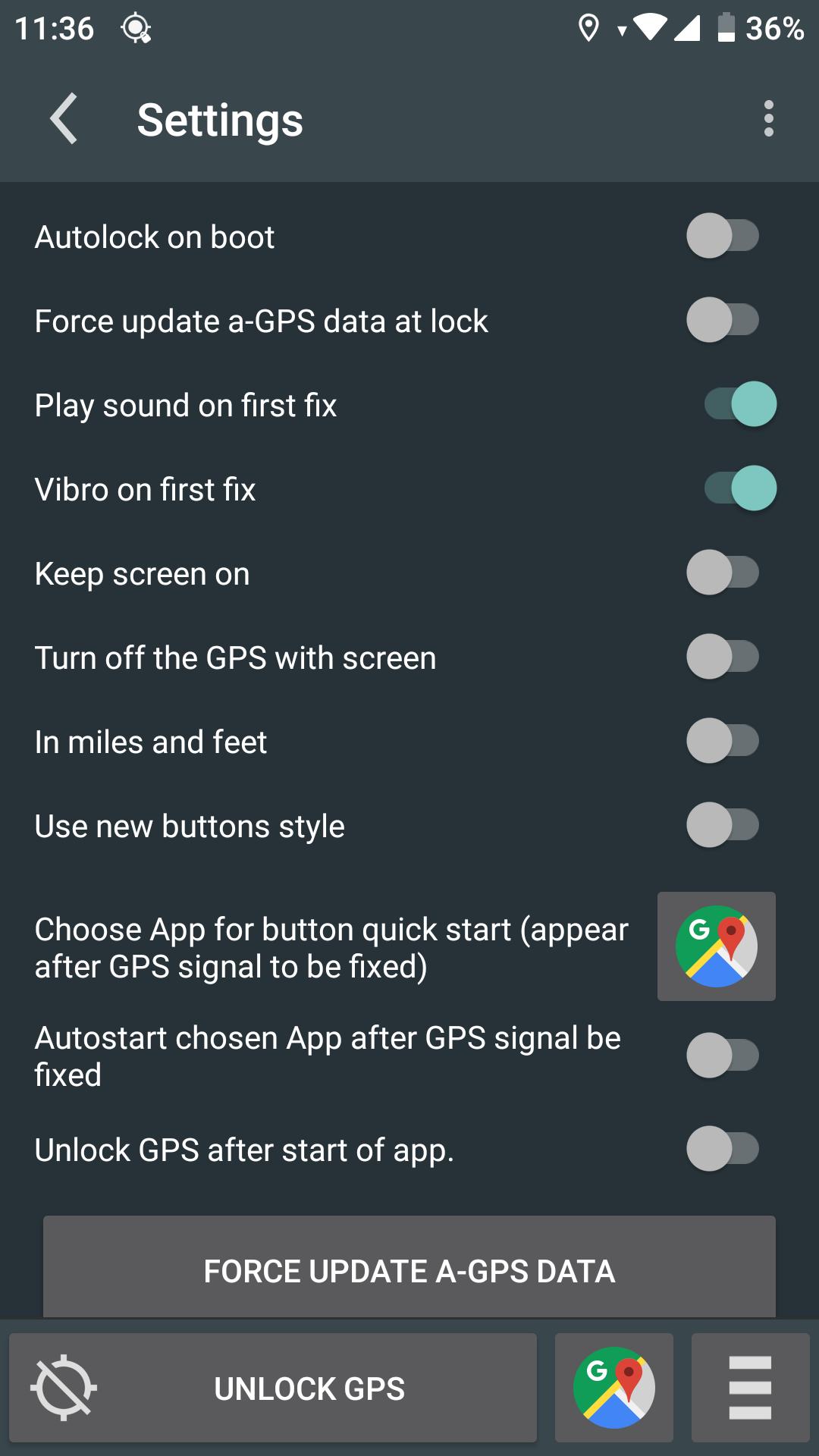
- Possibility of manual and automatic reset A-GPS data.
- Ability to lock on screen when GPS Locker is runned.
- Manual or automatic launch your applications after fixing GPS signal (the desired application you specify in GPS Locker settings)
- Create shortcuts on the desktop to quickly launch applications after a successful fixes of GPS signal.
For remove ads buy Prime!
*This application has access to geodata in the background, but does not send it to third parties and does not save your geodata on the device.*
P.S.: This application is not designed for freeze the coordinates!
معاينة
العلامات
أدواتمعلومة
مطور
SilentLexx UA
احدث اصدار
2.4.7
آخر تحديث
2024-08-06
فئة
أدوات
متاح على
Google Play
أظهر المزيد
كيف تلعب GPS Locker مع GameLoop على جهاز الكمبيوتر
1. قم بتنزيل GameLoop من الموقع الرسمي ، ثم قم بتشغيل ملف exe لتثبيت GameLoop.
2. افتح GameLoop وابحث عن "GPS Locker" ، وابحث عن GPS Locker في نتائج البحث وانقر على "تثبيت".
3. استمتع بلعب GPS Locker على GameLoop.
Minimum requirements
OS
Windows 8.1 64-bit or Windows 10 64-bit
GPU
GTX 1050
CPU
i3-8300
Memory
8GB RAM
Storage
1GB available space
Recommended requirements
OS
Windows 8.1 64-bit or Windows 10 64-bit
GPU
GTX 1050
CPU
i3-9320
Memory
16GB RAM
Storage
1GB available space