GearUP Router: Lower Ping PC
GearUP Global
قم بتنزيل GearUP Router: Lower Ping على جهاز الكمبيوتر باستخدام GameLoop Emulator
GearUP Router: Lower Ping على الكمبيوتر الشخصي
GearUP Router: Lower Ping ، القادم من المطور GearUP Global ، يعمل على نظام Android في الماضي.
الآن ، يمكنك لعب GearUP Router: Lower Ping على جهاز الكمبيوتر باستخدام GameLoop بسلاسة.
قم بتنزيله في مكتبة GameLoop أو في نتائج البحث. لا مزيد من الانتباه إلى البطارية أو المكالمات المحبطة في الوقت الخطأ بعد الآن.
ما عليك سوى الاستمتاع بجهاز GearUP Router: Lower Ping على الشاشة الكبيرة مجانًا!
GearUP Router: Lower Ping مقدمة
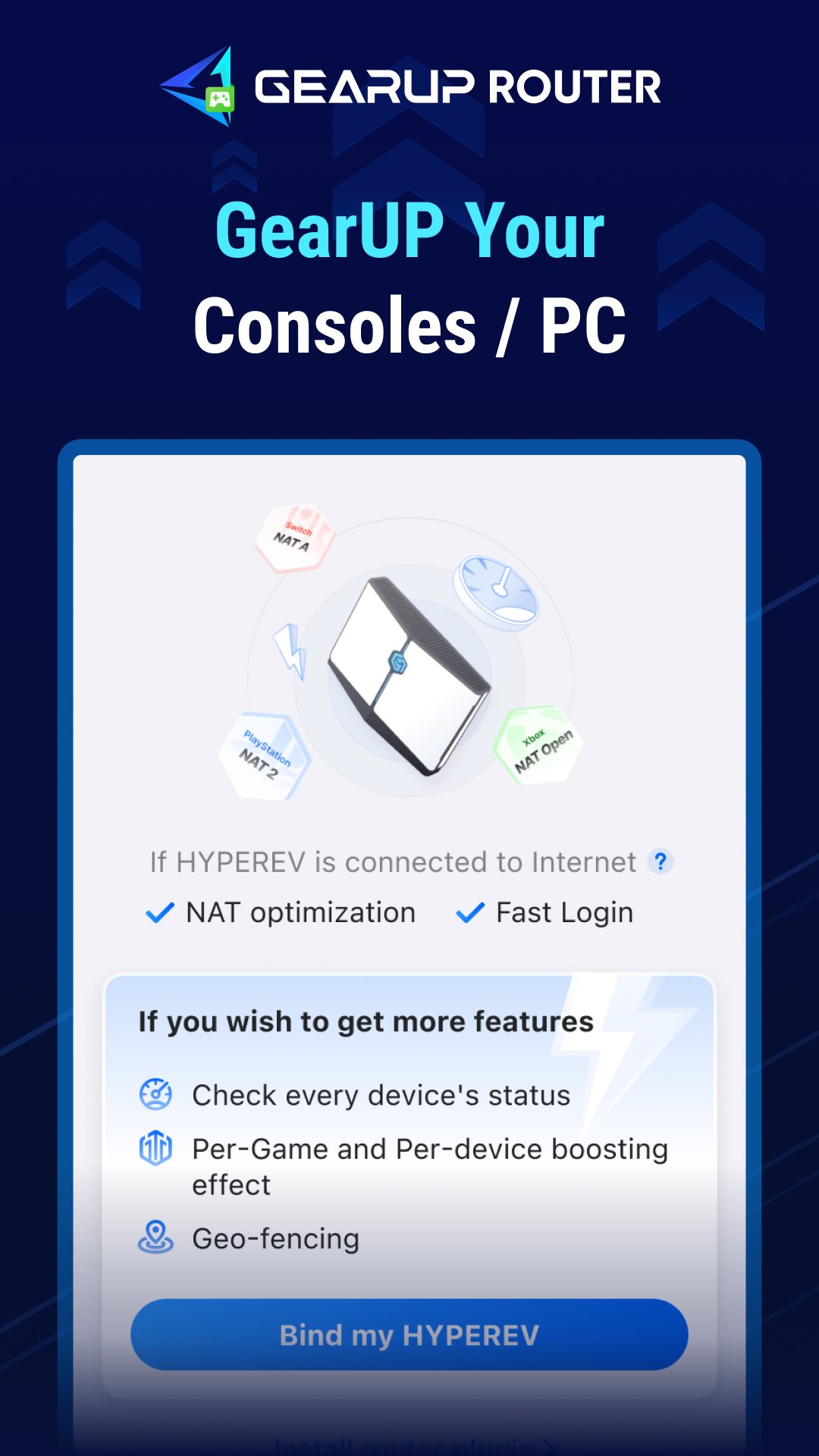
Improve your online gaming experience now with GearUP Router. With this app you can connect to HYPEREV and router plugin to reduce network latency.
GearUP Router delivers a one-click network optimization experience. Whether you’re playing on PC, console, or mobile, simply pair it with HYPEREV or one of our partner routers (for example ASUS, ZTE, and more) to quickly improve connection stability, optimize NAT, and — with advanced features like intelligent geographic routing and geofencing — achieve optimized connections to global servers.
What GearUP Router can do:
1. One-click game acceleration
Say goodbye to complex network configuration. With a visual interface you can click to select the target game and server, easily reducing latency spikes.
2. Extensive game support
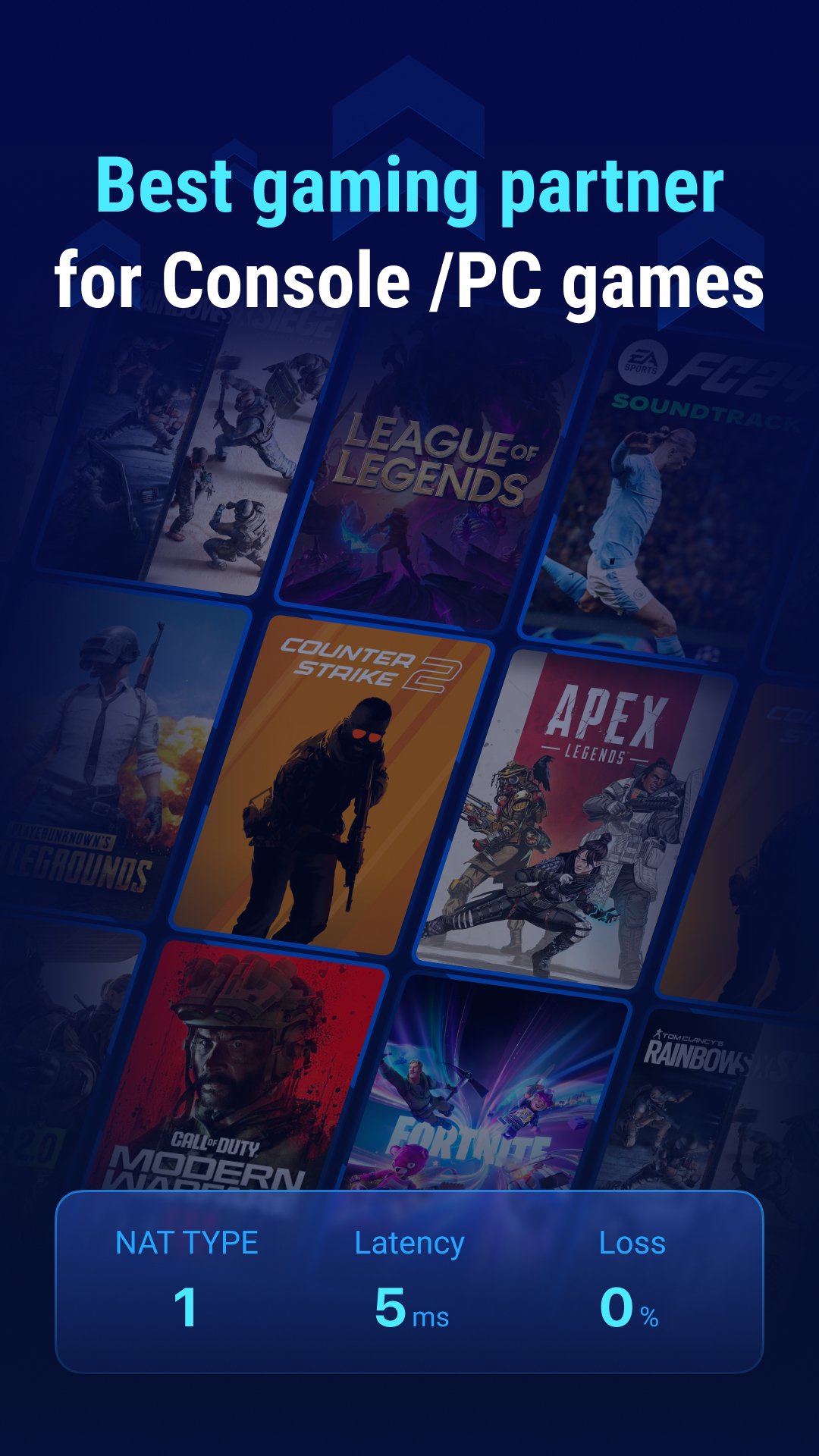
Fortnite, the NBA 2K series, the EA FC series, Brawl Stars, and more — over 2,500 console, PC, and mobile games to choose from, each of which can be precisely optimized.
3. Intelligent geographic routing
Smart traffic recognition and real-time node switching: GearUP Router will automatically connect to recommended regions or allocate the best network path based on the server you choose.
4. Geofencing control
GearUP Router supports setting preferred regions and blocked ranges to help you avoid frequent server switching. Its innovative map design makes it easy to lock onto server regions.
5. Dual mode
GearUP Router can pair with HYPEREV (auxiliary router) and also supports connection to partner routers. It currently supports some models from ASUS and ZTE, with more models and brands to be added later.
6. Real-time metrics
Latency, jitter, and packet loss are tracked in real time, allowing you to monitor network status at any time during gameplay.
معاينة
العلامات
أدواتمعلومة
مطور
GearUP Global
احدث اصدار
3.14.0
آخر تحديث
2026-07-23
فئة
أدوات
متاح على
Google Play
أظهر المزيد
كيف تلعب GearUP Router: Lower Ping مع GameLoop على جهاز الكمبيوتر
1. قم بتنزيل GameLoop من الموقع الرسمي ، ثم قم بتشغيل ملف exe لتثبيت GameLoop.
2. افتح GameLoop وابحث عن "GearUP Router: Lower Ping" ، وابحث عن GearUP Router: Lower Ping في نتائج البحث وانقر على "تثبيت".
3. استمتع بلعب GearUP Router: Lower Ping على GameLoop.
Minimum requirements
OS
Windows 8.1 64-bit or Windows 10 64-bit
GPU
GTX 1050
CPU
i3-8300
Memory
8GB RAM
Storage
1GB available space
Recommended requirements
OS
Windows 8.1 64-bit or Windows 10 64-bit
GPU
GTX 1050
CPU
i3-9320
Memory
16GB RAM
Storage
1GB available space