
Every Proxy Network Bridge PC
Gorilla Software LLP
قم بتنزيل Every Proxy Network Bridge على جهاز الكمبيوتر باستخدام GameLoop Emulator
Every Proxy Network Bridge على الكمبيوتر الشخصي
Every Proxy Network Bridge ، القادم من المطور Gorilla Software LLP ، يعمل على نظام Android في الماضي.
الآن ، يمكنك لعب Every Proxy Network Bridge على جهاز الكمبيوتر باستخدام GameLoop بسلاسة.
قم بتنزيله في مكتبة GameLoop أو في نتائج البحث. لا مزيد من الانتباه إلى البطارية أو المكالمات المحبطة في الوقت الخطأ بعد الآن.
ما عليك سوى الاستمتاع بجهاز Every Proxy Network Bridge على الشاشة الكبيرة مجانًا!
Every Proxy Network Bridge مقدمة
Every Proxy Network Bridge is a specialized companion application designed to work seamlessly with Every Proxy.
The Network Bridge provides a critical routing solution for Android devices that use "Per-App" VPN configurations or Split Tunneling. It ensures your VPN-protected connection can be shared with other devices on your local network without routing conflicts.
🚀 WHY USE THE NETWORK BRIDGE?
Standard Android proxies can face limitations when dealing with Per-App VPN clients. The Every Proxy Network Bridge acts as a dedicated relay, allowing Every Proxy to remain visible to your local network while successfully routing traffic through your active VPN tunnel.
🛠️ KEY FUNCTIONALITY
• VPN Chaining: Enables reliable sharing of VPN connections from clients that use per-app routing or split tunneling.
• Seamless Integration: Controlled entirely through the main Every Proxy interface — no separate setup required after initial configuration.
• No Root Required: Operates fully within user-space on modern Android devices.
• Lightweight: Minimal footprint, designed to run in the background only when needed.
📖 HOW TO USE
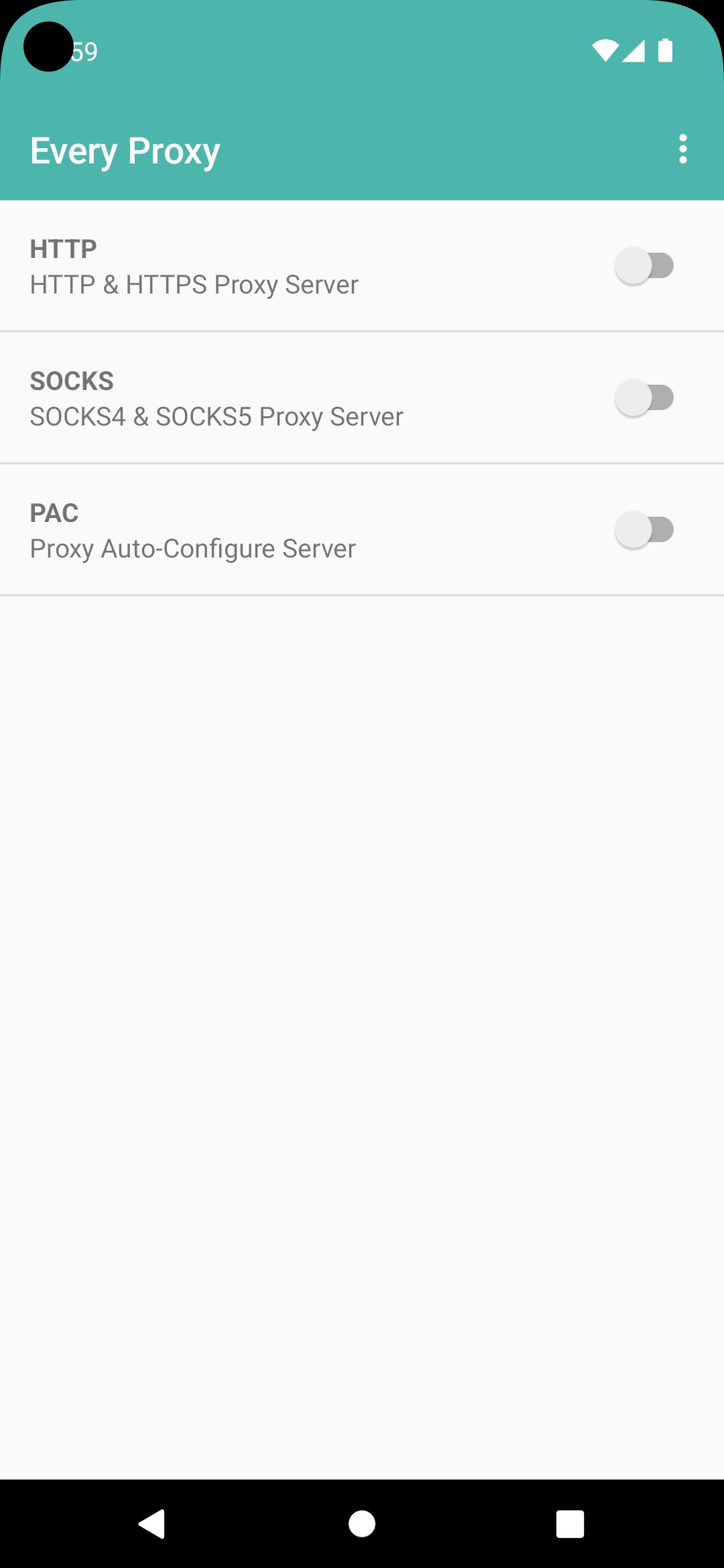
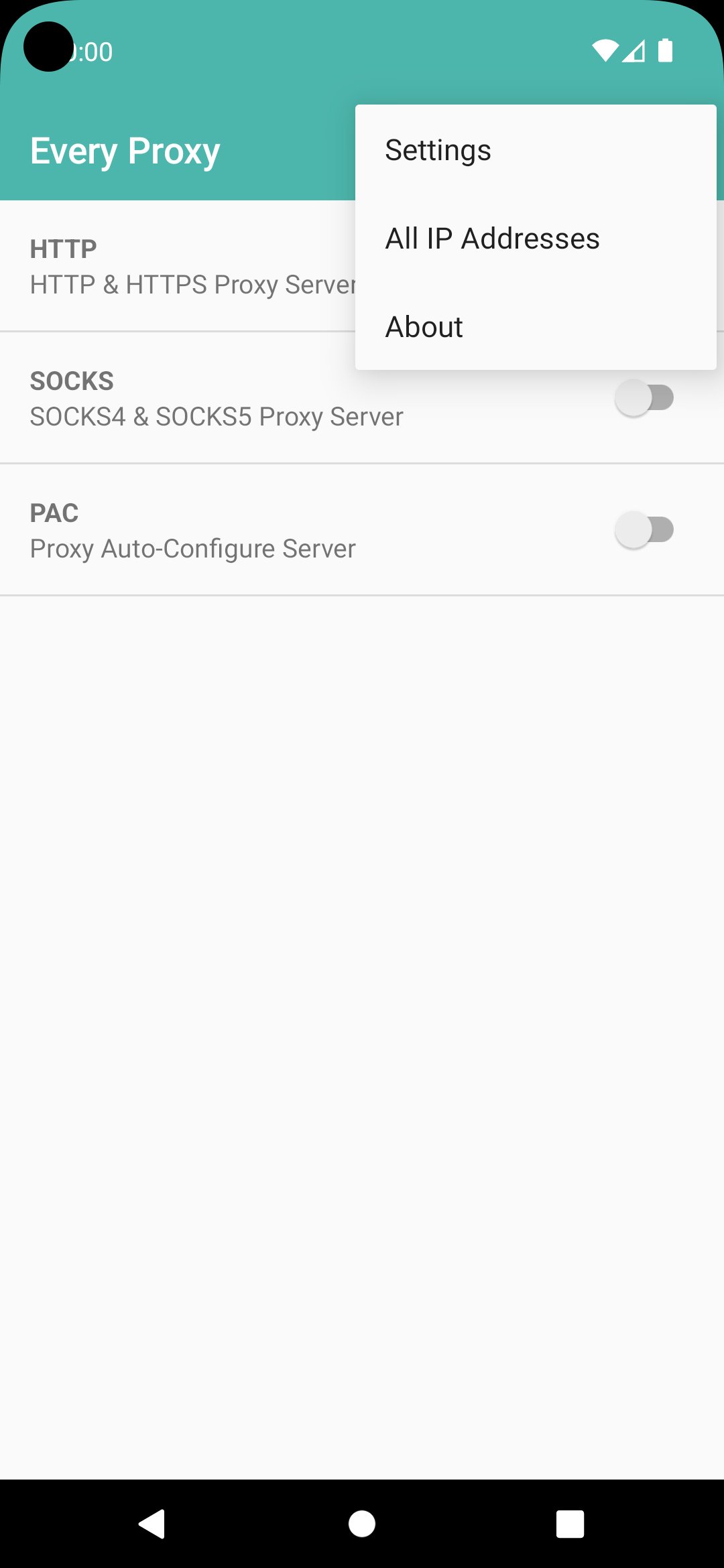
The user interface for this application is managed through the main Every Proxy app.
• Install both Every Proxy and the Network Bridge.
• In your VPN app settings, Exclude Every Proxy from the VPN list.
• In your VPN app settings, Include the Every Proxy Network Bridge in the VPN list.
• Open Every Proxy, enable the "Network Bridge" toggle in the Proxy Settings, and start your proxy.
🔗 RESOURCES & SUPPORT
• Tutorials: https://www.everyproxy.co.uk/every-proxy-network-bridge
• Help Community: https://groups.google.com/forum/#!forum/every-proxy
• Beta Testing: Join at https://play.google.com/apps/testing/com.gorillasoftware.everyproxybridge
⚠️ IMPORTANT NOTE
This is a companion app. It does not have a standalone launcher icon. All controls are accessed within the settings of the main Every Proxy application.
معاينة
العلامات
أدواتمعلومة
مطور
Gorilla Software LLP
احدث اصدار
5.0.0
آخر تحديث
2026-04-30
فئة
أدوات
متاح على
Google Play
أظهر المزيد
كيف تلعب Every Proxy Network Bridge مع GameLoop على جهاز الكمبيوتر
1. قم بتنزيل GameLoop من الموقع الرسمي ، ثم قم بتشغيل ملف exe لتثبيت GameLoop.
2. افتح GameLoop وابحث عن "Every Proxy Network Bridge" ، وابحث عن Every Proxy Network Bridge في نتائج البحث وانقر على "تثبيت".
3. استمتع بلعب Every Proxy Network Bridge على GameLoop.
Minimum requirements
OS
Windows 8.1 64-bit or Windows 10 64-bit
GPU
GTX 1050
CPU
i3-8300
Memory
8GB RAM
Storage
1GB available space
Recommended requirements
OS
Windows 8.1 64-bit or Windows 10 64-bit
GPU
GTX 1050
CPU
i3-9320
Memory
16GB RAM
Storage
1GB available space