Zip File Manager PC
Destiny finder
قم بتنزيل Zip File Manager على جهاز الكمبيوتر باستخدام GameLoop Emulator
Zip File Manager على الكمبيوتر الشخصي
Zip File Manager ، القادم من المطور Destiny finder ، يعمل على نظام Android في الماضي.
الآن ، يمكنك لعب Zip File Manager على جهاز الكمبيوتر باستخدام GameLoop بسلاسة.
قم بتنزيله في مكتبة GameLoop أو في نتائج البحث. لا مزيد من الانتباه إلى البطارية أو المكالمات المحبطة في الوقت الخطأ بعد الآن.
ما عليك سوى الاستمتاع بجهاز Zip File Manager على الشاشة الكبيرة مجانًا!
Zip File Manager مقدمة
zip file manager help you to protect your data from data lost situation.
zip file manager help to Zip unzip your folders and files and make a compressed folder for you.
you can zip your data such as images,videos,audios,and any kind of document.
Unzip major type of compressed files such as including .ZIP, .Zipx, .RAR, .7z and LHA with just a one click.
zip file manage is use to unzip any kind of document,and you can also set password protected document.
zip file manager is use for android phones to compress files and documents.
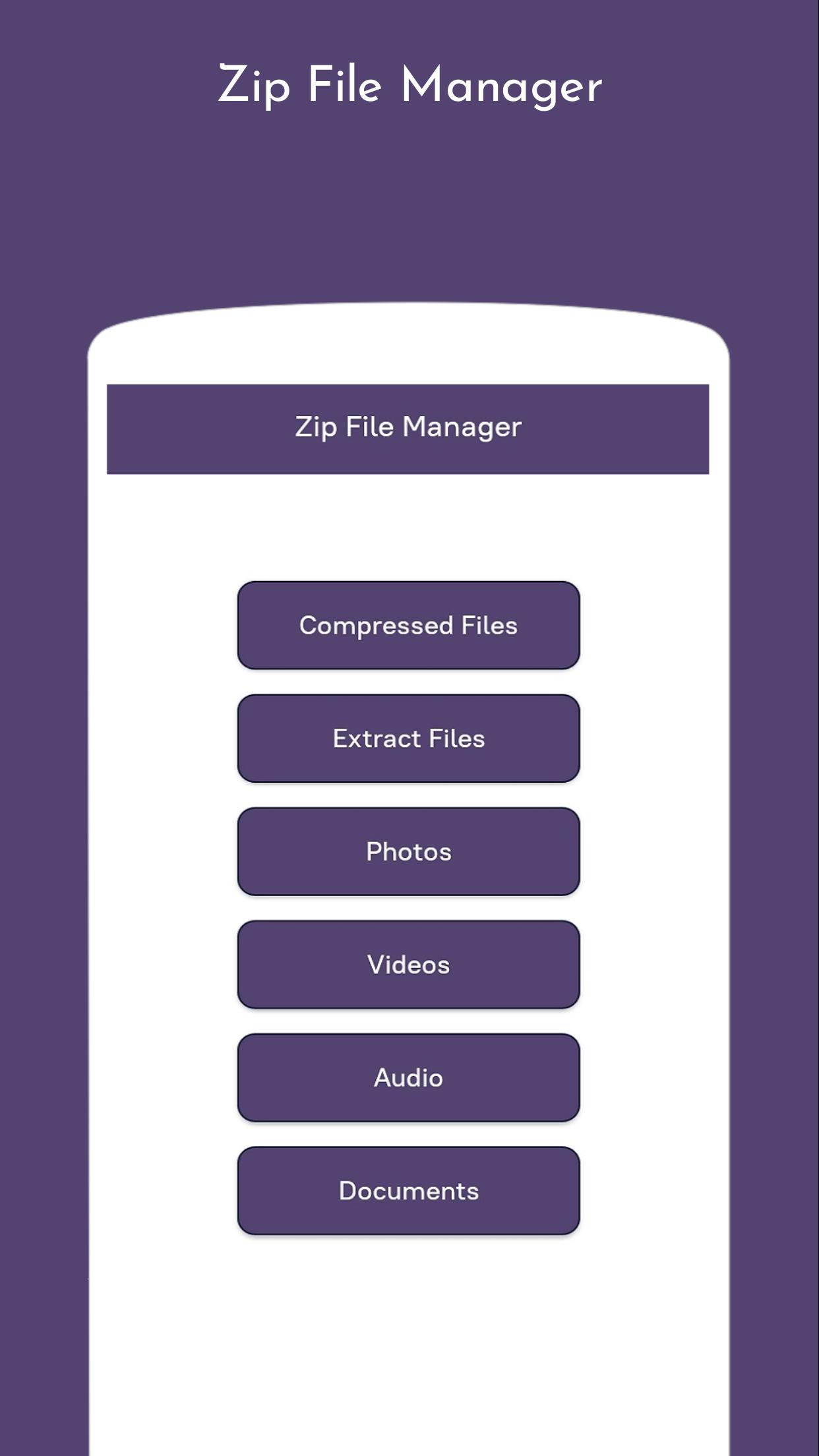
Main functionality of our app:
- It is a software to extract the ZIP file and the best RAR file.
- Zip & unzip files or folder.
- Compress photos and videos and other file type.
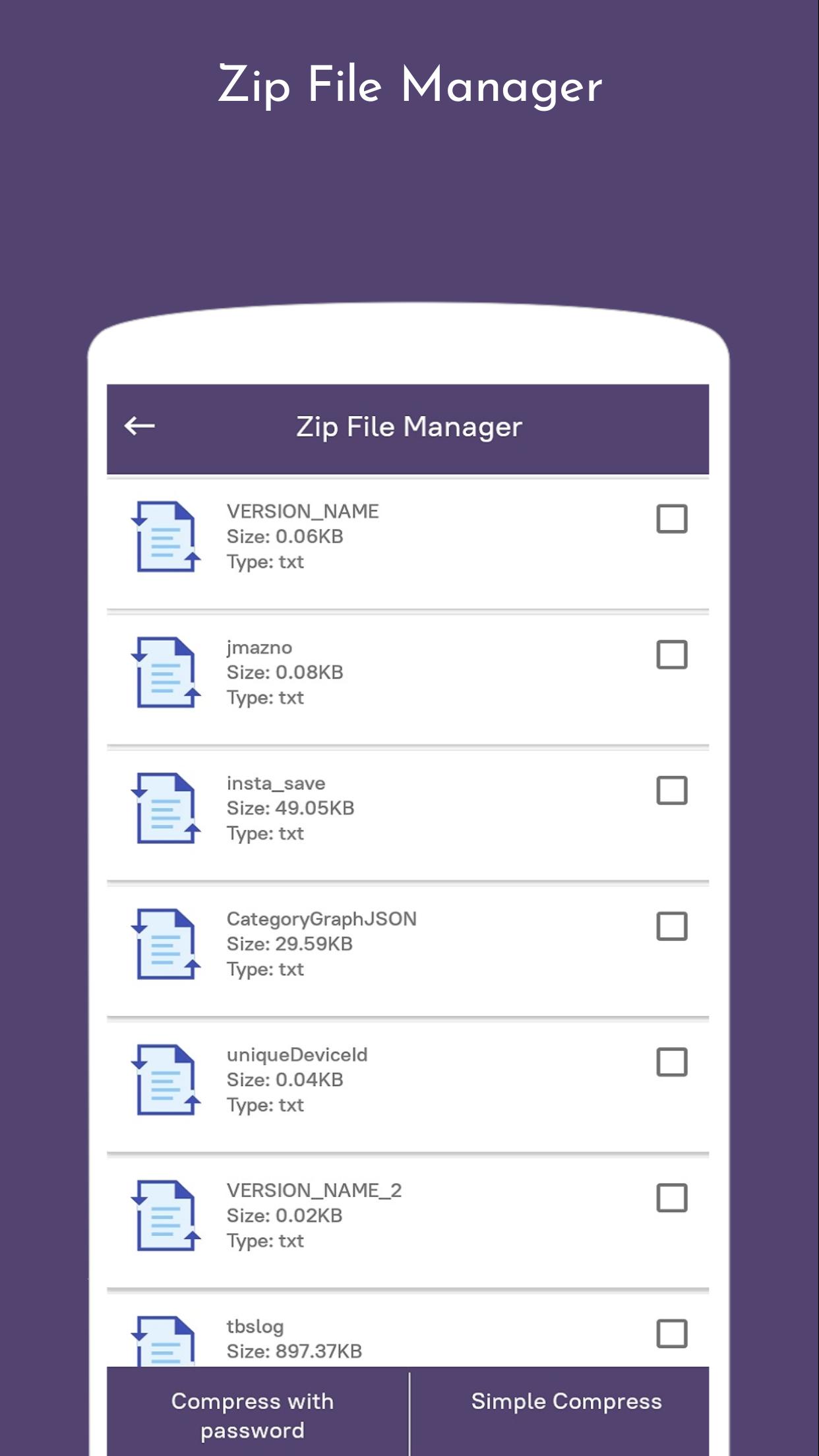
- Password protected zip file.
Features of Zip file manager :
1. Zip and unzip easy prevents data loss
2. Easy and fast file extractor for the zip file and RAR file
3. View, open, extract, compress, cut, paste, copy, delete, info, add to fav, share
archives files
4.Easy zip tools for zipping folders and files
5. Create and decompress password-protected archives
6.Rar files opener for your unrar files.
7. You can use it as your zip file converter to make it into a jpg file too
8. High compression ratio in 7z format with LZMA2 compression
9. The file stored after compression is stored in7z extension on your Android phone
10. Share files on social media
معاينة
العلامات
أدواتمعلومة
مطور
Destiny finder
احدث اصدار
1.0
آخر تحديث
2020-08-11
فئة
أدوات
متاح على
Google Play
أظهر المزيد
كيف تلعب Zip File Manager مع GameLoop على جهاز الكمبيوتر
1. قم بتنزيل GameLoop من الموقع الرسمي ، ثم قم بتشغيل ملف exe لتثبيت GameLoop.
2. افتح GameLoop وابحث عن "Zip File Manager" ، وابحث عن Zip File Manager في نتائج البحث وانقر على "تثبيت".
3. استمتع بلعب Zip File Manager على GameLoop.
Minimum requirements
OS
Windows 8.1 64-bit or Windows 10 64-bit
GPU
GTX 1050
CPU
i3-8300
Memory
8GB RAM
Storage
1GB available space
Recommended requirements
OS
Windows 8.1 64-bit or Windows 10 64-bit
GPU
GTX 1050
CPU
i3-9320
Memory
16GB RAM
Storage
1GB available space