Image to Text PC
Ersun Software
قم بتنزيل Image to Text على جهاز الكمبيوتر باستخدام GameLoop Emulator
Image to Text على الكمبيوتر الشخصي
Image to Text ، القادم من المطور Ersun Software ، يعمل على نظام Android في الماضي.
الآن ، يمكنك لعب Image to Text على جهاز الكمبيوتر باستخدام GameLoop بسلاسة.
قم بتنزيله في مكتبة GameLoop أو في نتائج البحث. لا مزيد من الانتباه إلى البطارية أو المكالمات المحبطة في الوقت الخطأ بعد الآن.
ما عليك سوى الاستمتاع بجهاز Image to Text على الشاشة الكبيرة مجانًا!
Image to Text مقدمة
Image to Text – Extract Text from Images Instantly
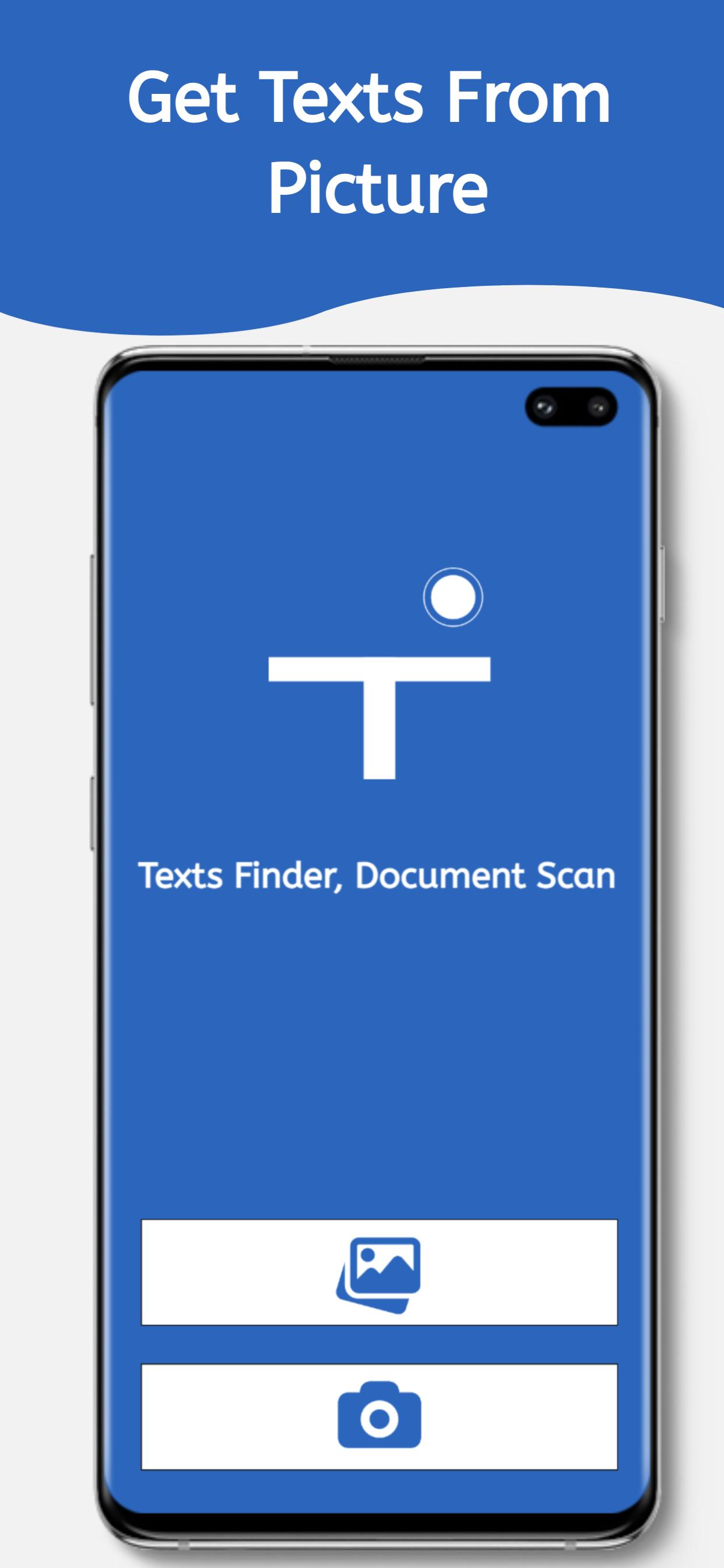
Easily extract text from any image, photo, or document using advanced OCR (Optical Character Recognition) technology. Convert scanned documents, screenshots, and pictures into editable text with high accuracy. Copy, share, search, or translate the extracted text effortlessly.
Key Features:
• Extract Text from Images – Convert any picture into editable text instantly.
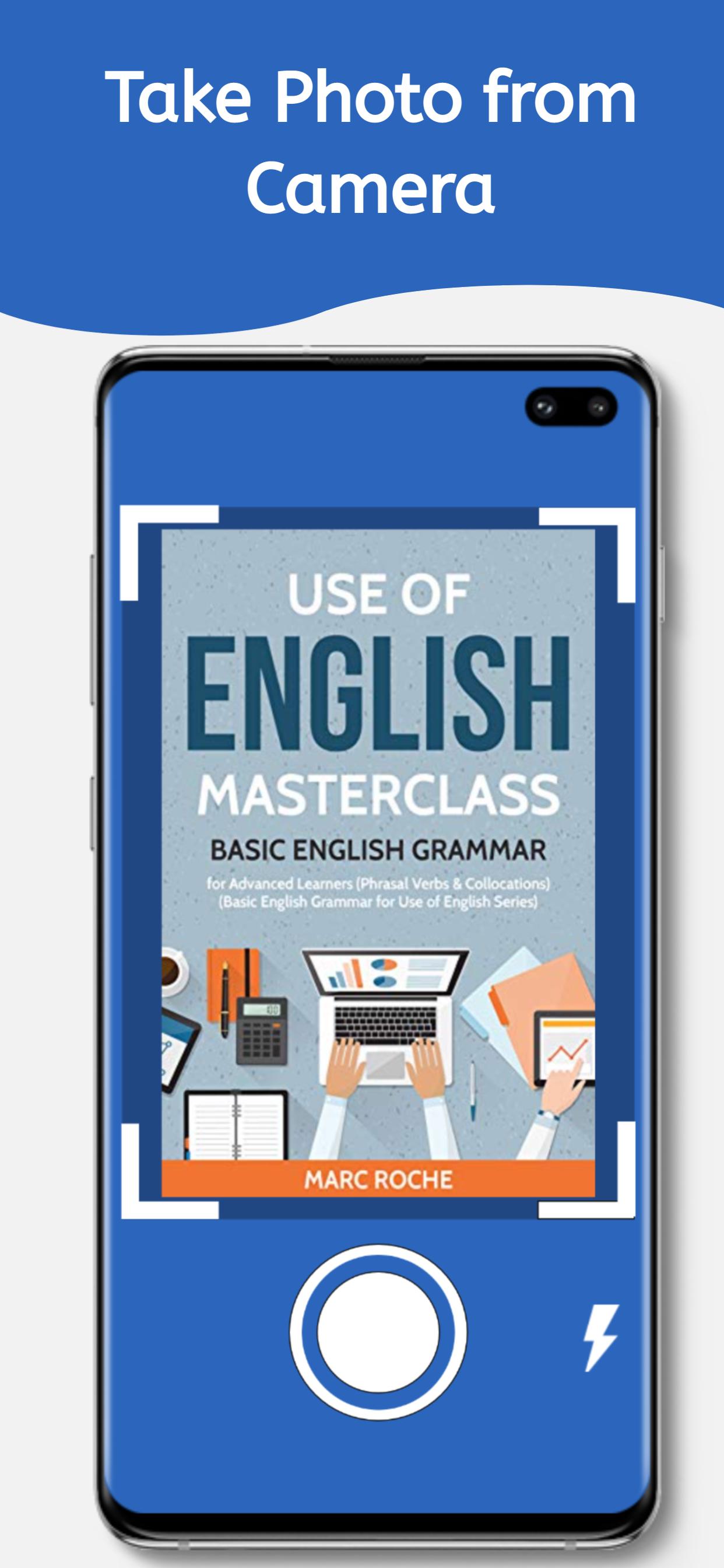
• Scan Documents & Photos – Use your camera or gallery images to get text.
• Copy, Share & Search – Copy extracted text, share it, or search directly online.
• Translate to Any Language – Convert text into multiple languages easily.
• AI-Powered OCR – Get accurate text recognition with the latest AI technology.
• Supports Handwritten Text – Extract text from printed or handwritten notes.
How It Works:
• Capture an image using your camera or select one from your gallery.
• Let the app scan and extract the text automatically.
• Copy, share, translate, or search the extracted text instantly.
Best Use Cases:
• Scan books, articles, or printed documents
• Extract text from receipts, invoices, and notes
• Convert screenshots into text for easy editing
• Translate signs, menus, or handwritten notes
• Copy text from infographics, posters, and presentations
With this powerful OCR tool, you can quickly access and utilize text from any image.
معاينة
العلامات
أدواتمعلومة
مطور
Ersun Software
احدث اصدار
1.2.0
آخر تحديث
2025-05-19
فئة
أدوات
متاح على
Google Play
أظهر المزيد
كيف تلعب Image to Text مع GameLoop على جهاز الكمبيوتر
1. قم بتنزيل GameLoop من الموقع الرسمي ، ثم قم بتشغيل ملف exe لتثبيت GameLoop.
2. افتح GameLoop وابحث عن "Image to Text" ، وابحث عن Image to Text في نتائج البحث وانقر على "تثبيت".
3. استمتع بلعب Image to Text على GameLoop.
Minimum requirements
OS
Windows 8.1 64-bit or Windows 10 64-bit
GPU
GTX 1050
CPU
i3-8300
Memory
8GB RAM
Storage
1GB available space
Recommended requirements
OS
Windows 8.1 64-bit or Windows 10 64-bit
GPU
GTX 1050
CPU
i3-9320
Memory
16GB RAM
Storage
1GB available space