GPS Location, World Time PC
AHByte
قم بتنزيل GPS Location, World Time على جهاز الكمبيوتر باستخدام GameLoop Emulator
GPS Location, World Time على الكمبيوتر الشخصي
GPS Location, World Time ، القادم من المطور AHByte ، يعمل على نظام Android في الماضي.
الآن ، يمكنك لعب GPS Location, World Time على جهاز الكمبيوتر باستخدام GameLoop بسلاسة.
قم بتنزيله في مكتبة GameLoop أو في نتائج البحث. لا مزيد من الانتباه إلى البطارية أو المكالمات المحبطة في الوقت الخطأ بعد الآن.
ما عليك سوى الاستمتاع بجهاز GPS Location, World Time على الشاشة الكبيرة مجانًا!
GPS Location, World Time مقدمة
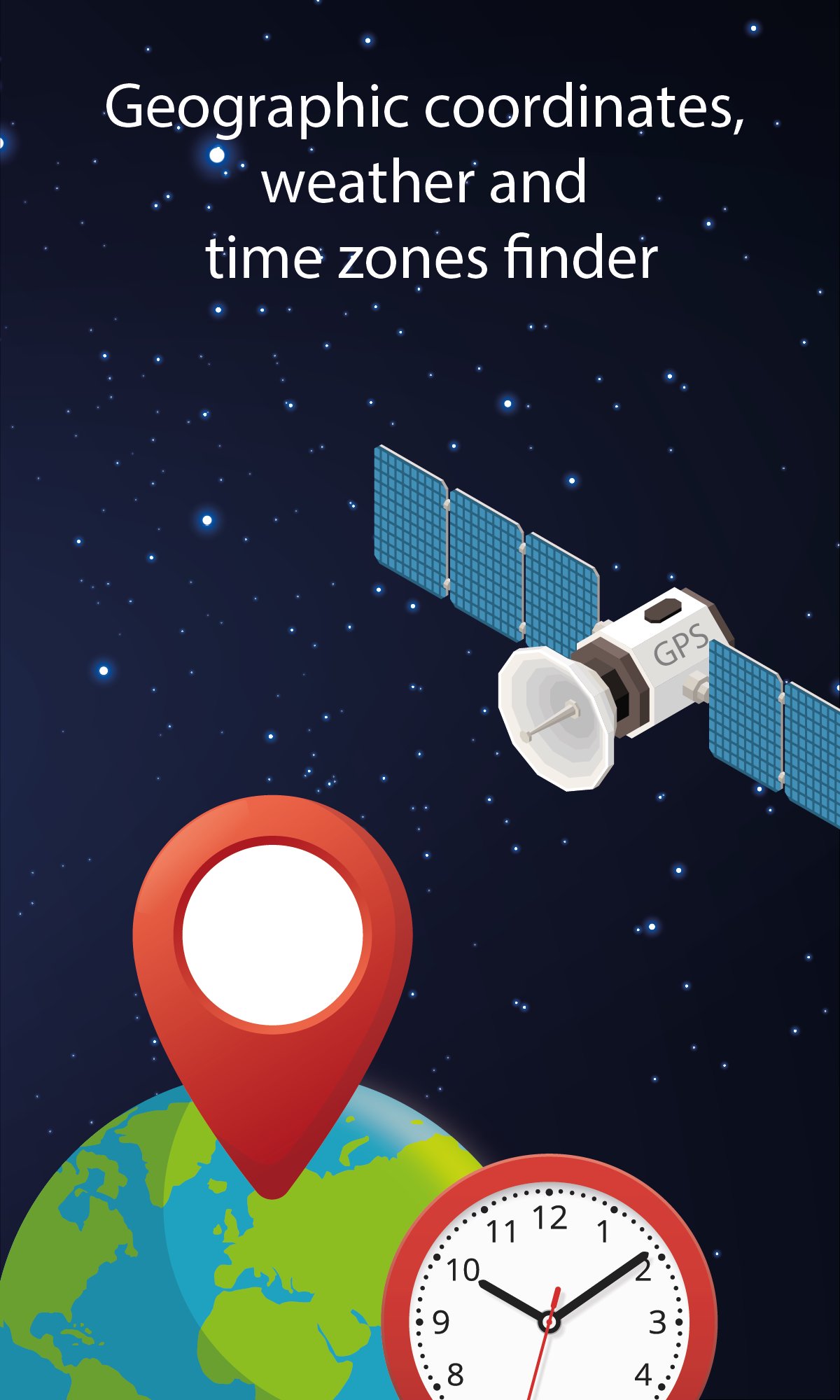
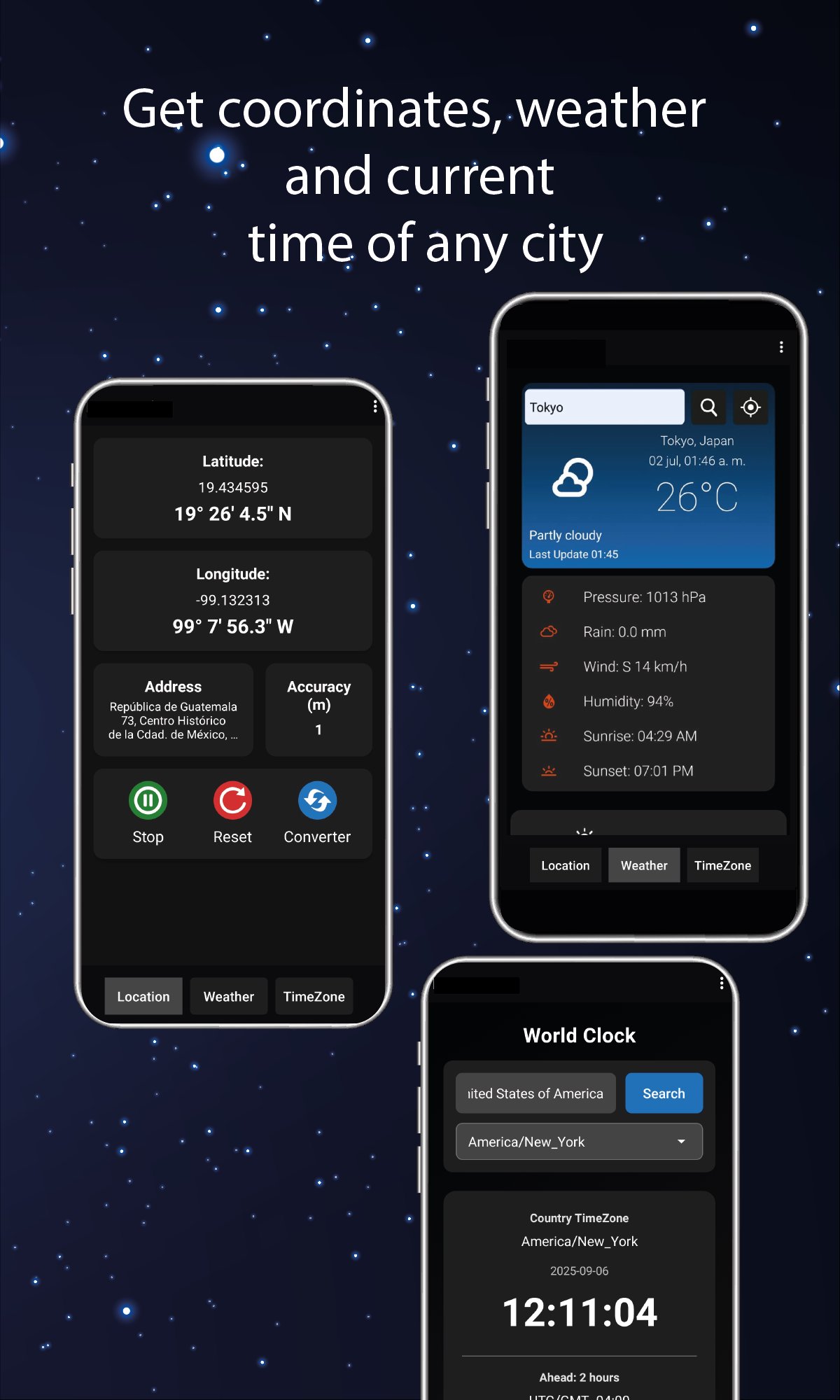
Instantly get exact coordinates and precise addresses for any place. View the local time, UTC/GMT offset, daylight saving (DST) status, and live time difference. Access real-time weather with current conditions and extended forecasts—all in one search.
Main Features:
Exact Coordinates – Get latitude and longitude of any location by simply searching its name.
Precise Addresses – Get street names for any location based on its coordinates.
Local Time & Details – Check the current time, UTC/GMT offset, Daylight Saving Time (DST) status, and live time difference for any city.
Real-Time Weather – Temperature, humidity, wind, and current conditions.
Extended Forecast – Day-by-day weather forecast (2).
Practical Applications:
Travel – Plan routes and avoid unforeseen events with accurate weather data.
Events – Coordinate international meetings considering time zones.
Agriculture – Monitor weather conditions for planting or harvesting.
Adventures – Hiking, sailing, or geocaching with reliable coordinates.
معاينة
العلامات
أدواتمعلومة
مطور
AHByte
احدث اصدار
3.1
آخر تحديث
2025-12-15
فئة
أدوات
متاح على
Google Play
أظهر المزيد
كيف تلعب GPS Location, World Time مع GameLoop على جهاز الكمبيوتر
1. قم بتنزيل GameLoop من الموقع الرسمي ، ثم قم بتشغيل ملف exe لتثبيت GameLoop.
2. افتح GameLoop وابحث عن "GPS Location, World Time" ، وابحث عن GPS Location, World Time في نتائج البحث وانقر على "تثبيت".
3. استمتع بلعب GPS Location, World Time على GameLoop.
Minimum requirements
OS
Windows 8.1 64-bit or Windows 10 64-bit
GPU
GTX 1050
CPU
i3-8300
Memory
8GB RAM
Storage
1GB available space
Recommended requirements
OS
Windows 8.1 64-bit or Windows 10 64-bit
GPU
GTX 1050
CPU
i3-9320
Memory
16GB RAM
Storage
1GB available space