Bluetooth Finder - BLE Scanner PC
AppEdge
قم بتنزيل Bluetooth Finder - BLE Scanner على جهاز الكمبيوتر باستخدام GameLoop Emulator
Bluetooth Finder - BLE Scanner على الكمبيوتر الشخصي
Bluetooth Finder - BLE Scanner ، القادم من المطور AppEdge ، يعمل على نظام Android في الماضي.
الآن ، يمكنك لعب Bluetooth Finder - BLE Scanner على جهاز الكمبيوتر باستخدام GameLoop بسلاسة.
قم بتنزيله في مكتبة GameLoop أو في نتائج البحث. لا مزيد من الانتباه إلى البطارية أو المكالمات المحبطة في الوقت الخطأ بعد الآن.
ما عليك سوى الاستمتاع بجهاز Bluetooth Finder - BLE Scanner على الشاشة الكبيرة مجانًا!
Bluetooth Finder - BLE Scanner مقدمة
Bluetooth Tools is a simple toolkit for pairing, auto-connecting, scanning and finding your Bluetooth devices.
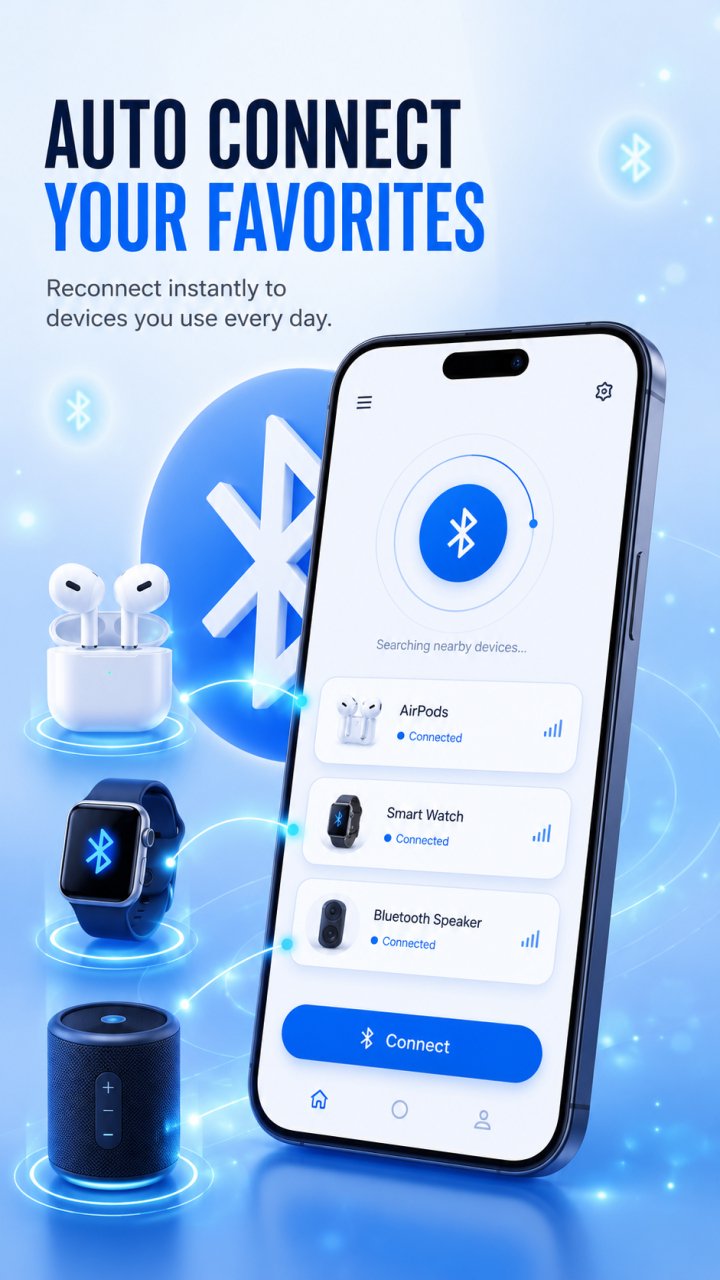
Set your favorite headphones, speaker, or car audio once, and Bluetooth Tools reconnects to them automatically whenever they are in range — including on boot or when Bluetooth turns back on.
What you can do:
Bluetooth auto connect: choose the devices you use most and reconnect to them automatically, with no manual pairing each time.
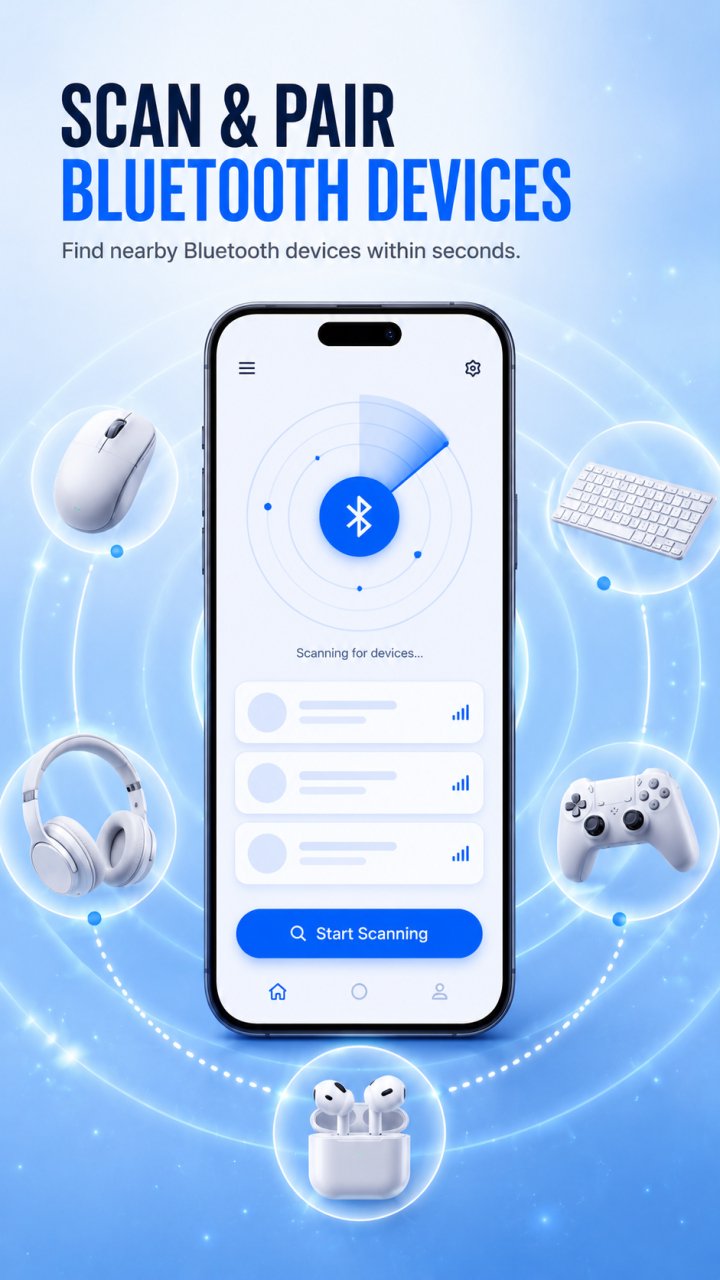
Pair and connect: pair and connect to nearby devices in a single tap.
Bluetooth scanner: discover nearby classic Bluetooth devices and connect quickly.
BLE scanner: find Bluetooth Low Energy devices and view their signal details.
Find my Bluetooth device: locate misplaced earbuds, headphones, speakers and other devices using real-time signal strength — the closer you get, the stronger the signal.
Paired devices and favorites: see what is paired and manage your favorites in one place.
Scan history: keep track of the devices you have discovered.
WiFi tools: check your internet speed, measure WiFi signal strength, and scan nearby networks.
Clean dark interface designed to be easy on the eyes.
Whether you are reconnecting your earbuds, pairing a speaker, scanning for nearby devices, or tracking down a lost headphone, Bluetooth Tools keeps your wireless devices in one place.
Note: connecting to and locating Bluetooth devices depends on your device and the accessories you use. A device with no usable Bluetooth signal or a dead battery cannot be located. Some features require Bluetooth and location permissions to discover and connect to devices.
Bluetooth Tools is not affiliated with, endorsed by, or associated with any device manufacturer. All product and brand names belong to their respective owners and are used for identification only.
معاينة
العلامات
أدواتمعلومة
مطور
AppEdge
احدث اصدار
1.1.5
آخر تحديث
2026-06-26
فئة
أدوات
متاح على
Google Play
أظهر المزيد
كيف تلعب Bluetooth Finder - BLE Scanner مع GameLoop على جهاز الكمبيوتر
1. قم بتنزيل GameLoop من الموقع الرسمي ، ثم قم بتشغيل ملف exe لتثبيت GameLoop.
2. افتح GameLoop وابحث عن "Bluetooth Finder - BLE Scanner" ، وابحث عن Bluetooth Finder - BLE Scanner في نتائج البحث وانقر على "تثبيت".
3. استمتع بلعب Bluetooth Finder - BLE Scanner على GameLoop.
Minimum requirements
OS
Windows 8.1 64-bit or Windows 10 64-bit
GPU
GTX 1050
CPU
i3-8300
Memory
8GB RAM
Storage
1GB available space
Recommended requirements
OS
Windows 8.1 64-bit or Windows 10 64-bit
GPU
GTX 1050
CPU
i3-9320
Memory
16GB RAM
Storage
1GB available space