
Auto Clicker: Game Quick Touch PC
Pak cottage
قم بتنزيل Auto Clicker: Game Quick Touch على جهاز الكمبيوتر باستخدام GameLoop Emulator
Auto Clicker: Game Quick Touch على الكمبيوتر الشخصي
Auto Clicker: Game Quick Touch ، القادم من المطور Pak cottage ، يعمل على نظام Android في الماضي.
الآن ، يمكنك لعب Auto Clicker: Game Quick Touch على جهاز الكمبيوتر باستخدام GameLoop بسلاسة.
قم بتنزيله في مكتبة GameLoop أو في نتائج البحث. لا مزيد من الانتباه إلى البطارية أو المكالمات المحبطة في الوقت الخطأ بعد الآن.
ما عليك سوى الاستمتاع بجهاز Auto Clicker: Game Quick Touch على الشاشة الكبيرة مجانًا!
Auto Clicker: Game Quick Touch مقدمة
Auto Clicker - Quick Touch Gamer
Auto Clicker Game Mate Tap helps you do repeated clicks at your screen
Auto Clicker Quick Touch Gamer
Automatic Clicker Tap helps you do repeated clicks - at any place or corner on your mobile screen, at any interval you specify. Smart Auto Clicker did not requires root access. There is no any click or tap limit for the click interval you select - perfectly go as low as 1ms (1000 clicks, taps/sec). No subject how fast you set click speed, the tapping/clicking can always be stopped by hitting the on-screen Stop button.
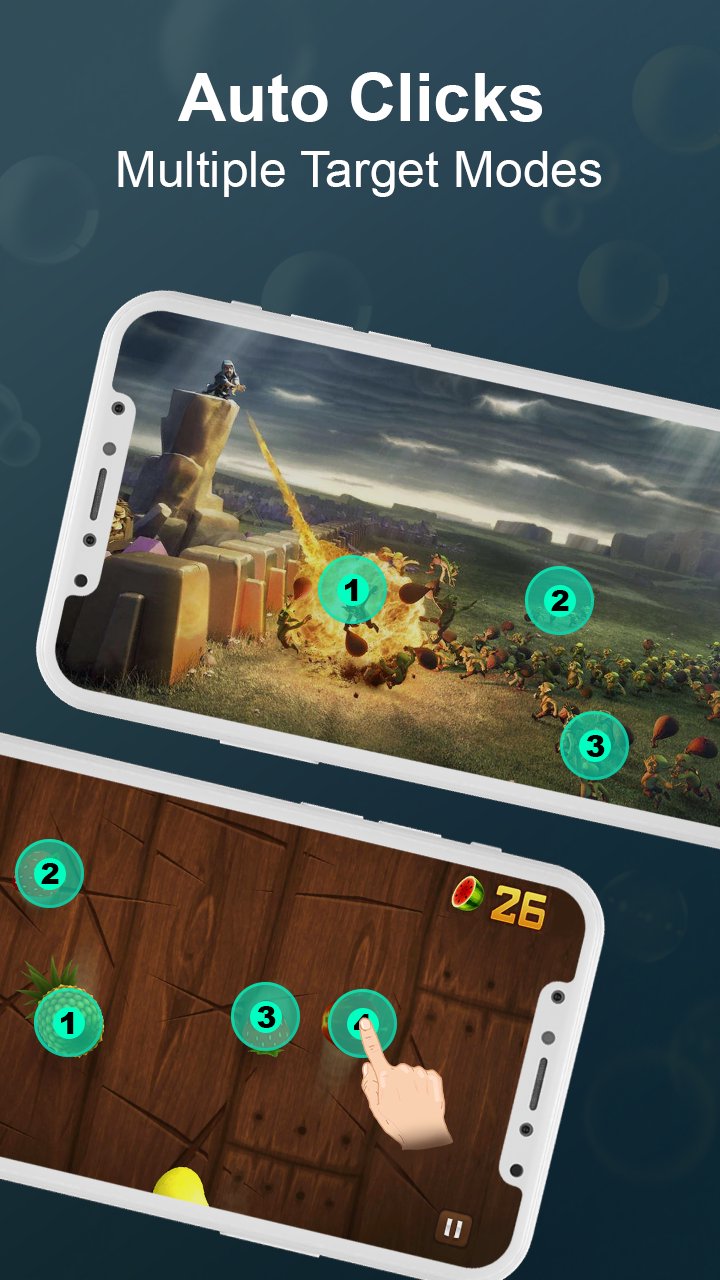
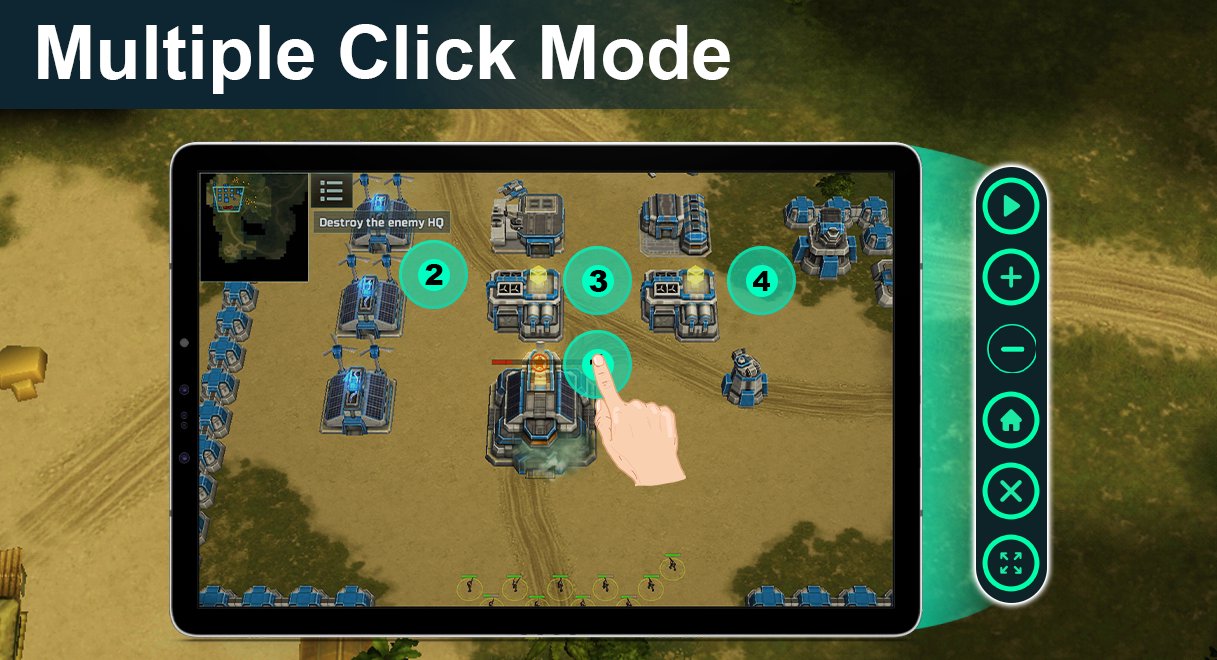
Game Master Auto Clicker is speedy than other smart auto clicker game mate apps. The Touch Auto Clicker app is smart, allowing you to save space on your mobile. But smart click touch assistant has many awesome features, such as Smart Auto Clicker, support single click, multiple click, and multiple swipes with auto tapping assistant.
Smart Auto Clicker Touch Game Mate helps you to complete your pending tasks which require repeated clicks or multiple taps. This automatic clicker assistant tapping is specially for the gamers who want to use an auto-tapping tool to play mobile game and get real taste or auto clicker.
For quite automation clicking of more complex sequences of taps, swipes, & clicks. Automatic Smart Clicker also lets help you to live capture a sequence of taps, clicks & swipes. Select Scroll location & place multiple click taps on the mobile display, then record a pattern of clicks, taps that you do on your selected clicks & taps location. Multiple recorded pattern can be saved for each app or game, along with your selected tapping or clicker settings.
Auto Clicker Touch assistant have a floating action control panel to start/stop the auto click & tap.
Smart Auto Clicker & Game Master Auto Tapping Have Exclusive Features
Totally User Friendly Interface of Auto Clicker For Games
Easy to use with help assistant in Smart clicker & Auto Tap
Smart Clicker support multiple clicks, taps, and swipes along with scrolling option
Choose any location or point on screen for tapping with smart clicker
Boost your gaming experience with auto clicker game tasker
Get real taste of games & specific apps that require multiple clicks, or taps
Have a global timer to run for a certain amount of clicks & taps
A button wizard tapping without scripting
Smart Clicker with global timer, auto swipe & gestures recorder.
Auto Clicker Touch Assistant help you to complete tasks that require multiple clicks or taps
Launch your click recordings with quick way from home screen
You can set click and tap duration time with Smart Auto Clicker
Permissions
The Smart Auto Clicker uses Accessibility Service to achieve Auto Clicking & Multiple Taps so it requires authorization.
Only supports Android7.0 and above android systems
Note
Smart Auto Clicker heavily care about users data safety. Please must read Auto Clicker Touch Assistant Privacy Policy & Terms And Conditions. We cannot share any of user personal information or data with third party.
معاينة
العلامات
أدواتمعلومة
مطور
Pak cottage
احدث اصدار
1.0.8
آخر تحديث
2022-12-13
فئة
أدوات
متاح على
Google Play
أظهر المزيد
كيف تلعب Auto Clicker: Game Quick Touch مع GameLoop على جهاز الكمبيوتر
1. قم بتنزيل GameLoop من الموقع الرسمي ، ثم قم بتشغيل ملف exe لتثبيت GameLoop.
2. افتح GameLoop وابحث عن "Auto Clicker: Game Quick Touch" ، وابحث عن Auto Clicker: Game Quick Touch في نتائج البحث وانقر على "تثبيت".
3. استمتع بلعب Auto Clicker: Game Quick Touch على GameLoop.
Minimum requirements
OS
Windows 8.1 64-bit or Windows 10 64-bit
GPU
GTX 1050
CPU
i3-8300
Memory
8GB RAM
Storage
1GB available space
Recommended requirements
OS
Windows 8.1 64-bit or Windows 10 64-bit
GPU
GTX 1050
CPU
i3-9320
Memory
16GB RAM
Storage
1GB available space