
AFWall+ (Android Firewall +) PC
portgenix
قم بتنزيل AFWall+ (Android Firewall +) على جهاز الكمبيوتر باستخدام GameLoop Emulator
AFWall+ (Android Firewall +) على الكمبيوتر الشخصي
AFWall+ (Android Firewall +) ، القادم من المطور portgenix ، يعمل على نظام Android في الماضي.
الآن ، يمكنك لعب AFWall+ (Android Firewall +) على جهاز الكمبيوتر باستخدام GameLoop بسلاسة.
قم بتنزيله في مكتبة GameLoop أو في نتائج البحث. لا مزيد من الانتباه إلى البطارية أو المكالمات المحبطة في الوقت الخطأ بعد الآن.
ما عليك سوى الاستمتاع بجهاز AFWall+ (Android Firewall +) على الشاشة الكبيرة مجانًا!
AFWall+ (Android Firewall +) مقدمة
***ROOT REQUIRED*** If you don't know what root is, please search for "How to root android" in the Internet.
AFWall+ (Android Firewall +) is a front-end application for the powerful iptables Linux firewall.It allows you to restrict which applications are permitted to access your data networks (2G/3G and/or Wi-Fi and while in roaming). Also you can control traffic within LAN or while connected through VPN.
ACCESS_SUPERUSER Permission
More info on new permission - android.permission.ACCESS_SUPERUSER
https://plus.google.com/103583939320326217147/posts/T9xnMJEnzf1
PERMISSIONS & FAQ
INTERNET permission is only required for LAN functionality (API limitation)
https://github.com/ukanth/afwall/wiki/FAQ
BETA Testing
Join BETA for latest features/experiments - https://play.google.com/apps/testing/dev.ukanth.ufirewall
Features
- Material inspired Design ( not real material design )
- Supports 5.x to 11.x (for 2.x support use 1.3.4.1 version, for 4.x use 2.9.9)
- Import/Export Rules to external storage with UI
- Search Applications
- Filter Applications
- Profile Management with UI ( multiple Profiles )
- Tasker/Locale support
- Select All/None/Invert/Clear applications on each column
- Revamped Rules/Logs Viewer with copy/export to external storage
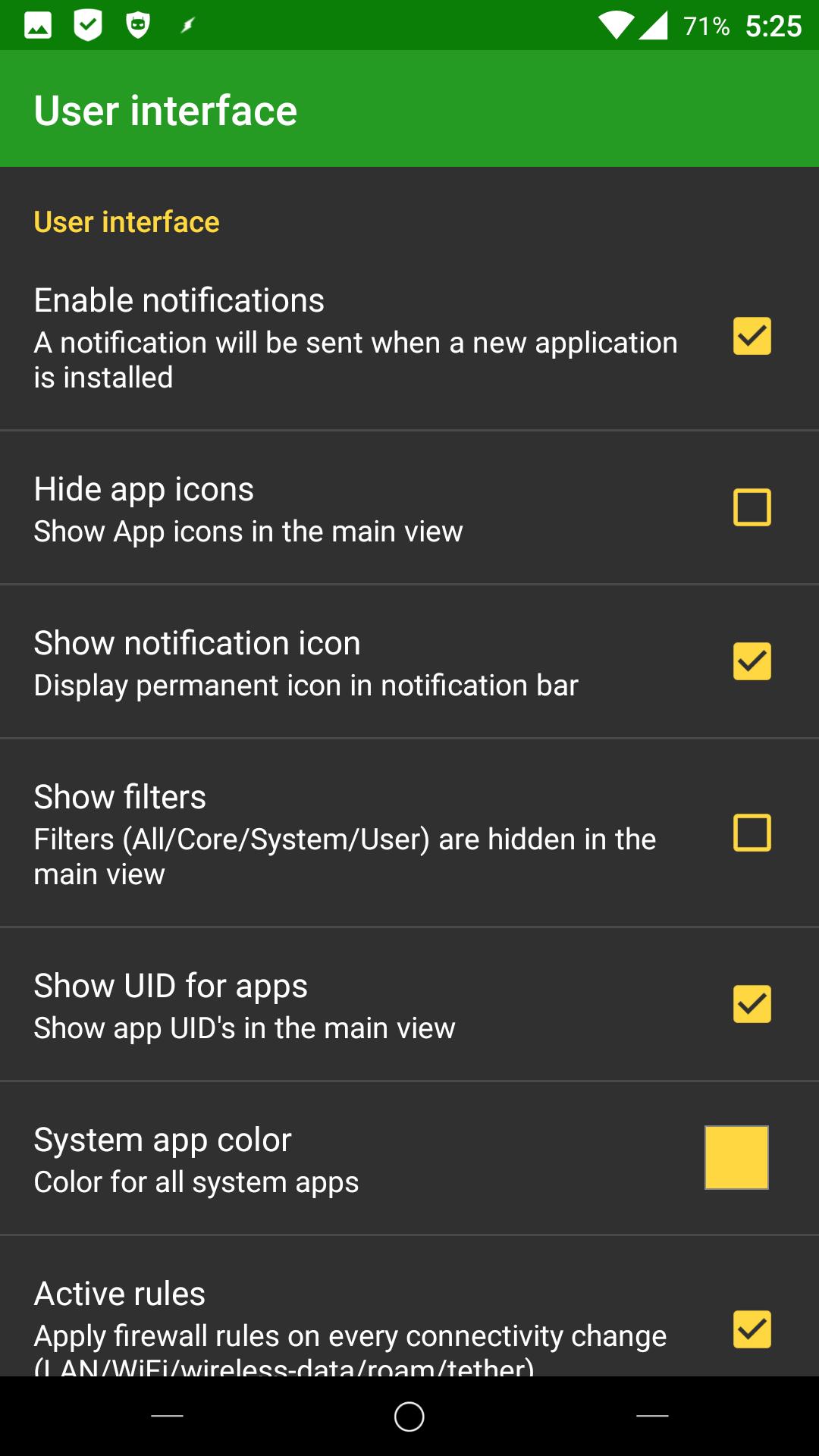
- Preferences
> Highlight system applications with custom color
> Notify on new installations
> Ability to hide application icons( faster loading )
> Use LockPattern/Pin for application protection.
> Use system level protection for app (Donate only)
> Show/Hide application ID.
- Roaming Option for 3G/Edge
- VPN Support
- LAN Support
- Tether Support
- IPV6/IPV4 Support
- Tor Support
- Adaptive Icons
_ Notification Channels
- Choose able languages
- Choose able iptables/busybox binary
- Support x86/MIPS/ARM devices.
- New Widget UI - Apply profiles with few clicks
- Blocked packets notification - Displays blocked packets
- Support for wifi only tablets
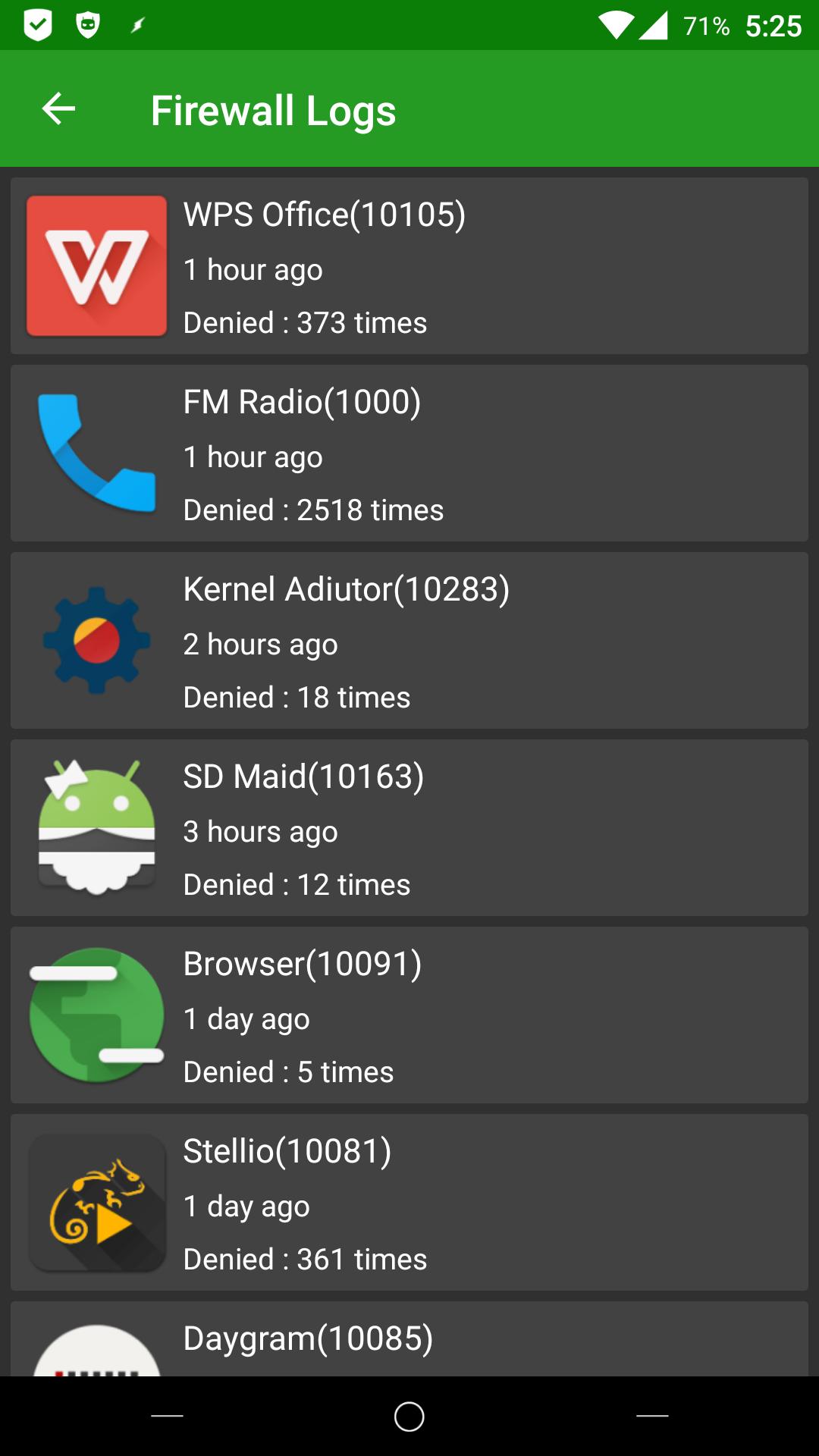
- Improved Log statistics with UI
Translations & Languages
- German translations by chef@xda & user_99@xda & Gronkdalonka@xda
- French translations by GermainZ@xda & Looki75@xda
- Russian translations by Kirhe@xda & YaroslavKa78
- Spanish translations by spezzino@crowdin
- Dutch translations by DutchWaG@crowdin
- Japanese translation by nnnn@crowdin
- Ukrainian translation by andriykopanytsia@crowdin
- Slovenian translation by bunga bunga@crowdin
- Chinese Simplified translation by tianchaoren@crowdin
- Polish translations by tst,Piotr Kowalski@crowdin
- Swedish translations by CreepyLinguist@crowdin
- Greek Translations by mpqo@crowdin
- Portuguese translations by lemor2008@xda
- Chinese Traditional by shiuan@crowdin
- Chinese Simplified by wuwufei,tianchaoren @ crowdin
- Italian translations by benzo@crowdin
- Romanian tranlations by mysterys3by-facebook@crowdin
- Czech translations by Syk3s
- Hungarian translations
- Turkish translations
- Indonesian translations by mirulumam
BIG THANKS for all the translators and http://crowdin.net for supporting opensource !
Translations Page - http://crowdin.net/project/afwall
AFWall+ is open source software, you can find the source here : https://github.com/ukanth/afwall
Official Support XDA forum - > http://forum.xda-developers.com/showthread.php?t=1957231
معاينة
العلامات
أدواتمعلومة
مطور
portgenix
احدث اصدار
3.6.0
آخر تحديث
2023-08-28
فئة
أدوات
متاح على
Google Play
أظهر المزيد
كيف تلعب AFWall+ (Android Firewall +) مع GameLoop على جهاز الكمبيوتر
1. قم بتنزيل GameLoop من الموقع الرسمي ، ثم قم بتشغيل ملف exe لتثبيت GameLoop.
2. افتح GameLoop وابحث عن "AFWall+ (Android Firewall +)" ، وابحث عن AFWall+ (Android Firewall +) في نتائج البحث وانقر على "تثبيت".
3. استمتع بلعب AFWall+ (Android Firewall +) على GameLoop.
Minimum requirements
OS
Windows 8.1 64-bit or Windows 10 64-bit
GPU
GTX 1050
CPU
i3-8300
Memory
8GB RAM
Storage
1GB available space
Recommended requirements
OS
Windows 8.1 64-bit or Windows 10 64-bit
GPU
GTX 1050
CPU
i3-9320
Memory
16GB RAM
Storage
1GB available space