
Fierce Conversations Connect PC
Fierce Inc.
قم بتنزيل Fierce Conversations Connect على جهاز الكمبيوتر باستخدام GameLoop Emulator
Fierce Conversations Connect على الكمبيوتر الشخصي
Fierce Conversations Connect ، القادم من المطور Fierce Inc. ، يعمل على نظام Android في الماضي.
الآن ، يمكنك لعب Fierce Conversations Connect على جهاز الكمبيوتر باستخدام GameLoop بسلاسة.
قم بتنزيله في مكتبة GameLoop أو في نتائج البحث. لا مزيد من الانتباه إلى البطارية أو المكالمات المحبطة في الوقت الخطأ بعد الآن.
ما عليك سوى الاستمتاع بجهاز Fierce Conversations Connect على الشاشة الكبيرة مجانًا!
Fierce Conversations Connect مقدمة
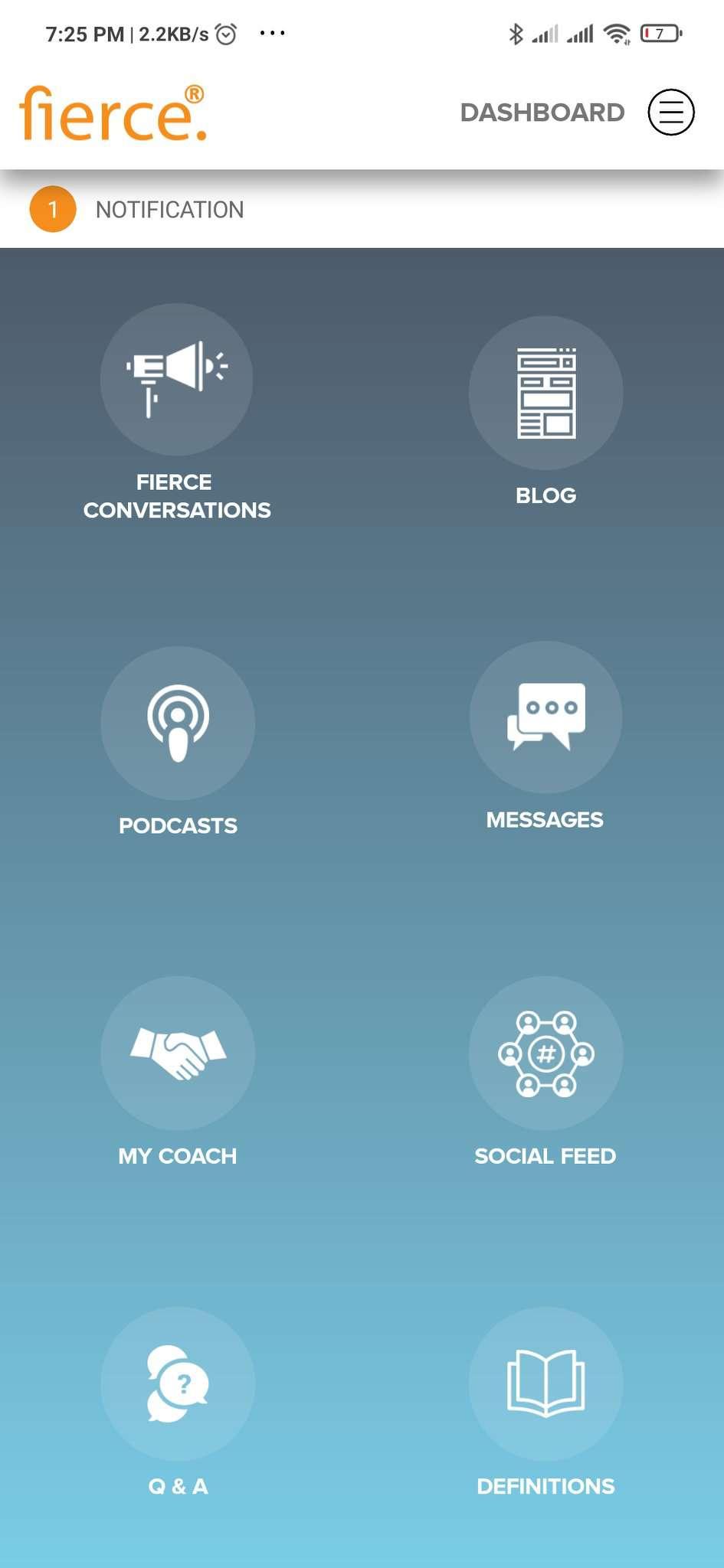
Fierce is a company committed to providing everyone with the training, tools, resources, and confidence to have the conversations that are essential to positively impacting their careers and lives. We want to be with you every step of the way on your journey of enriching relationships and driving toward the outcomes you want in your career and life. This app is exactly that, a powerful tool at your fingertips to help you know what conversations to have and how to have them in the moment you need them. Let’s be honest, we can have all the “training” in the world and at the end of the day it is on us to have the actual conversations needed to change the trajectory of our lives. We get it and want to be with you when you need us.
Fierce Connect provides a wizard to allow you to choose the conversation model you need in your specific situation; be it having to coach or confront a peer or an employee or providing feedback to a loved one. It will guide you to build up a script and walk you step-by-step on how to have the conversation. We also provide various support features such as from your coach and others on this journey should you need help or just to learn from others. You got this and Fierce is with you.
The Conversation is the Relationship ~ Susan Scott, Fierce founder
معاينة

العلامات
اعمالمعلومة
مطور
Fierce Inc.
احدث اصدار
1.0.6
آخر تحديث
2023-06-05
فئة
اعمال
متاح على
Google Play
أظهر المزيد
كيف تلعب Fierce Conversations Connect مع GameLoop على جهاز الكمبيوتر
1. قم بتنزيل GameLoop من الموقع الرسمي ، ثم قم بتشغيل ملف exe لتثبيت GameLoop.
2. افتح GameLoop وابحث عن "Fierce Conversations Connect" ، وابحث عن Fierce Conversations Connect في نتائج البحث وانقر على "تثبيت".
3. استمتع بلعب Fierce Conversations Connect على GameLoop.
Minimum requirements
OS
Windows 8.1 64-bit or Windows 10 64-bit
GPU
GTX 1050
CPU
i3-8300
Memory
8GB RAM
Storage
1GB available space
Recommended requirements
OS
Windows 8.1 64-bit or Windows 10 64-bit
GPU
GTX 1050
CPU
i3-9320
Memory
16GB RAM
Storage
1GB available space