Working Car Vroom para PC
ZOUSAN
Descarga Working Car Vroom en PC con GameLoop Emulator
Working Car Vroom en PC
Working Car Vroom, proveniente del desarrollador ZOUSAN, se ejecuta en el sistema Android en el pasado.
Ahora, puedes jugar Working Car Vroom en PC con GameLoop sin problemas.
Descárgalo en la biblioteca de GameLoop o en los resultados de búsqueda. No más mirar la batería o llamadas frustrantes en el momento equivocado nunca más.
Simplemente disfrute de Working Car Vroom PC en la pantalla grande de forma gratuita!
Working Car Vroom Introducción
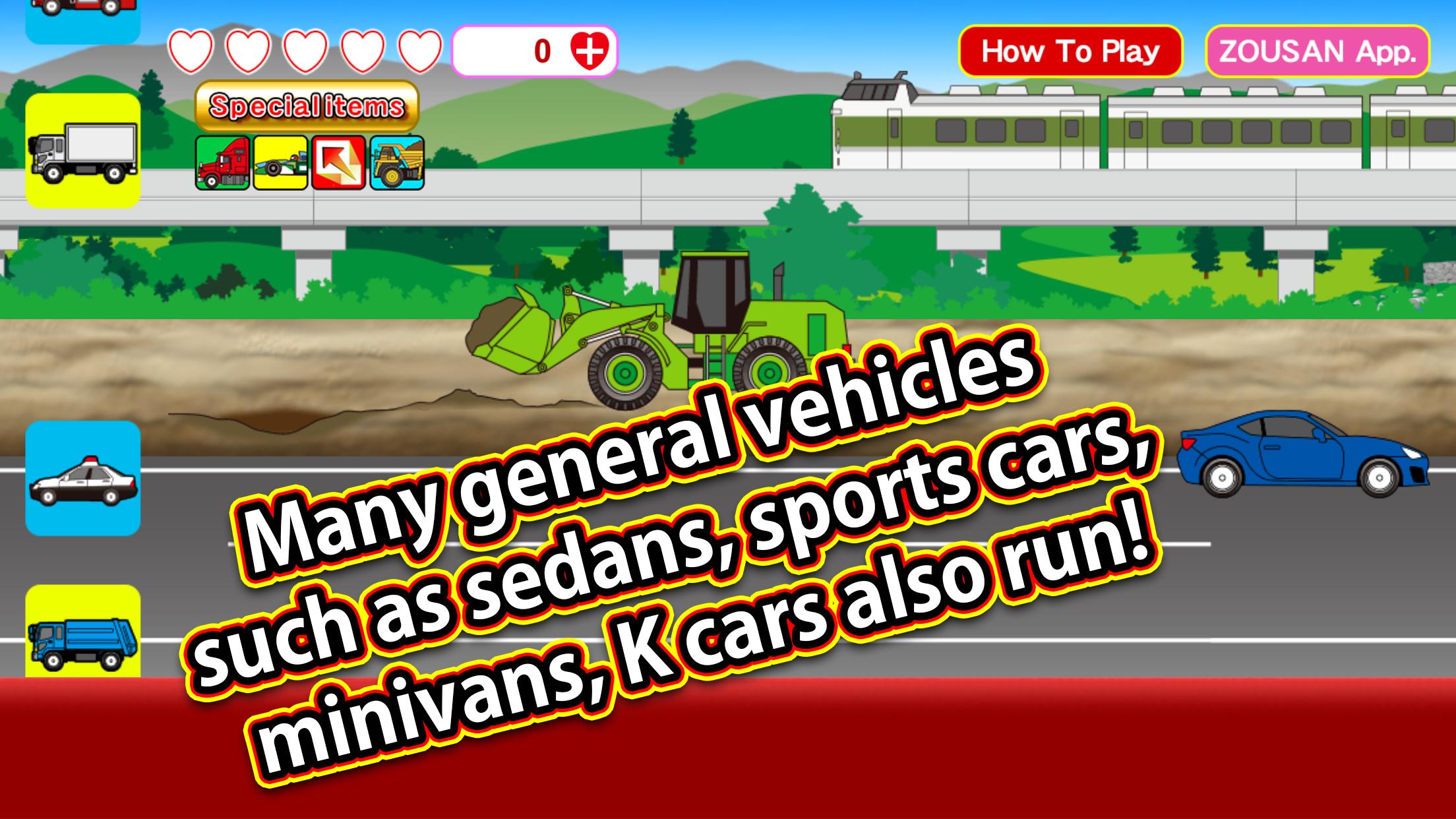
This is an app where you can watch and play with the unique movements of various working vehicles. It features simple tap operations with various interactive elements.
The app includes construction site vehicles such as power shovels, dump trucks, mixer trucks, bulldozers, power loaders, aerial work platforms, pump trucks, garbage trucks, trucks, container trucks, motor graders, vacuum trucks, postal delivery vehicles, courier trucks, camping cars, lumber trucks, car carriers, road rollers, tankers, convoy trailers, F1 cars, and giant heavy machinery like big dump trucks. Emergency vehicles such as police cars, ambulances, fire trucks, ladder trucks, and highway patrol cars also appear, along with public transportation vehicles like buses, taxis, and school buses.
Tapping an icon changes the type of vehicle running in the center of the screen. Tapping a vehicle lets you see its unique movements. Other passing vehicles can also be tapped to trigger different actions. Sometimes, dinosaurs or UFOs may appear—try tapping them to see what happens. Trains, including bullet trains, also appear in the background.
Pressing the **Special Item Button** (available in the unlimited version) consumes **5 hearts** and allows unlimited use of special items for **60 seconds**. There are four types of special items, and activating one enables unlimited use of that button for a certain period:
1. **Convoy Trailer Button** – Large vehicles such as convoy trailers, tankers, and car carriers appear.
2. **F1 Machine Button** – Many F1 cars appear.
3. **Big Button** – Working vehicles grow larger in two stages.
4. **Big Dump Button** – Four types of large heavy machinery, including big dump trucks, appear. Tapping them activates their unique movements.
Avance

Etiquetas
SimulaciónInformación
Desarrollador
ZOUSAN
La última versión
00.01.19
Última actualización
2025-07-12
Categoría
Simulación
Disponible en
Google Play
Mostrar más
Cómo jugar Working Car Vroom con GameLoop en PC
1. Descargue GameLoop desde el sitio web oficial, luego ejecute el archivo exe para instalar GameLoop.
2. Abra GameLoop y busque "Working Car Vroom", busque Working Car Vroom en los resultados de búsqueda y haga clic en "Instalar".
3. Disfruta jugando Working Car Vroom en GameLoop.
Minimum requirements
OS
Windows 8.1 64-bit or Windows 10 64-bit
GPU
GTX 1050
CPU
i3-8300
Memory
8GB RAM
Storage
1GB available space
Recommended requirements
OS
Windows 8.1 64-bit or Windows 10 64-bit
GPU
GTX 1050
CPU
i3-9320
Memory
16GB RAM
Storage
1GB available space