
Steam locomotive choo-choo para PC
ZOUSAN
Descarga Steam locomotive choo-choo en PC con GameLoop Emulator
Steam locomotive choo-choo en PC
Steam locomotive choo-choo, proveniente del desarrollador ZOUSAN, se ejecuta en el sistema Android en el pasado.
Ahora, puedes jugar Steam locomotive choo-choo en PC con GameLoop sin problemas.
Descárgalo en la biblioteca de GameLoop o en los resultados de búsqueda. No más mirar la batería o llamadas frustrantes en el momento equivocado nunca más.
Simplemente disfrute de Steam locomotive choo-choo PC en la pantalla grande de forma gratuita!
Steam locomotive choo-choo Introducción
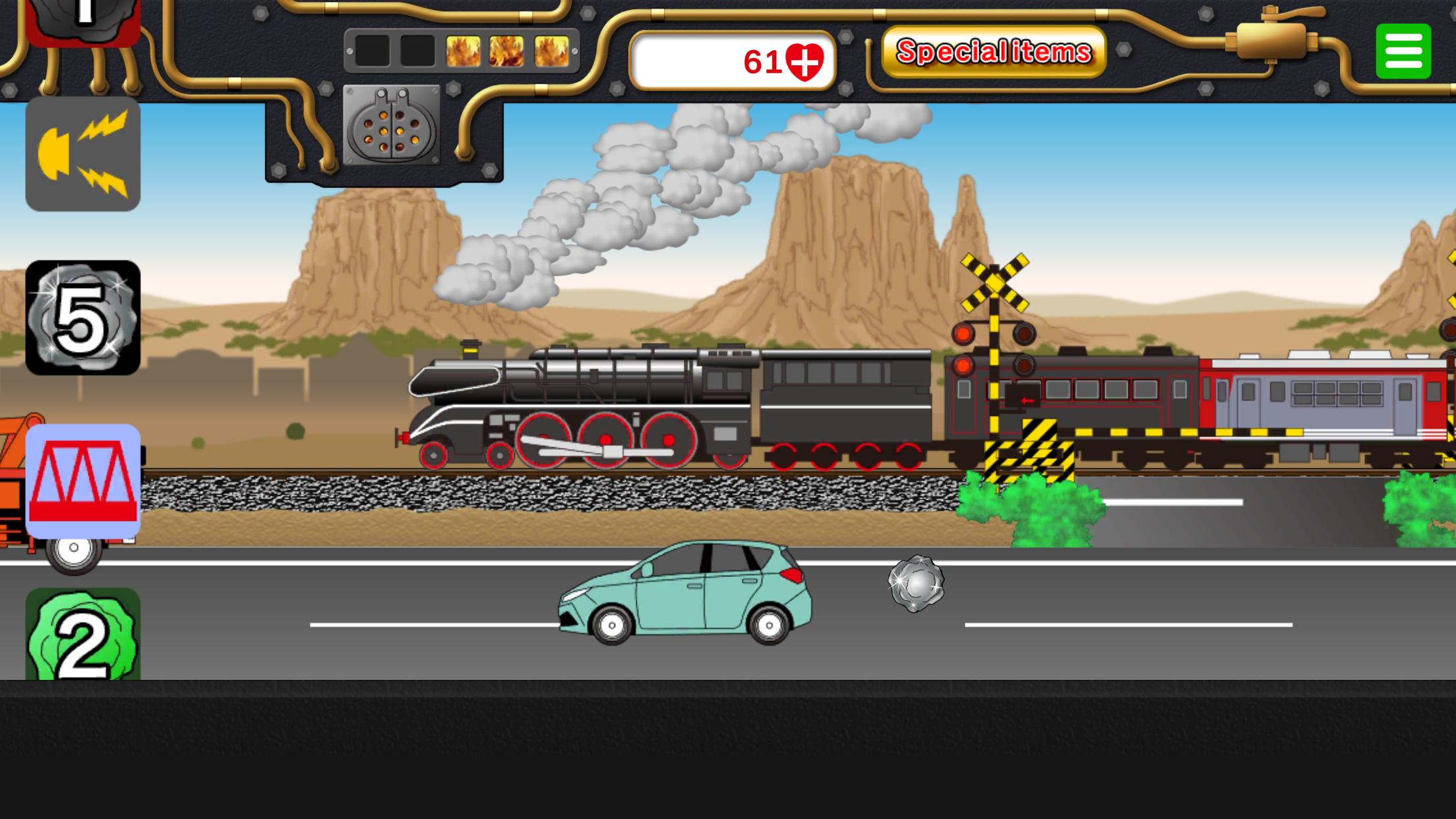
This is an app where you can play by running a steam locomotive (SL).
Tap the coal icon to load coal into the firebox.
As the firepower increases and boiler pressure rises, the SL's speed will increase.
On the other hand, if you don't add coal, the speed will drop and eventually stop.
Adjust the amount of coal carefully to control the speed and keep it running.
There are various other icons that appear, so try tapping them.
There are four types of special items. When used, you can tap that button as much as you like for a certain time.
"Big Button": Tapping this icon will make the train or Shinkansen grow in two stages.
"Rail Crossing": Tapping this icon will let you freely place rail crossings as much as you like.
"Freight Train": Tapping this icon will make a freight train pass by.
"Combustion Accelerator": Tapping this greatly boosts firepower and super speeds up the SL.
・SL icon: Transforms into another SL.
・Rail crossing icon: Brings up a crossing.
・Tunnel icon: Displays a tunnel.
・Bridge icon: Displays a bridge.
・Scenery switch icon: Changes the route to a different landscape.
・Whistle icon: You can sound the whistle.
・Station icon: Automatically stops at a station.
・Special item button: Lets you use one special item per tap.
●Many working vehicles appear on the road in front. Tap to see what happens with police cars, ambulances, fire trucks, city buses, and more.
Enjoy finding out what happens
Avance

Etiquetas
SimulaciónInformación
Desarrollador
ZOUSAN
La última versión
00.00.34
Última actualización
2025-10-14
Categoría
Simulación
Disponible en
Google Play
Mostrar más
Cómo jugar Steam locomotive choo-choo con GameLoop en PC
1. Descargue GameLoop desde el sitio web oficial, luego ejecute el archivo exe para instalar GameLoop.
2. Abra GameLoop y busque "Steam locomotive choo-choo", busque Steam locomotive choo-choo en los resultados de búsqueda y haga clic en "Instalar".
3. Disfruta jugando Steam locomotive choo-choo en GameLoop.
Minimum requirements
OS
Windows 8.1 64-bit or Windows 10 64-bit
GPU
GTX 1050
CPU
i3-8300
Memory
8GB RAM
Storage
1GB available space
Recommended requirements
OS
Windows 8.1 64-bit or Windows 10 64-bit
GPU
GTX 1050
CPU
i3-9320
Memory
16GB RAM
Storage
1GB available space