
WordBit Italiano (Alarma) para PC
WordBit
Descarga WordBit Italiano (Alarma) en PC con GameLoop Emulator
WordBit Italiano (Alarma) en PC
WordBit Italiano (Alarma), proveniente del desarrollador WordBit, se ejecuta en el sistema Android en el pasado.
Ahora, puedes jugar WordBit Italiano (Alarma) en PC con GameLoop sin problemas.
Descárgalo en la biblioteca de GameLoop o en los resultados de búsqueda. No más mirar la batería o llamadas frustrantes en el momento equivocado nunca más.
Simplemente disfrute de WordBit Italiano (Alarma) PC en la pantalla grande de forma gratuita!
WordBit Italiano (Alarma) Introducción
❓❔Why do you constantly miss the opportunity to study Italian?❓❗
There's a way to improve your Italian proficiency by using time you didn't know you had!
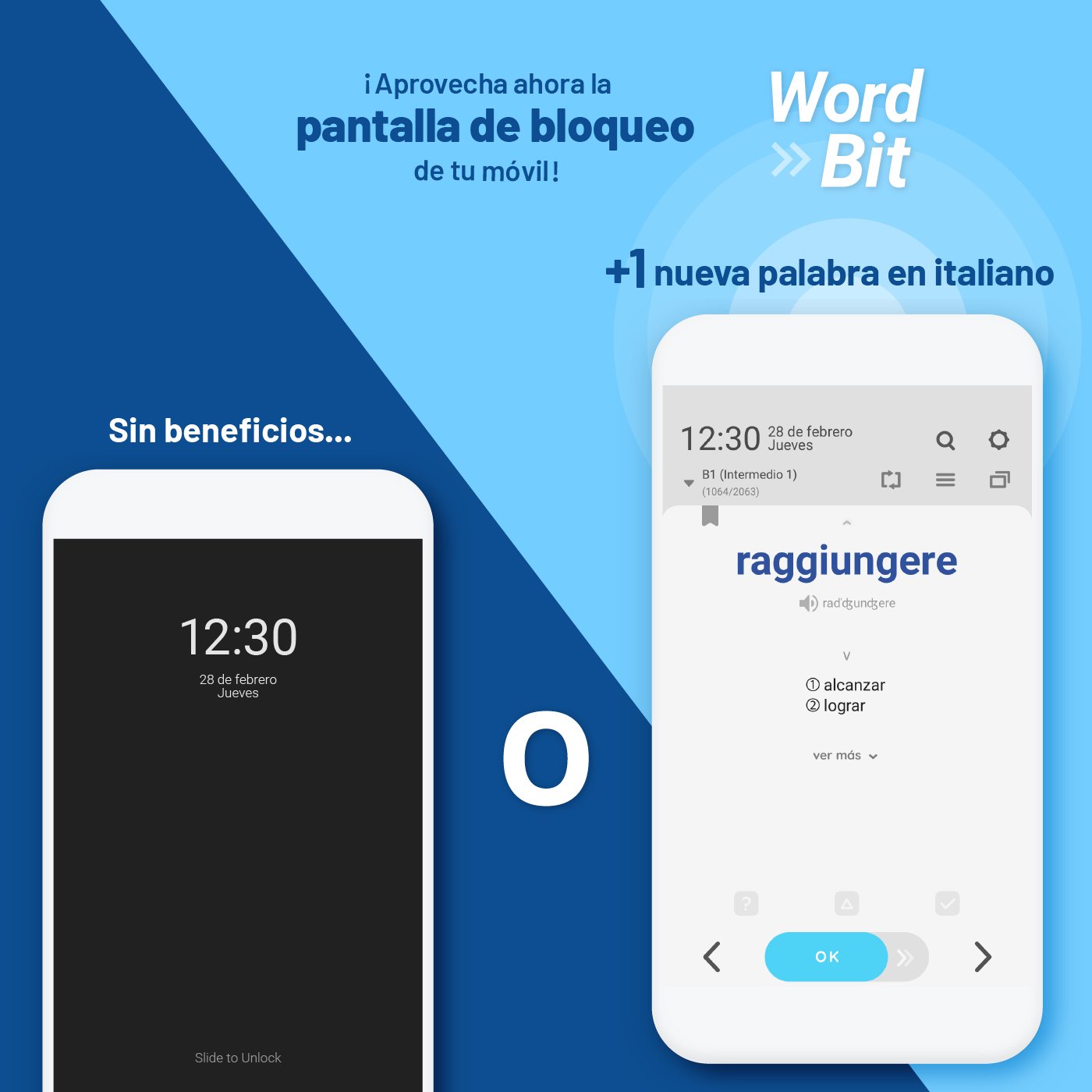
What's the principle? Just use the lock screen. How does this work?
The moment you check your cell phone, your attention is focused on the screen. You're free from what you just did and ready to receive new information.
At this very moment, WordBit uses your attention for a short period to study Italian.
WordBit English 🇺🇸🇬🇧 http://bit.ly/wordbitingles
WordBit German 🇩🇪🇩🇪 http://bit.ly/appaleman
WordBit French 🇫🇷🇫🇷 http://bit.ly/appfrances
WordBit Arabic 🇸🇦🇦🇪 http://bit.ly/apparabe
WordBit Korean 🇰🇷🇰🇷 http://bit.ly/appcoreano
Features of this app
■ Innovative learning method using a lock screen.
When you check messages, watch YouTube, or just check the time, you can learn dozens of words and sentences a day! This will add up to over a thousand words per month, and you'll learn automatically and unconsciously.
■ Content optimized for the lock screen
WordBit provides content in a perfect size suitable for the lock screen, and from now on, learning will only take a moment. So there's no need to stop doing what you're doing!
■ Helpful examples
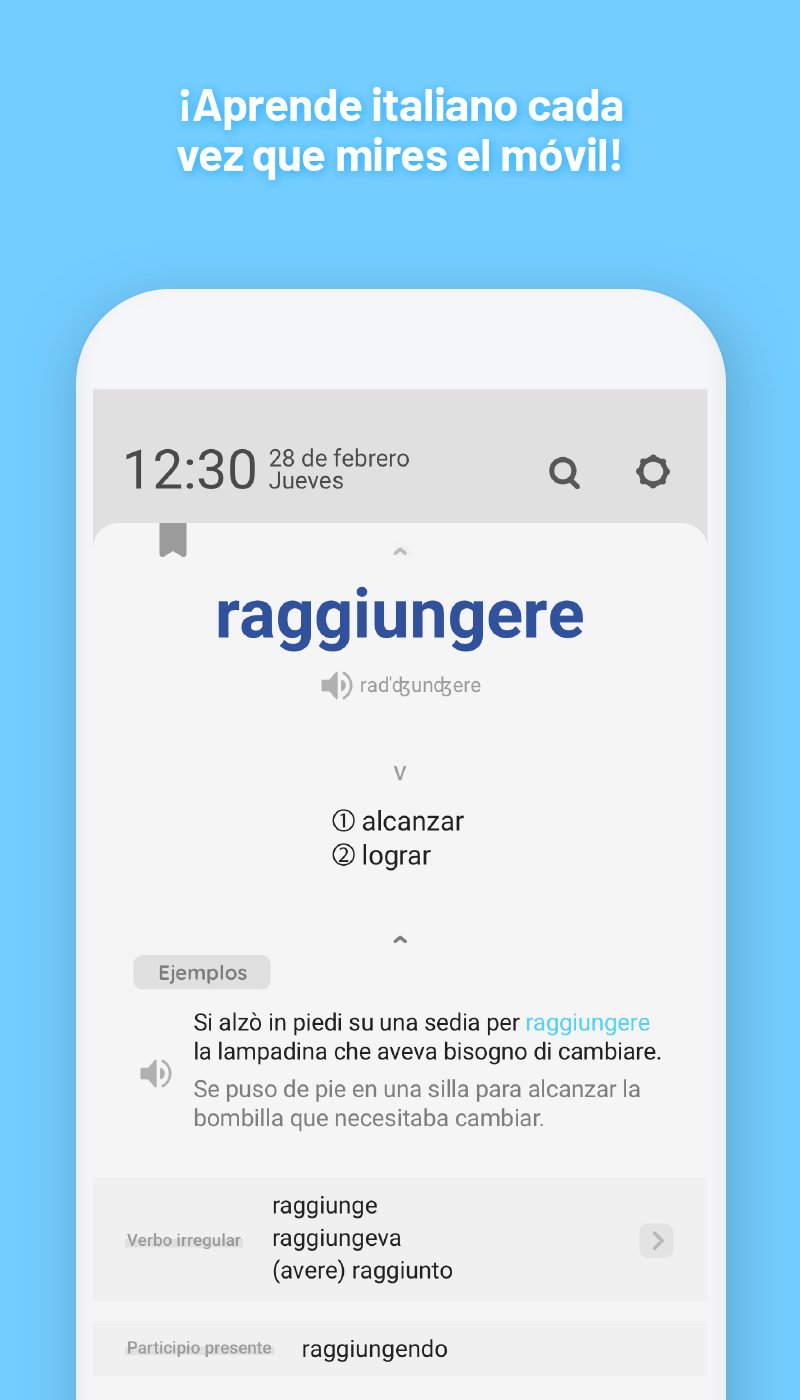
With the examples, you can learn how words are used in real life and what they're used with.
■ Vocabulary categories sorted by level
You can study words and phrases according to your level. (Over 10,000 words from basic to advanced)
■ Additional Content
- Synonyms
- Antonyms
- Nouns: Articles are color-coded, plural forms are available
- Verbs: Short and long conjugation tables are provided
- Adjectives: Comparative and superlative forms
- Grammar tips: Irregular verbs, irregular articles
root, prefix, suffix
Well-organized, rich content
■ Sentences
You can also learn commonly used sentences.
■ Various categories of idioms, proverbs, etc.
■ Images for beginners
■ Pronunciation - Automatic pronunciation and display of accent marks.
Extremely Useful Features for Users
■ Quiz, Cover Mode
■ Daily Repeat Feature
You can repeat as many words as you want for 24 hours.
■ Custom Word Sort Feature
You can check the words you've learned and remove them from your study list.
■ Search Feature
■ 16 Different Color Themes (Dark Themes Available)
WordBit's Special Features
Learning content automatically appears on your lock screen like an alarm.
WordBit reminds you to study throughout the day.
Trust WordBit and easily improve your language skills💛
----------------------------------------
Content we offer
📗■ Vocabulary (for beginners) with images
🌱Numbers, Dates, Times
🌱Animals, Plants
🌱Food
🌱Relationships
🌱Other
📘■ Vocabulary (by level)
🌳A1 (Basic 1)
🌳A2 (Basic 2)
🌳B1 (Intermediate 1)
🌳B2 (Intermediate 2)
🌳C1 (Advanced 1): update coming soon
🌳C2 (Advanced 2): update coming soon
📕■ Expressions
🌿Basic Expressions
🌿Travel
🌿Health
----------------------------------------
Avance
Etiquetas
EducaciónInformación
Desarrollador
WordBit
La última versión
1.7.2.17
Última actualización
2026-03-13
Categoría
Educación
Disponible en
Google Play
Mostrar más
Cómo jugar WordBit Italiano (Alarma) con GameLoop en PC
1. Descargue GameLoop desde el sitio web oficial, luego ejecute el archivo exe para instalar GameLoop.
2. Abra GameLoop y busque "WordBit Italiano (Alarma)", busque WordBit Italiano (Alarma) en los resultados de búsqueda y haga clic en "Instalar".
3. Disfruta jugando WordBit Italiano (Alarma) en GameLoop.
Minimum requirements
OS
Windows 8.1 64-bit or Windows 10 64-bit
GPU
GTX 1050
CPU
i3-8300
Memory
8GB RAM
Storage
1GB available space
Recommended requirements
OS
Windows 8.1 64-bit or Windows 10 64-bit
GPU
GTX 1050
CPU
i3-9320
Memory
16GB RAM
Storage
1GB available space