
Canvas By Instructure para PC
Instructure
Descarga Canvas By Instructure en PC con GameLoop Emulator
Canvas By Instructure en PC
Canvas By Instructure, proveniente del desarrollador Instructure, se ejecuta en el sistema Android en el pasado.
Ahora, puedes jugar Canvas By Instructure en PC con GameLoop sin problemas.
Descárgalo en la biblioteca de GameLoop o en los resultados de búsqueda. No más mirar la batería o llamadas frustrantes en el momento equivocado nunca más.
Simplemente disfrute de Canvas By Instructure PC en la pantalla grande de forma gratuita!
Canvas By Instructure Introducción
Your learning, anywhere.
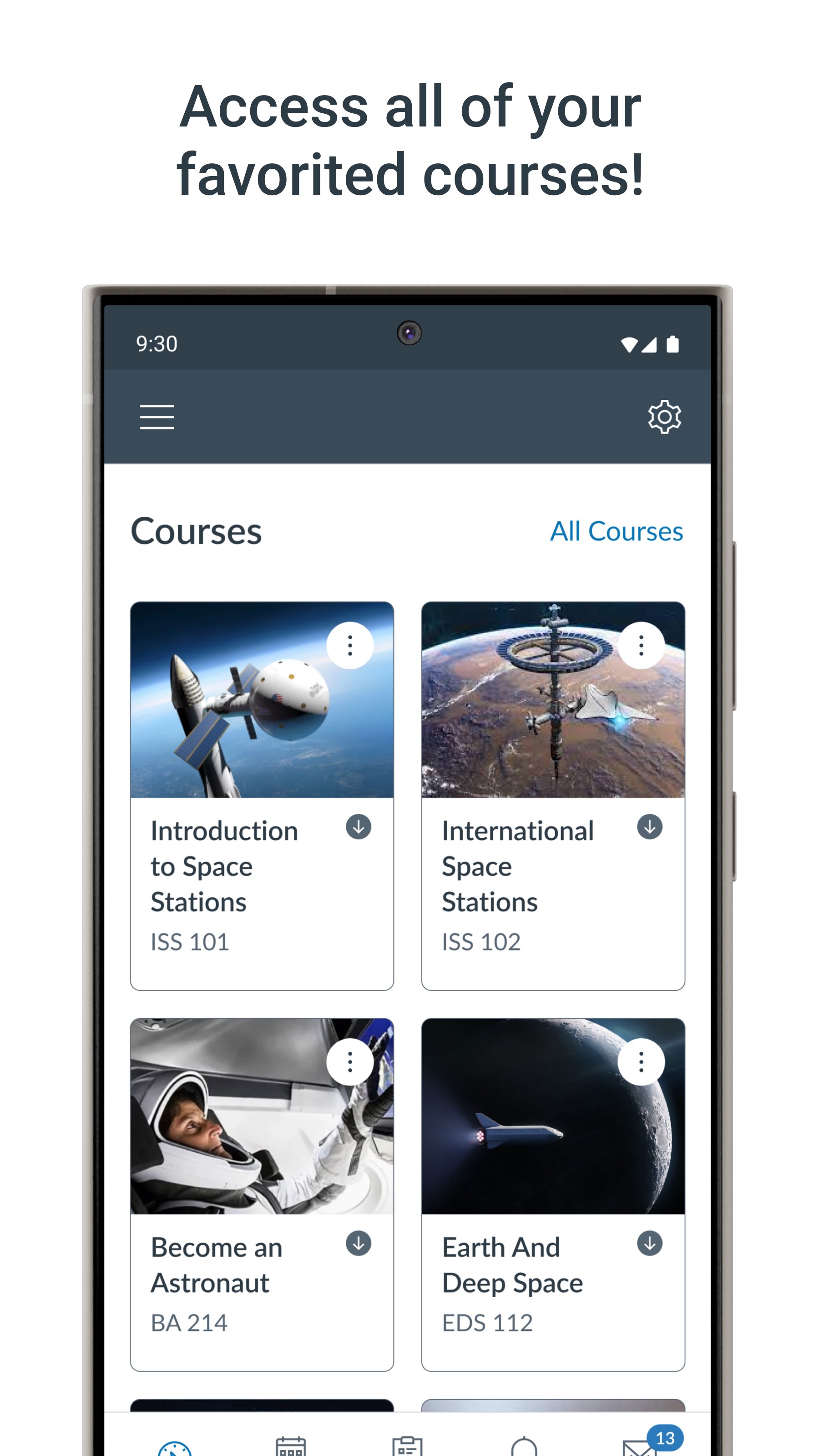
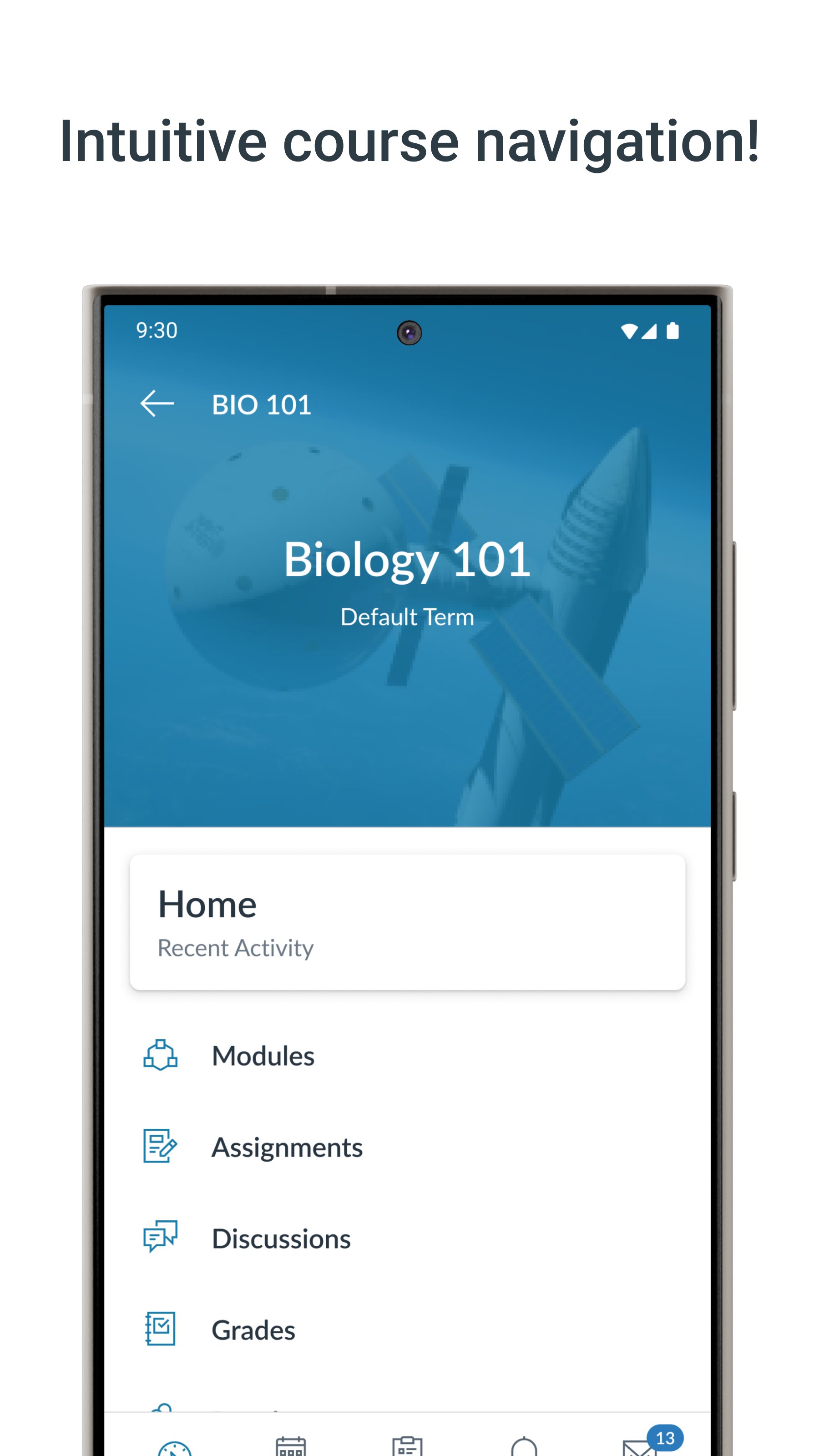
Stay connected to your courses with the official Canvas app for learners. Whether you’re in class, commuting, or offline, Canvas helps you stay organized and engaged.
-Note for instructors: For teaching and grading features, use the Canvas Teacher app.
-Note for parents & guardians: Use Canvas Parent app to follow student progress.
What you can do:
• Organize: View grades, track assignments, homework, and schoolwork; get reminders, push notifications and add customizable widgets for quick access
• Engage: Send messages, join class discussions and collaborate with classmates in real time
• Learn: Submit assignments, PDFs, docs, and media files for teachers to annotate in SpeedGrader, take quizzes, and watch videos on the go
• Strategic Planning: Use "What-If" grade calculations to simulate future scores and plan your study goals with confidence
• Offline: Download full courses and keep studying even without internet
• Integration & inclusivity: Use integrated classroom tools (LTIs), enjoy dark mode, and rely on built-in accessibility for everyone (VPAT 2.2 compliant)
• Lifelong learning: Support for continuous learning, career-focused skill based learning programs, and AI-powered learning experience via Career experience
Trusted by over 40 million learners worldwide.
Avance
Etiquetas
EducaciónInformación
Desarrollador
Instructure
La última versión
8.10.0
Última actualización
2026-07-30
Categoría
Educación
Disponible en
Google Play
Mostrar más
Cómo jugar Canvas By Instructure con GameLoop en PC
1. Descargue GameLoop desde el sitio web oficial, luego ejecute el archivo exe para instalar GameLoop.
2. Abra GameLoop y busque "Canvas By Instructure", busque Canvas By Instructure en los resultados de búsqueda y haga clic en "Instalar".
3. Disfruta jugando Canvas By Instructure en GameLoop.
Minimum requirements
OS
Windows 8.1 64-bit or Windows 10 64-bit
GPU
GTX 1050
CPU
i3-8300
Memory
8GB RAM
Storage
1GB available space
Recommended requirements
OS
Windows 8.1 64-bit or Windows 10 64-bit
GPU
GTX 1050
CPU
i3-9320
Memory
16GB RAM
Storage
1GB available space