
TTRS Reporting para PC
Touch-type Read and Spell (TTRS)
Descarga TTRS Reporting en PC con GameLoop Emulator
TTRS Reporting en PC
TTRS Reporting, proveniente del desarrollador Touch-type Read and Spell (TTRS), se ejecuta en el sistema Android en el pasado.
Ahora, puedes jugar TTRS Reporting en PC con GameLoop sin problemas.
Descárgalo en la biblioteca de GameLoop o en los resultados de búsqueda. No más mirar la batería o llamadas frustrantes en el momento equivocado nunca más.
Simplemente disfrute de TTRS Reporting PC en la pantalla grande de forma gratuita!
TTRS Reporting Introducción
What is the TTRS Reporting app?
TTRS Reporting is a free app for which compliments your Online Subscription to Touch-type Read and Spell.
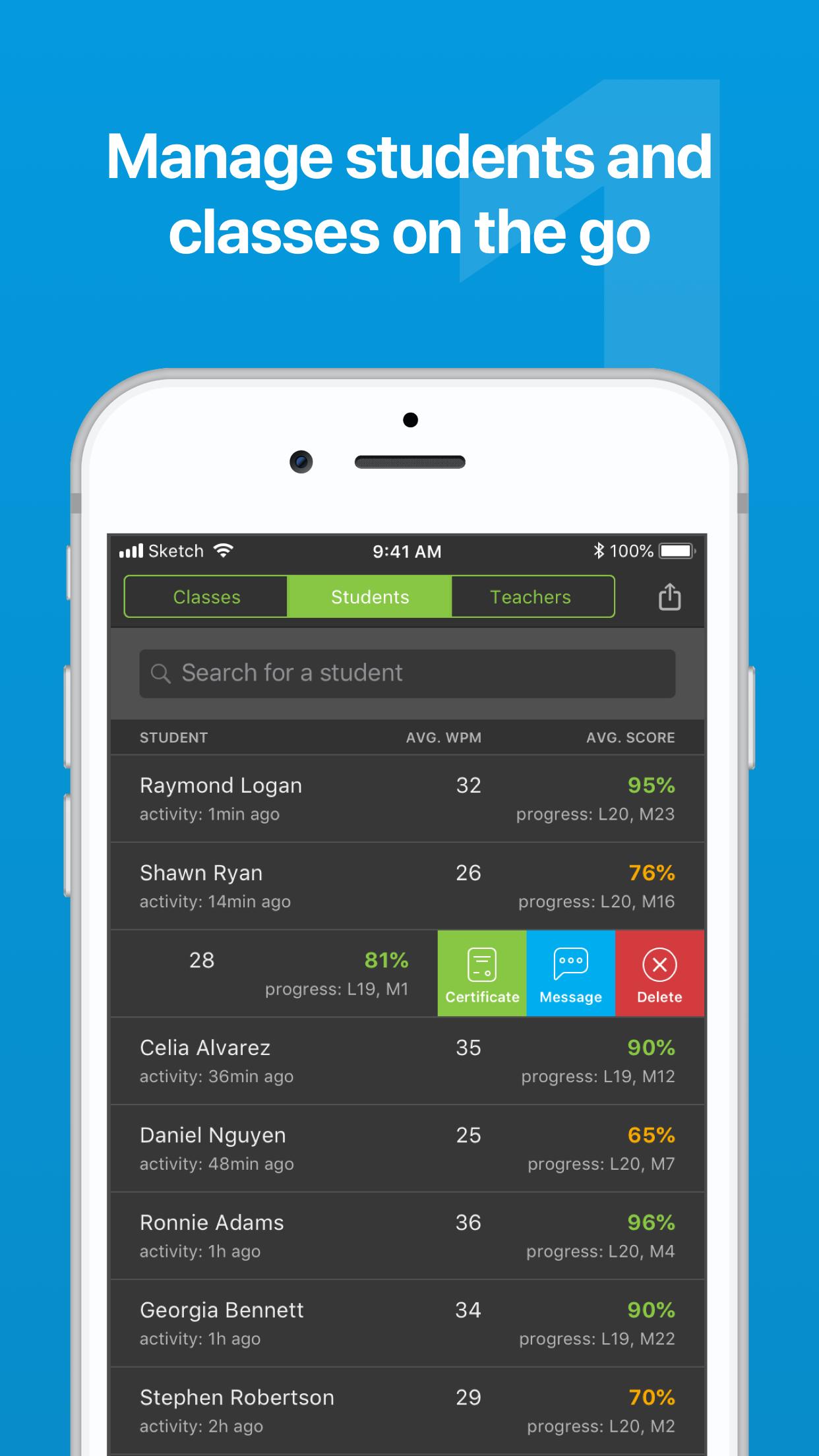
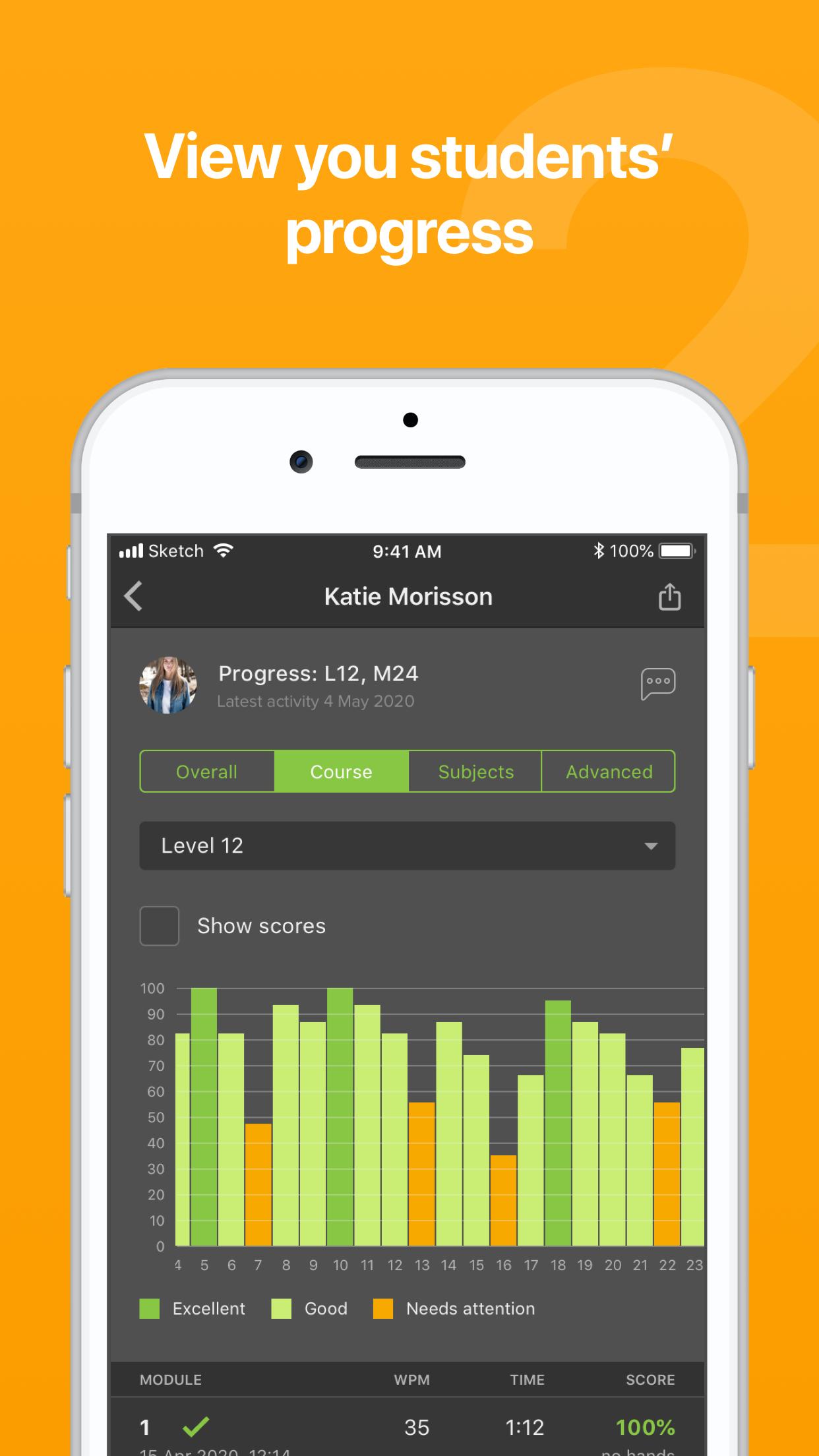
Save time with quick actions - view student progress, send messages, manage classes and email certificates
Receive notifications (coming soon) - Turn on specific alerts that matter to you - including when a student receives a trophy or a 100% in a module
Priority support - Send a message to our team through the app - and when we respond, you will be notified instantly on your phone
You only need to log in to the app once, so all of these actions are available from a few taps.
Can I use the TTRS course on the app?
TTRS Reporting is designed for parents, teachers and tutors as a reporting tool to view student progress at a glance and perform quick actions. To access the course, log in using a computer or iPad.
Avance
Etiquetas
EducaciónInformación
Desarrollador
Touch-type Read and Spell (TTRS)
La última versión
1.1.19
Última actualización
2023-07-06
Categoría
Educación
Disponible en
Google Play
Mostrar más
Cómo jugar TTRS Reporting con GameLoop en PC
1. Descargue GameLoop desde el sitio web oficial, luego ejecute el archivo exe para instalar GameLoop.
2. Abra GameLoop y busque "TTRS Reporting", busque TTRS Reporting en los resultados de búsqueda y haga clic en "Instalar".
3. Disfruta jugando TTRS Reporting en GameLoop.
Minimum requirements
OS
Windows 8.1 64-bit or Windows 10 64-bit
GPU
GTX 1050
CPU
i3-8300
Memory
8GB RAM
Storage
1GB available space
Recommended requirements
OS
Windows 8.1 64-bit or Windows 10 64-bit
GPU
GTX 1050
CPU
i3-9320
Memory
16GB RAM
Storage
1GB available space