Languages Translator:Translate para PC
all languages translator
Descarga Languages Translator:Translate en PC con GameLoop Emulator
Languages Translator:Translate en PC
Languages Translator:Translate, proveniente del desarrollador all languages translator, se ejecuta en el sistema Android en el pasado.
Ahora, puedes jugar Languages Translator:Translate en PC con GameLoop sin problemas.
Descárgalo en la biblioteca de GameLoop o en los resultados de búsqueda. No más mirar la batería o llamadas frustrantes en el momento equivocado nunca más.
Simplemente disfrute de Languages Translator:Translate PC en la pantalla grande de forma gratuita!
Languages Translator:Translate Introducción
Do you want to travel the world or communicate with people from different countries but struggle with language? Break down language barriers effortlessly with Languages Translator:Translate, the ultimate translator app designed for seamless communication across the globe. Whether you're traveling, studying, or conducting business, be ensured your words will never betray you.
KEY FEATURES of Languages Translator:Translate:
Image translator: camera translator
You can take a picture or upload an image, and the text translator app will quickly identify the text and translate it into your desired language with photo translator app.
Speak to Translate in Real Time: voice to text
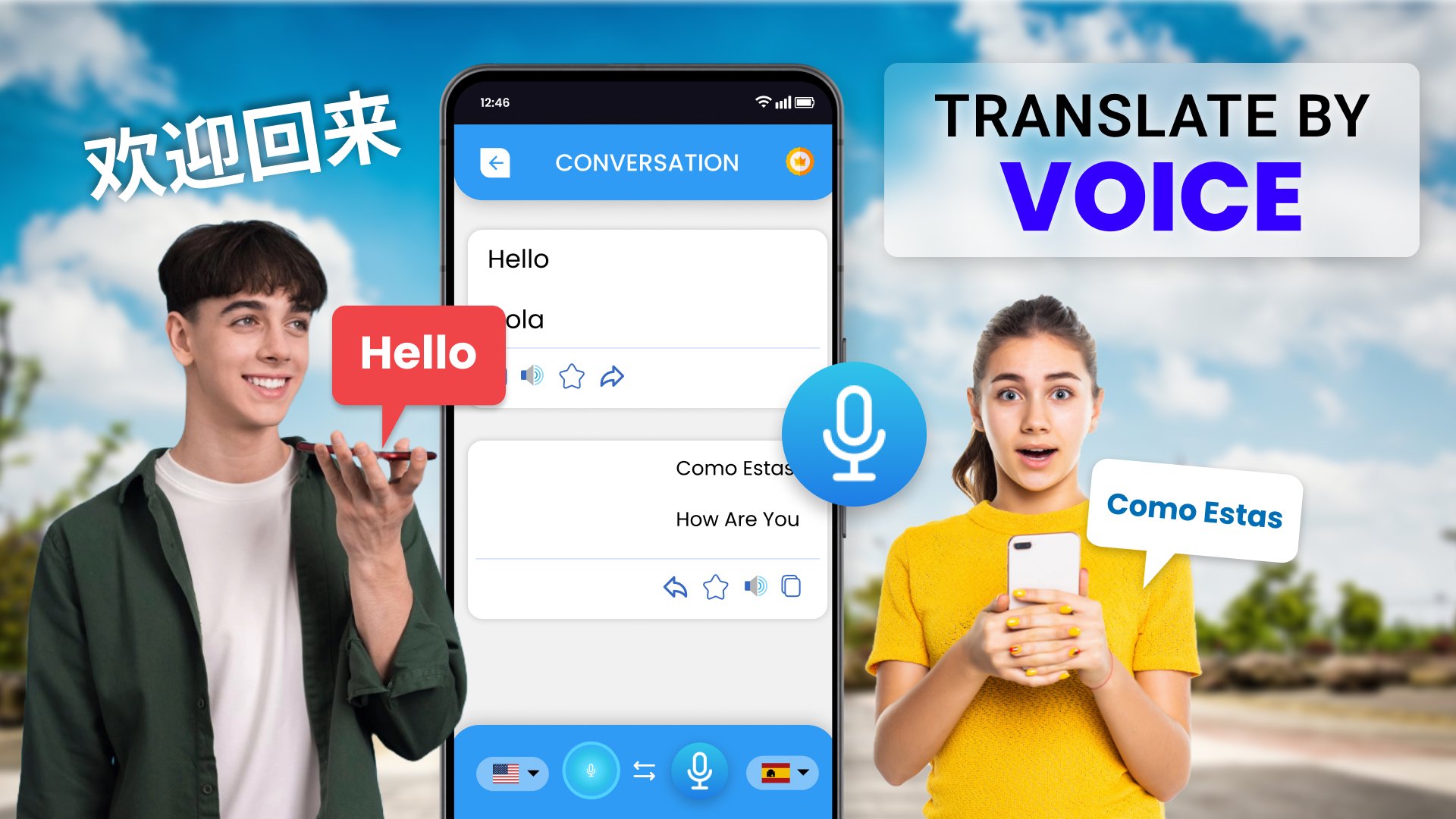
With the help of voice translation, no need to type - just speak, and the translate voice translator app will translate your speech into the language you choose.
Take A Photo & Upload File:
The translate voice app allows you to take a photo of anything that has text, such as menu, sign, etc or can also upload files from your phone and it will translate with speech to text app
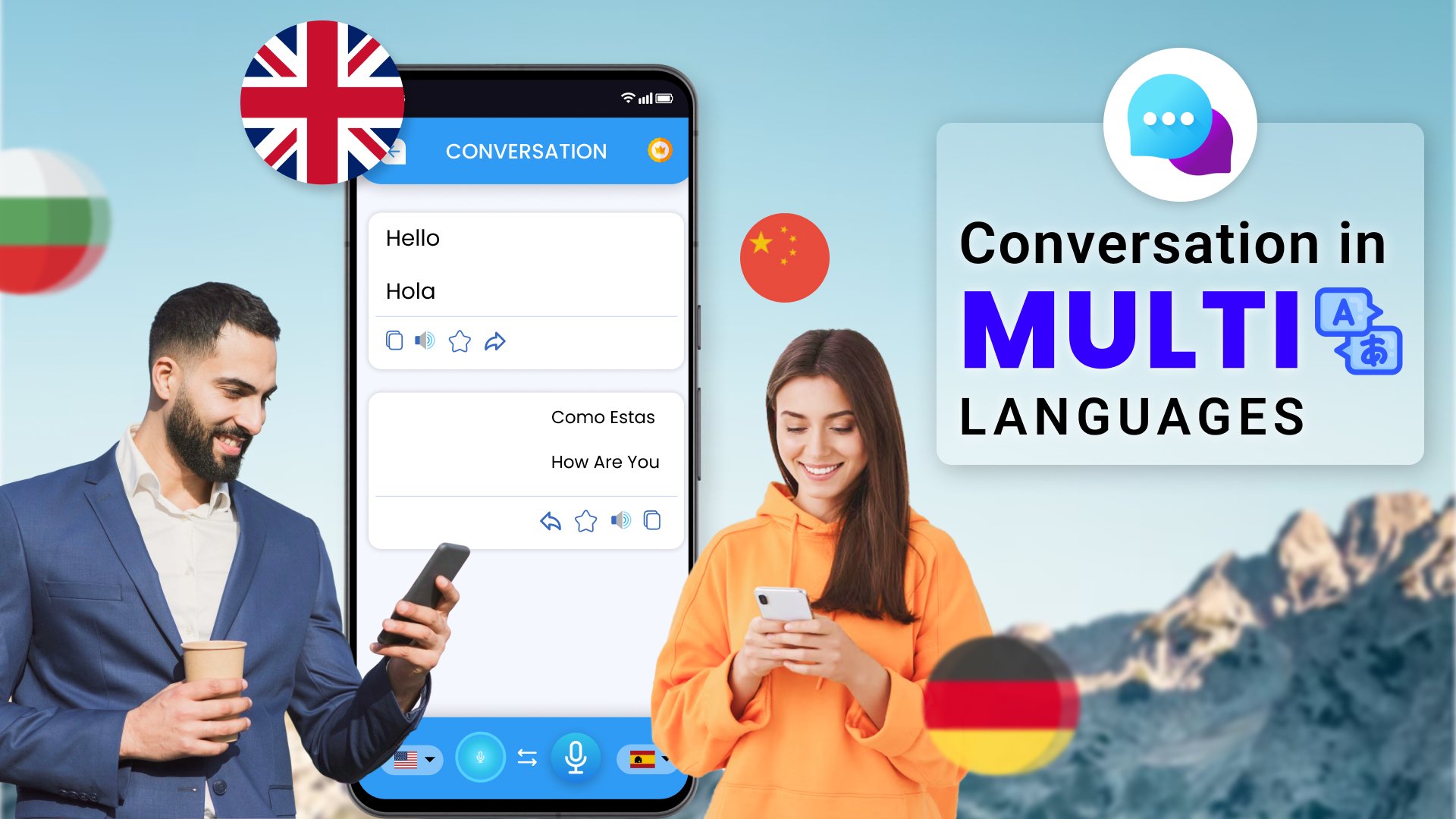
Support Multiple Language: text translator
The language translator app supports a wide range of languages, ensuring you can communicate with almost anyone.
Learn words by topic: chat translator
you can expand your vocabulary based on subjects that interest you such as food, family, travel etc. our foreign image translator app organizes words into topics to help you remember and use words naturally
Dictionary: voice translation
Access dictionary to find word meanings, synonyms, and translations in multiple languages for better understanding with ai translate app.
ACCESSIBILITY SERVICES Apis: voice translator
Our photo translator apps may use "Accessibility Services APIs" to help users retrieve text from any app for translation.
This camera translator app does not obtain your personal data and does not violate your privacy.
Don’t worry about that! With the language translator & voice to text app, you can translate text, speech, images, or even voice in real time. Try the Translate speech with voice app now to explore new cultures and meet new people all over the world.
If you have any questions about the talk and Languages Translator:Translate app, don’t hesitate to contact us immediately. We will reply as soon as possible. Thank you for using the speech to text & chat translator app!
Avance
Etiquetas
EducaciónInformación
Desarrollador
all languages translator
La última versión
2.0.95
Última actualización
2025-11-09
Categoría
Educación
Disponible en
Google Play
Mostrar más
Cómo jugar Languages Translator:Translate con GameLoop en PC
1. Descargue GameLoop desde el sitio web oficial, luego ejecute el archivo exe para instalar GameLoop.
2. Abra GameLoop y busque "Languages Translator:Translate", busque Languages Translator:Translate en los resultados de búsqueda y haga clic en "Instalar".
3. Disfruta jugando Languages Translator:Translate en GameLoop.
Minimum requirements
OS
Windows 8.1 64-bit or Windows 10 64-bit
GPU
GTX 1050
CPU
i3-8300
Memory
8GB RAM
Storage
1GB available space
Recommended requirements
OS
Windows 8.1 64-bit or Windows 10 64-bit
GPU
GTX 1050
CPU
i3-9320
Memory
16GB RAM
Storage
1GB available space