Planet Rise Set Chart para PC
Greg A Miller
Descarga Planet Rise Set Chart en PC con GameLoop Emulator
Planet Rise Set Chart en PC
Planet Rise Set Chart, proveniente del desarrollador Greg A Miller, se ejecuta en el sistema Android en el pasado.
Ahora, puedes jugar Planet Rise Set Chart en PC con GameLoop sin problemas.
Descárgalo en la biblioteca de GameLoop o en los resultados de búsqueda. No más mirar la batería o llamadas frustrantes en el momento equivocado nunca más.
Simplemente disfrute de Planet Rise Set Chart PC en la pantalla grande de forma gratuita!
Planet Rise Set Chart Introducción
Please rate this app after trying it out, knowing that people like and use my apps is the only thing that keeps us free app developers going. If there are things you like, or want improved please say so in the comments.
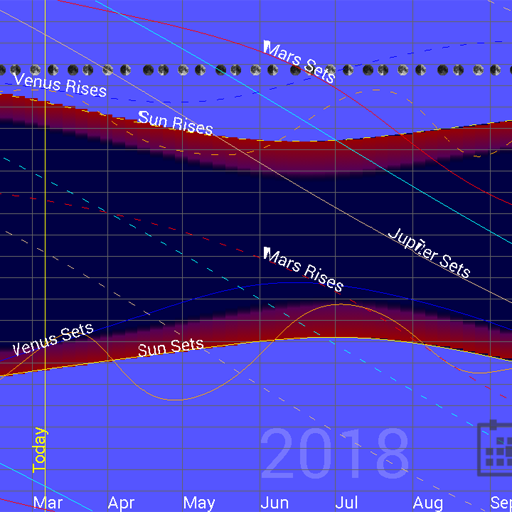
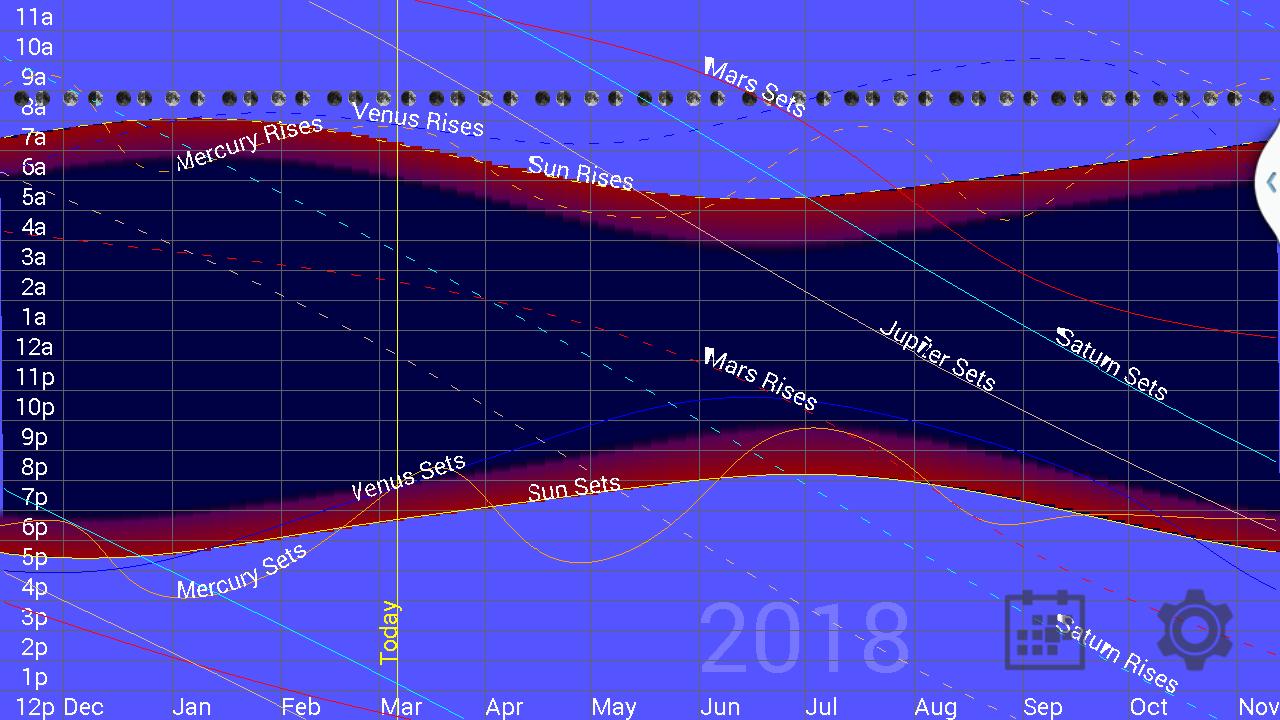
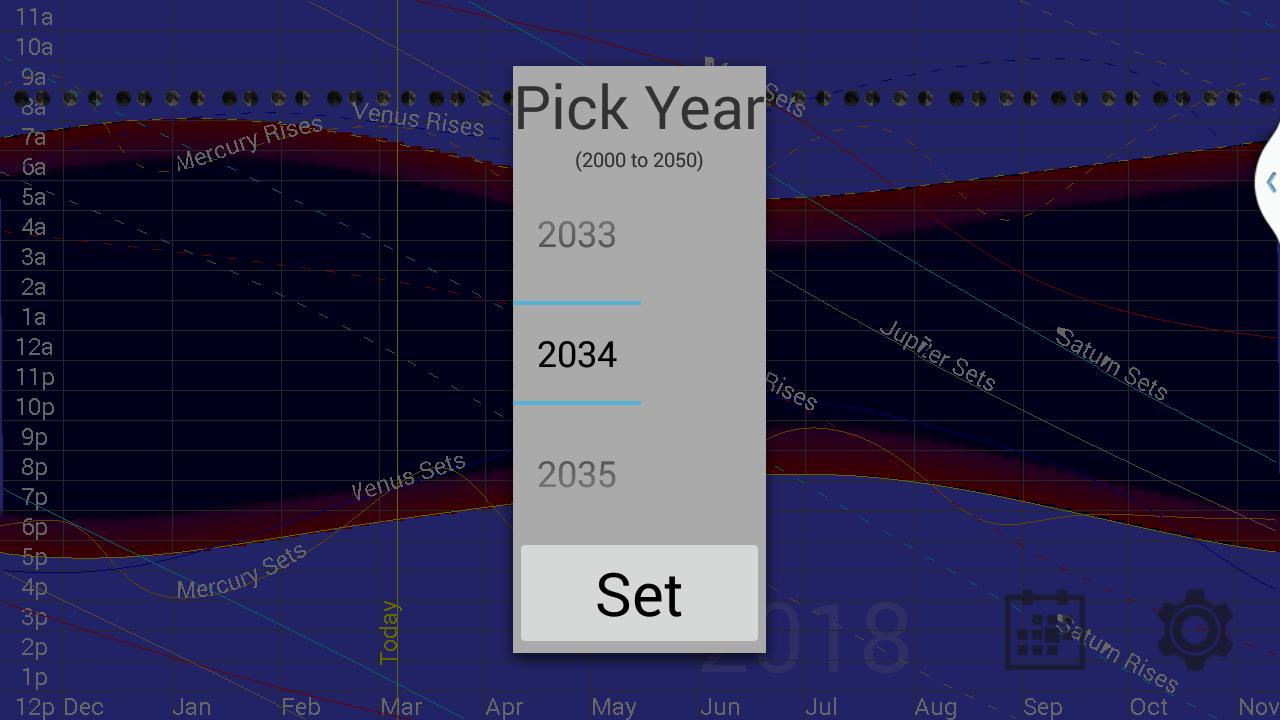
Useful for determining when a planet will be visible. This application shows a graph of the rise and set times for all of the planets from 2000 to 2050. It also show sunrise, sunset, astronomical twilight times, and moon phases. The planets visible to the naked eye are defaulted to on (Mercury, Venus, Mars, Jupiter, Saturn), but Uranus, Neptune and Pluto are available in the options. The app uses the devices GPS unit to show rise and set times for your particular location. Note that all times are standard time, so you will need to add or subtract an hour to account for Daylight Savings Time when in use.
Avance
Etiquetas
EducaciónInformación
Desarrollador
Greg A Miller
La última versión
2.1
Última actualización
2020-12-22
Categoría
Educación
Disponible en
Google Play
Mostrar más
Cómo jugar Planet Rise Set Chart con GameLoop en PC
1. Descargue GameLoop desde el sitio web oficial, luego ejecute el archivo exe para instalar GameLoop.
2. Abra GameLoop y busque "Planet Rise Set Chart", busque Planet Rise Set Chart en los resultados de búsqueda y haga clic en "Instalar".
3. Disfruta jugando Planet Rise Set Chart en GameLoop.
Minimum requirements
OS
Windows 8.1 64-bit or Windows 10 64-bit
GPU
GTX 1050
CPU
i3-8300
Memory
8GB RAM
Storage
1GB available space
Recommended requirements
OS
Windows 8.1 64-bit or Windows 10 64-bit
GPU
GTX 1050
CPU
i3-9320
Memory
16GB RAM
Storage
1GB available space