
AR Kid's Kit 4D para PC
igy-apps.com
Descarga AR Kid's Kit 4D en PC con GameLoop Emulator
AR Kid's Kit 4D en PC
AR Kid's Kit 4D, proveniente del desarrollador igy-apps.com, se ejecuta en el sistema Android en el pasado.
Ahora, puedes jugar AR Kid's Kit 4D en PC con GameLoop sin problemas.
Descárgalo en la biblioteca de GameLoop o en los resultados de búsqueda. No más mirar la batería o llamadas frustrantes en el momento equivocado nunca más.
Simplemente disfrute de AR Kid's Kit 4D PC en la pantalla grande de forma gratuita!
AR Kid's Kit 4D Introducción
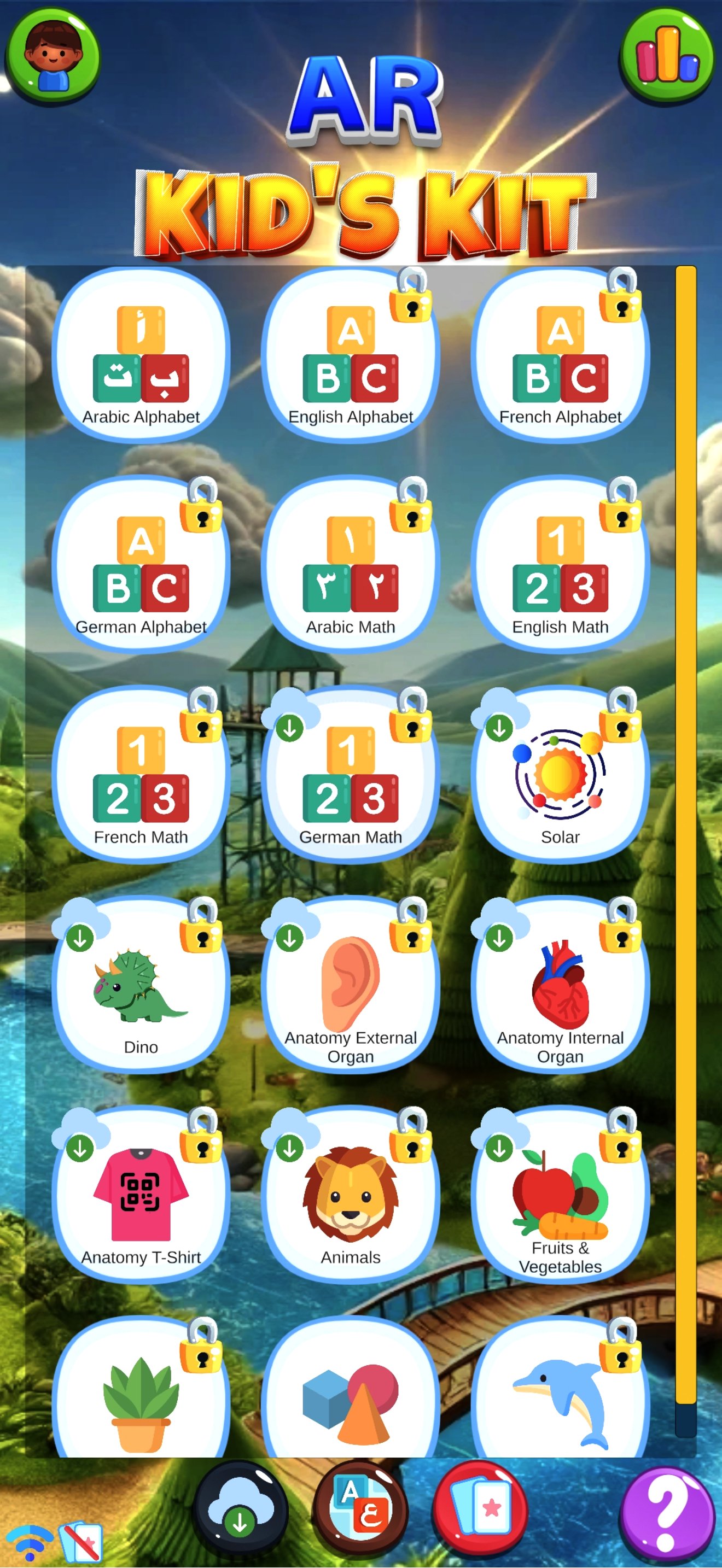
Welcome to AR Kids Kit, your ultimate educational companion that delivers an immersive learning experience through Augmented and Virtual Reality. Our newly redesigned interface offers a range of exciting features and new content, providing endless opportunities for children to explore and discover.
Key Features:
1- Enhanced User Interface
A clean, intuitive design makes navigation simple and engaging.
Easily switch between languages and learning subjects with a new, user-friendly layout.
2- Multilingual Support (Now with German!)
Learn in Arabic, English, French, and German.
Choose your UI language and learning language independently to personalize your experience.
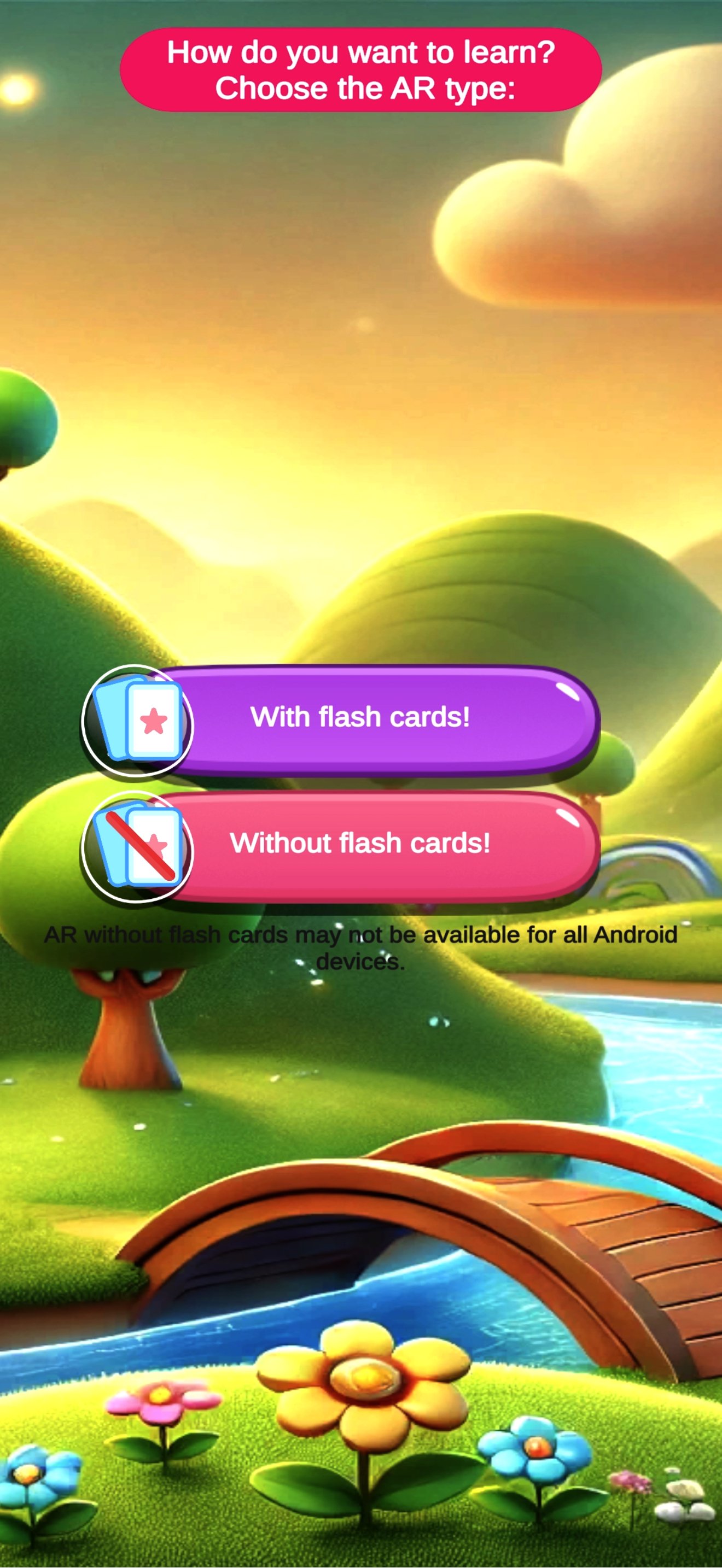
3- Flashcards or No Flashcards—You Decide
Traditional Mode: Point your device’s camera at physical flashcards to bring 3D models to life.
Flashcard-Free Mode: View 3D content and animations directly on your screen, no additional materials required.
4- Flexible Content Download
Download only the sections you need with the in-app Download Manager.
Save space on your device and manage your content as you go.
Easily delete sections to free up storage whenever you want.
5- Account Creation & Cross-Platform Access
Create an account or continue as a guest—your choice.
Purchases and progress are synced across Android and iOS devices so you never lose your data.
6- Immersive AR & VR Experiences
Watch 3D models come alive in your surroundings.
Compatible with most VR headsets and remotes for a truly captivating experience.
7- New Score Feature
We’ve added an exciting scoring system to make learning even more motivating! Whenever a child successfully completes writing a letter or number, their score increases. A global leaderboard lets them see how they rank among other learners, encouraging children to keep practicing and improving their writing skills.
Explore Our Sections:
- Alphabet Collections (Arabic, English, French, and now German!):
Master letter writing, pronunciations, and fun 3D animations that pop up on your screen or through flashcards.
- Numbers & Math Collections (Arabic, English, French, German):
Learn counting, addition, and subtraction through interactive 3D objects with real-time animations.
- Solar System: Observe planets and celestial bodies orbiting the sun, with accompanying narration in multiple languages.
- Dinosaur World: Bring prehistoric creatures to life, watch them move around, and learn fascinating facts.
- Anatomy Collections (External, Internal, and Anatomy T-Shirt): Discover the human body’s organs and systems in detailed 3D, perfect for curious minds.
- Animals: Animate different animals, see them move and interact, and hear them in multiple languages.
- Fruits & Vegetables: Watch produce spring into life and learn their names in four languages.
- Plant: Understand various plant structures 3D space.
- Shapes: Learn basic and complex shapes with 3D demonstrations and voice guidance.
- Marine: Life Dive underwater and explore fascinating marine creatures in 3D.
Why AR Kids Kit?
- Educational & Entertaining: Perfect blend of learning and play.
- Personalized Experience: Choose your preferred languages and sections.
- Cross-Platform Sync: Never lose your progress or purchases.
- Expandable Content: Easily add or remove sections through the download manager.
Avance
Etiquetas
EducaciónInformación
Desarrollador
igy-apps.com
La última versión
18.0030
Última actualización
2026-04-28
Categoría
Educación
Disponible en
Google Play
Mostrar más
Cómo jugar AR Kid's Kit 4D con GameLoop en PC
1. Descargue GameLoop desde el sitio web oficial, luego ejecute el archivo exe para instalar GameLoop.
2. Abra GameLoop y busque "AR Kid's Kit 4D", busque AR Kid's Kit 4D en los resultados de búsqueda y haga clic en "Instalar".
3. Disfruta jugando AR Kid's Kit 4D en GameLoop.
Minimum requirements
OS
Windows 8.1 64-bit or Windows 10 64-bit
GPU
GTX 1050
CPU
i3-8300
Memory
8GB RAM
Storage
1GB available space
Recommended requirements
OS
Windows 8.1 64-bit or Windows 10 64-bit
GPU
GTX 1050
CPU
i3-9320
Memory
16GB RAM
Storage
1GB available space