
Abacus Child Learning App para PC
BrainAppTech
Descarga Abacus Child Learning App en PC con GameLoop Emulator
Abacus Child Learning App en PC
Abacus Child Learning App, proveniente del desarrollador BrainAppTech, se ejecuta en el sistema Android en el pasado.
Ahora, puedes jugar Abacus Child Learning App en PC con GameLoop sin problemas.
Descárgalo en la biblioteca de GameLoop o en los resultados de búsqueda. No más mirar la batería o llamadas frustrantes en el momento equivocado nunca más.
Simplemente disfrute de Abacus Child Learning App PC en la pantalla grande de forma gratuita!
Abacus Child Learning App Introducción
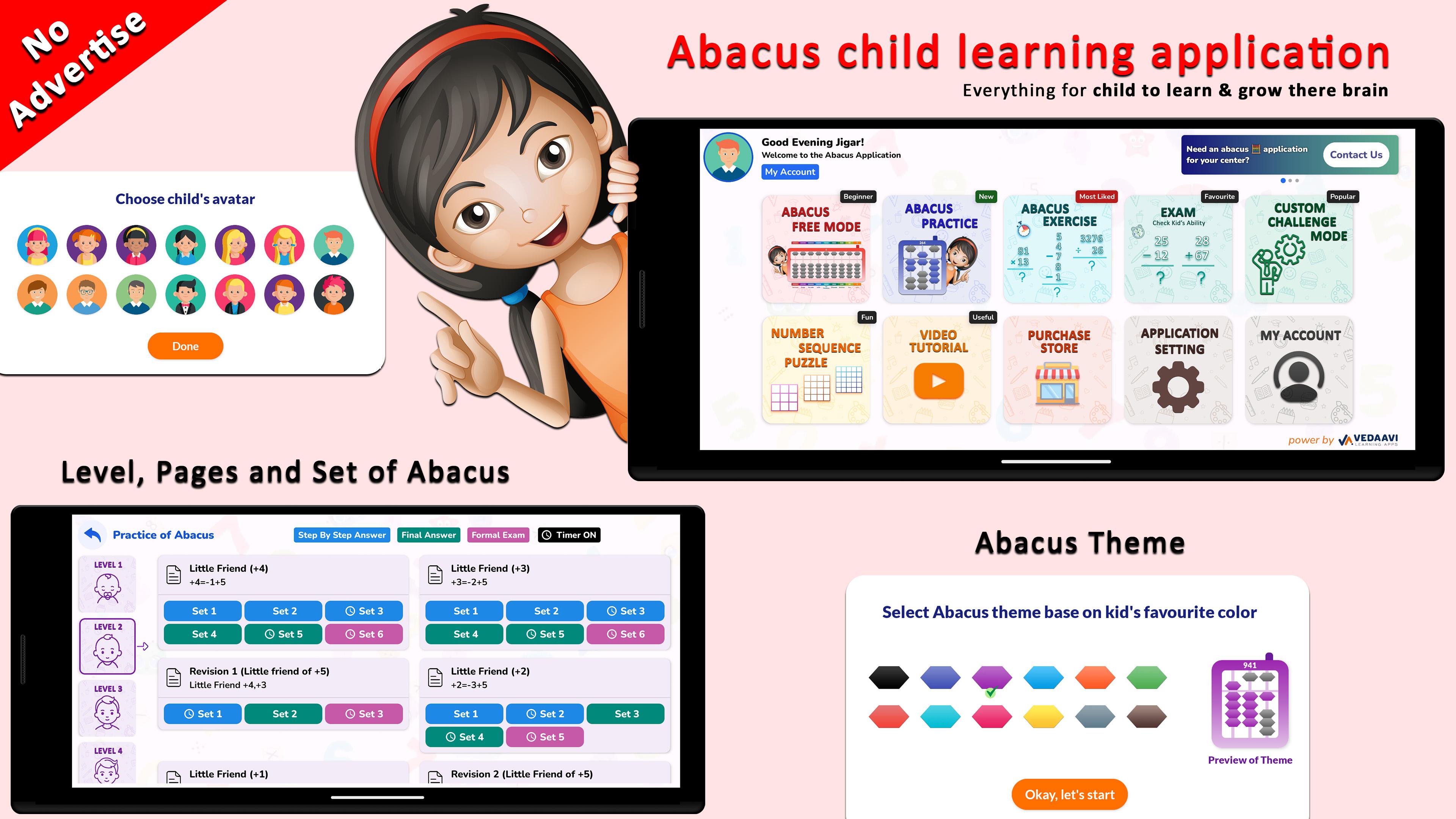
The Abacus Child Learning App is an interactive platform designed to help children learn, practice, and master abacus-based arithmetic — right from their mobile device.
Whether your child is a beginner or an advanced learner, our app makes math fun, structured, and result-driven.
🎯 Why Choose Abacus Child Learning App?
✅ Level-by-Level Guided Learning
Kids progress from simple to complex abacus skills with confidence.
✅ Interactive Practice Modes
Choose Step-by-Step, Final Answer, or Exam Mode to match your child’s learning style.
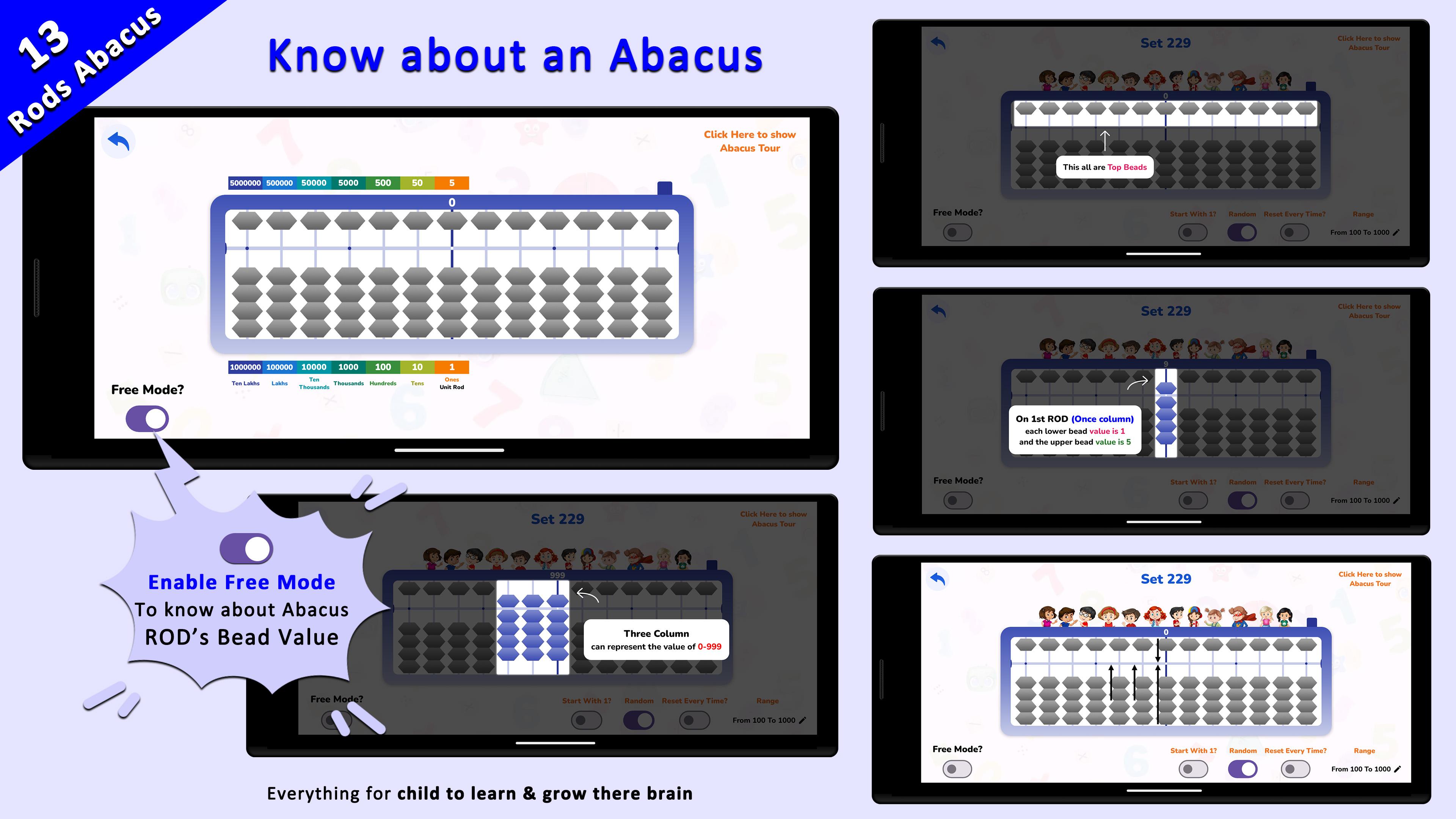
See abacus bead movement directions as kids practice!
✅ Abacus Without the Device
All the mental benefits of physical abacus training — no tool required!
✅ Custom Challenges & Speed Drills
Build agility with timed practice, voice-based questions, and math patterns.
✅ Track Progress Automatically
Parents and teachers can view results and improvement over time.
🧠 Learning Benefits Through Our App
• Boosts mental math speed and accuracy
• Strengthens memory, focus, and concentration
• Enhances visualization and logical thinking
• Builds math confidence through regular, gamified practice
• Encourages independent learning with self-paced modules
📚 What’s Inside:
• Abacus learning from Level 1 to Level 8
• Over 25000+ abacus problems with varying difficulty
• Modules for Addition, Subtraction, Multiplication, Division
• Formal Exam Mode to assess skills like a real test
• Custom Challenge Mode with full control over time, question type, and format
• Colorful visuals, animated hand instructions, and voice guidance
👶 Designed for Kids, Loved by Parents & Teachers
With a playful design, easy interface, and deep learning structure, the Abacus Child Learning App is perfect for ages 5+.
Let your child think faster than a calculator — and enjoy it!
🌐 Follow Us for Tips, Updates & Demos
Stay connected with us for new content, tutorials, and user stories!
📺 YouTube: https://www.youtube.com/@abacusChildLearningApplication
📸 Instagram: https://www.instagram.com/abacus_learnings/
👍 Facebook: https://www.facebook.com/abacuschildlearningapplication
Avance
Etiquetas
EducaciónInformación
Desarrollador
BrainAppTech
La última versión
14.0.5
Última actualización
2025-10-17
Categoría
Educación
Disponible en
Google Play
Mostrar más
Cómo jugar Abacus Child Learning App con GameLoop en PC
1. Descargue GameLoop desde el sitio web oficial, luego ejecute el archivo exe para instalar GameLoop.
2. Abra GameLoop y busque "Abacus Child Learning App", busque Abacus Child Learning App en los resultados de búsqueda y haga clic en "Instalar".
3. Disfruta jugando Abacus Child Learning App en GameLoop.
Minimum requirements
OS
Windows 8.1 64-bit or Windows 10 64-bit
GPU
GTX 1050
CPU
i3-8300
Memory
8GB RAM
Storage
1GB available space
Recommended requirements
OS
Windows 8.1 64-bit or Windows 10 64-bit
GPU
GTX 1050
CPU
i3-9320
Memory
16GB RAM
Storage
1GB available space