
AAUP E-Learning para PC
Arab American University (AAUP)
Descarga AAUP E-Learning en PC con GameLoop Emulator
AAUP E-Learning en PC
AAUP E-Learning, proveniente del desarrollador Arab American University (AAUP), se ejecuta en el sistema Android en el pasado.
Ahora, puedes jugar AAUP E-Learning en PC con GameLoop sin problemas.
Descárgalo en la biblioteca de GameLoop o en los resultados de búsqueda. No más mirar la batería o llamadas frustrantes en el momento equivocado nunca más.
Simplemente disfrute de AAUP E-Learning PC en la pantalla grande de forma gratuita!
AAUP E-Learning Introducción
- This app will ease the learning process to the student of Arab American University (AAUP) and it is enables faculty members and students to engage in teaching and learning activities right from their mobile devices. and simplify the access to course lectures, assignments and activities.
- AAUP offer the best way to enjoy education leading to greater student interaction wherever they are.
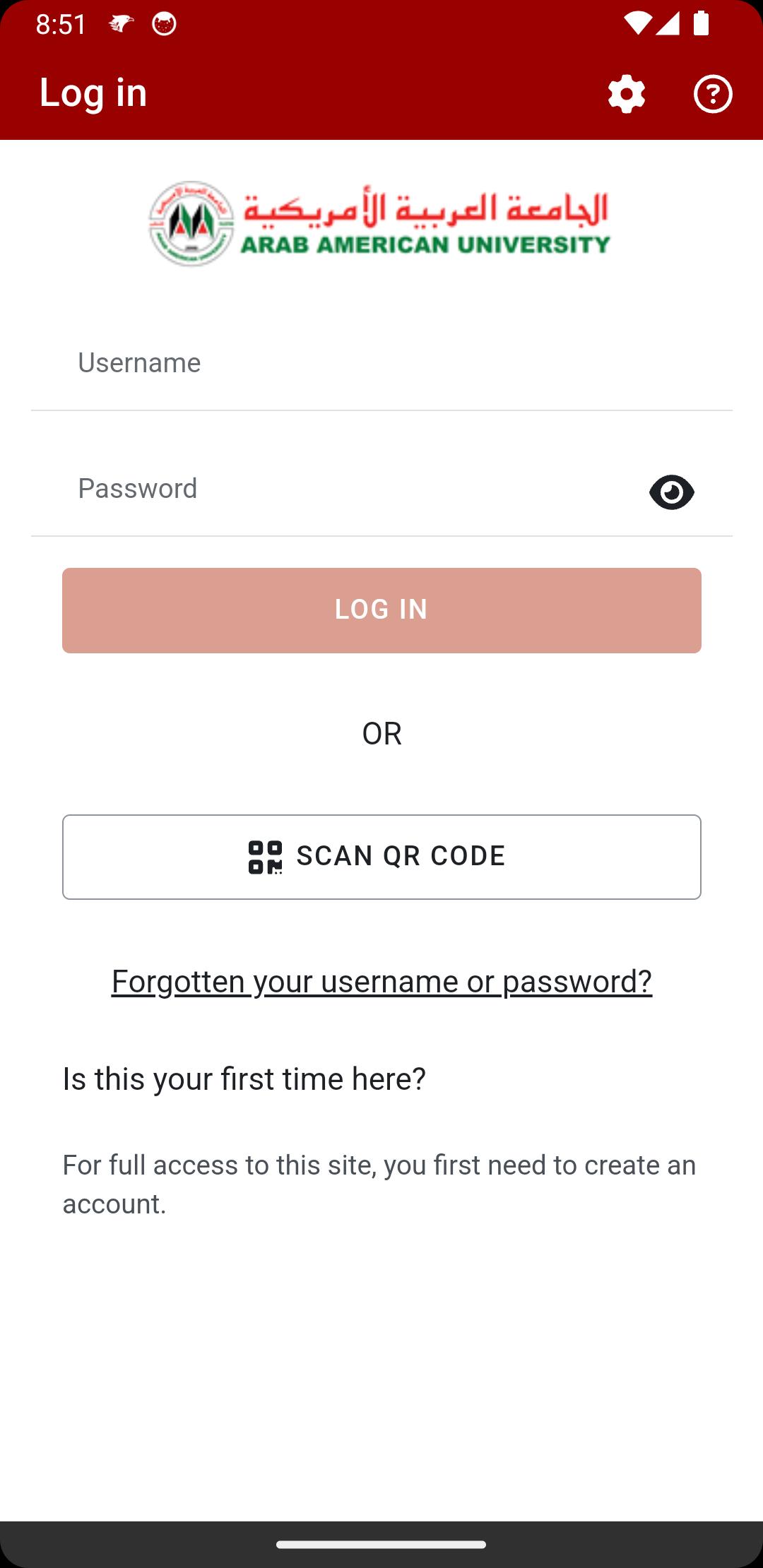
- You just have to download the application to your device, and use your usual username and password with which you access your Edugate (Portal).
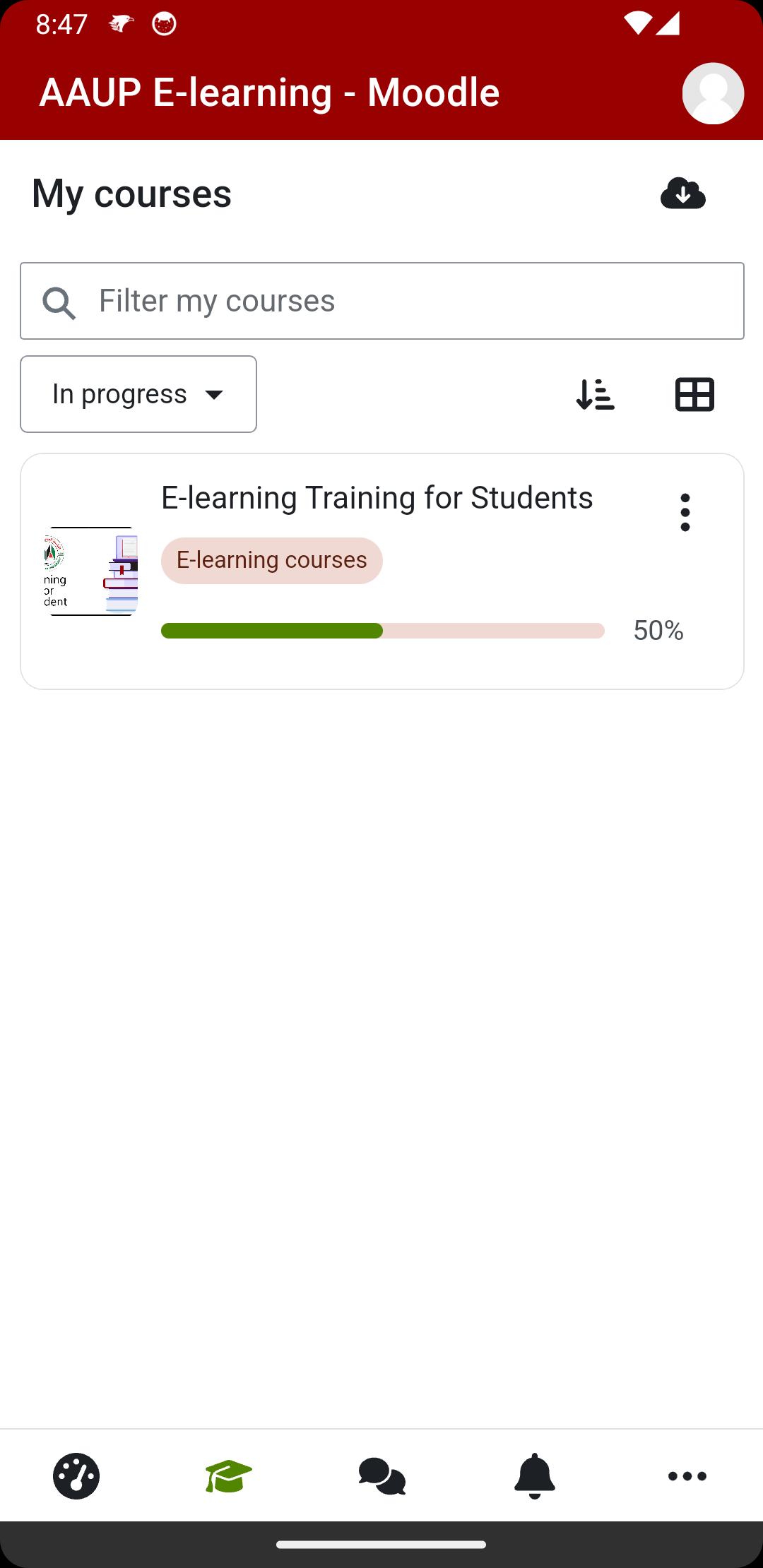
Branded AAUP Moodle App supports our students with different interesting features such as
• Access to the Dashboard
• Browse course content online and offline
• Contact teachers and classmates easily
• Upload files such as videos, audios, images, documents, and other files.
• Receive instance notifications messages
• More interesting features
For more info visit
Website : https://www.aaup.edu/E-Learning
Avance
Etiquetas
EducaciónInformación
Desarrollador
Arab American University (AAUP)
La última versión
4.5.0
Última actualización
2025-05-14
Categoría
Educación
Disponible en
Google Play
Mostrar más
Cómo jugar AAUP E-Learning con GameLoop en PC
1. Descargue GameLoop desde el sitio web oficial, luego ejecute el archivo exe para instalar GameLoop.
2. Abra GameLoop y busque "AAUP E-Learning", busque AAUP E-Learning en los resultados de búsqueda y haga clic en "Instalar".
3. Disfruta jugando AAUP E-Learning en GameLoop.
Minimum requirements
OS
Windows 8.1 64-bit or Windows 10 64-bit
GPU
GTX 1050
CPU
i3-8300
Memory
8GB RAM
Storage
1GB available space
Recommended requirements
OS
Windows 8.1 64-bit or Windows 10 64-bit
GPU
GTX 1050
CPU
i3-9320
Memory
16GB RAM
Storage
1GB available space