
Polaris - Super Privacy Proxy para PC
DanielParkApp
Descarga Polaris - Super Privacy Proxy en PC con GameLoop Emulator
Polaris - Super Privacy Proxy en PC
Polaris - Super Privacy Proxy, proveniente del desarrollador DanielParkApp, se ejecuta en el sistema Android en el pasado.
Ahora, puedes jugar Polaris - Super Privacy Proxy en PC con GameLoop sin problemas.
Descárgalo en la biblioteca de GameLoop o en los resultados de búsqueda. No más mirar la batería o llamadas frustrantes en el momento equivocado nunca más.
Simplemente disfrute de Polaris - Super Privacy Proxy PC en la pantalla grande de forma gratuita!
Polaris - Super Privacy Proxy Introducción
✅Security and Privacy
The Polaris runs in the background and encrypts the data transmitted by all your apps, so you can stay safe whether you're browsing, shopping, or streaming.
✅no log
Polaris not only provides protection from the outside, we also respect your privacy. We do not record the IP addresses of websites you visit or the content of data sent or received through our services.
✅Free Internet access with multiple fast proxy servers
Bypass blocking restrictions and firewalls to unblock websites, apps, and other streaming services. Intelligently choose the best free server for you. Quickly and anonymously browse Tiktok, Twitter, YouTube.
Feature:
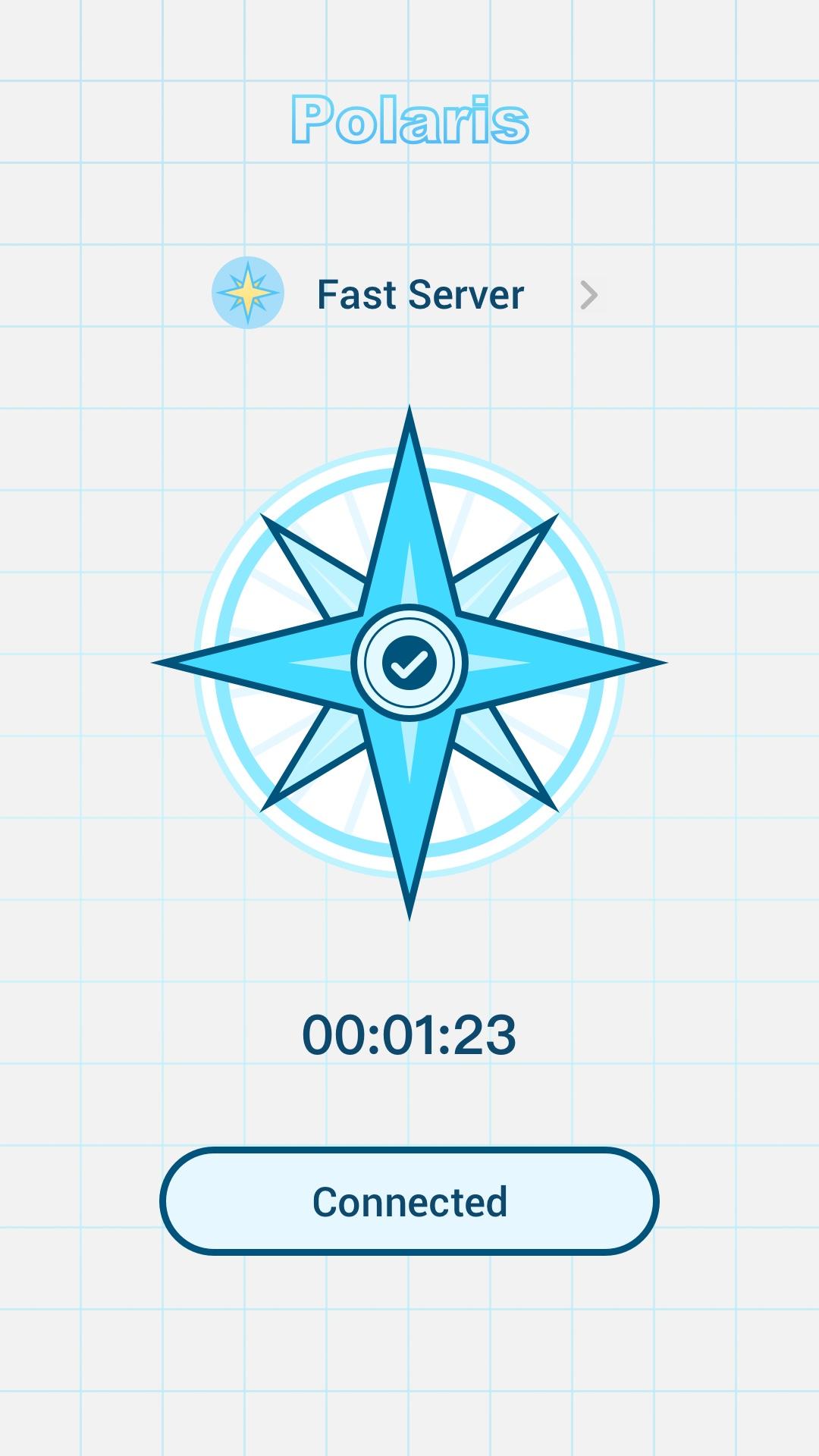
Simple interface. Just click to connect
Multiple stable and fast servers around the world
Hide your IP address and location
Unblocked blocked websites such as: Netflix, YouTube, Twitter, Facebook
Strict no-logs policy. You are completely anonymous and protected.
Unlimited free service
Individual Internet users can use it to protect transactions, circumvent geographic restrictions and censorship, and connect to proxy servers to protect personal identities and locations. However, some Internet sites block access to known proxy technologies to avoid geographic restrictions.
Avance

Etiquetas
HerramientasInformación
Desarrollador
DanielParkApp
La última versión
1.0.0
Última actualización
2022-06-24
Categoría
Herramientas
Disponible en
Google Play
Mostrar más
Cómo jugar Polaris - Super Privacy Proxy con GameLoop en PC
1. Descargue GameLoop desde el sitio web oficial, luego ejecute el archivo exe para instalar GameLoop.
2. Abra GameLoop y busque "Polaris - Super Privacy Proxy", busque Polaris - Super Privacy Proxy en los resultados de búsqueda y haga clic en "Instalar".
3. Disfruta jugando Polaris - Super Privacy Proxy en GameLoop.
Minimum requirements
OS
Windows 8.1 64-bit or Windows 10 64-bit
GPU
GTX 1050
CPU
i3-8300
Memory
8GB RAM
Storage
1GB available space
Recommended requirements
OS
Windows 8.1 64-bit or Windows 10 64-bit
GPU
GTX 1050
CPU
i3-9320
Memory
16GB RAM
Storage
1GB available space