
TeraBox: 1TB Cloud & AI Space para PC
Flextech Inc.
Descarga TeraBox: 1TB Cloud & AI Space en PC con GameLoop Emulator
TeraBox: 1TB Cloud & AI Space en PC
TeraBox: 1TB Cloud & AI Space, proveniente del desarrollador Flextech Inc., se ejecuta en el sistema Android en el pasado.
Ahora, puedes jugar TeraBox: 1TB Cloud & AI Space en PC con GameLoop sin problemas.
Descárgalo en la biblioteca de GameLoop o en los resultados de búsqueda. No más mirar la batería o llamadas frustrantes en el momento equivocado nunca más.
Simplemente disfrute de TeraBox: 1TB Cloud & AI Space PC en la pantalla grande de forma gratuita!
TeraBox: 1TB Cloud & AI Space Introducción
TeraBox: Your Personal All-in-One AI Assistant with 1024GB of FREE Cloud Storage!
TeraBox is more than just cloud storage — it’s your smart AI assistant. Store, search, create, and share — all in one app. Register now to get 1024GB of free cloud storage and automatically back up all your files. At the same time, with a full suite of AI tools, TeraBox helps you explore endless possibilities powered by advanced artificial intelligence.
KEY FEATURES
Automatic Data Backup
Automatically back up your photos, videos, documents and even folders to TeraBox cloud storage. Keep everything synchronized and accessible from any mobile device or computer — wherever you are.
[NEW] AI-Powered Search
Built-in AI browser lets you search smarter instantly. Quickly find what you need, watch trending videos, discover the latest movies, or follow hot topics—all within TeraBox. Search, browse, and watch, all in one place.
[NEW] AI Image Creation & Editing
Transform your photos into AI art with just one tap. Try creative AI styles like Snoopy, Miyazaki, or Cyberpunk, or enhance your portraits with built-in beauty effects.
[NEW] AI Transcription
Convert voice to text. Upload any audio or video file (or record live), and get highly accurate, readable transcripts with key points summarized automatically — saving you hours of manual note-taking.
HD Video Player + AI Subtitles
Enjoy smooth, high-definition video playback within TeraBox. Our AI automatically generates accurate subtitles for lectures, foreign films, or personal videos, making it easier to follow and understand every word.
AI Scanning & PDF Document Management
Quickly scan multiple documents and edit your PDFs easily. TeraBox automatically recognizes text, helping you organize and clean up digital files.
Other Advanced AI Tools
Explore more built-in AI features such as AI Sketch, handwriting removal, translation, and image compression. TeraBox is your smart toolbox for every creative and practical need.
TeraBox CLOUD STORAGE HIGHLIGHTS
– 1024GB Free Storage: Back up millions of photos, videos, and documents.
– Secure Backup: Safely back up files from your phone.
– Privacy Protection: Advanced encryption keeps your files safe.
– Secure File Sharing: Transfer large files quickly via links or email.
– Multi-Device Sync: Access and sync all your files from any computer, tablet, or mobile phone.
– Intelligent Albums: Auto-categorize your photos for quick and easy browsing.
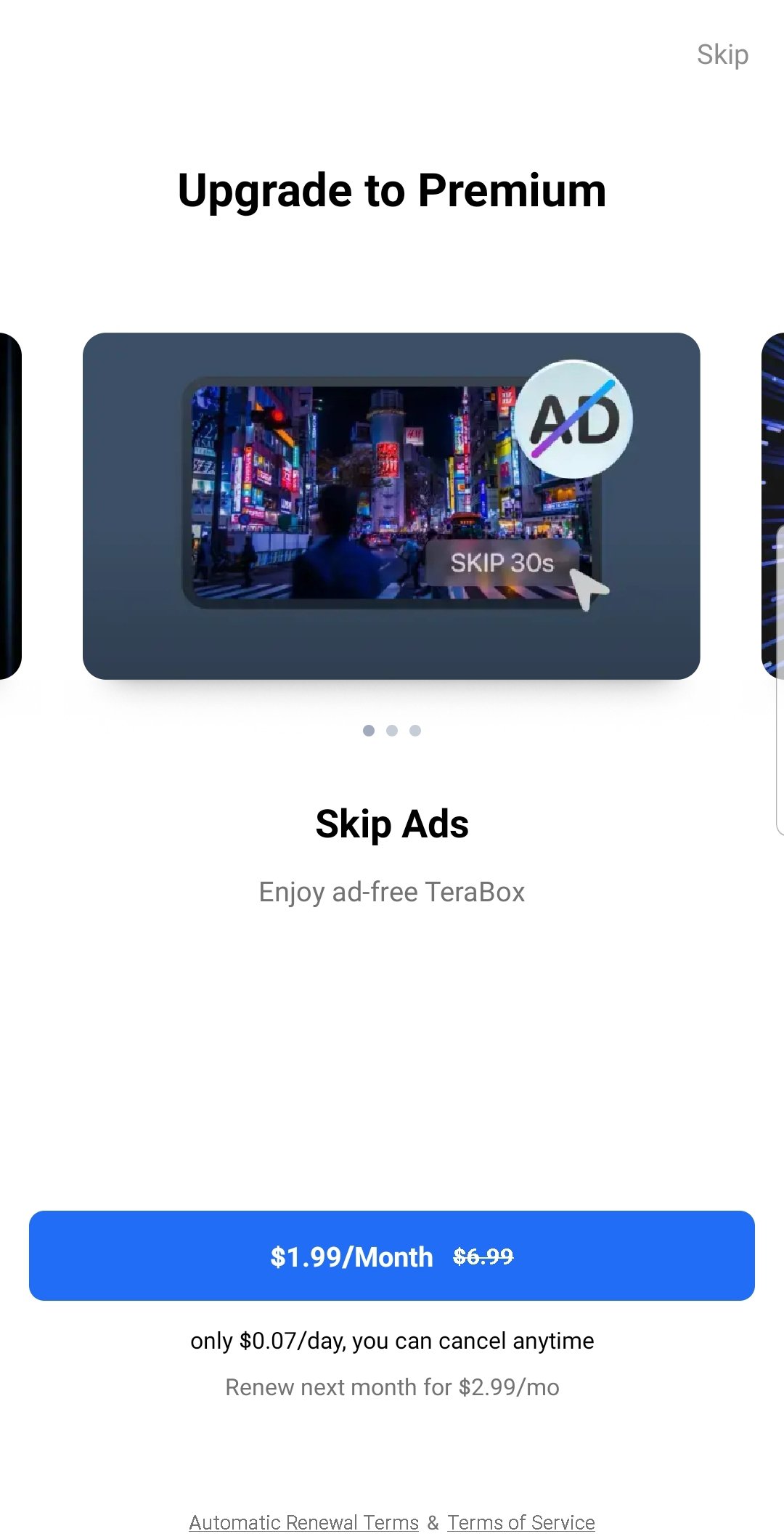
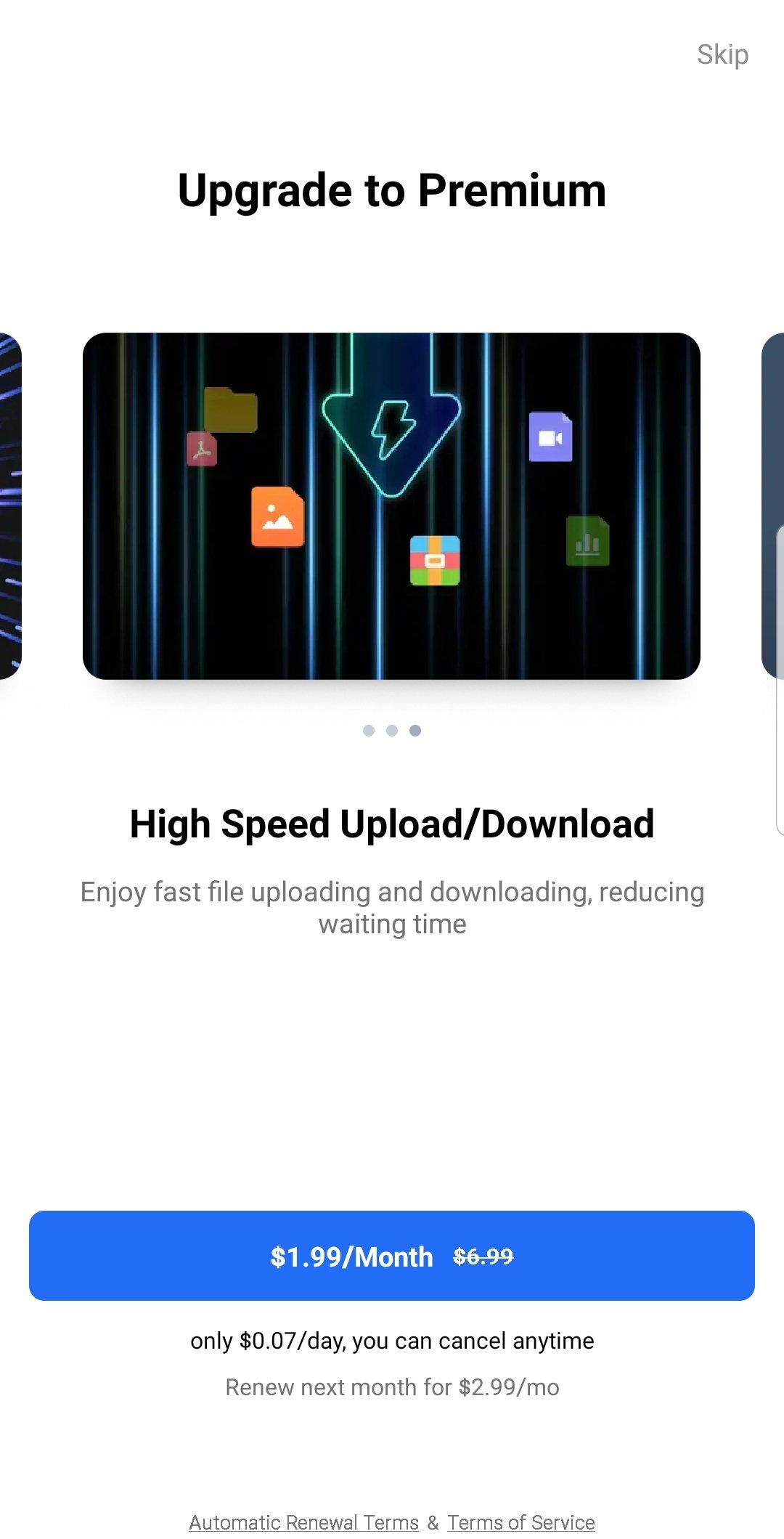
🌟 UPGRADE TO PREMIUM PLANS
Unlock more benefits with TeraBox Premium:
• Premium - 2TB of cloud storage, access to AI features, original-quality video playback, and more.
• Premium Plus - 5TB of cloud storage, and over 40 exclusive privileges, including AI photo editing, AI transcription, AI scanning, and more.
Sign up for TeraBox now to get 1TB of free cloud storage and enjoy a powerful AI-driven search experience!
📞 SUPPORT
Any questions or support? Please contact us at helpdesk@terabox.com
Follow TeraBox on social media:
• Facebook: https://www.facebook.com/TeraBoxofficial
• Instagram: https://www.instagram.com/teraboxofficial_/
Privacy Policy: https://www.terabox.com/terms/privacy?lang=en
Terms of Use: https://www.terabox.com/terms/duty?lang=en
Avance
Etiquetas
HerramientasInformación
Desarrollador
Flextech Inc.
La última versión
4.24.6
Última actualización
2026-09-04
Categoría
Herramientas
Mostrar más
Cómo jugar TeraBox: 1TB Cloud & AI Space con GameLoop en PC
1. Descargue GameLoop desde el sitio web oficial, luego ejecute el archivo exe para instalar GameLoop.
2. Abra GameLoop y busque "TeraBox: 1TB Cloud & AI Space", busque TeraBox: 1TB Cloud & AI Space en los resultados de búsqueda y haga clic en "Instalar".
3. Disfruta jugando TeraBox: 1TB Cloud & AI Space en GameLoop.
Minimum requirements
OS
Windows 8.1 64-bit or Windows 10 64-bit
GPU
GTX 1050
CPU
i3-8300
Memory
8GB RAM
Storage
1GB available space
Recommended requirements
OS
Windows 8.1 64-bit or Windows 10 64-bit
GPU
GTX 1050
CPU
i3-9320
Memory
16GB RAM
Storage
1GB available space