BedrockTogether for Minecraft para PC
BedrockTogether
Descarga BedrockTogether for Minecraft en PC con GameLoop Emulator
BedrockTogether for Minecraft en PC
BedrockTogether for Minecraft, proveniente del desarrollador BedrockTogether, se ejecuta en el sistema Android en el pasado.
Ahora, puedes jugar BedrockTogether for Minecraft en PC con GameLoop sin problemas.
Descárgalo en la biblioteca de GameLoop o en los resultados de búsqueda. No más mirar la batería o llamadas frustrantes en el momento equivocado nunca más.
Simplemente disfrute de BedrockTogether for Minecraft PC en la pantalla grande de forma gratuita!
BedrockTogether for Minecraft Introducción
BedrockTogether is the easiest way to join any Minecraft Bedrock Edition server on Xbox, PlayStation, Nintendo Switch, and other console platforms. It makes any Bedrock server appear as a LAN game inside Minecraft, so you can connect to your favourite multiplayer servers in seconds — no PC and no DNS rerouting required.
Play on thousands of Minecraft Bedrock servers straight from your console. Whether you're on Xbox, PlayStation 4, PlayStation 5, or Nintendo Switch, BedrockTogether lets you connect to survival servers, minigames, and SMP worlds. Compatible with Minecraft Bedrock Edition (MCPE / Pocket Edition) servers.
Note: Realms are currently not supported by BedrockTogether.
How to connect to a server:
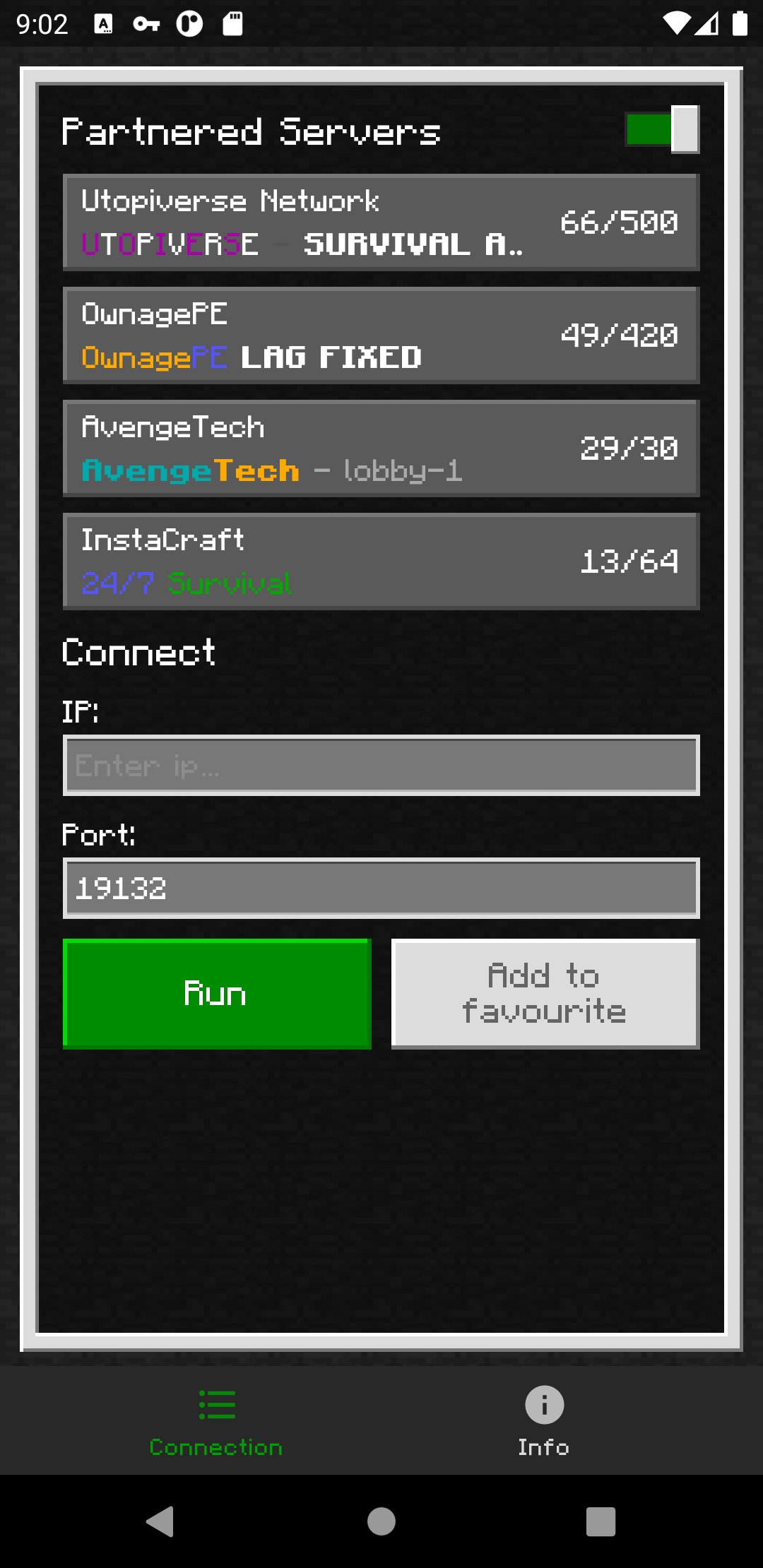
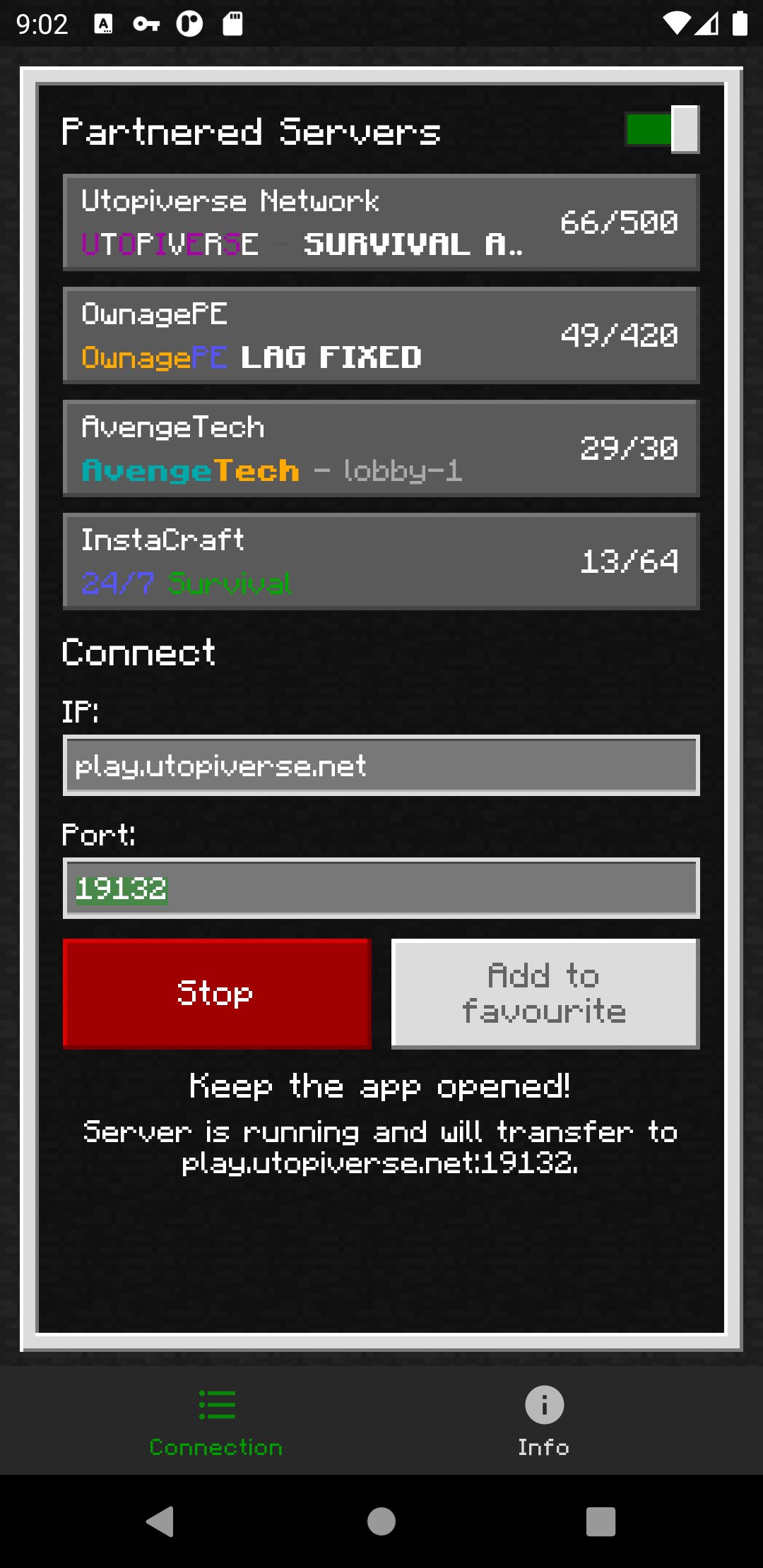
1. Enter your desired server IP and port.
2. Tap the "Run" button.
3. Open Minecraft and go to the "Friends" tab.
4. Join the server from the LAN games list.
5. Close BedrockTogether once your console has joined the server.
Troubleshooting:
- Make sure your gaming console and your mobile device are on the same Wi-Fi / LAN network.
- Make sure "Visible to LAN Players" is turned on in Minecraft's multiplayer settings.
Why BedrockTogether?
- Join any Minecraft Bedrock server on Xbox, PlayStation and Nintendo Switch
- Simple LAN connection — no DNS, no PC, no complicated setup
- Works with survival, SMP, multiplayer minigames and community servers
- Trusted by millions of Minecraft players
Found a bug? Join our Discord and report it in the #bugs channel:
https://discord.gg/3NxZEt8
Or reach us on Telegram: t.me/extollite
Application icon made by nataliagemel.pl
Disclaimer: BedrockTogether is a third-party application. BedrockTogether is not an endorsed extension of, or affiliated with, Minecraft, its creators or proprietors, Mojang AB, Microsoft, Xbox, or Xbox Live in any way.
NOT AN OFFICIAL MINECRAFT PRODUCT. NOT APPROVED BY OR ASSOCIATED WITH MOJANG OR MICROSOFT.
Avance
Etiquetas
HerramientasInformación
Desarrollador
BedrockTogether
La última versión
1.26.50.4
Última actualización
2026-09-17
Categoría
Herramientas
Disponible en
Google Play
Mostrar más
Cómo jugar BedrockTogether for Minecraft con GameLoop en PC
1. Descargue GameLoop desde el sitio web oficial, luego ejecute el archivo exe para instalar GameLoop.
2. Abra GameLoop y busque "BedrockTogether for Minecraft", busque BedrockTogether for Minecraft en los resultados de búsqueda y haga clic en "Instalar".
3. Disfruta jugando BedrockTogether for Minecraft en GameLoop.
Minimum requirements
OS
Windows 8.1 64-bit or Windows 10 64-bit
GPU
GTX 1050
CPU
i3-8300
Memory
8GB RAM
Storage
1GB available space
Recommended requirements
OS
Windows 8.1 64-bit or Windows 10 64-bit
GPU
GTX 1050
CPU
i3-9320
Memory
16GB RAM
Storage
1GB available space