Personalized Volume Control para PC
Kumar.Studio
Descarga Personalized Volume Control en PC con GameLoop Emulator
Personalized Volume Control en PC
Personalized Volume Control, proveniente del desarrollador Kumar.Studio, se ejecuta en el sistema Android en el pasado.
Ahora, puedes jugar Personalized Volume Control en PC con GameLoop sin problemas.
Descárgalo en la biblioteca de GameLoop o en los resultados de búsqueda. No más mirar la batería o llamadas frustrantes en el momento equivocado nunca más.
Simplemente disfrute de Personalized Volume Control PC en la pantalla grande de forma gratuita!
Personalized Volume Control Introducción
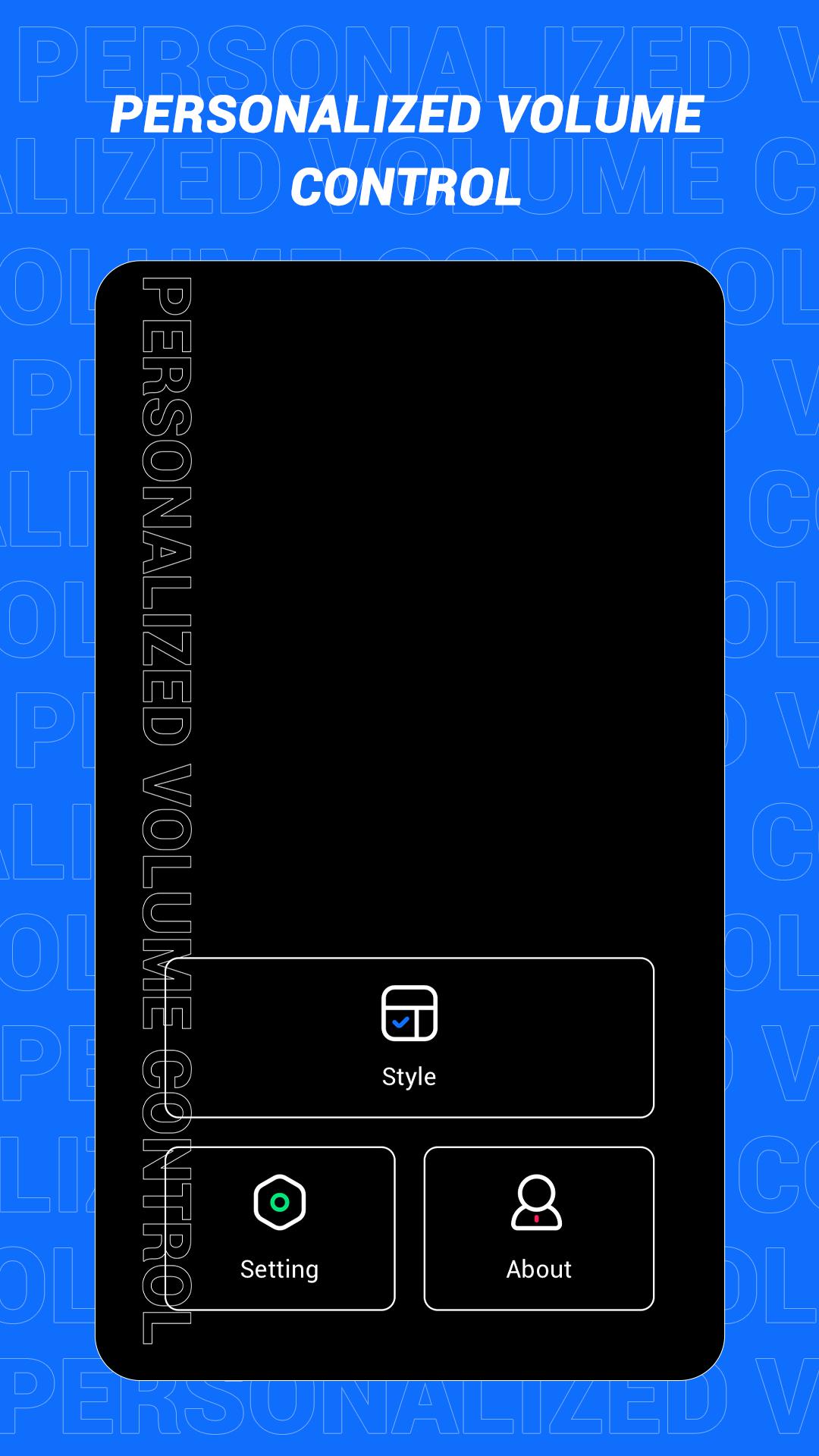
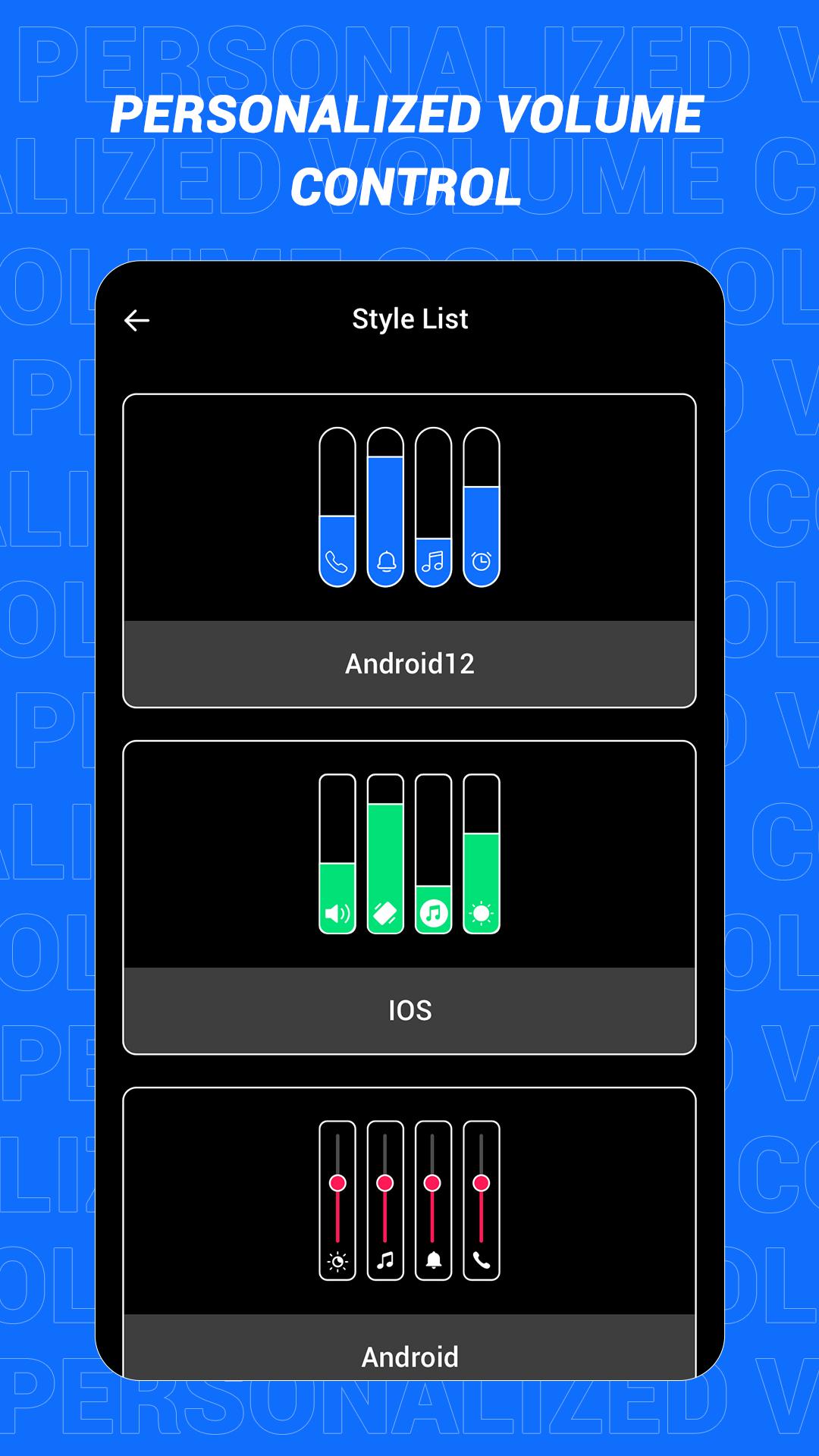
This is an app that can quickly change the style of the sound control panel. The volume control panel is to remind the user of the specific volume of the device and to adjust the volume more conveniently. In this software, a variety of panel styles are provided for users, and users can choose and set them at will. If you want a different color, you can choose your favorite color. In this app, users can also increase the brightness adjustment slider according to the actual situation!
Main features:
1. Provide a variety of volume panel styles to choose from
2. You can change the panel color to your favorite color
3. You can add shortcuts for multiple functions
4. Support more detailed function settings
Disclaimer: This application is only a tool application and will not collect any information from you, please rest assured!
Avance
Etiquetas
HerramientasInformación
Desarrollador
Kumar.Studio
La última versión
1.1
Última actualización
2022-08-08
Categoría
Herramientas
Disponible en
Google Play
Mostrar más
Cómo jugar Personalized Volume Control con GameLoop en PC
1. Descargue GameLoop desde el sitio web oficial, luego ejecute el archivo exe para instalar GameLoop.
2. Abra GameLoop y busque "Personalized Volume Control", busque Personalized Volume Control en los resultados de búsqueda y haga clic en "Instalar".
3. Disfruta jugando Personalized Volume Control en GameLoop.
Minimum requirements
OS
Windows 8.1 64-bit or Windows 10 64-bit
GPU
GTX 1050
CPU
i3-8300
Memory
8GB RAM
Storage
1GB available space
Recommended requirements
OS
Windows 8.1 64-bit or Windows 10 64-bit
GPU
GTX 1050
CPU
i3-9320
Memory
16GB RAM
Storage
1GB available space