
One Tap Sensi FFH4X - GFX Tool para PC
RegEdit FFh4X Limited Edition
Descarga One Tap Sensi FFH4X - GFX Tool en PC con GameLoop Emulator
One Tap Sensi FFH4X - GFX Tool en PC
One Tap Sensi FFH4X - GFX Tool, proveniente del desarrollador RegEdit FFh4X Limited Edition, se ejecuta en el sistema Android en el pasado.
Ahora, puedes jugar One Tap Sensi FFH4X - GFX Tool en PC con GameLoop sin problemas.
Descárgalo en la biblioteca de GameLoop o en los resultados de búsqueda. No más mirar la batería o llamadas frustrantes en el momento equivocado nunca más.
Simplemente disfrute de One Tap Sensi FFH4X - GFX Tool PC en la pantalla grande de forma gratuita!
One Tap Sensi FFH4X - GFX Tool Introducción
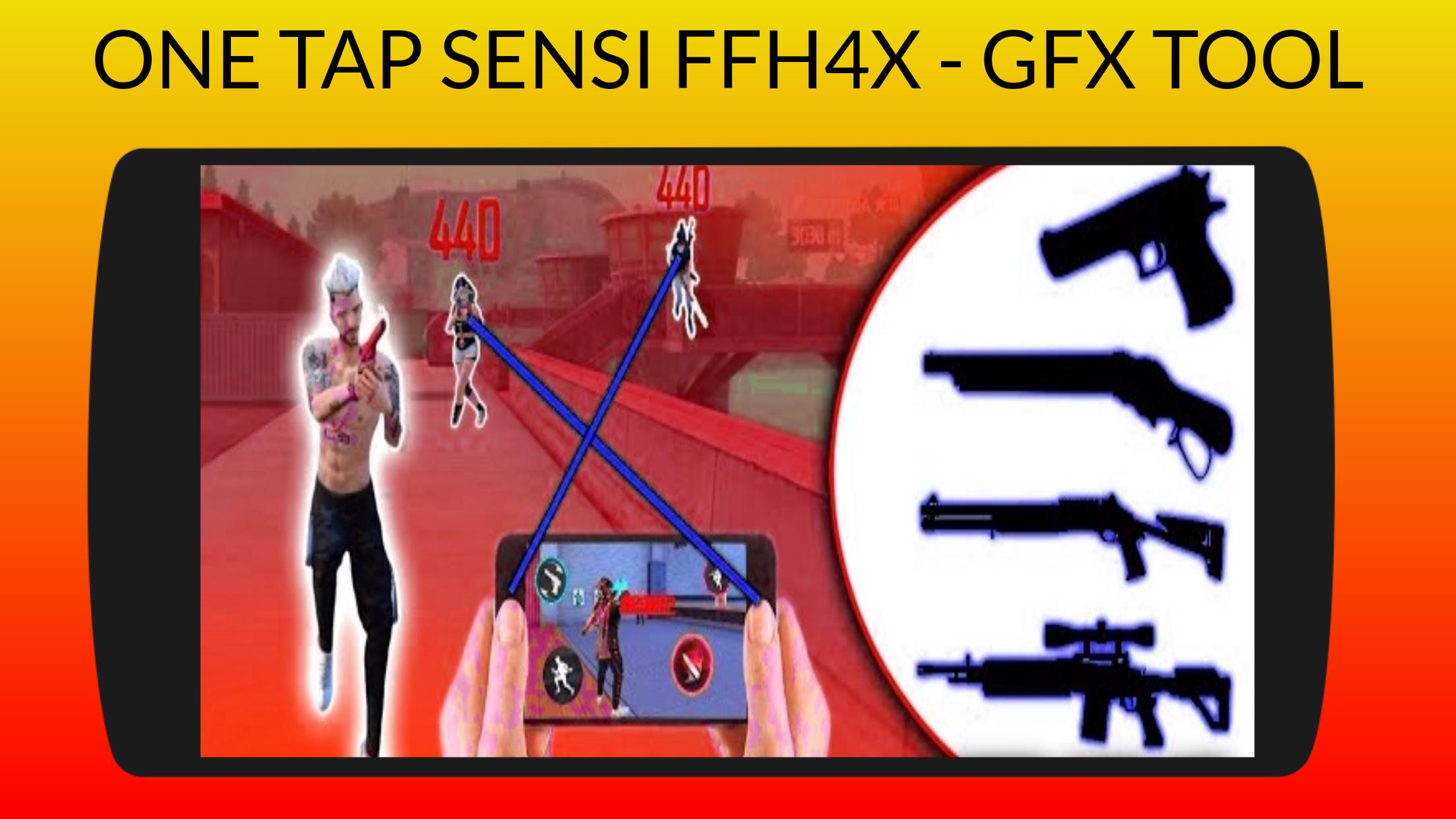
This One Tap Sensi FFH4X - GFX Tool will boost your skills in f _ f game, It provides sensitivity to play with better setting and no lag.
Select your mobile phone and Copy the sensitivity settings into configuration and Improve your gaming skills to increase touch screen speedy for an easy victory in f _ f game.
Features :
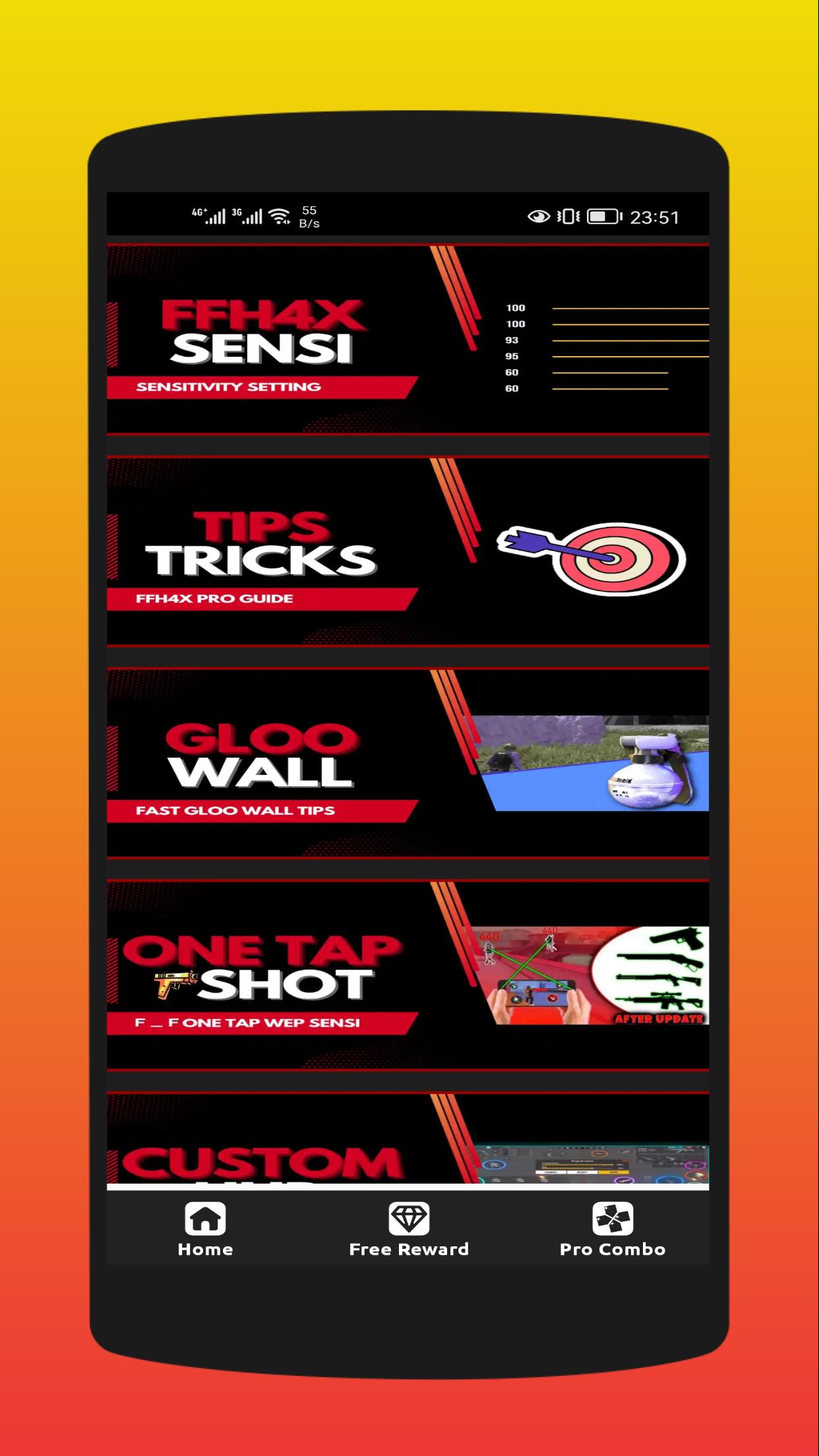
- FFH4X Sensitivity
- Tips & Tricks
- One Tap Wep-Sensi
- Fast Gloo Wall
- Custom Hud
- Dpi | Button Size
DISCLAIMER :
- One Tap Sensi FFH4X - GFX Tool is not affiliated with any app or game and all copyrights in this application are owned by each copyright holder.
- This app is made by free game fans to help other players win the game.
- The images in this application are collected from videos and web pages, If we violate copyrights, please let us know and we will remove them immediately.
Avance
Etiquetas
HerramientasInformación
Desarrollador
RegEdit FFh4X Limited Edition
La última versión
3.3
Última actualización
2023-03-07
Categoría
Herramientas
Disponible en
Google Play
Mostrar más
Cómo jugar One Tap Sensi FFH4X - GFX Tool con GameLoop en PC
1. Descargue GameLoop desde el sitio web oficial, luego ejecute el archivo exe para instalar GameLoop.
2. Abra GameLoop y busque "One Tap Sensi FFH4X - GFX Tool", busque One Tap Sensi FFH4X - GFX Tool en los resultados de búsqueda y haga clic en "Instalar".
3. Disfruta jugando One Tap Sensi FFH4X - GFX Tool en GameLoop.
Minimum requirements
OS
Windows 8.1 64-bit or Windows 10 64-bit
GPU
GTX 1050
CPU
i3-8300
Memory
8GB RAM
Storage
1GB available space
Recommended requirements
OS
Windows 8.1 64-bit or Windows 10 64-bit
GPU
GTX 1050
CPU
i3-9320
Memory
16GB RAM
Storage
1GB available space