
KR Keyboard para PC
KHUN SOE ZAW THU
Descarga KR Keyboard en PC con GameLoop Emulator
KR Keyboard en PC
KR Keyboard, proveniente del desarrollador KHUN SOE ZAW THU, se ejecuta en el sistema Android en el pasado.
Ahora, puedes jugar KR Keyboard en PC con GameLoop sin problemas.
Descárgalo en la biblioteca de GameLoop o en los resultados de búsqueda. No más mirar la batería o llamadas frustrantes en el momento equivocado nunca más.
Simplemente disfrute de KR Keyboard PC en la pantalla grande de forma gratuita!
KR Keyboard Introducción
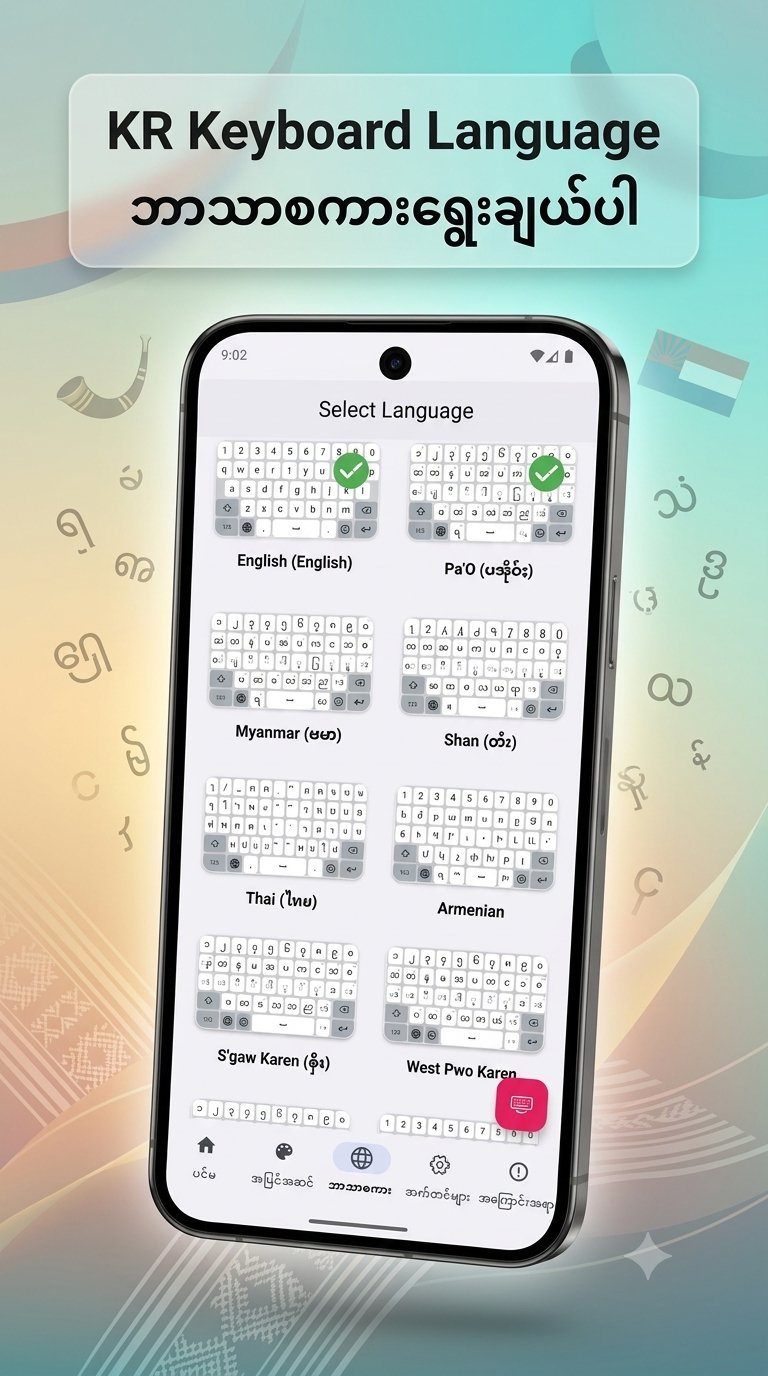
KR Keyboard language For Burmese, PaO, Shan, Karen, Mon, Ta'ang, Thai, Korean
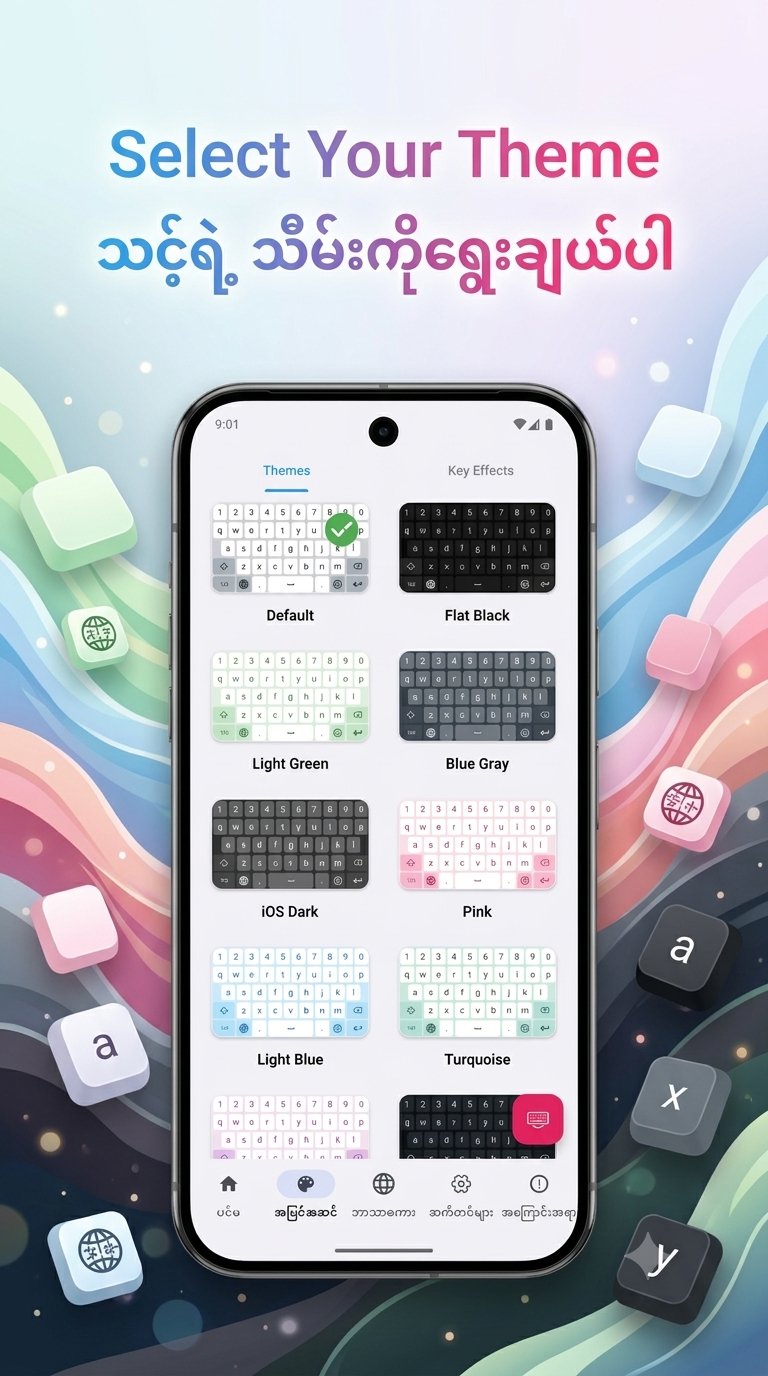
1. New Home UI - Access the Custom Theme editor directly from the Home screen for faster personalization.
2. Bold Key Text - Added a toggle in Font & Size settings to make keyboard characters bold and more visible.
3.Improved Dictionary Editor - Manage your personal word list more efficiently. The editor now focuses exclusively on user-added words.
4. Enhanced Space Key Logic - Improved character handling when pressing space to prevent accidental deletions and ensure smoother typing.
5. Bug Fixes & Optimizations:
◦ Fixed the touch issue on bottom keys in PaO Symbol layouts when the number row is enabled.
◦ Fixed the keyboard rendering issue where labels were missing on the first launch.
◦ Improved theme list stability; it no longer jumps to the top after selecting a theme
Avance
Etiquetas
HerramientasInformación
Desarrollador
KHUN SOE ZAW THU
La última versión
2.8
Última actualización
2026-08-21
Categoría
Herramientas
Disponible en
Google Play
Mostrar más
Cómo jugar KR Keyboard con GameLoop en PC
1. Descargue GameLoop desde el sitio web oficial, luego ejecute el archivo exe para instalar GameLoop.
2. Abra GameLoop y busque "KR Keyboard", busque KR Keyboard en los resultados de búsqueda y haga clic en "Instalar".
3. Disfruta jugando KR Keyboard en GameLoop.
Minimum requirements
OS
Windows 8.1 64-bit or Windows 10 64-bit
GPU
GTX 1050
CPU
i3-8300
Memory
8GB RAM
Storage
1GB available space
Recommended requirements
OS
Windows 8.1 64-bit or Windows 10 64-bit
GPU
GTX 1050
CPU
i3-9320
Memory
16GB RAM
Storage
1GB available space