
KeyPass para PC
Yogesh Paliyal
Descarga KeyPass en PC con GameLoop Emulator
KeyPass en PC
KeyPass, proveniente del desarrollador Yogesh Paliyal, se ejecuta en el sistema Android en el pasado.
Ahora, puedes jugar KeyPass en PC con GameLoop sin problemas.
Descárgalo en la biblioteca de GameLoop o en los resultados de búsqueda. No más mirar la batería o llamadas frustrantes en el momento equivocado nunca más.
Simplemente disfrute de KeyPass PC en la pantalla grande de forma gratuita!
KeyPass Introducción
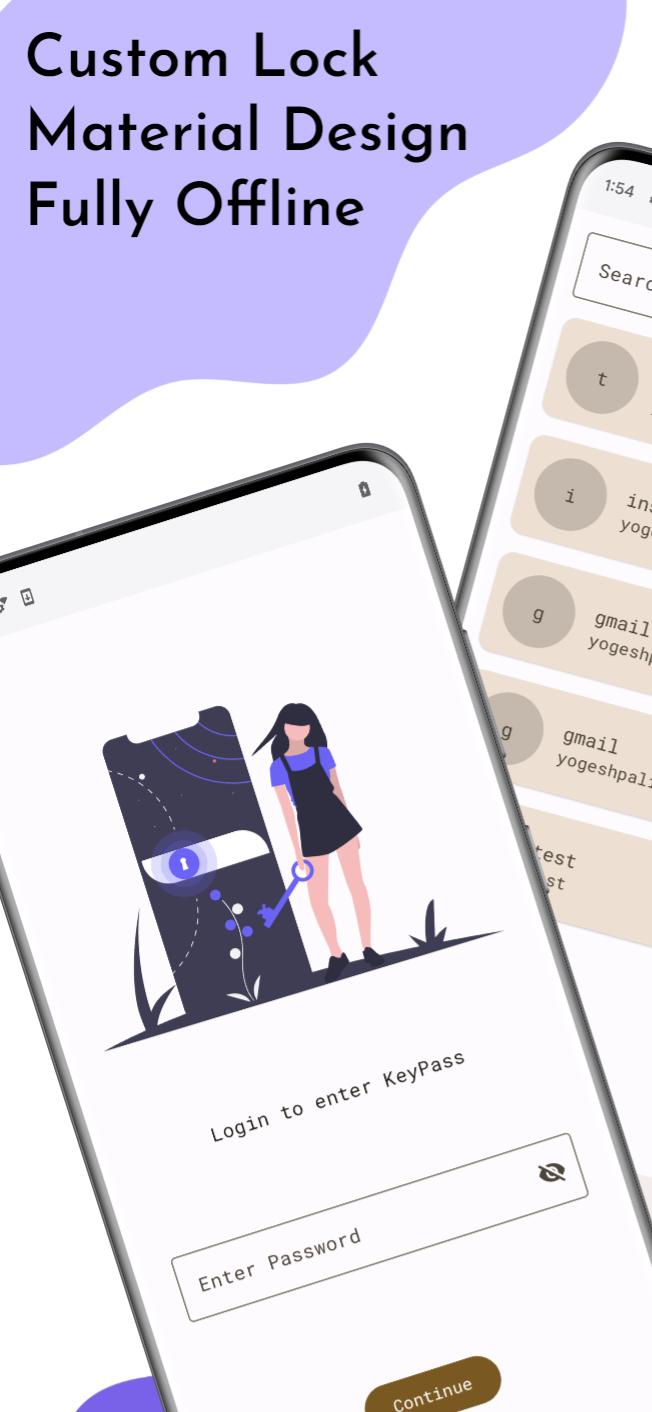
KeyPass is an exceptional open-source and offline password manager that puts you in charge of your digital security. With KeyPass, you can confidently store and manage your passwords and sensitive information offline, ensuring maximum privacy and control over your data.
Key Features:
- Offline Password Storage: Safely store and manage your passwords without relying on an internet connection. Your data remains securely stored on your device, keeping it inaccessible to others.
- Open-Source Transparency: KeyPass is an open-source project, allowing you to examine its code, contribute to its development, and verify its security. Benefit from a community-driven and transparent solution.
Source Code Link: https://github.com/yogeshpaliyal/KeyPass
- Strong Encryption: KeyPass utilizes robust encryption algorithms to safeguard your data, ensuring that your passwords and sensitive information are kept secure from prying eyes.
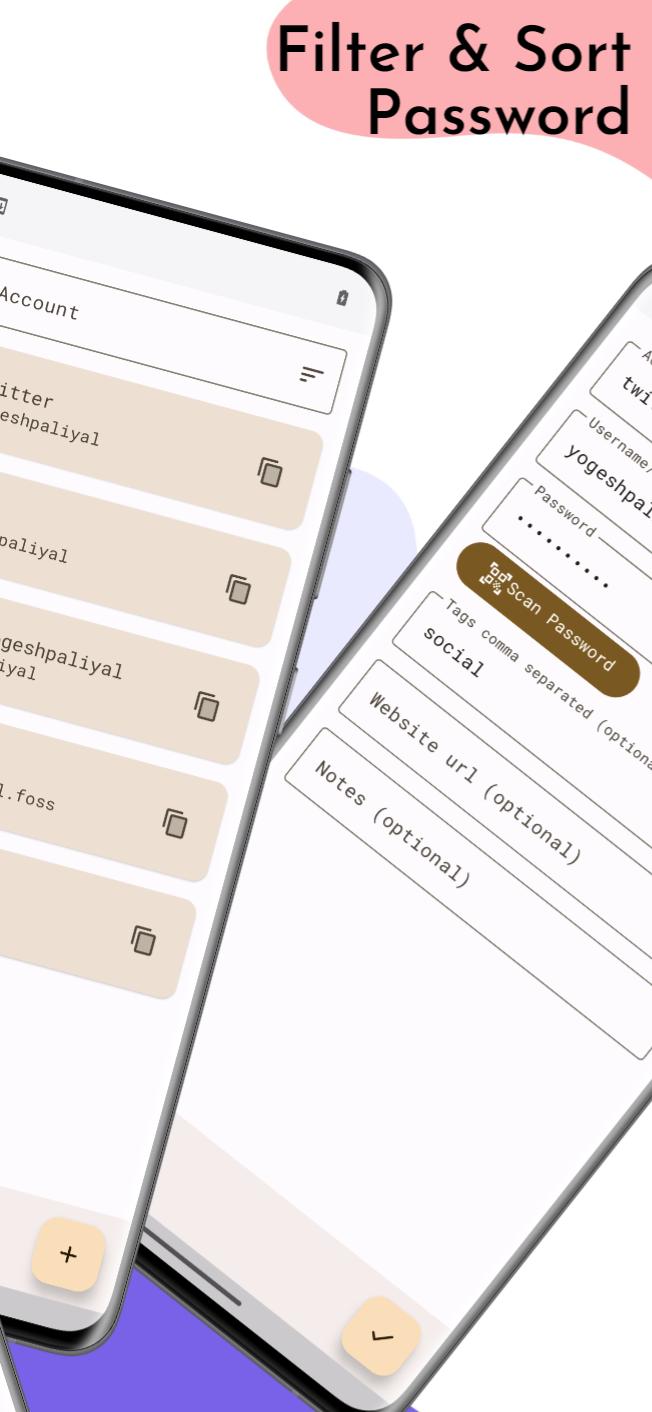
- Password Generation: Generate strong and unique passwords using KeyPass's built-in password generator. Strengthen your online security by creating complex passwords effortlessly.
- Customizable Categories: Organize your passwords and sensitive information into customizable categories, making it easy to manage and retrieve your data efficiently.
- Backup and Restore: Back up your encrypted data locally or to external storage, ensuring you have a copy of your information in case of device loss or failure.
KeyPass combines the power of open-source development with the convenience of offline password management, offering you a secure and customizable solution. Take full control of your digital security with KeyPass today
Avance
Etiquetas
HerramientasInformación
Desarrollador
Yogesh Paliyal
La última versión
1.4.42
Última actualización
2025-09-03
Categoría
Herramientas
Disponible en
Google Play
Mostrar más
Cómo jugar KeyPass con GameLoop en PC
1. Descargue GameLoop desde el sitio web oficial, luego ejecute el archivo exe para instalar GameLoop.
2. Abra GameLoop y busque "KeyPass", busque KeyPass en los resultados de búsqueda y haga clic en "Instalar".
3. Disfruta jugando KeyPass en GameLoop.
Minimum requirements
OS
Windows 8.1 64-bit or Windows 10 64-bit
GPU
GTX 1050
CPU
i3-8300
Memory
8GB RAM
Storage
1GB available space
Recommended requirements
OS
Windows 8.1 64-bit or Windows 10 64-bit
GPU
GTX 1050
CPU
i3-9320
Memory
16GB RAM
Storage
1GB available space