
iNote Sticky Notes & Notepad para PC
BlueSkySoft
Descarga iNote Sticky Notes & Notepad en PC con GameLoop Emulator
iNote Sticky Notes & Notepad en PC
iNote Sticky Notes & Notepad, proveniente del desarrollador BlueSkySoft, se ejecuta en el sistema Android en el pasado.
Ahora, puedes jugar iNote Sticky Notes & Notepad en PC con GameLoop sin problemas.
Descárgalo en la biblioteca de GameLoop o en los resultados de búsqueda. No más mirar la batería o llamadas frustrantes en el momento equivocado nunca más.
Simplemente disfrute de iNote Sticky Notes & Notepad PC en la pantalla grande de forma gratuita!
iNote Sticky Notes & Notepad Introducción
iNote Style Notepad – The Ultimate Sticky Notes App for Daily Writing!
Looking for a seamless and stylish way to organize your thoughts, ideas, and daily tasks? The iNote Style Notepad brings the elegance and style to your Android device. As one of the most efficient Color Note Taking Apps, it combines functionality with aesthetics, ensuring that every note you take feels polished and organized.With iNote Style Notepad, you can enjoy an intuitive and vibrant notebook that caters to all your needs for daily writing, reminders, and quick ideas. This Sticky Notes App is visually appealing and highly functional.
📄 iNote Style Notepad Key Features: 📄
✔️ Beautiful Note Design – Enjoy a familiar and stylish layout.
✔️ Daily Writing Options – Personalize your notes by creating categories like personal, work, or even travel notes.
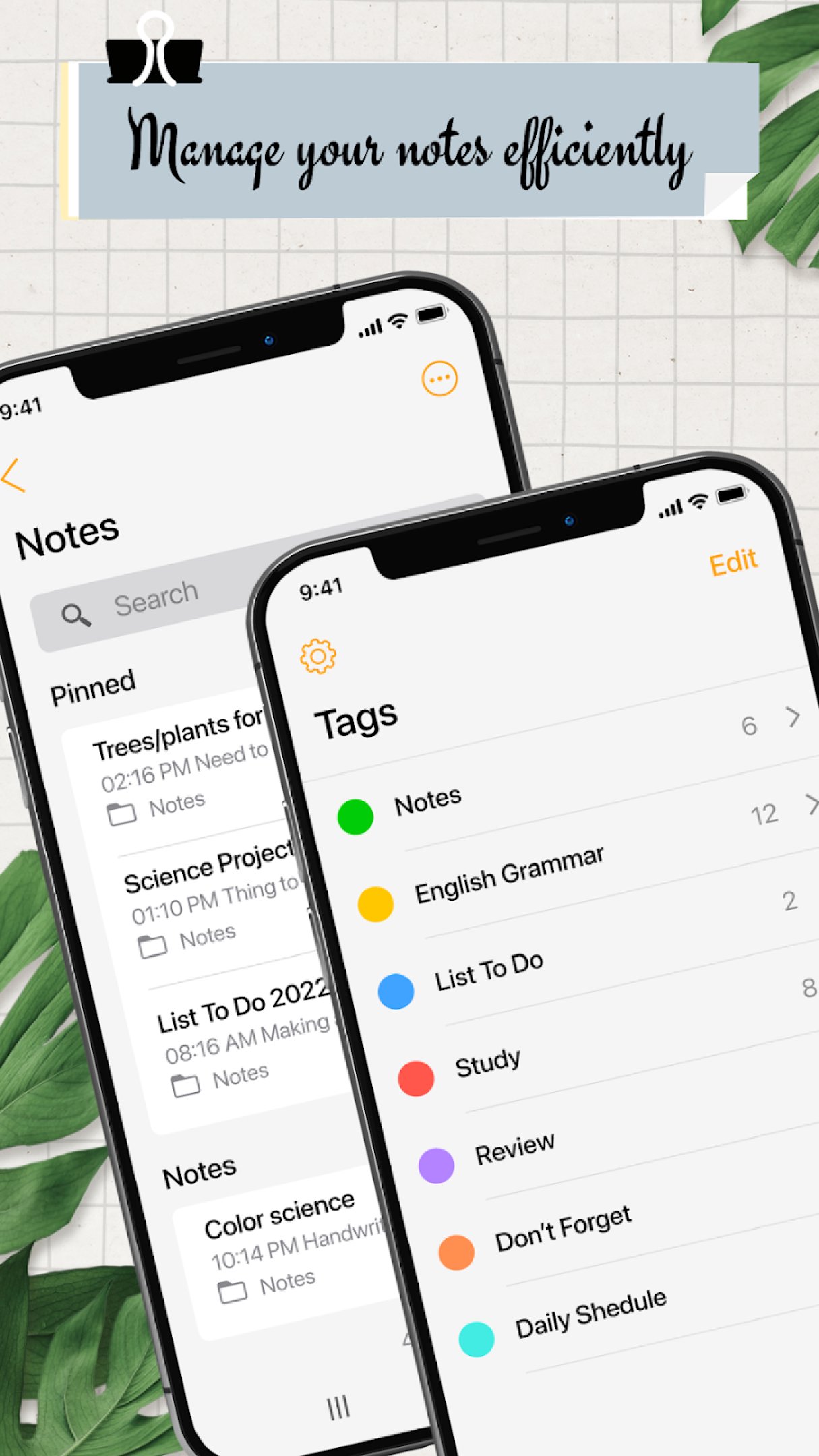
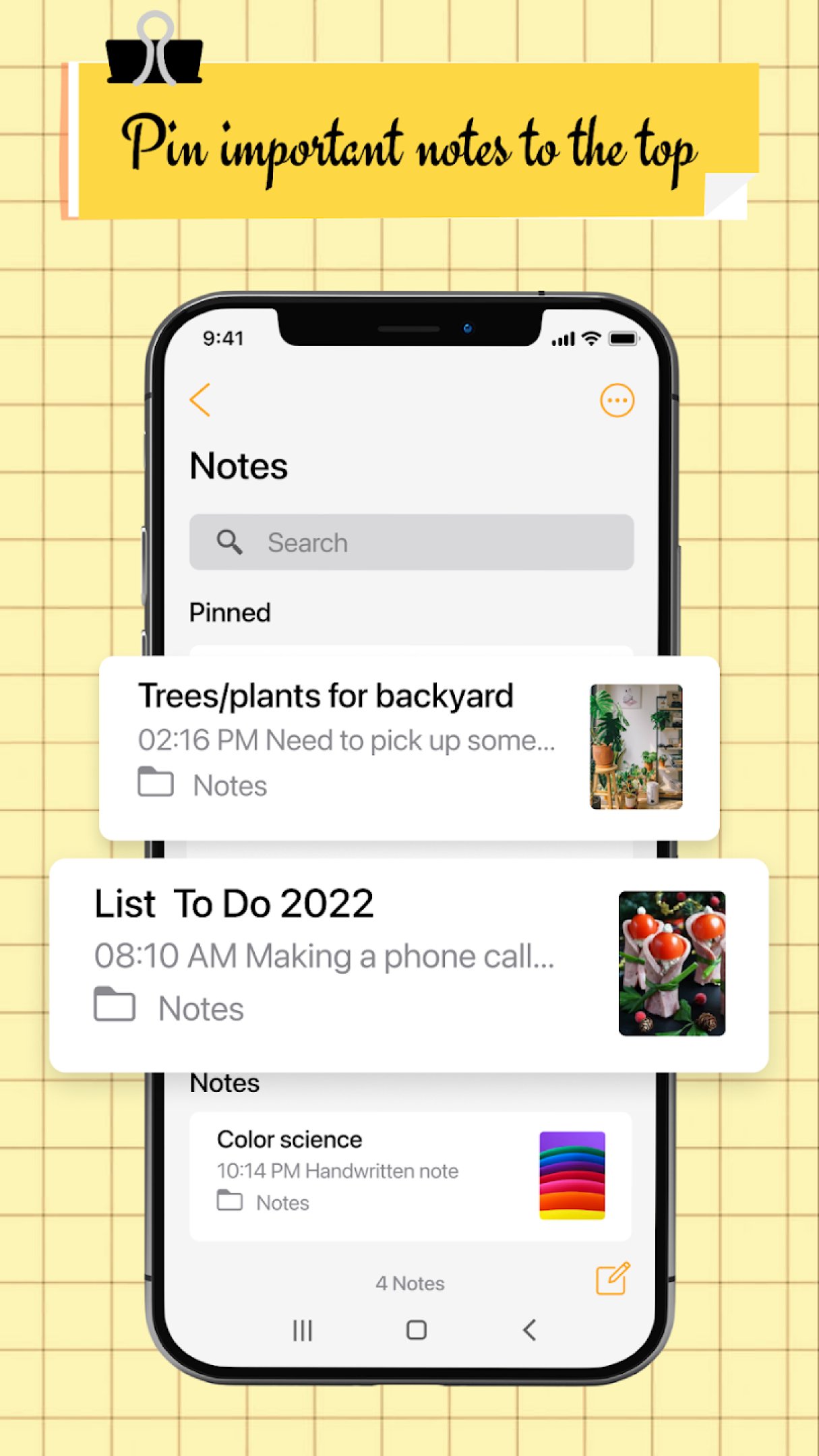
✔️ Sticky Note Widget – Pin important notes directly to your home screen for easy access.
✔️ Password Protection – Keep your personal notes secure with password encryption.
✔️ Add Photos to Notes – Quickly capture memories or reminders by inserting photos from your camera or library.
✔️ Handwritten Notes – Use the app’s easy tools to create handwritten notes.
✔️ QR and Barcode Scanning – Scan and store information directly into your notes.
✔️ Fast Search Function – Easily find specific notes by searching text within them.
✔️ Tagging & Folders – Organize your notes with tags and folders for efficient navigation.
✔️ Color Categorization (Color Note) – Assign colors to different notes to keep things visually sorted;
✔️ Share with Ease – Send notes to friends or colleagues with just a tap.
Capture Every Thought with the Best Notebook for Daily Writing!
Whether you're jotting down reminders, creating a grocery list, or reflecting on the day’s events, the iNote Style Notepad is the perfect solution. It stands out as one of the most versatile Color Note Taking Apps, designed to help you manage your thoughts and tasks with ease. This Notebook for Daily Writing is ideal for anyone who values organization, style, and quick access to information.Color Note Taking Apps That Streamline Productivity: 🎨
Our Color Note Taking Apps ensure that every note is visually organized, making it easy to categorize information. Use different colors to identify themes or types of notes, and switch between categories effortlessly. From professional meetings to creative brainstorming, you can rely on this intuitive system for clarity and focus.
Notebook for Daily Writing and More: 📝
This Notebook for Daily Writing is more than just a tool for jotting down ideas. The iNote Style Notepad offers a refreshing design that transforms your phone into a stylish and practical notebook. With the Sticky Notes App, customization is at your fingertips. Sticky Notes App has customizable features, made to make your life easier.
Enhance Your Note-Taking Experience with iNote Style Notepad!
Embrace the convenience of iNote Style Notepad, the Sticky Notes App that brings together functionality and style. From securing your personal notes to adding colorful organization, this app redefines note-taking on Android. Perfect for anyone seeking a Notebook for Daily Writing, it offers everything you need to stay organized and inspired. Dive into the world of Color Note Taking Apps and take your notes to the next level!Avance
Etiquetas
HerramientasInformación
Desarrollador
BlueSkySoft
La última versión
2.1.1
Última actualización
2026-10-22
Categoría
Herramientas
Disponible en
Google Play
Mostrar más
Cómo jugar iNote Sticky Notes & Notepad con GameLoop en PC
1. Descargue GameLoop desde el sitio web oficial, luego ejecute el archivo exe para instalar GameLoop.
2. Abra GameLoop y busque "iNote Sticky Notes & Notepad", busque iNote Sticky Notes & Notepad en los resultados de búsqueda y haga clic en "Instalar".
3. Disfruta jugando iNote Sticky Notes & Notepad en GameLoop.
Minimum requirements
OS
Windows 8.1 64-bit or Windows 10 64-bit
GPU
GTX 1050
CPU
i3-8300
Memory
8GB RAM
Storage
1GB available space
Recommended requirements
OS
Windows 8.1 64-bit or Windows 10 64-bit
GPU
GTX 1050
CPU
i3-9320
Memory
16GB RAM
Storage
1GB available space