
PNGMagic Resizer/PNG Converter para PC
For Innovation
Descarga PNGMagic Resizer/PNG Converter en PC con GameLoop Emulator
PNGMagic Resizer/PNG Converter en PC
PNGMagic Resizer/PNG Converter, proveniente del desarrollador For Innovation, se ejecuta en el sistema Android en el pasado.
Ahora, puedes jugar PNGMagic Resizer/PNG Converter en PC con GameLoop sin problemas.
Descárgalo en la biblioteca de GameLoop o en los resultados de búsqueda. No más mirar la batería o llamadas frustrantes en el momento equivocado nunca más.
Simplemente disfrute de PNGMagic Resizer/PNG Converter PC en la pantalla grande de forma gratuita!
PNGMagic Resizer/PNG Converter Introducción
PNGMagic Resizer/PNG Converter
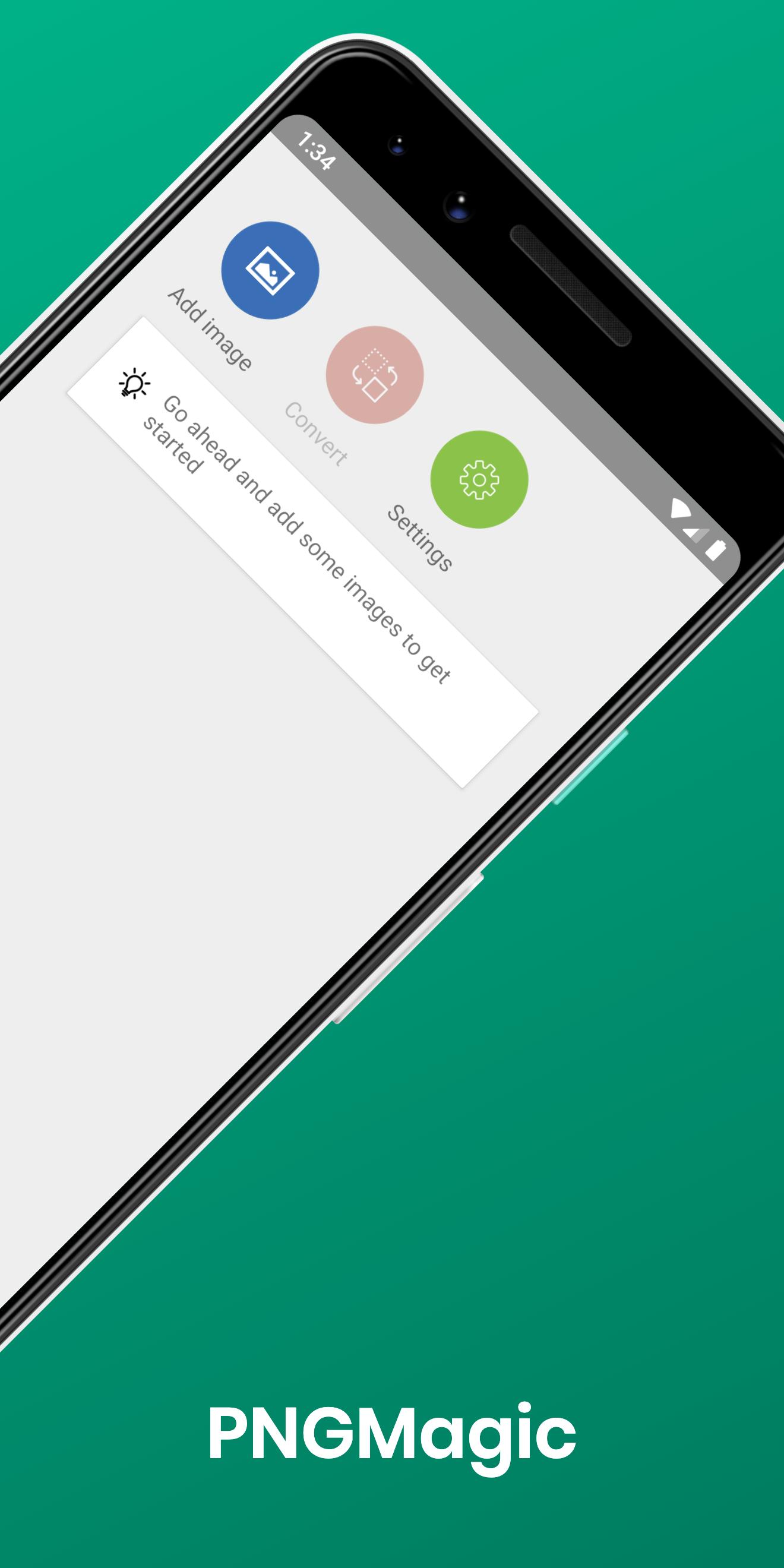
Resizing your images and converting them to PNG couldn't be easier.
The main features of this app include:
- Quick conversion from JPG/GIF and other formats to PNG.
- You can convert multiple images all at once.
- After conversion is finished you can tap the new PNG images to quickly share them.
- All your converted PNG images will be saved into a new folder called “/Pictures/PNGMagic/”.
It's useful for when:
- You have a lot of images you want to convert to PNG format.
- You need to send an image to a device that only supports PNG.
- You have some images you want to resize/crop then convert.
If you have any issues with this app or suggestions feel free to email them to Crewa.RPG@gmail.com
Avance
Etiquetas
HerramientasInformación
Desarrollador
For Innovation
La última versión
1.3.0
Última actualización
2019-08-07
Categoría
Herramientas
Disponible en
Google Play
Mostrar más
Cómo jugar PNGMagic Resizer/PNG Converter con GameLoop en PC
1. Descargue GameLoop desde el sitio web oficial, luego ejecute el archivo exe para instalar GameLoop.
2. Abra GameLoop y busque "PNGMagic Resizer/PNG Converter", busque PNGMagic Resizer/PNG Converter en los resultados de búsqueda y haga clic en "Instalar".
3. Disfruta jugando PNGMagic Resizer/PNG Converter en GameLoop.
Minimum requirements
OS
Windows 8.1 64-bit or Windows 10 64-bit
GPU
GTX 1050
CPU
i3-8300
Memory
8GB RAM
Storage
1GB available space
Recommended requirements
OS
Windows 8.1 64-bit or Windows 10 64-bit
GPU
GTX 1050
CPU
i3-9320
Memory
16GB RAM
Storage
1GB available space