Date Seconds Widget para PC
OK soft
Descarga Date Seconds Widget en PC con GameLoop Emulator
Date Seconds Widget en PC
Date Seconds Widget, proveniente del desarrollador OK soft, se ejecuta en el sistema Android en el pasado.
Ahora, puedes jugar Date Seconds Widget en PC con GameLoop sin problemas.
Descárgalo en la biblioteca de GameLoop o en los resultados de búsqueda. No más mirar la batería o llamadas frustrantes en el momento equivocado nunca más.
Simplemente disfrute de Date Seconds Widget PC en la pantalla grande de forma gratuita!
Date Seconds Widget Introducción
Upgrade your home screen with a powerful and beautifully customizable clock experience.
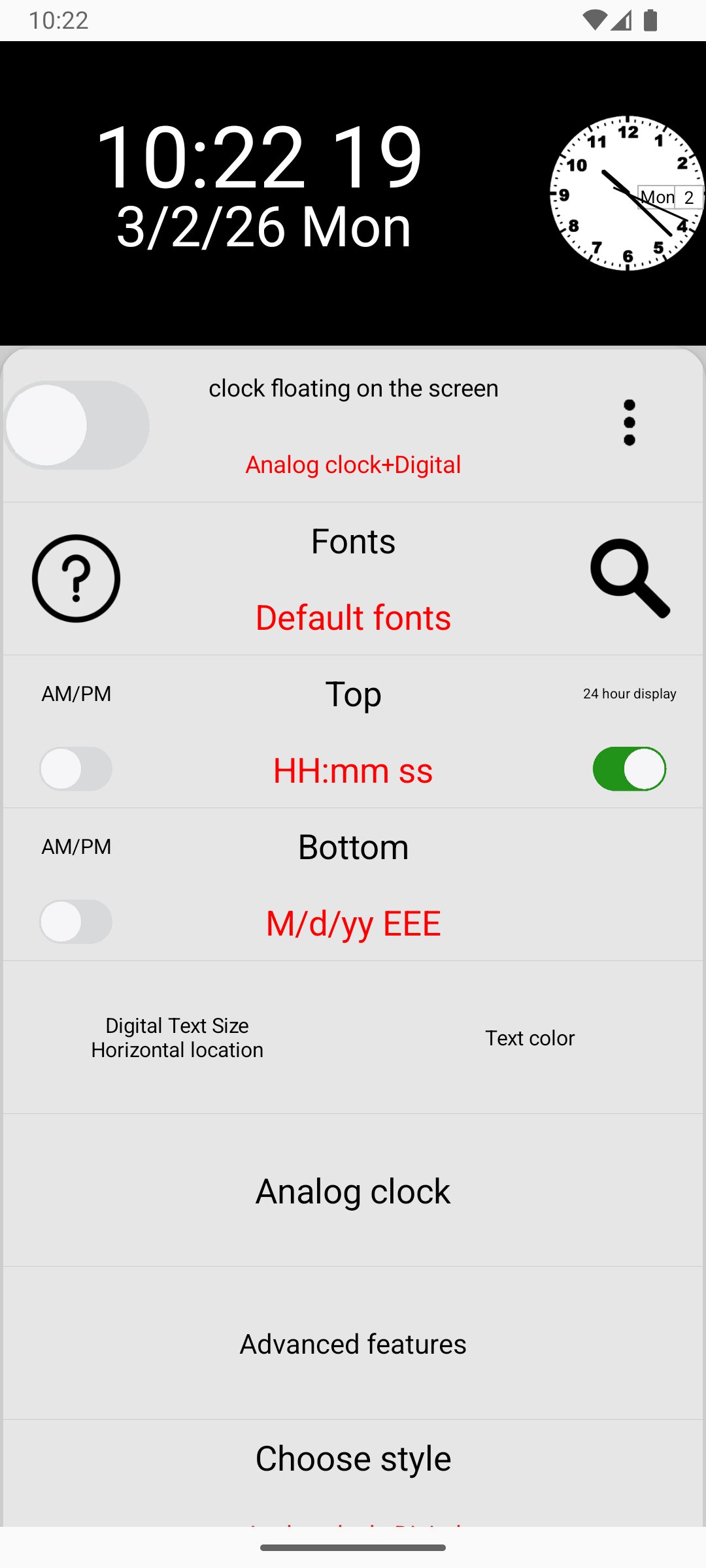
This all-in-one clock widget app combines elegant design, advanced customization, and practical tools to give you complete control over how you see and manage time.
🕒 Versatile Clock Displays
Choose the clock style that fits your mood and setup:
• Digital & Analog Clocks – Switch between sleek digital layouts and classic analog faces
• Progress Clock – Watch time pass with a unique visual progress interface
• Full-Screen Mode – Turn your phone or tablet into a stylish desk clock
• Floating Clock – Keep your clock visible on top of other apps while multitasking
🎨 Unmatched Customization
Make your clock truly yours with deep personalization options:
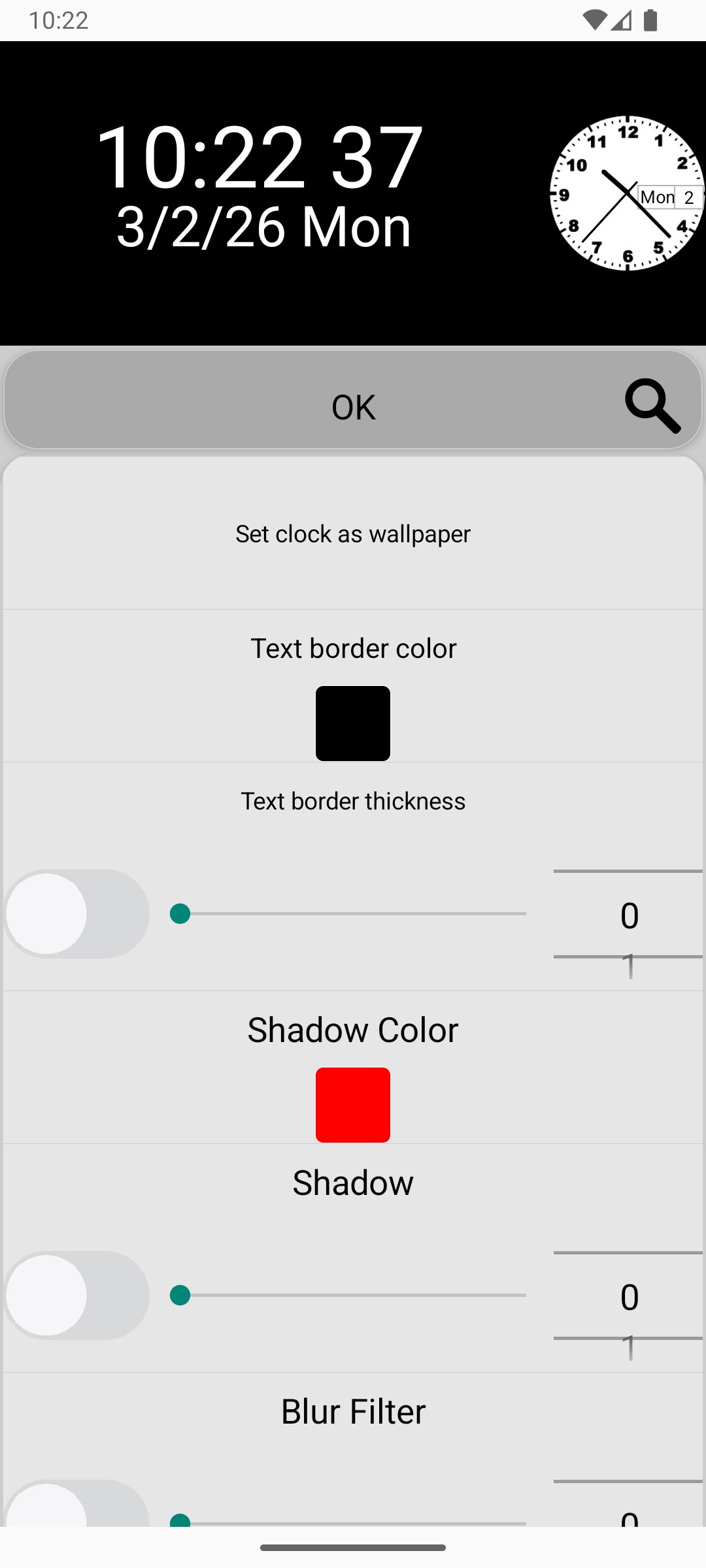
• Adjust font sizes, colors, shadows, and blur effects
• Customize analog dial textures and hand styles
• Add borders and refined UI effects for a premium look
• Fine-tune every detail to match your wallpaper and theme
No two setups need to look the same.
🛠 Multi-Functional Tools
More than just a clock:
• Stopwatch & Timer – Perfect for workouts, cooking, and productivity
• Countdown – Track important events, holidays, and deadlines
• Compass – Stay oriented wherever you go
• World Clock – Keep up with multiple time zones effortlessly
Everything you need in one powerful time utility app.
📱 Smart Integration
Designed to work seamlessly with your device:
• Home Screen Widget for instant access
• Live Wallpaper Mode for a functional and stylish background
• Battery Optimized for efficient performance
📍 Quick Setup Guide
Long-press any empty space on your home screen
Tap Widgets
Find this app
Drag your favorite clock widget onto your screen
(Setup steps may vary slightly depending on your device model.)
Transform the way you experience time.
Elegant. Functional. Fully customizable.
Avance
Etiquetas
HerramientasInformación
Desarrollador
OK soft
La última versión
4.12
Última actualización
2026-04-10
Categoría
Herramientas
Disponible en
Google Play
Mostrar más
Cómo jugar Date Seconds Widget con GameLoop en PC
1. Descargue GameLoop desde el sitio web oficial, luego ejecute el archivo exe para instalar GameLoop.
2. Abra GameLoop y busque "Date Seconds Widget", busque Date Seconds Widget en los resultados de búsqueda y haga clic en "Instalar".
3. Disfruta jugando Date Seconds Widget en GameLoop.
Minimum requirements
OS
Windows 8.1 64-bit or Windows 10 64-bit
GPU
GTX 1050
CPU
i3-8300
Memory
8GB RAM
Storage
1GB available space
Recommended requirements
OS
Windows 8.1 64-bit or Windows 10 64-bit
GPU
GTX 1050
CPU
i3-9320
Memory
16GB RAM
Storage
1GB available space