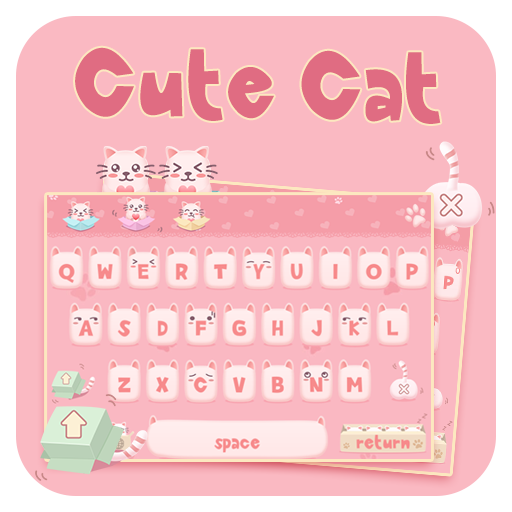
Cute Cat Keyboard para PC
Fresh Start Groups
Descarga Cute Cat Keyboard en PC con GameLoop Emulator
Cute Cat Keyboard en PC
Cute Cat Keyboard, proveniente del desarrollador Fresh Start Groups, se ejecuta en el sistema Android en el pasado.
Ahora, puedes jugar Cute Cat Keyboard en PC con GameLoop sin problemas.
Descárgalo en la biblioteca de GameLoop o en los resultados de búsqueda. No más mirar la batería o llamadas frustrantes en el momento equivocado nunca más.
Simplemente disfrute de Cute Cat Keyboard PC en la pantalla grande de forma gratuita!
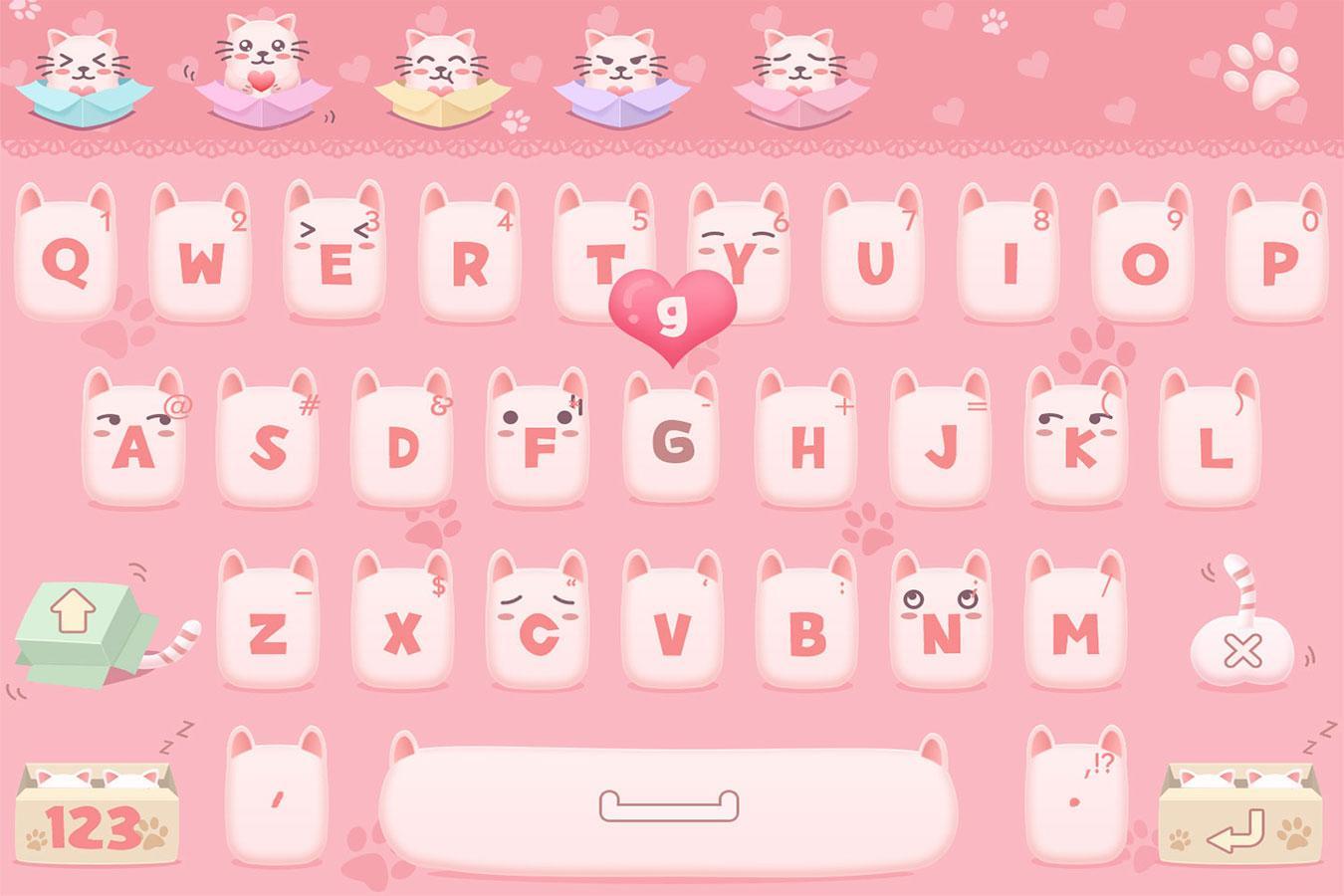
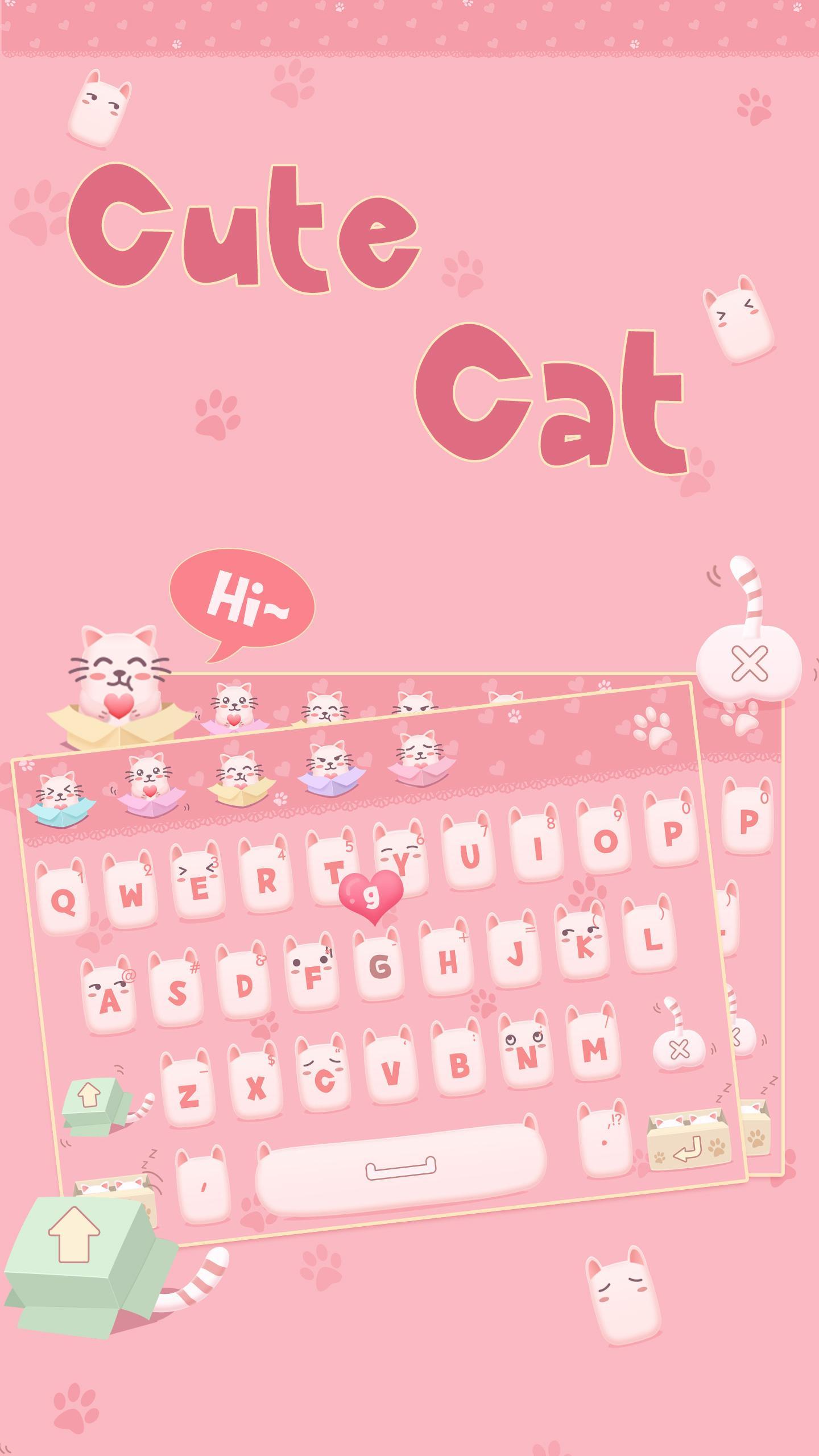
Cute Cat Keyboard Introducción
######## Notice ########
This alice theme supports FancyKey Keyboard only.
Click here to download FancyKey Keyboard for FREE!
######## Notice ########
FancyKey Keyboard is a free, customized keyboard for Android with cool fonts, 3200+ emoji, emoji arts, emoticons, personalized themes, autocorrect input and word predictions.
Download FancyKey keyboard for free to fancy your chatting now!
★★★★★ #1 iOS third-party keyboard, now available on Android! Millions of users ❤️❤️❤️❤️❤️ all over the 🌍🌎🌏, 💯😘😍
★Main Features★
✔ 3200+ emoji & emoticons & emoji arts
✔ 70+ funky fonts
✔ Advanced auto-correct & auto-suggest engine
✔ 50+ themes available to choose from
✔ Fully customizable keyboard wallpaper and layout
✔ 50+ typing sounds
✔ Integrated emoji & emoticon keyboard which is compatible across all popular apps
✔ One tap to input nicely crafted emoji compositions
✔ Multiple typing effects
✔ SWIPE input method
✔ Clipboard for multiple fast copy and paste
✔ Multiple emoji styles, such as EmojiOne
✔ 50+ languages
Easy steps to customize your own keyboard:
• Take a photo or select a photo from your album or pre-loaded images as background.
• Customize key font and color.
• Customize typing effect.
• Customize swipe line & effect.
• Customize typing sound.
• Multiple key styles to customize: White, black, steel, wooden & modern.
• Customize key shape, color, shadow, etc.
Now you're ready to go with your custom cool keyboard.
More themes, fonts, emoji, emoticons and exciting features will be introduced in upcoming updates.
Note: We don't collect or use any of your private information while you're typing nor we collect the photos you set as wallpapers. We only use the words typed by you to make the predictions more accurate.
FOLLOW US:
👍We love hearing from you. Contact us 📧 fancyKey@pinssible.com and rate us today!
Twitter: @FancyKey
Facebook: http://facebook.com/fancykeyboard
Instagram: @FancyKey
Supported Languages:
English
English(GB)
English(US)
Francés(Canada)
Francés(France)
Francés(Suisse)
Español(ES)
Español(MX)
Español(US)
Português(BR)
Português(PT)
Русская
العربية
Deutsch
Italiano
Hinglish
हिन्दी
Hinglish-Hindi
தமிழ்
తెలుగు
বাংলা
ગુજરાતી
ಕನ್ನಡ
മലയാളം
ਪੰਜਾਬੀ
اردو
Dansk
Norsk
Svenska
Suomi
Nederlands
Polski
Český
Hrvatski
Latviešu
Română
Slovenščina
Српски
Türkçe
Ελληνική
עברית
Tiếng Việt
Melayu
Indonesia
한국어
Avance
Información
Desarrollador
Fresh Start Groups
La última versión
1.0
Última actualización
2017-11-17
Categoría
Herramientas
Disponible en
Google Play
Mostrar más
Cómo jugar Cute Cat Keyboard con GameLoop en PC
1. Descargue GameLoop desde el sitio web oficial, luego ejecute el archivo exe para instalar GameLoop.
2. Abra GameLoop y busque "Cute Cat Keyboard", busque Cute Cat Keyboard en los resultados de búsqueda y haga clic en "Instalar".
3. Disfruta jugando Cute Cat Keyboard en GameLoop.
Minimum requirements
OS
Windows 8.1 64-bit or Windows 10 64-bit
GPU
GTX 1050
CPU
i3-8300
Memory
8GB RAM
Storage
1GB available space
Recommended requirements
OS
Windows 8.1 64-bit or Windows 10 64-bit
GPU
GTX 1050
CPU
i3-9320
Memory
16GB RAM
Storage
1GB available space