
Auto Clicker - Automatic Tap para PC
Neil Studio
Descarga Auto Clicker - Automatic Tap en PC con GameLoop Emulator
Auto Clicker - Automatic Tap en PC
Auto Clicker - Automatic Tap, proveniente del desarrollador Neil Studio, se ejecuta en el sistema Android en el pasado.
Ahora, puedes jugar Auto Clicker - Automatic Tap en PC con GameLoop sin problemas.
Descárgalo en la biblioteca de GameLoop o en los resultados de búsqueda. No más mirar la batería o llamadas frustrantes en el momento equivocado nunca más.
Simplemente disfrute de Auto Clicker - Automatic Tap PC en la pantalla grande de forma gratuita!
Auto Clicker - Automatic Tap Introducción
Are you tired of repetitive tasks on your Android device? Look no further than Auto Clicker - Automatic Tap, the ultimate solution for all your tapping and swiping needs. Whether you're a dedicated gamer, a productivity enthusiast, or simply seeking a seamless way to interact with your device, this app is your perfect companion.
Key Features:
✓ Precision Timing - Need precise timing for your taps? Customize your start time effortlessly, whether it's a saved configuration or a brand-new setting, ensuring impeccable tap timing.
✓ Synchronized Taps - Sometimes, one tap isn't enough. With synchronous click mode, multitask by tapping on multiple targets simultaneously, perfect for gaming and complex tasks.
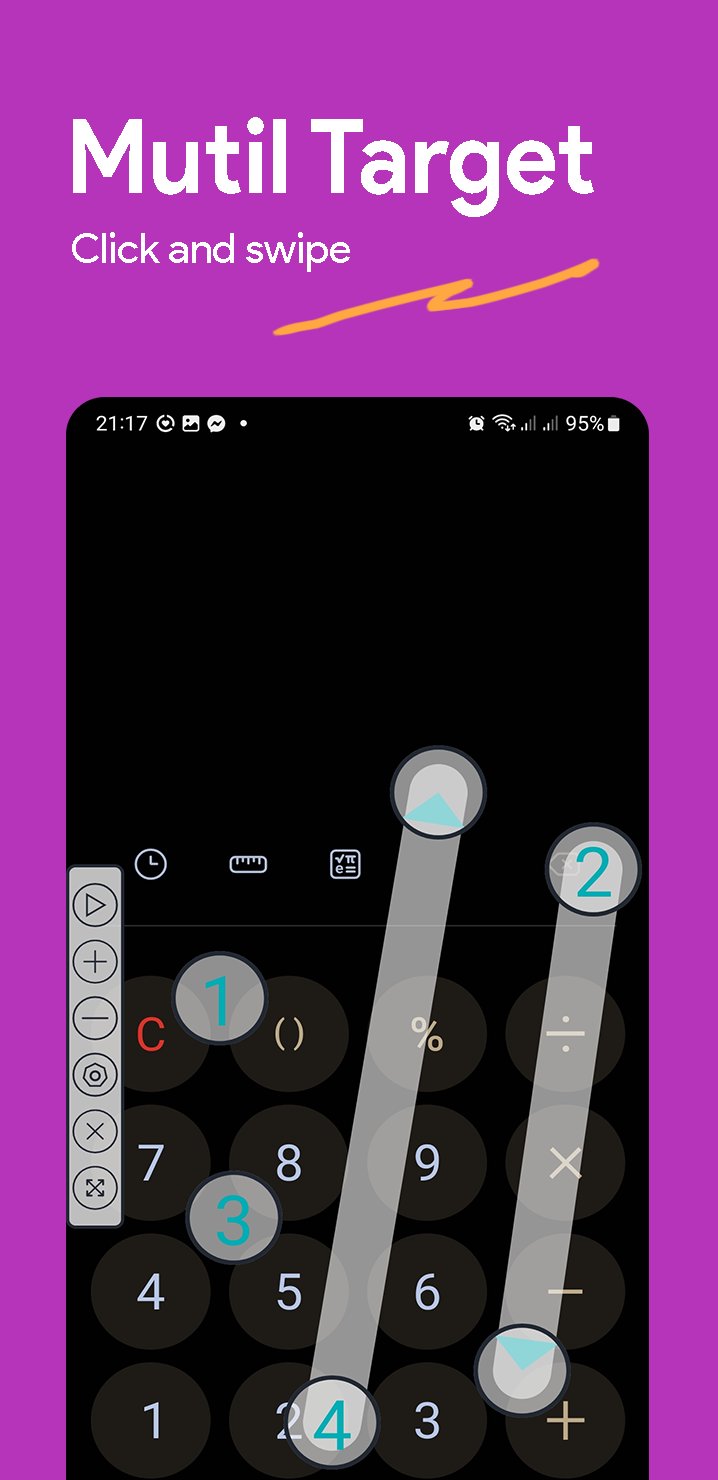
✓ Multi-Touch Automation - Seamlessly automate taps on multiple target points in succession. Set the number of cycles individually for each target point for utmost control.
✓ Versatile Automation - Elevate your automation with simultaneous tap, swipe, and long-press actions using combined click mode. Ideal for gaming and intricate operations.
✓ Edge Click Mode - Don't be restricted by other clickers. Our edge click mode empowers you to tap on the top, bottom, left, and right screen edges, expanding your possibilities.
✓ App Self-Launch - Simplify your experience with automatic app launch. Select your app and click mode for a hassle-free experience every time you use the app.
✓ Game Anti-Detection - Concerned about being detected in games? Our anti-detection feature introduces random intervals and coordinates for clicks, ensuring your stealth.
✓ Configurations Made Easy - Import and export saved configurations with a single click, streamlining configuration management.
✓ Personalized Click Icons - Choose from a variety of click icons to add a touch of fun to your tasks, enhancing your tapping experience.
✓ Transparency Control - Adjust floating control transparency without hindering other tasks for a seamless experience.
With Auto Clicker - Automatic Tap, you can supercharge your Android device's efficiency and reclaim precious time.
Important Notes:
Auto Clicker relies on the AccessibilityService API for its core functionality.
Why Use the AccessibilityService API?
✓ A: AccessibilityService API enables essential functions such as automatic clicking, sliding, synchronous clicking, and long pressing.
Data Privacy Assurance
✓ A: We do not collect any private information through the AccessibilityService API interface.
Supported Android Versions: Android 7.0 and above
No ROOT Permission Required
Feedback:
-We highly value your feedback! For suggestions or inquiries, please feel free to reach out to us at neilstudio.feedback@gmail.com.
Avance

Etiquetas
HerramientasInformación
Desarrollador
Neil Studio
La última versión
1.1.1
Última actualización
2023-09-24
Categoría
Herramientas
Disponible en
Google Play
Mostrar más
Cómo jugar Auto Clicker - Automatic Tap con GameLoop en PC
1. Descargue GameLoop desde el sitio web oficial, luego ejecute el archivo exe para instalar GameLoop.
2. Abra GameLoop y busque "Auto Clicker - Automatic Tap", busque Auto Clicker - Automatic Tap en los resultados de búsqueda y haga clic en "Instalar".
3. Disfruta jugando Auto Clicker - Automatic Tap en GameLoop.
Minimum requirements
OS
Windows 8.1 64-bit or Windows 10 64-bit
GPU
GTX 1050
CPU
i3-8300
Memory
8GB RAM
Storage
1GB available space
Recommended requirements
OS
Windows 8.1 64-bit or Windows 10 64-bit
GPU
GTX 1050
CPU
i3-9320
Memory
16GB RAM
Storage
1GB available space