
Loto util - Loto Romania para PC
Fometescu Octavian
Descarga Loto util - Loto Romania en PC con GameLoop Emulator
Loto util - Loto Romania en PC
Loto util - Loto Romania, proveniente del desarrollador Fometescu Octavian, se ejecuta en el sistema Android en el pasado.
Ahora, puedes jugar Loto util - Loto Romania en PC con GameLoop sin problemas.
Descárgalo en la biblioteca de GameLoop o en los resultados de búsqueda. No más mirar la batería o llamadas frustrantes en el momento equivocado nunca más.
Simplemente disfrute de Loto util - Loto Romania PC en la pantalla grande de forma gratuita!
Loto util - Loto Romania Introducción
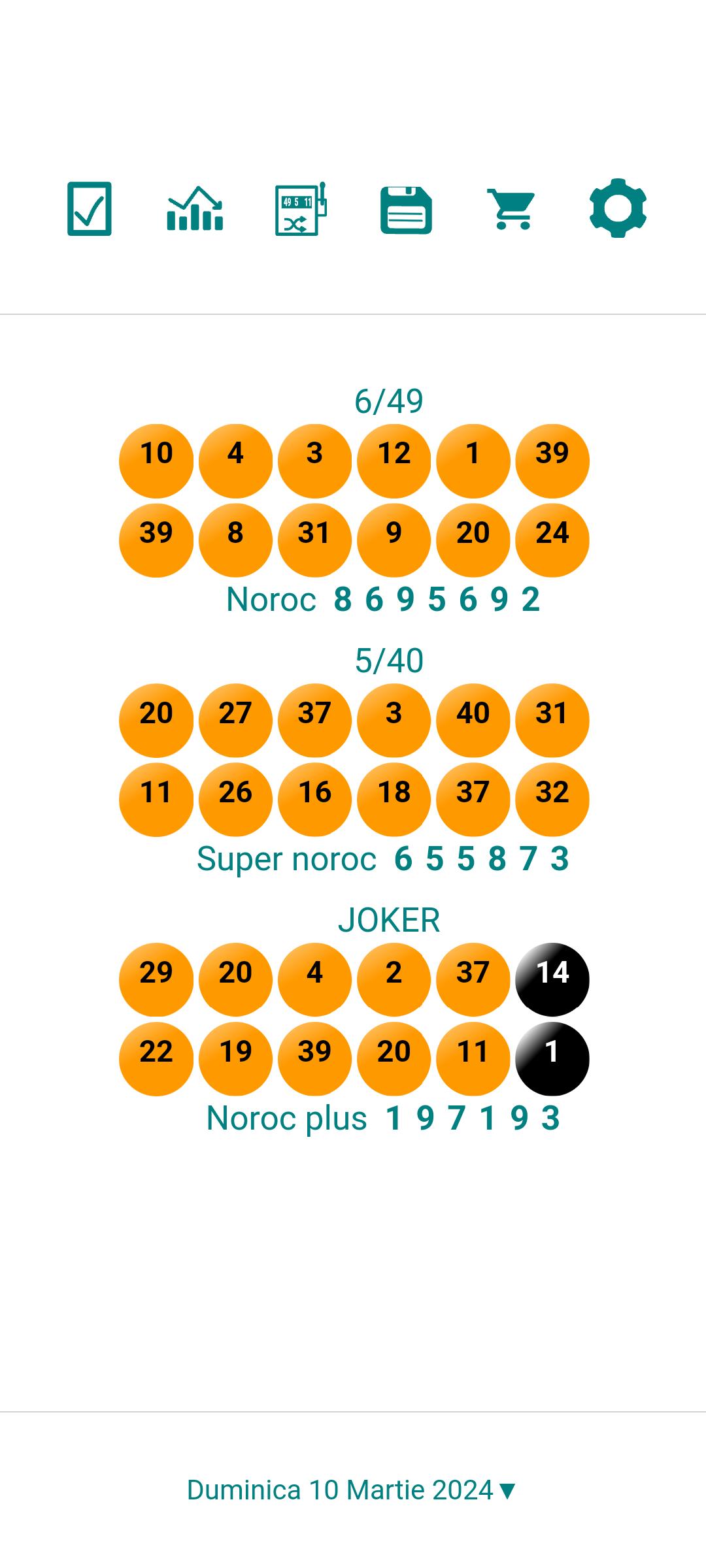
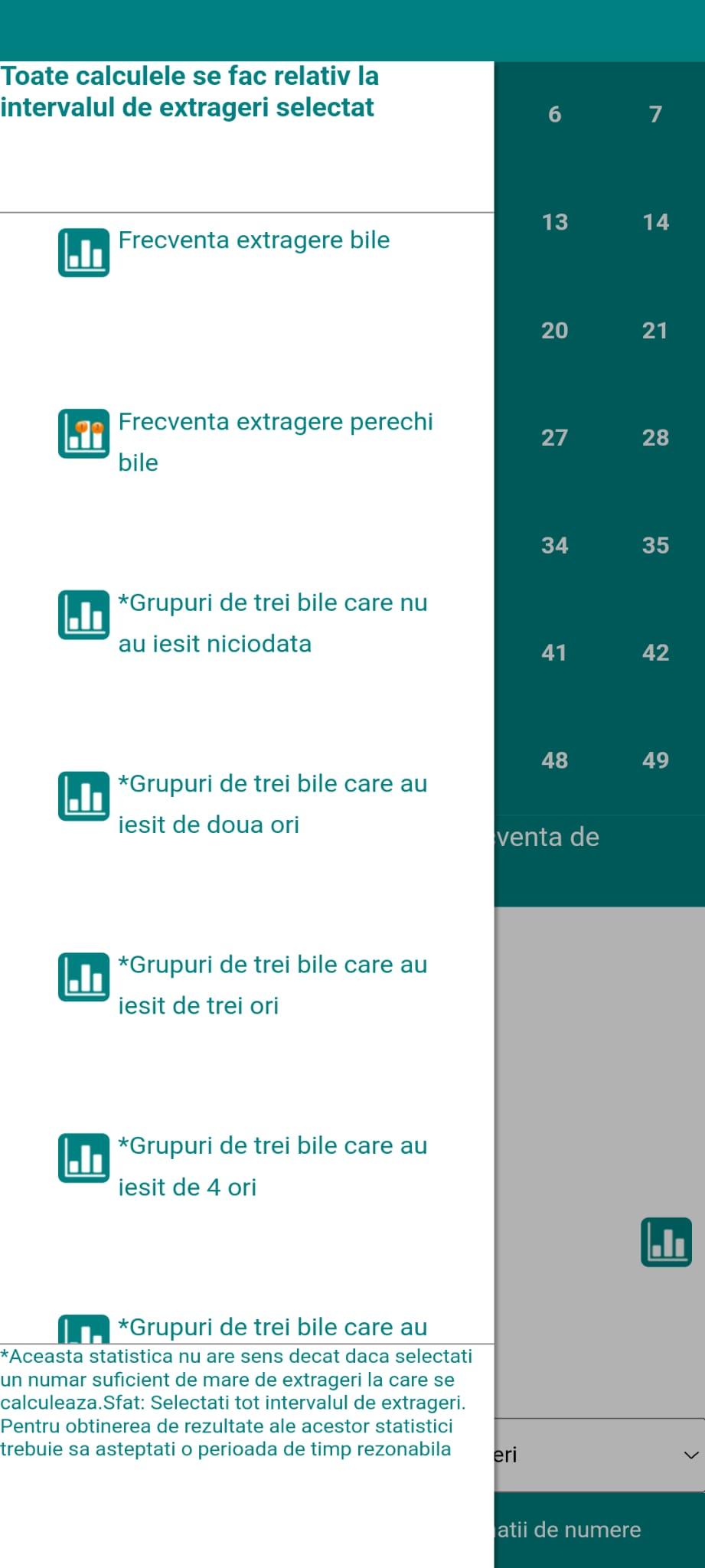
The application has an advanced variant generator, a statistics generator. In addition, this allows you to quickly check variants played recently or in the past to see if they are/were winners.
The registrations are updated on the day of the draws in a time interval between 5 minutes and 3 hours after the last draw.
Use the side menu (swipe right) to access all pages of the app."
Although we constantly strive to include correct data in this application, it is possible that the information displayed in it is incorrect or incomplete.
Regarding the function of checking the variants played by entering manual data or by OCR scanning, we make it clear that this function is defined as "As is", being limited to simple variants and dependent on the characteristics of the camera/phone used and the result from the application is not guaranteed to always be correct
Avance
Etiquetas
HerramientasInformación
Desarrollador
Fometescu Octavian
La última versión
24.00.00
Última actualización
2024-08-30
Categoría
Herramientas
Disponible en
Google Play
Mostrar más
Cómo jugar Loto util - Loto Romania con GameLoop en PC
1. Descargue GameLoop desde el sitio web oficial, luego ejecute el archivo exe para instalar GameLoop.
2. Abra GameLoop y busque "Loto util - Loto Romania", busque Loto util - Loto Romania en los resultados de búsqueda y haga clic en "Instalar".
3. Disfruta jugando Loto util - Loto Romania en GameLoop.
Minimum requirements
OS
Windows 8.1 64-bit or Windows 10 64-bit
GPU
GTX 1050
CPU
i3-8300
Memory
8GB RAM
Storage
1GB available space
Recommended requirements
OS
Windows 8.1 64-bit or Windows 10 64-bit
GPU
GTX 1050
CPU
i3-9320
Memory
16GB RAM
Storage
1GB available space