Antivirus AI - Virus Scanner para PC
Protectstar Inc.
Descarga Antivirus AI - Virus Scanner en PC con GameLoop Emulator
Antivirus AI - Virus Scanner en PC
Antivirus AI - Virus Scanner, proveniente del desarrollador Protectstar Inc., se ejecuta en el sistema Android en el pasado.
Ahora, puedes jugar Antivirus AI - Virus Scanner en PC con GameLoop sin problemas.
Descárgalo en la biblioteca de GameLoop o en los resultados de búsqueda. No más mirar la batería o llamadas frustrantes en el momento equivocado nunca más.
Simplemente disfrute de Antivirus AI - Virus Scanner PC en la pantalla grande de forma gratuita!
Antivirus AI - Virus Scanner Introducción
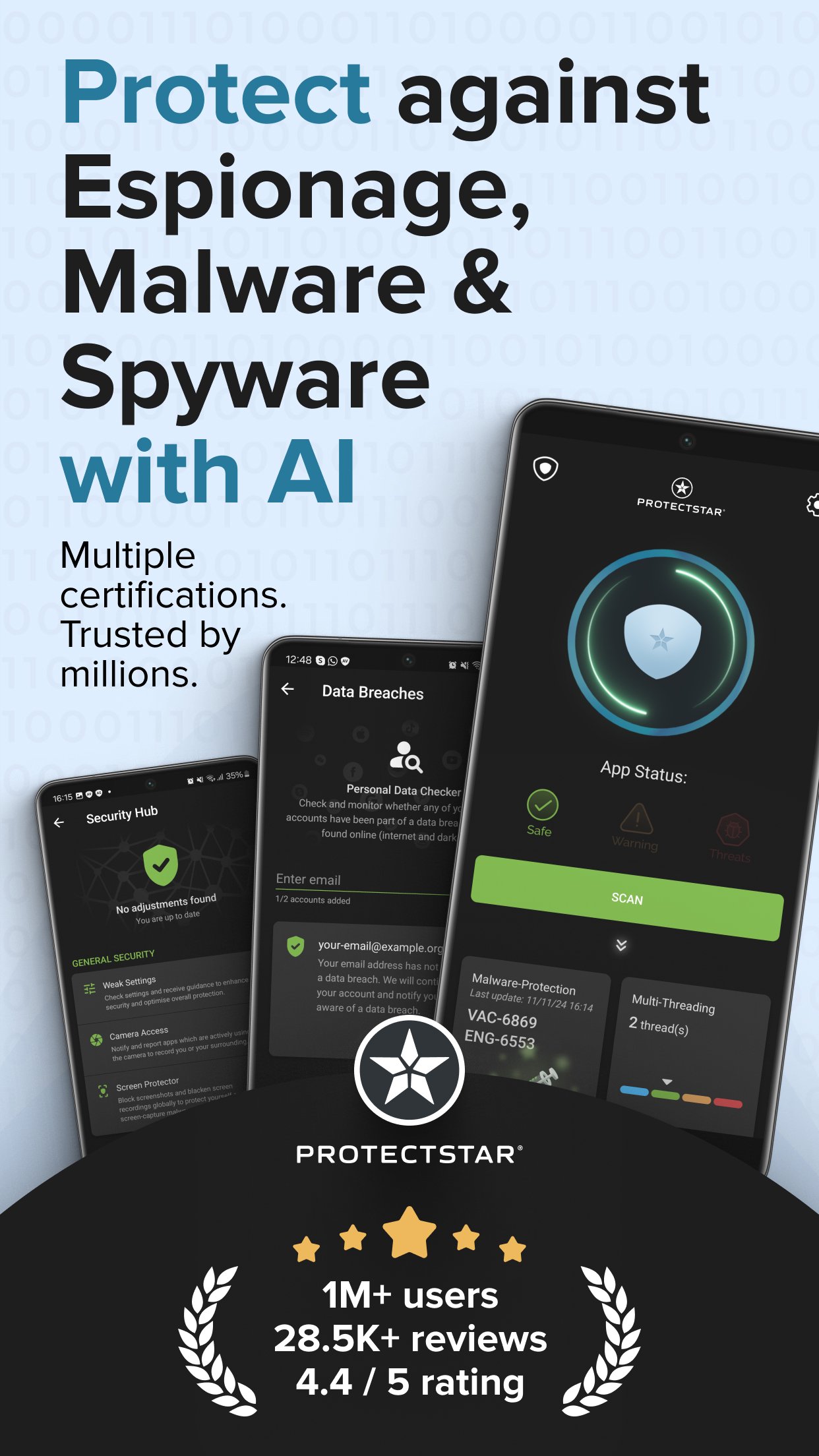
Antivirus AI is an AI-powered antivirus and virus scanner for Android. It helps protect your phone in real time, scan apps and APK files, and detect, quarantine and remove malware, spyware, ransomware, adware, trojans, keyloggers and other mobile threats.
CERTIFIED PROTECTION YOU CAN TRUST
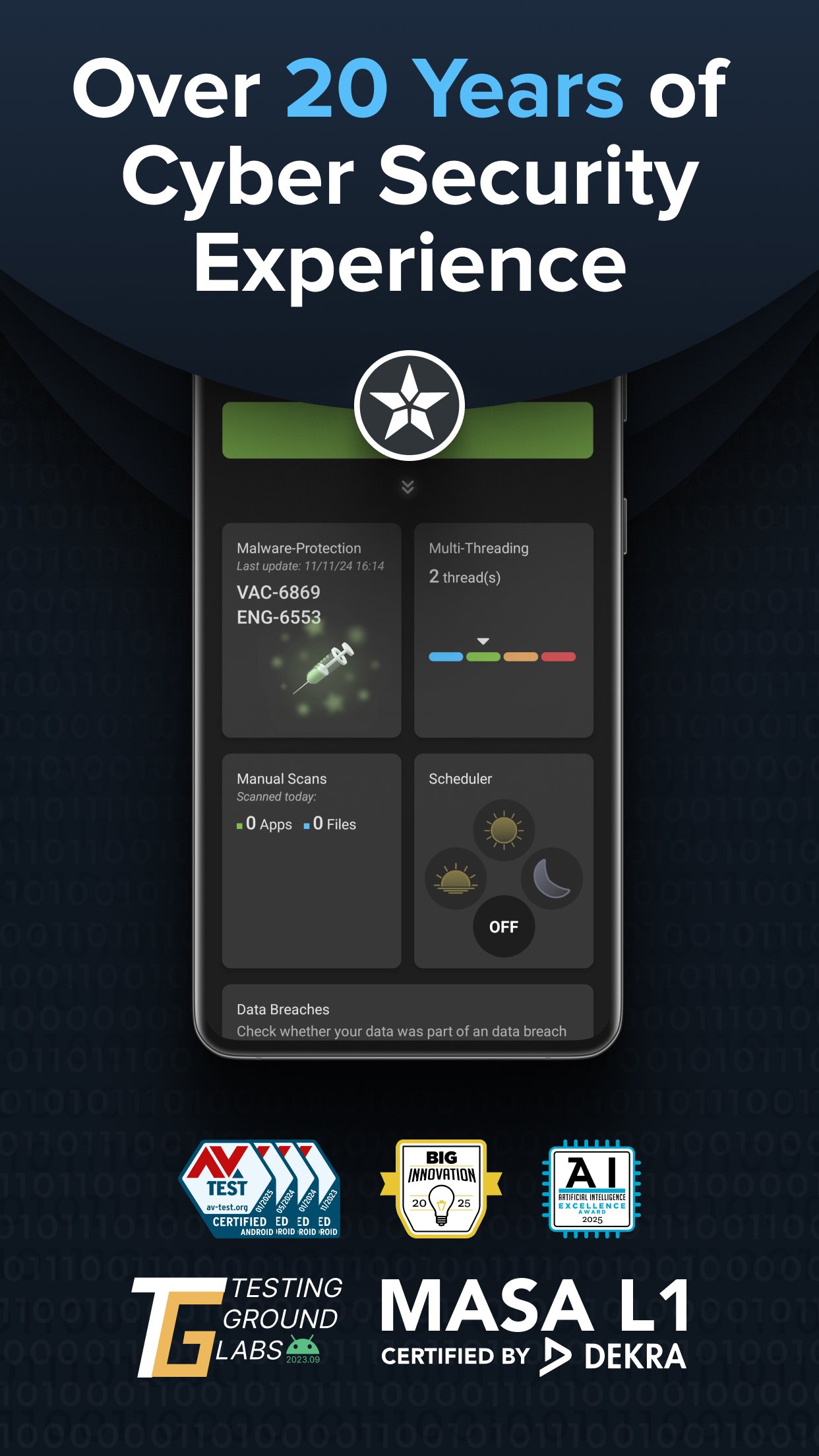
Antivirus AI is backed by independent testing and certification:
• AV-TEST certified Android security app for three consecutive years (2023–2025)
• Testing Ground Labs confirmed malware detection of up to 99.96%
• DEKRA MASA L1 verified secure architecture, encrypted data handling and requirements based on OWASP standards
• Winner of the 2025 AI Excellence Award and 2025 BIG Innovation Award
REAL-TIME ANTIVIRUS AND MALWARE PROTECTION
Antivirus AI helps detect and respond to:
• malicious apps, infected files and suspicious behavior
• ransomware and banking malware
• spyware and stalkerware that attempt to monitor users
• trojans, worms, harmful adware and keyloggers
• potentially unwanted apps, hidden activity and excessive permissions
SCAN APPS, FILES AND APKs
Use Antivirus AI to:
• run an on-demand security scan whenever needed
• scan newly installed or updated apps
• check APK files and sideloaded apps before opening them
• quarantine and remove detected threats
• review high-risk apps and permissions before uninstalling
• re-scan after removal to verify that your phone is safe
TWO ENGINES FOR STRONGER DETECTION
Modern malware can disguise itself as a legitimate app. Some threats hide their code, load dangerous components later or delay activation to evade basic signature-only scanners. Antivirus AI combines known malware signatures with behavior analysis and AI-based detection. This multi-signal approach helps identify new variants, reduce false positives and provide clear recommendations when a risk is found.
PRIVACY-FIRST AND AD-FREE
Mobile security should not come at the expense of your privacy:
• no ads or advertising tracking
• no sale of personal data
• sensitive data is protected with encryption
• threat analysis focuses on malicious behavior rather than reading your personal photos, messages or contacts
SECURITY, NOT STORAGE CLEANING
Antivirus AI removes security threats. It does not delete cache, junk files, photos or videos, and it does not claim to boost phone speed. Your personal files remain untouched while the app focuses on antivirus protection, malware detection and safe threat removal.
WHEN SHOULD YOU RUN A SCAN?
Run a security scan when:
• you install an app from an unknown source
• you download or sideload an APK
• unexpected pop-ups, redirects or notifications appear
• battery use, heat or mobile data suddenly increases
• banking or payment apps behave unusually
• you open a suspicious link or unknown attachment
WATCH HIGH-RISK PERMISSIONS
Be cautious when an app requests SMS, Accessibility, notification access, screen overlay or Device Admin without a clear reason. These permissions can be abused to capture verification codes, imitate login screens, monitor actions or make a malicious app harder to remove.
WHO IS ANTIVIRUS AI FOR?
Antivirus AI is useful if you:
• install many apps or use APK files
• use your phone for banking, shopping, work or private communication
• want protection against spyware, ransomware and banking malware
• prefer serious Android security without ads or unnecessary extras
HOW TO GET STARTED
1. Open Antivirus AI and run a full scan.
2. Review detected risks, permissions and high-risk apps.
3. Quarantine or remove confirmed threats.
4. Run another scan to verify that your device is safe.
Optional PRO and GOV upgrades are available in the app. Subscriptions are optional and can be managed through Google Play.
Avance
Etiquetas
HerramientasInformación
Desarrollador
Protectstar Inc.
La última versión
2.5.1
Última actualización
2026-09-02
Categoría
Herramientas
Disponible en
Google Play
Mostrar más
Cómo jugar Antivirus AI - Virus Scanner con GameLoop en PC
1. Descargue GameLoop desde el sitio web oficial, luego ejecute el archivo exe para instalar GameLoop.
2. Abra GameLoop y busque "Antivirus AI - Virus Scanner", busque Antivirus AI - Virus Scanner en los resultados de búsqueda y haga clic en "Instalar".
3. Disfruta jugando Antivirus AI - Virus Scanner en GameLoop.
Minimum requirements
OS
Windows 8.1 64-bit or Windows 10 64-bit
GPU
GTX 1050
CPU
i3-8300
Memory
8GB RAM
Storage
1GB available space
Recommended requirements
OS
Windows 8.1 64-bit or Windows 10 64-bit
GPU
GTX 1050
CPU
i3-9320
Memory
16GB RAM
Storage
1GB available space