
Anti Spy Detector - Spyware para PC
Protectstar Inc.
Descarga Anti Spy Detector - Spyware en PC con GameLoop Emulator
Anti Spy Detector - Spyware en PC
Anti Spy Detector - Spyware, proveniente del desarrollador Protectstar Inc., se ejecuta en el sistema Android en el pasado.
Ahora, puedes jugar Anti Spy Detector - Spyware en PC con GameLoop sin problemas.
Descárgalo en la biblioteca de GameLoop o en los resultados de búsqueda. No más mirar la batería o llamadas frustrantes en el momento equivocado nunca más.
Simplemente disfrute de Anti Spy Detector - Spyware PC en la pantalla grande de forma gratuita!
Anti Spy Detector - Spyware Introducción
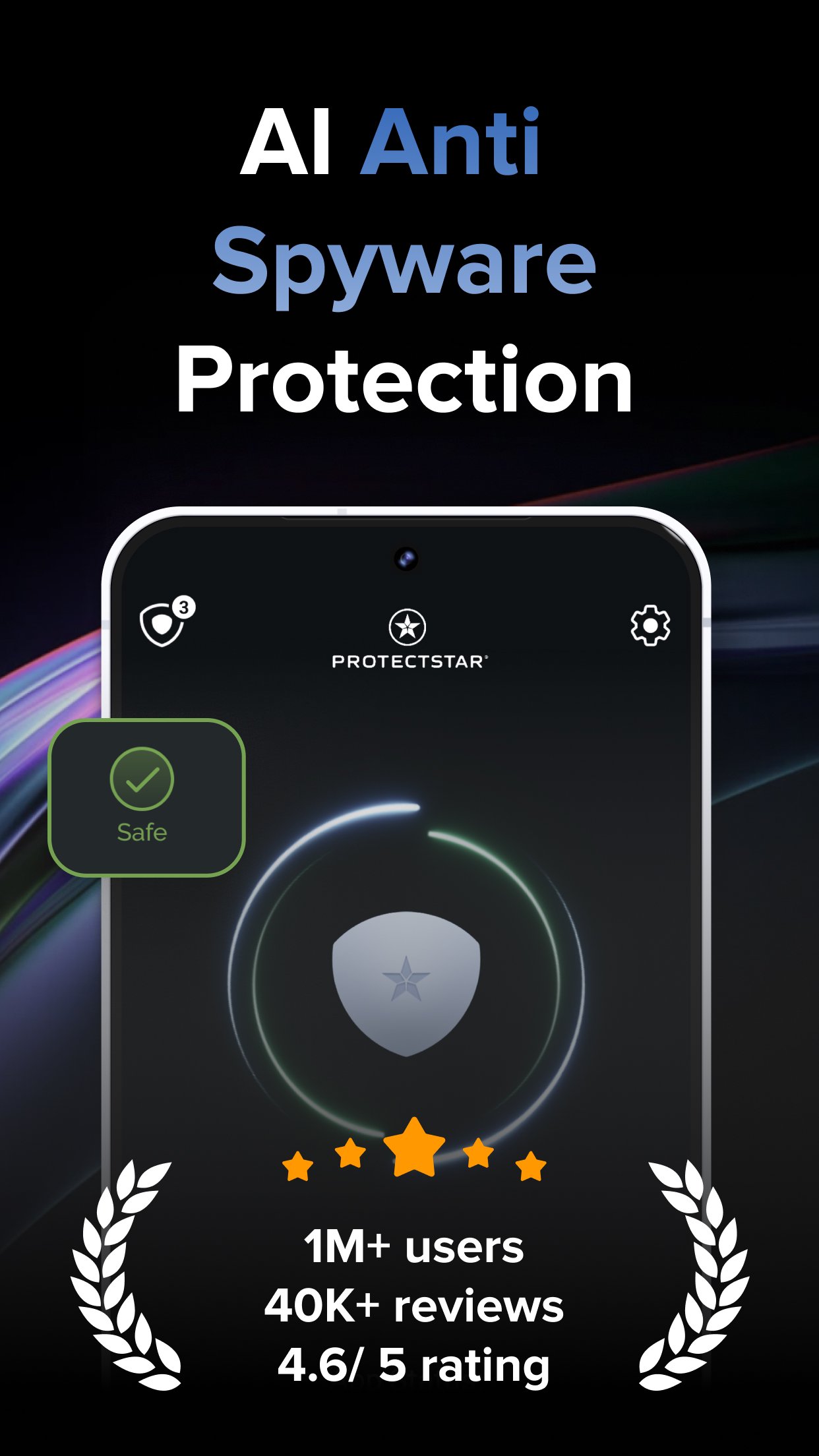
Find hidden spy apps. Understand the risk. Take back control of your privacy. Anti Spy Detector is an anti spyware app for Android that helps you detect stalkerware, keyloggers and other unwanted monitoring software. Start a spyware scan and get a clear result you can act on.
Built by Protectstar, this antispyware scanner puts spyware detection and your privacy first: no ads, no advertising IDs and no third-party tracking SDKs.
INDEPENDENTLY TESTED
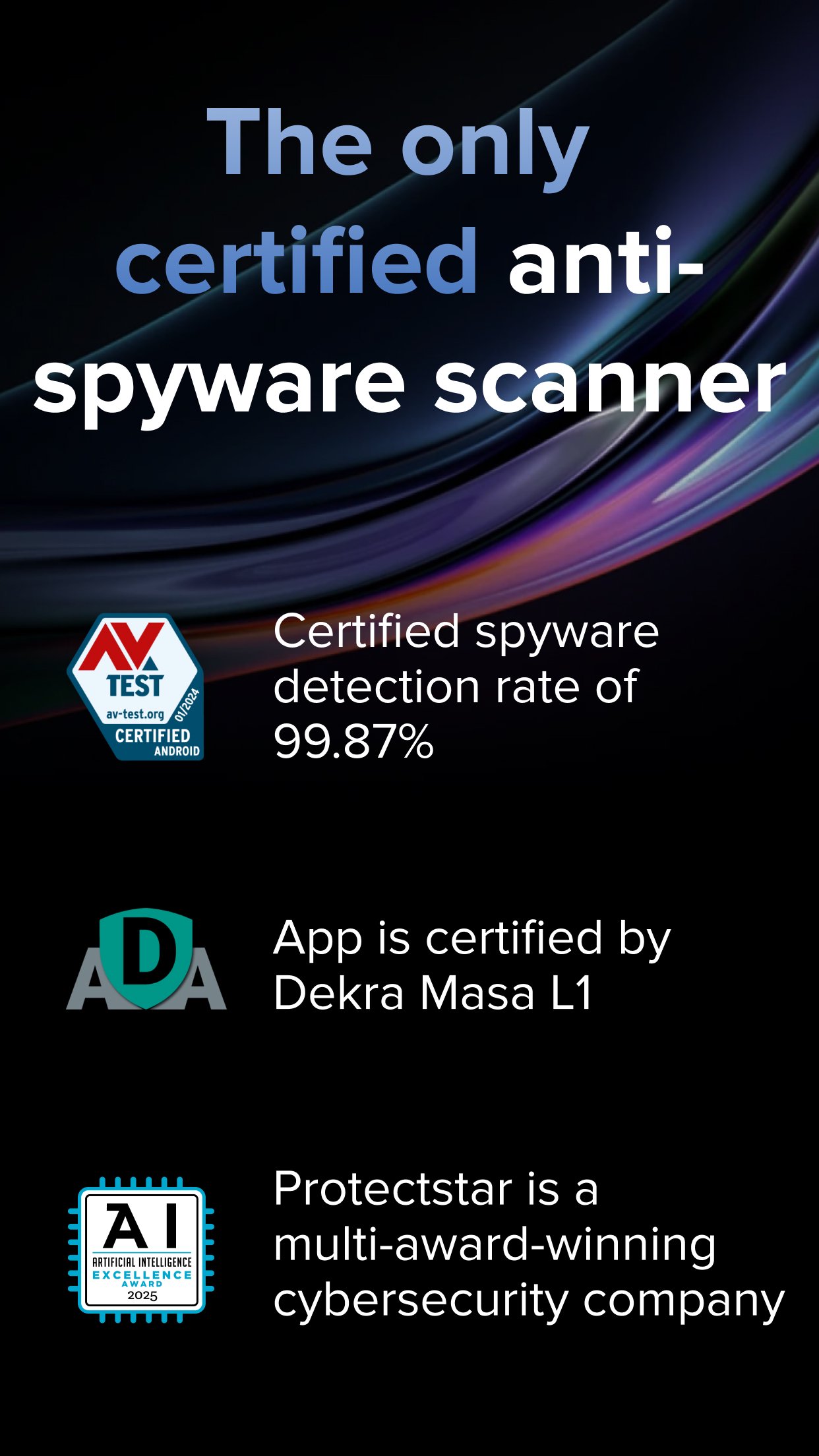
AV-TEST (January 2024, Anti Spyware 6.0): 99.8% real-time malware protection and 100% detection of widespread Android malware.
DEKRA MASA L1 (March 2025): app-security assessment of version 6.6.5, separate from malware detection testing.
FIND SPYWARE AND UNWANTED MONITORING
• Spyware detector: scan installed apps for known spyware and surveillance tools.
• Hidden spy apps: check for hidden or disabled apps, including those without a visible launcher icon.
• Stalkerware: look for software used to monitor someone without their consent.
• SMS and GPS monitoring: identify malicious apps used to track messages or location.
• Malware scan: check for known keyloggers, banking Trojans, backdoors and potentially unwanted apps.
REVIEW THE RESULT. CHOOSE WHAT TO REMOVE.
See which app was detected and why it may be a risk. Spyware removal starts with identifying the app, not deleting files at random. Review the finding and decide whether to uninstall. Android may ask for confirmation or require you to disable device administrator access first.
SIGNATURES AND AI WORKING TOGETHER
The advanced protection features use Protectstar Dual Engine, combining signature matching with AI-supported analysis. Deep Detective™ and Protectstar AI CLOUD help assess suspicious patterns alongside known threats. Keep the app and detection data updated for your next scan.
WHY ADD REAL-TIME PROTECTION?
A manual scan checks your phone when you start it. Pro adds real-time protection, AI-supported detection and automatic background scans, so you have additional checks between the scans you remember to run. It is an option for people who want ongoing protection as the apps on their phone change.
CHOOSE YOUR EDITION
• Free: manual, signature-based spyware scans. No root access or Protectstar account needed.
• Pro: real-time protection, AI-supported detection and automatic background scans.
• Government: Pro features plus Heuristic Deep Scan for additional analysis.
Pro and Government require a paid upgrade. Review the price, billing period and any trial conditions shown in Google Play before purchase.
PRIVACY WITHOUT AD TRACKING
Your security app should not become an advertising tracker. Anti Spy does not use advertising IDs or third-party tracking SDKs. The privacy policy and Google Play Data safety section explain security-related data processing.
MAKE DEVICE CHECKS A HABIT
Scan after installing unfamiliar apps, using apps from outside Google Play or letting someone else use your phone. Review permissions and keep Android updated. A scan with no detections is useful information, but no scanner can rule out every threat.
Anti Spy checks software on your device, not physical trackers or hidden cameras. Battery drain alone does not prove spyware. If an abusive person may be monitoring you, seek help from a safer device before changing settings or removing apps; changes can alert them.
Install Anti Spy Detector, run a scan and review the results. Choose manual checks or add Pro for ongoing protection. Keep your privacy in focus, without ads or advertising trackers.
Avance
Etiquetas
HerramientasInformación
Desarrollador
Protectstar Inc.
La última versión
6.9
Última actualización
2026-09-16
Categoría
Herramientas
Disponible en
Google Play
Mostrar más
Cómo jugar Anti Spy Detector - Spyware con GameLoop en PC
1. Descargue GameLoop desde el sitio web oficial, luego ejecute el archivo exe para instalar GameLoop.
2. Abra GameLoop y busque "Anti Spy Detector - Spyware", busque Anti Spy Detector - Spyware en los resultados de búsqueda y haga clic en "Instalar".
3. Disfruta jugando Anti Spy Detector - Spyware en GameLoop.
Minimum requirements
OS
Windows 8.1 64-bit or Windows 10 64-bit
GPU
GTX 1050
CPU
i3-8300
Memory
8GB RAM
Storage
1GB available space
Recommended requirements
OS
Windows 8.1 64-bit or Windows 10 64-bit
GPU
GTX 1050
CPU
i3-9320
Memory
16GB RAM
Storage
1GB available space