
Stage Metronome with Setlist para PC
PG App Studio
Descarga Stage Metronome with Setlist en PC con GameLoop Emulator
Stage Metronome with Setlist en PC
Stage Metronome with Setlist, proveniente del desarrollador PG App Studio, se ejecuta en el sistema Android en el pasado.
Ahora, puedes jugar Stage Metronome with Setlist en PC con GameLoop sin problemas.
Descárgalo en la biblioteca de GameLoop o en los resultados de búsqueda. No más mirar la batería o llamadas frustrantes en el momento equivocado nunca más.
Simplemente disfrute de Stage Metronome with Setlist PC en la pantalla grande de forma gratuita!
Stage Metronome with Setlist Introducción
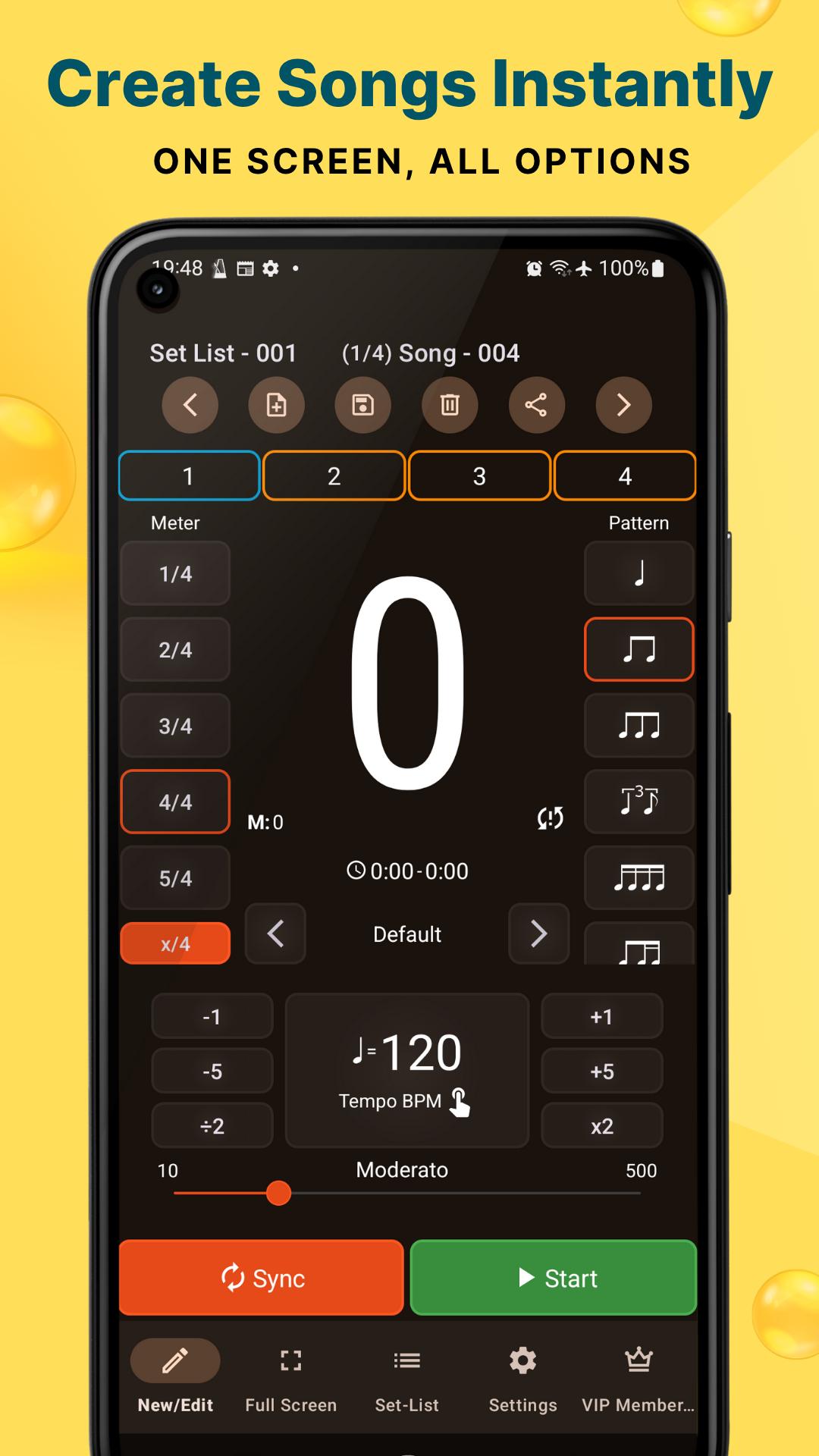
The Stage Metronome with Setlist app is a free and highly rated professional metronome, designed by musicians for musicians. It's perfect for maintaining perfect timing during live performances, band practices, and solo practice sessions. With an emphasis on on-stage use, this metronome app provides easily accessible controls and features for seamless operation.
Key features include:
● Setlist Management: Create, save, and load setlists and song settings. Arrange songs for different performances.
● Tempo Control: Easily set the tempo by tapping or using dedicated buttons to half and double the tempo.
● Beat Patterns: Choose from 12 different commonly used beat-pattern presets. Configure accent beats.
● Time Signature: Supports Full (1/1), Half (1/2), Quarter (1/4) & Eighth (1/8) note meters.
● Visual Feedback: Features a big beat number display, visible from a distance. The beat number area can also be used as a sync button. Option for beat lights with variations to suit your preferences. There is also a sync delay adjustment to fix sync issues.
● Sound Options: Choose from 6 different time-keeping styles/sound patches. Option to make sub-beat sound the same as beat sound.
● Full Screen Mode: Optimized for on-stage use with a full screen mode.
● Background Play: The app continues to run even when other apps are open.
● High Precision Timing: Delivers accurate timing as long as the device hardware supports it.
● Adjustable Volume: In-app volume adjustment.
● Wide Tempo Range: Supports a wide tempo range from 10 to 400 BPM.
● Calculate BPM: Tap tempo to calculate BPM in real-time.
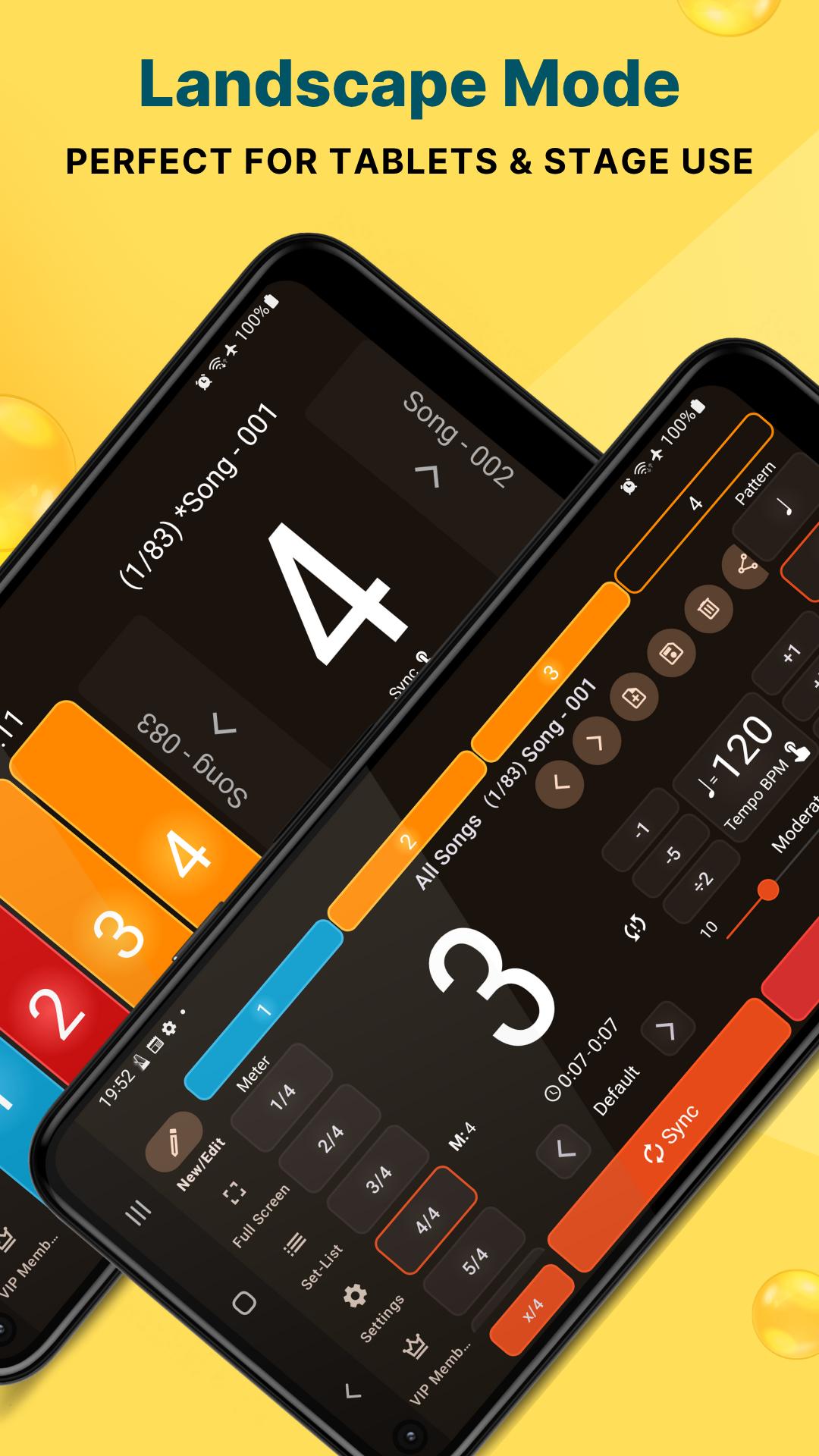
● Orientation: Supports both portrait and landscape modes and 360 degree screen rotation.
● App control from notification
This metronome app is not only for live performance, but also a valuable tool for:
● Music Practice: Use for daily practice, rhythm training, and improving timing.
● Speed Training: Can be used for gradual tempo increases.
● Drum Practice: Useful for drummers seeking to maintain a steady beat and explore polyrhythms.
● Various Instruments: Suitable for piano, guitar, ukulele, violin, cello, bass, and more.
● Other activities: Helpful for running, golf putting, dancing, and many other activities
The app also includes a sync button to reset the beat and an in-app timer. The app’s functionality is simple with an intuitive, logical UI.
Permissions:
● Network access is required for collecting application problems and crash information.
COMMUNITY
Follow us on Facebook
https://www.facebook.com/StageMetronomeApp
Join Our Facebook Group
https://www.facebook.com/groups/StageMetronomeGroup
Visit Our Website
https://www.pgappstudio.com
Check our YouTube Channel
https://www.youtube.com/@PGAppStudio
Contact Customer Support
pgappstudio@gmail.com
Avance
Etiquetas
Music-&Información
Desarrollador
PG App Studio
La última versión
8.0.1
Última actualización
2025-09-20
Categoría
Music-audio
Disponible en
Google Play
Mostrar más
Cómo jugar Stage Metronome with Setlist con GameLoop en PC
1. Descargue GameLoop desde el sitio web oficial, luego ejecute el archivo exe para instalar GameLoop.
2. Abra GameLoop y busque "Stage Metronome with Setlist", busque Stage Metronome with Setlist en los resultados de búsqueda y haga clic en "Instalar".
3. Disfruta jugando Stage Metronome with Setlist en GameLoop.
Minimum requirements
OS
Windows 8.1 64-bit or Windows 10 64-bit
GPU
GTX 1050
CPU
i3-8300
Memory
8GB RAM
Storage
1GB available space
Recommended requirements
OS
Windows 8.1 64-bit or Windows 10 64-bit
GPU
GTX 1050
CPU
i3-9320
Memory
16GB RAM
Storage
1GB available space