Deezer: Music & Podcast Player para PC
Deezer Music
Descarga Deezer: Music & Podcast Player en PC con GameLoop Emulator
Deezer: Music & Podcast Player en PC
Deezer: Music & Podcast Player, proveniente del desarrollador Deezer Music, se ejecuta en el sistema Android en el pasado.
Ahora, puedes jugar Deezer: Music & Podcast Player en PC con GameLoop sin problemas.
Descárgalo en la biblioteca de GameLoop o en los resultados de búsqueda. No más mirar la batería o llamadas frustrantes en el momento equivocado nunca más.
Simplemente disfrute de Deezer: Music & Podcast Player PC en la pantalla grande de forma gratuita!
Deezer: Music & Podcast Player Introducción
Deezer is more than just a music platform.
It’s a fully personalized listening experience that adapts to you. Deezer is where you can embrace your tastes, turn up the volume, and Live the Music.
With a Deezer Premium plan, you'll get everything you need in one app:
Music you love, made for you
• A massive global catalog with all the tracks you could ever want
• Flow, your infinite, personalized mix of favorites and discoveries
• Smart recommendations that perfectly match your vibe
• Control your music discovery with simple, transparent algorithm controls
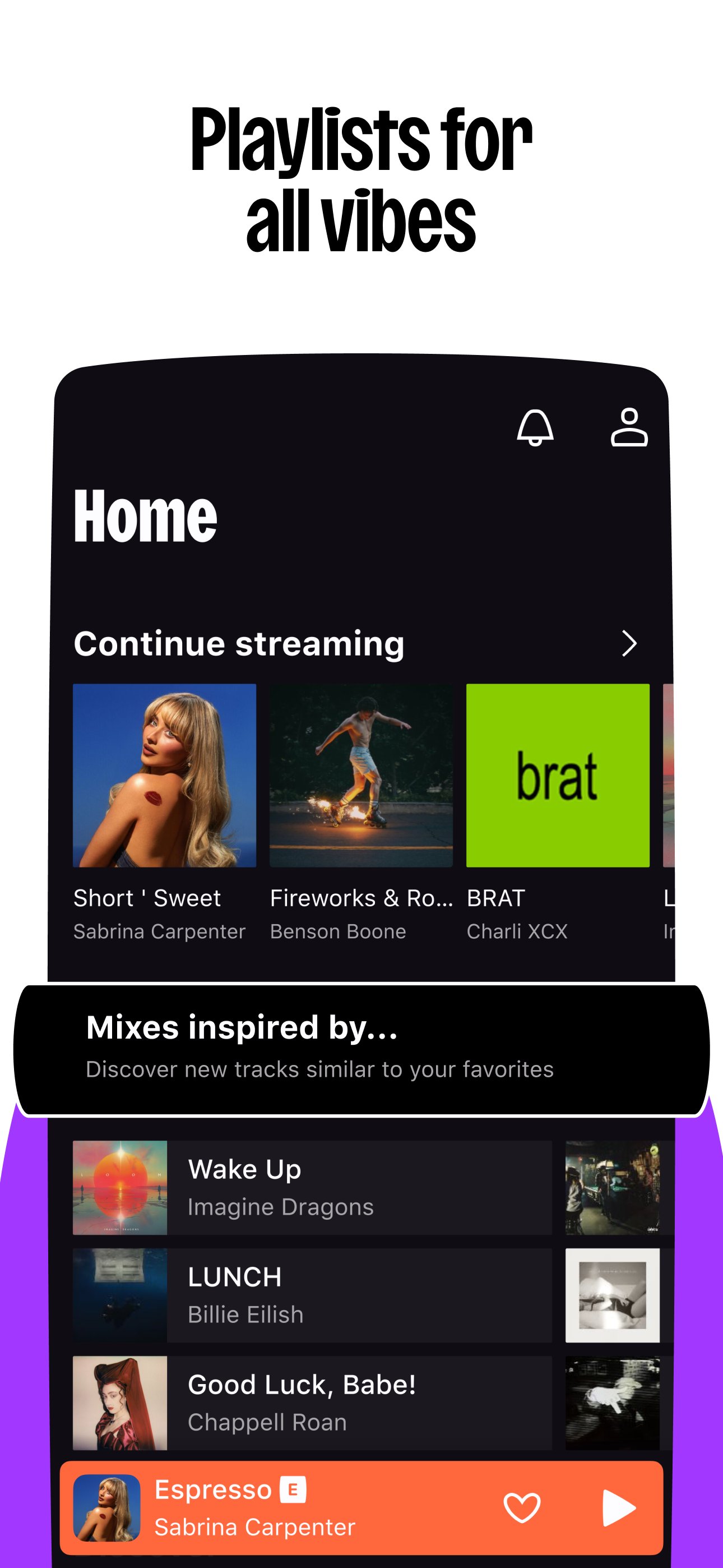
• Discover curated playlists for every mood, genre, or season
• Explore Audiobooks*, Radios*, and our growing Podcast catalog, with personalized picks based on your listening
Fun and interactive features
• Deezer Club gives you the chance to win tickets to attend exclusive live events
• Shaker lets you mix playlists with friends and compare your tastes
• Music Quiz tests your music knowledge, play solo or with friends
• SongCatcher helps you find any song playing around you
Customization at your fingertips
• Coming from another music app? Quickly bring all your music to Deezer with Transfer My Music
• Shape your algorithm to find more of the music you love
• Create playlists for every mood, genre, or moment and customize the covers
• Reorganize your Homepage and Library to put your top picks front and center
• Share any song or playlist, even with people who don't use Deezer
• Dive deeper with on-screen Lyrics and translations
And of course, the essentials
• Ad-free listening
• Offline mode lets you download your favorite albums, playlists, and podcasts for when you're low on service
• Unlimited skips and on-demand listening
• Enjoy HiFi sound for lossless listening that's built for audiophiles
Choose your plan:
• Deezer Premium – One Premium account with all our features
• Deezer Duo – Two Premium accounts, one subscription
• Deezer Family – Up to 6 Premium accounts
• Deezer Student – Get all the benefits of Deezer Premium for half the price
• Deezer Free* - Full access to our catalog, with occasional ads and limited features
Take Deezer anywhere
Connect your music to all your favorite devices, at home and on the go:
• Smart speakers — Google Nest, Alexa & Sonos
• On your wrist — Launch the Deezer app on your Galaxy Watch, Fitbit, or any Wear OS device
• In your car — Stream your Flow and Flow Moods with Automotive OS, ad-free, with unlimited skips and HiFi audio
• On Android TV — Stream Flow, track mixes, your playlists, and Library, with synced Lyrics and HiFi audio
Available for Deezer Premium, Deezer Family, Deezer Duo & Deezer Student plans.
Privacy policy
Terms of use
*Some features and plans may not be available in all countries.
Avance

Etiquetas
Music-&Juegos de mesaInformación
Desarrollador
Deezer Music
La última versión
1.0.1.1
Última actualización
2026-09-21
Categoría
Music-audio
Disponible en
Google Play
Mostrar más
Cómo jugar Deezer: Music & Podcast Player con GameLoop en PC
1. Descargue GameLoop desde el sitio web oficial, luego ejecute el archivo exe para instalar GameLoop.
2. Abra GameLoop y busque "Deezer: Music & Podcast Player", busque Deezer: Music & Podcast Player en los resultados de búsqueda y haga clic en "Instalar".
3. Disfruta jugando Deezer: Music & Podcast Player en GameLoop.
Minimum requirements
OS
Windows 8.1 64-bit or Windows 10 64-bit
GPU
GTX 1050
CPU
i3-8300
Memory
8GB RAM
Storage
1GB available space
Recommended requirements
OS
Windows 8.1 64-bit or Windows 10 64-bit
GPU
GTX 1050
CPU
i3-9320
Memory
16GB RAM
Storage
1GB available space