Classic Jazz Radio para PC
wsmrApps
Descarga Classic Jazz Radio en PC con GameLoop Emulator
Classic Jazz Radio en PC
Classic Jazz Radio, proveniente del desarrollador wsmrApps, se ejecuta en el sistema Android en el pasado.
Ahora, puedes jugar Classic Jazz Radio en PC con GameLoop sin problemas.
Descárgalo en la biblioteca de GameLoop o en los resultados de búsqueda. No más mirar la batería o llamadas frustrantes en el momento equivocado nunca más.
Simplemente disfrute de Classic Jazz Radio PC en la pantalla grande de forma gratuita!
Classic Jazz Radio Introducción
This most complete Classic Jazz Music Radio App includes Radio Stations with Classic Jazz Music from around the world. All available live streams with Classic Jazz Music in one single app!
📻 Classic Jazz Music Radio:
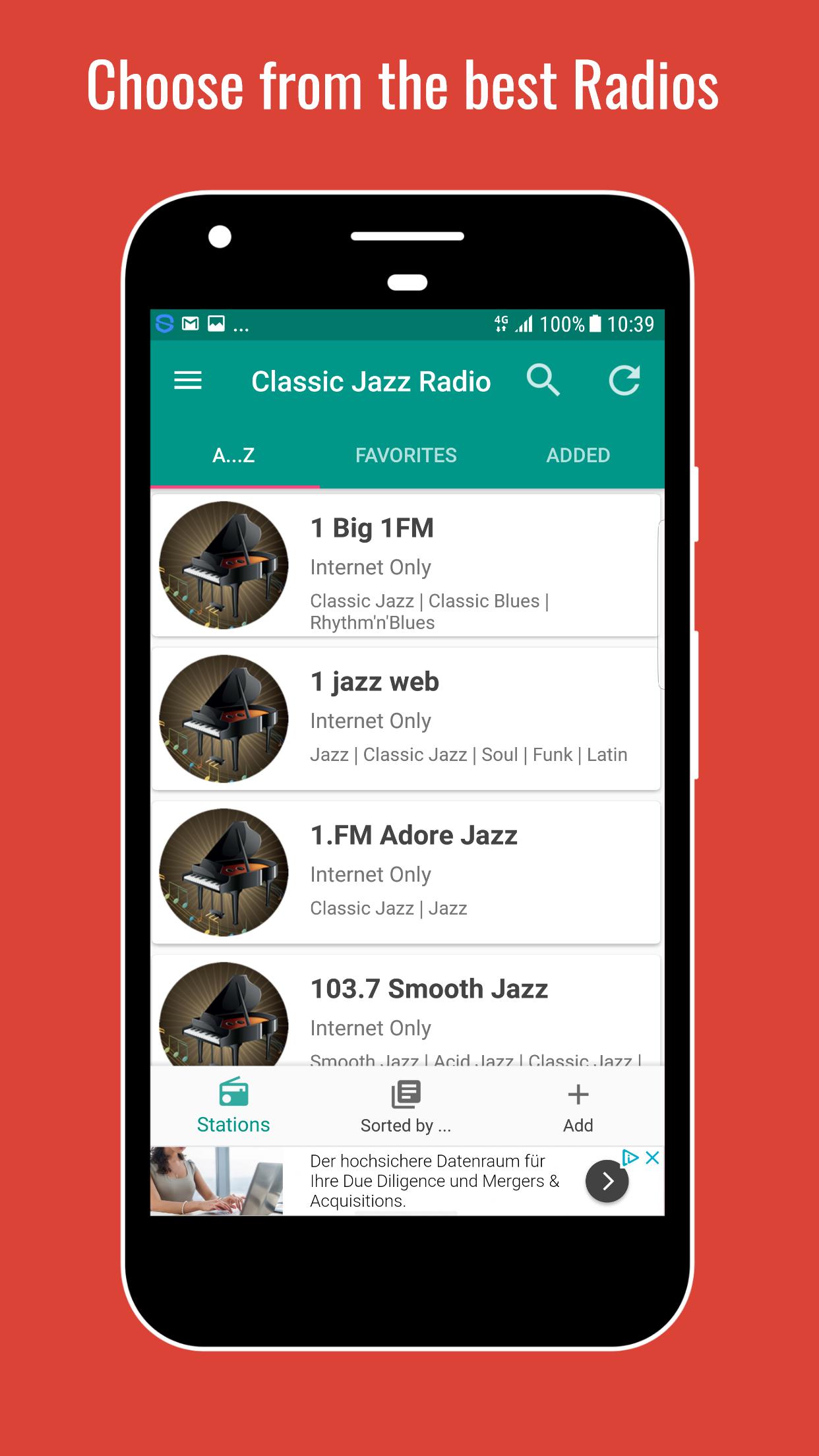
choose from the top live streams with Classic Jazz Music from around the world
♬ Song and Artist information
💨 Fast access
♥ Set favorites
🔍 Search for a station
◉ Radios are sorted by genres
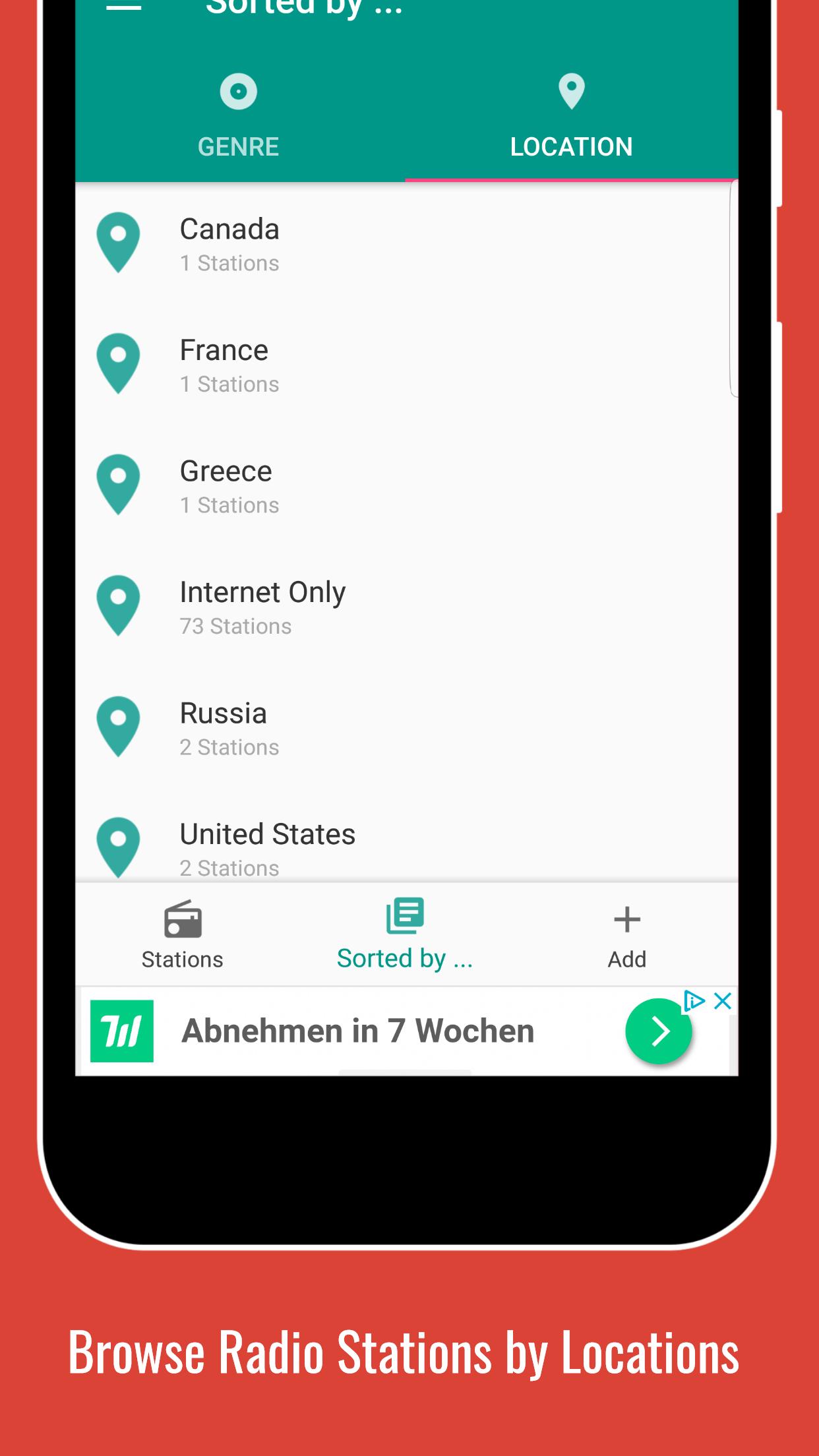
📌 Radios are sorted by location
🕐 Set a sleep timer
⏰ Set a alarm
✚ Add a live stream
↺ Refresh Playlist to always see the latest updates
$ Remove Ads with low priced paid subscription
❗ Please note that not all stations are available 24/7! Some stations also do have a max. number of listeners and/or are located in regions that do not have a 100% reliable internet connection. If you see the error message "Connection could not be established" and this problem persists, please contact us.
� For further information please use the FAQ Section inside the app (under Settings) or visit our homepage at http://swsisgmbh.com
Avance
Etiquetas
Music-&Información
Desarrollador
wsmrApps
La última versión
1.0
Última actualización
2023-03-05
Categoría
Music-audio
Disponible en
Google Play
Mostrar más
Cómo jugar Classic Jazz Radio con GameLoop en PC
1. Descargue GameLoop desde el sitio web oficial, luego ejecute el archivo exe para instalar GameLoop.
2. Abra GameLoop y busque "Classic Jazz Radio", busque Classic Jazz Radio en los resultados de búsqueda y haga clic en "Instalar".
3. Disfruta jugando Classic Jazz Radio en GameLoop.
Minimum requirements
OS
Windows 8.1 64-bit or Windows 10 64-bit
GPU
GTX 1050
CPU
i3-8300
Memory
8GB RAM
Storage
1GB available space
Recommended requirements
OS
Windows 8.1 64-bit or Windows 10 64-bit
GPU
GTX 1050
CPU
i3-9320
Memory
16GB RAM
Storage
1GB available space