
NewLife Secondary School para PC
Bright Office Systems
Descarga NewLife Secondary School en PC con GameLoop Emulator
NewLife Secondary School en PC
NewLife Secondary School, proveniente del desarrollador Bright Office Systems, se ejecuta en el sistema Android en el pasado.
Ahora, puedes jugar NewLife Secondary School en PC con GameLoop sin problemas.
Descárgalo en la biblioteca de GameLoop o en los resultados de búsqueda. No más mirar la batería o llamadas frustrantes en el momento equivocado nunca más.
Simplemente disfrute de NewLife Secondary School PC en la pantalla grande de forma gratuita!
NewLife Secondary School Introducción
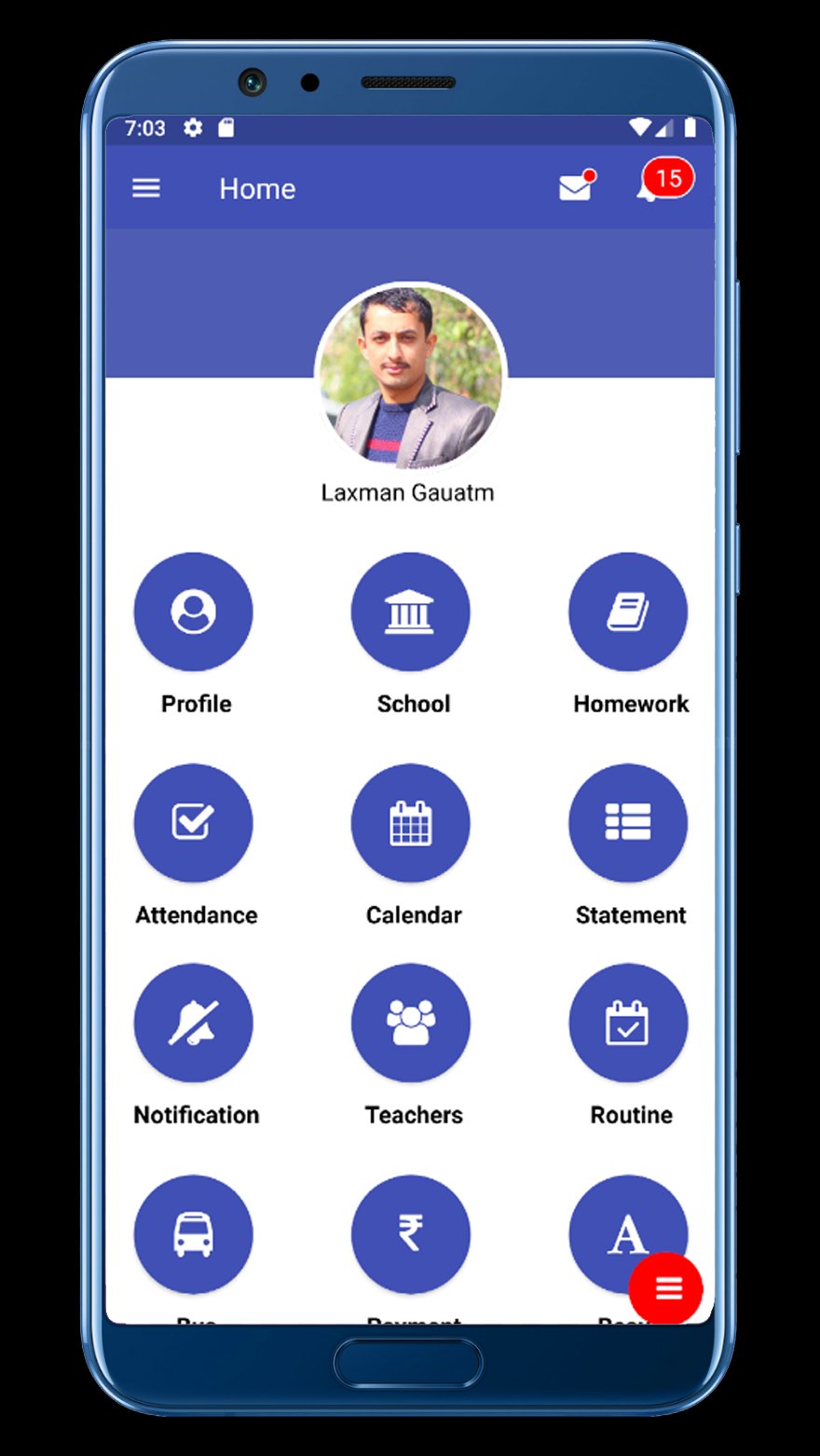
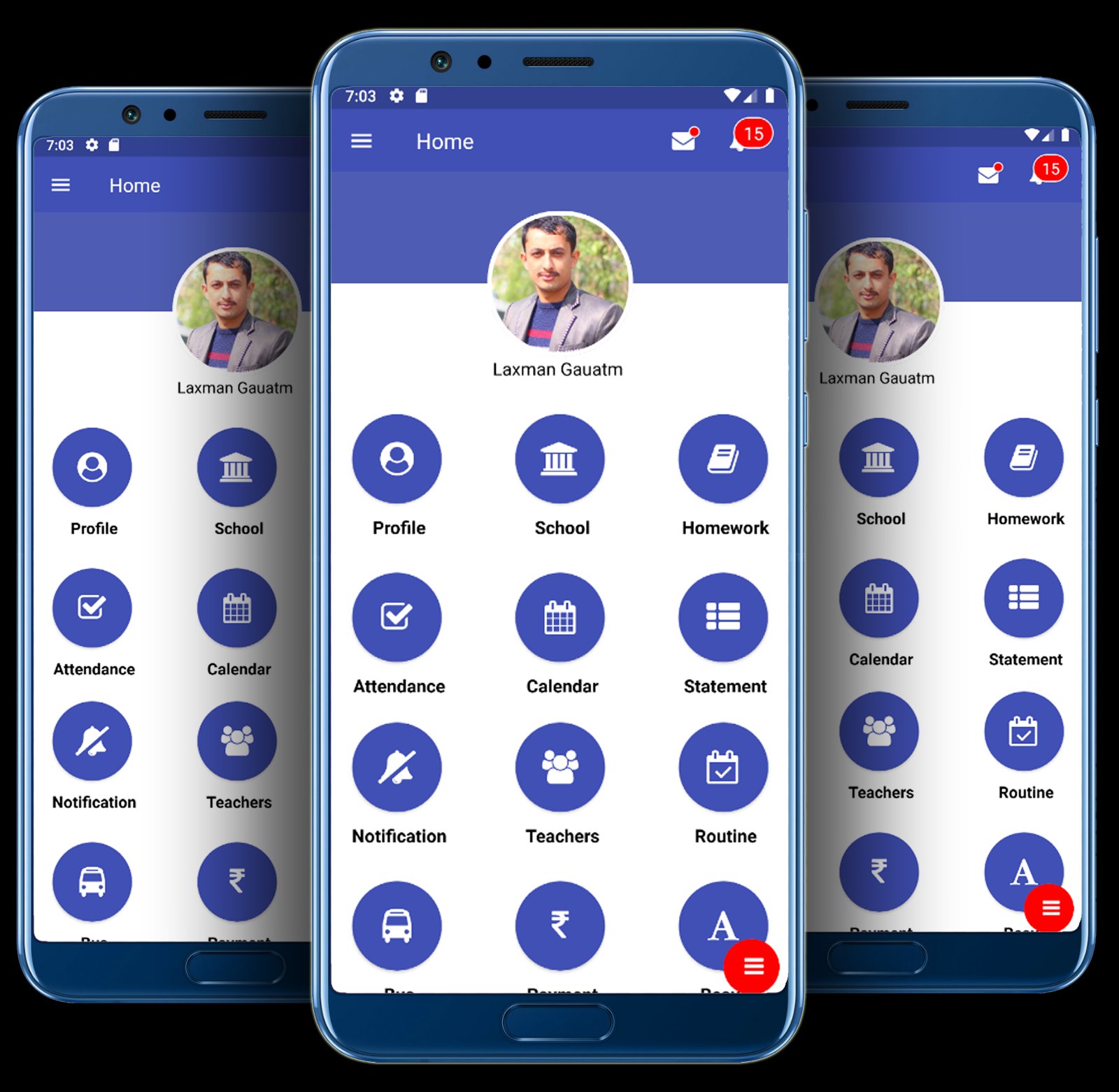
School Communication Information System – BRiGHT SCIS is a platform where important information can be transfer among stakeholders ( School Management, Teachers, Students and Parents)
Features of BRiGHT SCIS :
A. Automatic Notification:
An Automatic Notification Will be Sent To Parents & Guardian's when their child is absent or other information in real time.
B. Live Attendance:
Teachers & Accountant would be able to take the attendance in this class by using there computer, Laptop, Smart Phone no need extra Device
C. Student Homework & Assignments :
Iolite provides facility to post homework/assignments to students of all the division and standard as per teacher. Teachers can post homework/assignments to students of their class and provide necessary documents for reference. Students can see the homework assigned to them online through the medium of their desk and refer the reference documents uploaded by the teacher. Parents can see the homework assigned to their ward and get it completed on time.
D. Exam Routine / Class Roution:
you can generate the Exam Routine & Class Routine easily. you can view Routine by student, Teacher And parents. you can view and Print a PDF version of the Routine
E. Marks Detail:
You can generate marks sheet & Grade Sheet .you can easily view student mark And print And PDF version
F. Revenue Report:
Every transaction you can generate and Parents easily view student Revenue Report
G. SMS / Email Integration:
You can generate SMS and Email
H. Student Log messages:
I. You can generate student Log And Send Parents.
J. Academic Calendar:
School/College generate Academic Calendar
K. News & Events update:
You Can Generate News & Events Then send student, Teacher And parents, class wise, Individual Student , Individual Parents, Individual Teacher. on time
L. Bus GPS Tracking Systems:
When transporting students between home and school , safety real-time location and vehicle Status in this GPS tracking Systems , Receive bus rider status automatically and immediately (available to transportation personnel, principals, parents and school administration via a secure website)
M. Both Ways Messaging Systems:
Parents/student & schoo/teacher both way Systems. no need other massage systems.
Avance
Etiquetas
EducaciónInformación
Desarrollador
Bright Office Systems
La última versión
v10.0.55
Última actualización
2025-12-17
Categoría
Educación
Disponible en
Google Play
Mostrar más
Cómo jugar NewLife Secondary School con GameLoop en PC
1. Descargue GameLoop desde el sitio web oficial, luego ejecute el archivo exe para instalar GameLoop.
2. Abra GameLoop y busque "NewLife Secondary School", busque NewLife Secondary School en los resultados de búsqueda y haga clic en "Instalar".
3. Disfruta jugando NewLife Secondary School en GameLoop.
Minimum requirements
OS
Windows 8.1 64-bit or Windows 10 64-bit
GPU
GTX 1050
CPU
i3-8300
Memory
8GB RAM
Storage
1GB available space
Recommended requirements
OS
Windows 8.1 64-bit or Windows 10 64-bit
GPU
GTX 1050
CPU
i3-9320
Memory
16GB RAM
Storage
1GB available space