
My ShakSham para PC
Aesthetic developers
Descarga My ShakSham en PC con GameLoop Emulator
My ShakSham en PC
My ShakSham, proveniente del desarrollador Aesthetic developers, se ejecuta en el sistema Android en el pasado.
Ahora, puedes jugar My ShakSham en PC con GameLoop sin problemas.
Descárgalo en la biblioteca de GameLoop o en los resultados de búsqueda. No más mirar la batería o llamadas frustrantes en el momento equivocado nunca más.
Simplemente disfrute de My ShakSham PC en la pantalla grande de forma gratuita!
My ShakSham Introducción
About the app:
My ShakSham is an e-learning platform for all. Here students will get all the features in one app. We
will talk about the features in the coming time. It’s a platform that is given to all students to interacts
with each other from all over the world and grow together. This is just a start to the app and we wil
be adding new features soon through the updates.
Features:
I. Looks:
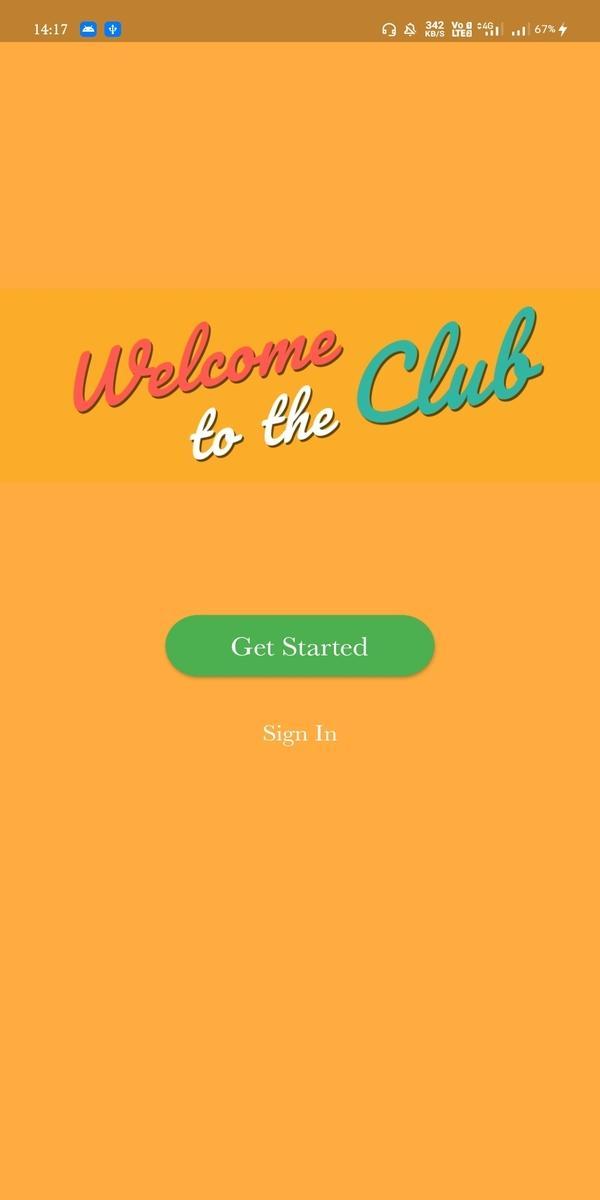
1. Simplicity: We have tried to keep the app as simple as possible so that anyone can
use it easily. The overall app has a minimalistic look that looks good and is eye catchy.
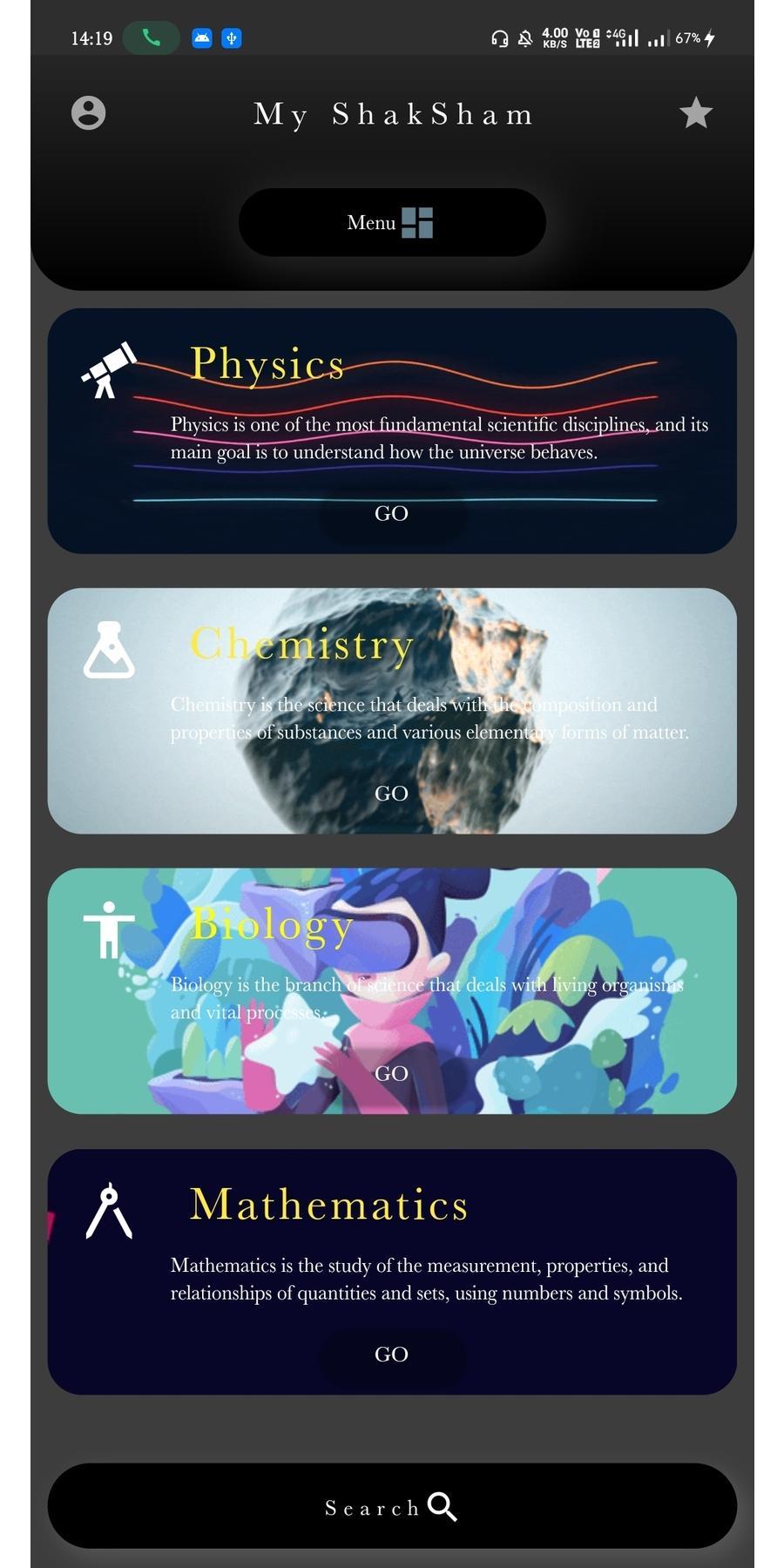
2. Color : We have kept the overall color of the app as black as dark theme is trending
and also it puts less pressure to the eyes of the user, with a mixture of some colorful
cards that enhances the mood of the user to read.
II. Main Theme:
1. Notes: we are having some wide range of prebuilt notes and PowerPoint
presentation. The most interesting feature of note is that any student can submit
the notes into the app and thousands of students can access it from anywhere in the
world.
2. Subjects: currently for a starting version we are here with main 4 subjects but within
a month we are going to add many more subjects from different streams.
3. Class: Currently for a starting version we are here with Class VI -X but within a
month we are going to add many more classes starting from lower school to
Colleges.
III. Other features:
1. Login: One can Login into it with the help of email id and password, otherwise we
have a more secure way of Google login system and soon we could see the Facebook
login on the app.
2. Search: We are providing our user with a search bar for more convenience to search
the subject and directly jump into learning.
3. Dashboard: An interactive dashboard with many GIFs that looks cool and user
friendly. Those gives an artistic and a good look to the UI design.
4. Menu: Every App is providing with an menu drawer in an App bar, so we thought of
giving our user a simplified and friendly experience by giving a dedicated page to the
user that lets the user to customise their profile.
5. Sorted: The app is fully sorted with the chapters. It has a Class Page where the user
can check out their respective classes and their chapters. It is placed in an organised
manner.
IV. Features Coming Soon: There are a lots of interactive features coming soon.
1. Facebook Login
2. Chat feature: Where the users could interact one on one through a chat UI. Many
a time we go to a chat in other apps for a work and gets distracted so we are
introducing this feature so that the user could share the notes or chat within the
app without getting distracted.
3. Statistics: This feature will give the user a Statistics that how many hrs did he
studied for and he could set a limit for that so that the user could organize and
complete his studies on time.
4. Scribble: The scribble features is used to take notes. The user could take notes into
the app either with the help of an electronic pen or by simply typing .
5. Subjects and Classes: We are going to add numerous subjects to the app with
many more classes very soon.
6. Donate notes: If one wishes to donate notes then the user could easily upload
notes to our app which will be verified by us and be published on the app and they
would be paid some credits for the same.
The App is constantly updated ,So feel free to Send Us your feedback at
astheticdevelopers@gmail.com
Avance
Etiquetas
EducaciónInformación
Desarrollador
Aesthetic developers
La última versión
1.0.0
Última actualización
2022-09-24
Categoría
Educación
Disponible en
Google Play
Mostrar más
Cómo jugar My ShakSham con GameLoop en PC
1. Descargue GameLoop desde el sitio web oficial, luego ejecute el archivo exe para instalar GameLoop.
2. Abra GameLoop y busque "My ShakSham", busque My ShakSham en los resultados de búsqueda y haga clic en "Instalar".
3. Disfruta jugando My ShakSham en GameLoop.
Minimum requirements
OS
Windows 8.1 64-bit or Windows 10 64-bit
GPU
GTX 1050
CPU
i3-8300
Memory
8GB RAM
Storage
1GB available space
Recommended requirements
OS
Windows 8.1 64-bit or Windows 10 64-bit
GPU
GTX 1050
CPU
i3-9320
Memory
16GB RAM
Storage
1GB available space