
Math Ninja -Times Table- para PC
Fantamstick, Ltd.
Descarga Math Ninja -Times Table- en PC con GameLoop Emulator
Math Ninja -Times Table- en PC
Math Ninja -Times Table-, proveniente del desarrollador Fantamstick, Ltd., se ejecuta en el sistema Android en el pasado.
Ahora, puedes jugar Math Ninja -Times Table- en PC con GameLoop sin problemas.
Descárgalo en la biblioteca de GameLoop o en los resultados de búsqueda. No más mirar la batería o llamadas frustrantes en el momento equivocado nunca más.
Simplemente disfrute de Math Ninja -Times Table- PC en la pantalla grande de forma gratuita!
Math Ninja -Times Table- Introducción
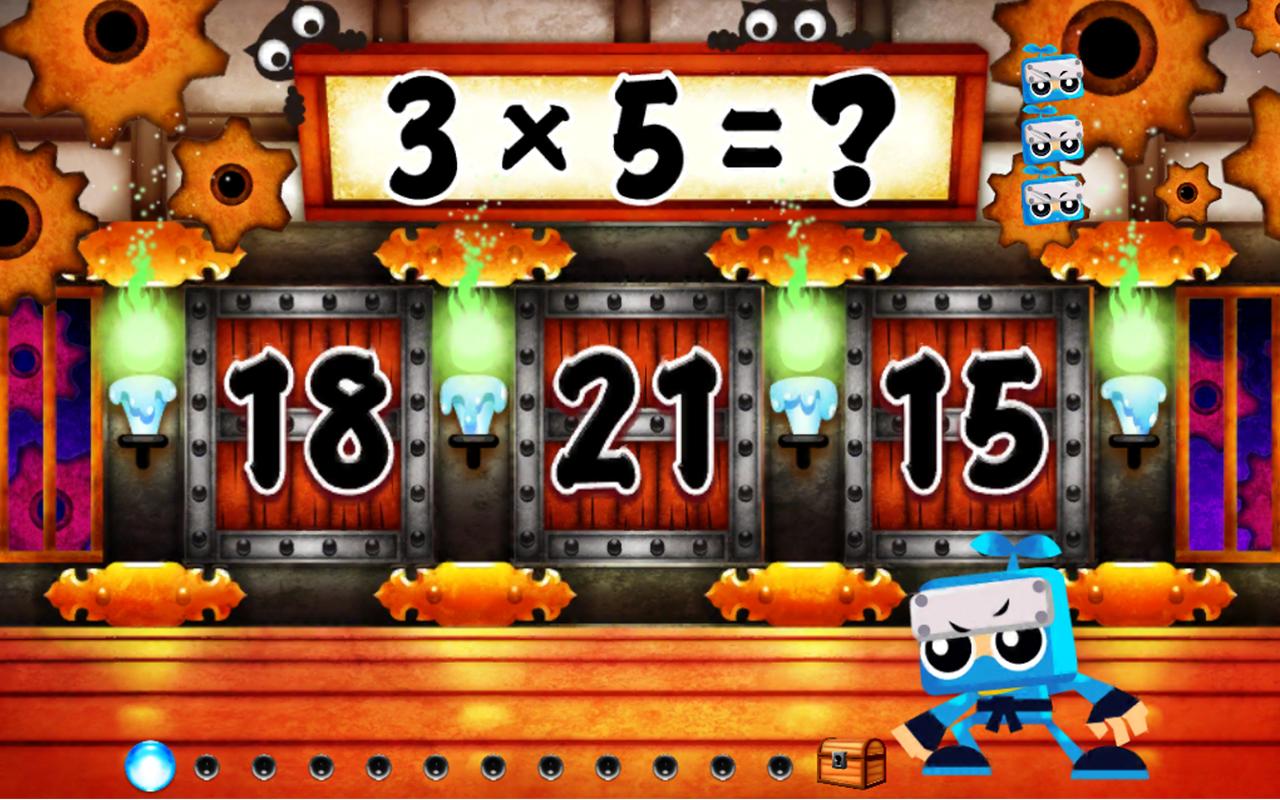
Become Kazumaru or Kazuha and train hard to beat your way up to the Ninja Masters, and before you know it, you've learned the Times Table! Learning should be fun, and this is just that! Fun, Entertaining and Educational.
Check how many problems you answered correct or wrong on the status report and see the top 3 multiplications you had the most difficulty with.
Each multiplication has a unique Ninja Master, try to beat them all.
Learn from your mistakes! Count the rice balls when you get the answer wrong.
Three separate save data can be used, so no need to fight between brothers or sisters!
Avance

Información
Desarrollador
Fantamstick, Ltd.
La última versión
3.1.1
Última actualización
2016-03-22
Categoría
Educación
Disponible en
Google Play
Mostrar más
Cómo jugar Math Ninja -Times Table- con GameLoop en PC
1. Descargue GameLoop desde el sitio web oficial, luego ejecute el archivo exe para instalar GameLoop.
2. Abra GameLoop y busque "Math Ninja -Times Table-", busque Math Ninja -Times Table- en los resultados de búsqueda y haga clic en "Instalar".
3. Disfruta jugando Math Ninja -Times Table- en GameLoop.
Minimum requirements
OS
Windows 8.1 64-bit or Windows 10 64-bit
GPU
GTX 1050
CPU
i3-8300
Memory
8GB RAM
Storage
1GB available space
Recommended requirements
OS
Windows 8.1 64-bit or Windows 10 64-bit
GPU
GTX 1050
CPU
i3-9320
Memory
16GB RAM
Storage
1GB available space