Lumosity: Brain Training Games para PC
Lumos Labs, Inc.
Descarga Lumosity: Brain Training Games en PC con GameLoop Emulator
Lumosity: Brain Training Games en PC
Lumosity: Brain Training Games, proveniente del desarrollador Lumos Labs, Inc., se ejecuta en el sistema Android en el pasado.
Ahora, puedes jugar Lumosity: Brain Training Games en PC con GameLoop sin problemas.
Descárgalo en la biblioteca de GameLoop o en los resultados de búsqueda. No más mirar la batería o llamadas frustrantes en el momento equivocado nunca más.
Simplemente disfrute de Lumosity: Brain Training Games PC en la pantalla grande de forma gratuita!
Lumosity: Brain Training Games Introducción
Train your mind with Lumosity’s fun brain games.
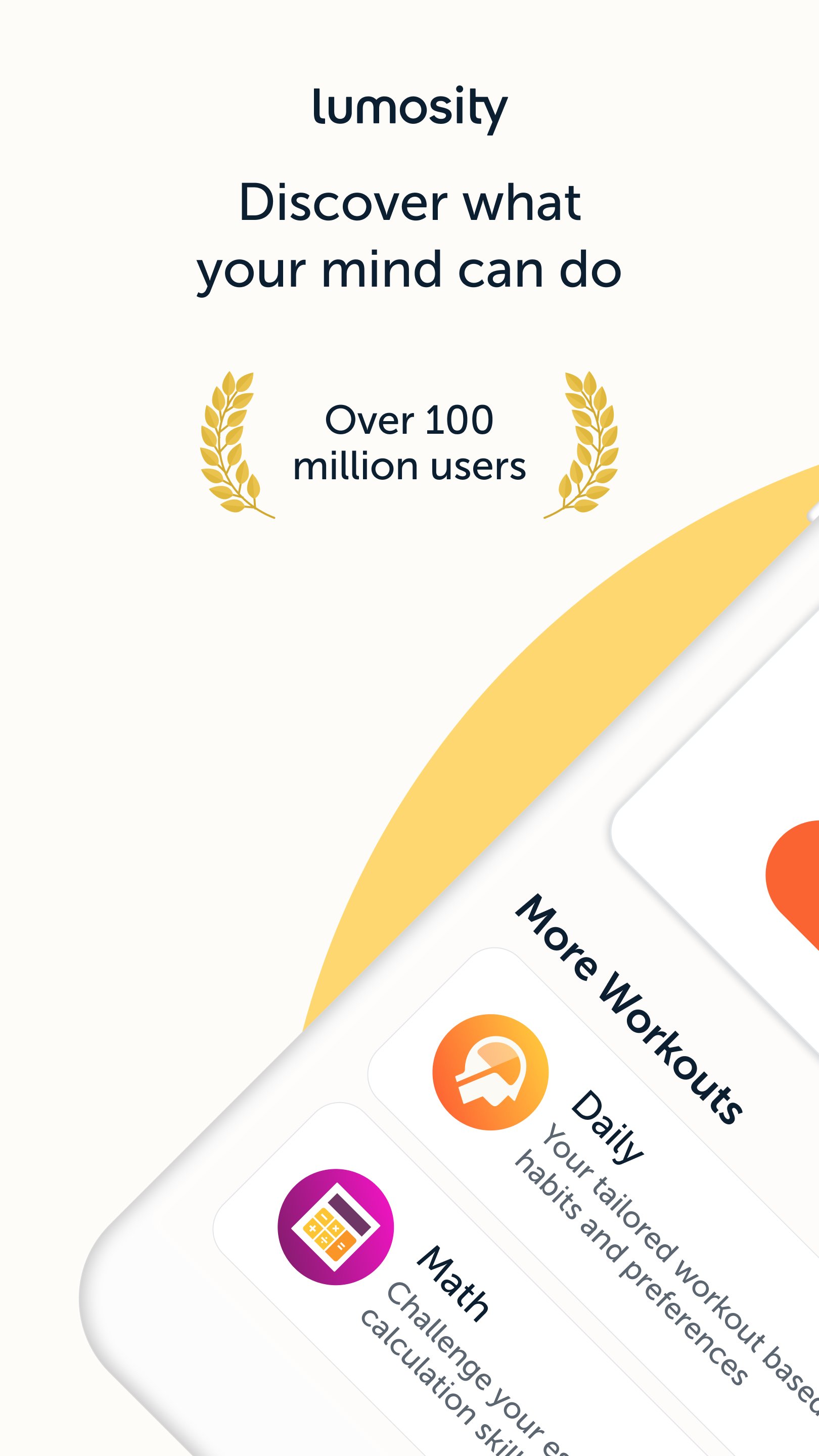
Lumosity is a leading brain training app, used by over 100 million people worldwide to play cognitive games that exercise memory, attention, problem-solving and more.
WHAT’S INSIDE THE APP
•40+ Brain games that adapt as you play
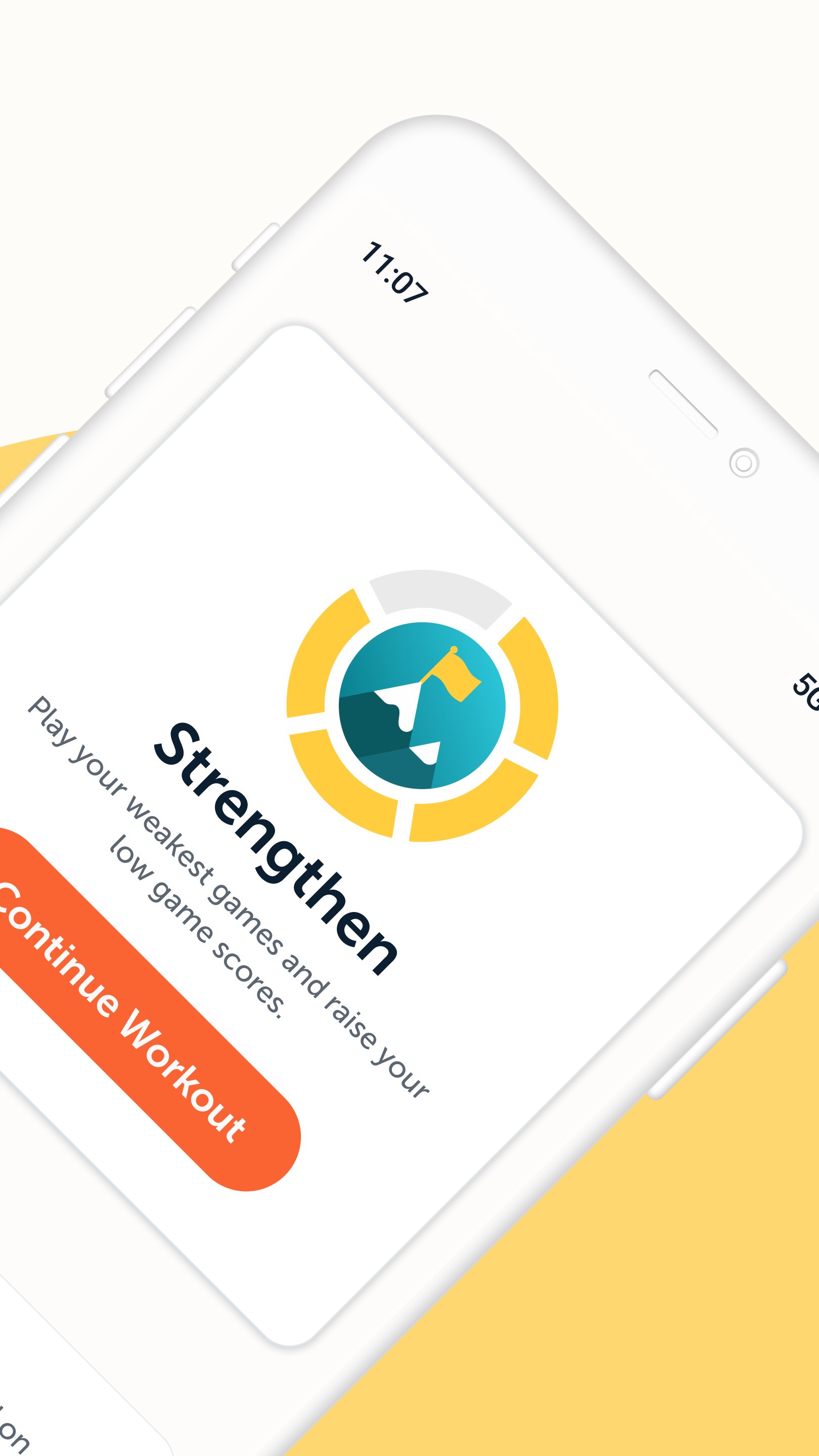
•Daily workout plans to train your brain
•Insights into your performance
•Track your progress and achieve your training goals
GET STARTED WITH A FIT TEST
Take a free, 10-minute Fit Test to set your baseline scores and see how your performance compares with others your age.
EXPLORE BRAIN GAMES BY SKILL
Choose the skill you want to target by playing games for speed, memory, attention, flexibility, problem-solving, math and word games.
DAILY PERSONALIZED BRAIN WORKOUTS
Build daily habits with workouts curated for you. Get personalized challenges based on your training habits and preferences. Practice key skills through curated, targeted brain games.
DETAILED TRAINING INSIGHTS
Discover your game strengths and weaknesses with in-depth performance insights. Get analysis of your game play to help understand your cognitive patterns.
THE SCIENCE BEHIND LUMOSITY
We’re a team of scientists and designers exploring new ways to challenge the brain and advance cognitive research. We take established cognitive and neuropsychological tasks, or create entirely new, experimental challenges. We then transform these tasks into games and puzzles that challenge core cognitive skills.
We also collaborate with 40+ university researchers worldwide. We provide qualified researchers free access to Lumosity’s tools, to support new investigations in the cognitive sciences.
WHO IS LUMOSITY FOR?
•People of all ages who enjoy challenging their minds with fun, brain training games
•Lifelong learners interested in games that engage cognitive skills.
•Anyone aiming to exercise memory, speed, attention, or problem-solving skills.
Whether you're drinking your morning coffee or winding down before bed, Lumosity makes it easy to fit a meaningful brain training session into your day.
Join millions using Lumosity to train their minds. Download today and build your brain training habit.
GET HELP: https://lumositybeta.zendesk.com
FOLLOW US: http://twitter.com/lumosity
LIKE US: http://facebook.com/lumosity
LUMOSITY PREMIUM & TERMS
With Lumosity Premium, you will work out with a personalized training program, unlock in-depth insights about how you play, and receive tips for better game accuracy, speed and strategy.
Lumosity Premium subscriptions are charged through your Google Play account upon confirmation of purchase. Your subscription will automatically renew at the price and period selected above unless you turn off auto-renewal at least 24 hours before the end of the current period. You will be charged for renewal within 24 hours prior to the end of the current period. You may manage your subscription and turn off auto-renewal in your Google Play account settings after purchase. Refunds are not provided for the unused portion of any term, and any unused portion of a free trial period will be forfeited when a purchase is made.
Privacy Policy:
https://www.lumosity.com/legal/privacy_policy
CA Privacy:
https://www.lumosity.com/en/legal/privacy_policy/#what-information-we-collect
Terms of Service:
https://www.lumosity.com/legal/terms_of_service
Payment Policy:
https://www.lumosity.com/legal/payment_policy
Avance
Etiquetas
EducaciónInformación
Desarrollador
Lumos Labs, Inc.
La última versión
10.20.24
Última actualización
2026-05-06
Categoría
Educación
Disponible en
Google Play
Mostrar más
Cómo jugar Lumosity: Brain Training Games con GameLoop en PC
1. Descargue GameLoop desde el sitio web oficial, luego ejecute el archivo exe para instalar GameLoop.
2. Abra GameLoop y busque "Lumosity: Brain Training Games", busque Lumosity: Brain Training Games en los resultados de búsqueda y haga clic en "Instalar".
3. Disfruta jugando Lumosity: Brain Training Games en GameLoop.
Minimum requirements
OS
Windows 8.1 64-bit or Windows 10 64-bit
GPU
GTX 1050
CPU
i3-8300
Memory
8GB RAM
Storage
1GB available space
Recommended requirements
OS
Windows 8.1 64-bit or Windows 10 64-bit
GPU
GTX 1050
CPU
i3-9320
Memory
16GB RAM
Storage
1GB available space