
LittleLives Check In para PC
LittleLives
Descarga LittleLives Check In en PC con GameLoop Emulator
LittleLives Check In en PC
LittleLives Check In, proveniente del desarrollador LittleLives, se ejecuta en el sistema Android en el pasado.
Ahora, puedes jugar LittleLives Check In en PC con GameLoop sin problemas.
Descárgalo en la biblioteca de GameLoop o en los resultados de búsqueda. No más mirar la batería o llamadas frustrantes en el momento equivocado nunca más.
Simplemente disfrute de LittleLives Check In PC en la pantalla grande de forma gratuita!
LittleLives Check In Introducción
Attention all Preschool educators, ever lost track of what time your students were dropped off by their parents? Well, LittleLives’ new Check-in app is here to help!
LittleLives, ranked Number 1 by AECES (Association for Early Childhood Educators (Singapore)) and used by over 300 preschools has just added a cool new Check-in App.
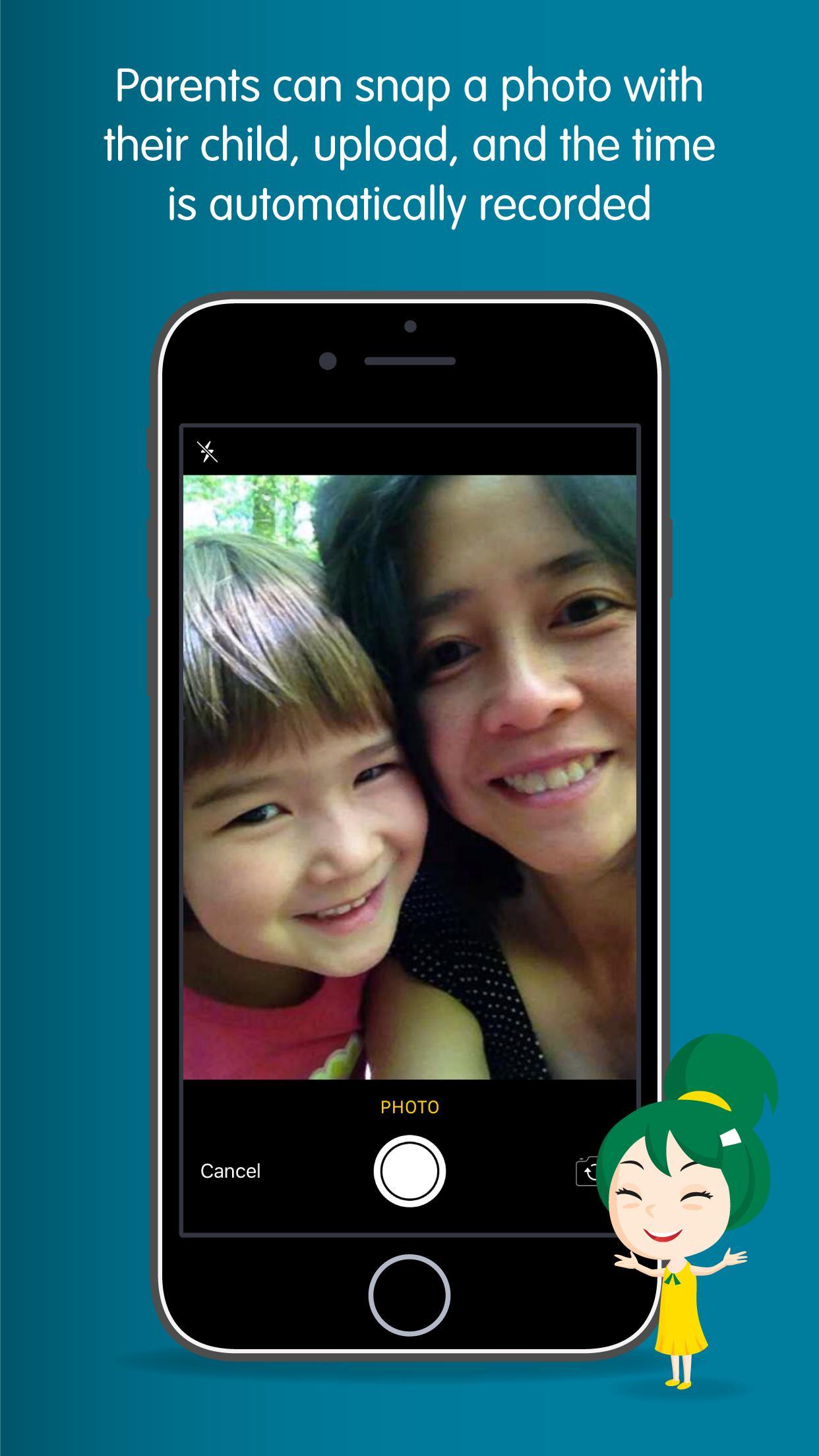
Students reporting for school can easily snap a photo with their parents, upload, and the time automatically recorded. It’s that easy!
Keeping track of your students’ movements will now be a breeze.
So hurry teachers, download this cool new app that makes coming to school fun for students!
Key features for the check-in app:
+ Photo-taking of the students with their parents.
+ Automatically takes attendance.
+ Automatically records the time the students arrives and leaves school with their caregiver.
Avance

Etiquetas
EducaciónInformación
Desarrollador
LittleLives
La última versión
3.4.9
Última actualización
2025-04-08
Categoría
Educación
Disponible en
Google Play
Mostrar más
Cómo jugar LittleLives Check In con GameLoop en PC
1. Descargue GameLoop desde el sitio web oficial, luego ejecute el archivo exe para instalar GameLoop.
2. Abra GameLoop y busque "LittleLives Check In", busque LittleLives Check In en los resultados de búsqueda y haga clic en "Instalar".
3. Disfruta jugando LittleLives Check In en GameLoop.
Minimum requirements
OS
Windows 8.1 64-bit or Windows 10 64-bit
GPU
GTX 1050
CPU
i3-8300
Memory
8GB RAM
Storage
1GB available space
Recommended requirements
OS
Windows 8.1 64-bit or Windows 10 64-bit
GPU
GTX 1050
CPU
i3-9320
Memory
16GB RAM
Storage
1GB available space