
Curiscope Virtuali-Tee para PC
CURISCOPE
Descarga Curiscope Virtuali-Tee en PC con GameLoop Emulator
Curiscope Virtuali-Tee en PC
Curiscope Virtuali-Tee, proveniente del desarrollador CURISCOPE, se ejecuta en el sistema Android en el pasado.
Ahora, puedes jugar Curiscope Virtuali-Tee en PC con GameLoop sin problemas.
Descárgalo en la biblioteca de GameLoop o en los resultados de búsqueda. No más mirar la batería o llamadas frustrantes en el momento equivocado nunca más.
Simplemente disfrute de Curiscope Virtuali-Tee PC en la pantalla grande de forma gratuita!
Curiscope Virtuali-Tee Introducción
Curiscope’s Virtuali-Tee: The Ultimate Way to Learn About the Human Body!
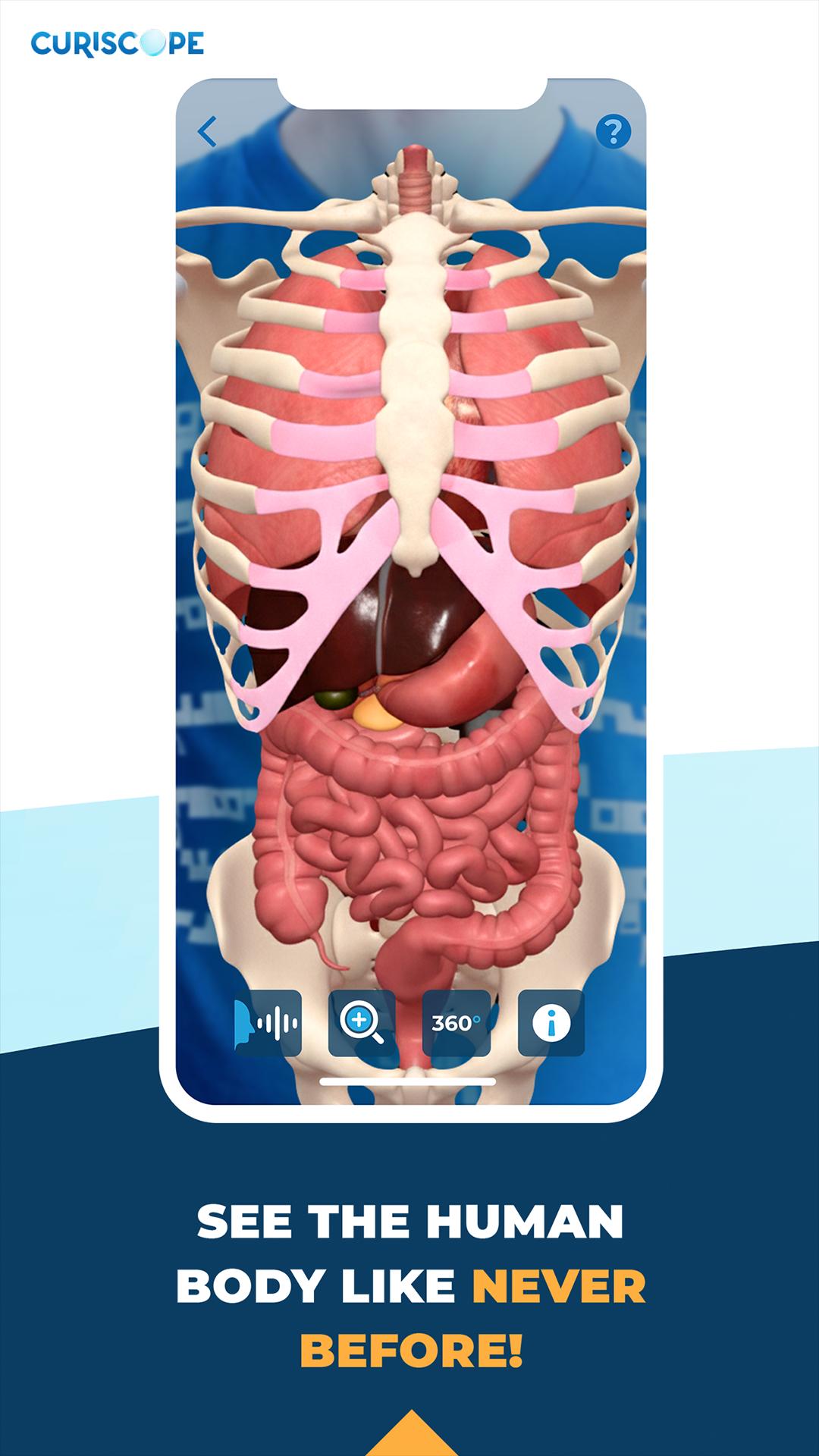
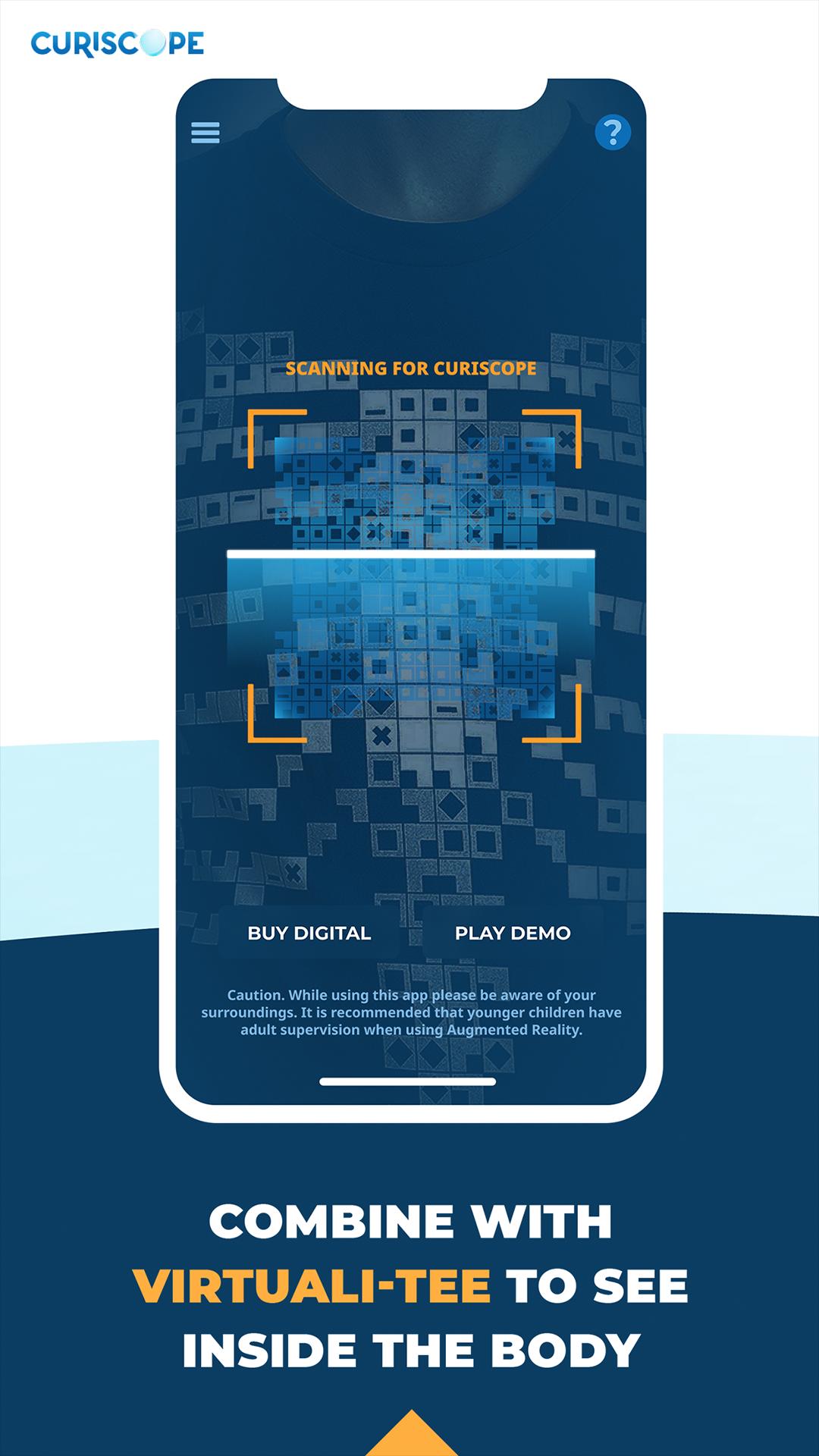
Explore anatomy like never before! The Virtuali-Tee app works with our augmented reality t-shirt to bring learning to life in 3D. Point your device at the t-shirt and dive inside the human body.
What’s New:
Refreshed design
13 languages supported
Bug fixes and smoother performance
Unlock 3D models for learning without AR
Features:
Explore and isolate individual physiological systems.
Dive into the bloodstream, lungs, or small intestine with immersive 360° VR.
Guided by Hans Glover, our animated doctor.
Great for classrooms or groups — mirror to a screen or projector.
Get your Virtuali-Tee at www.curiscope.com.
Note: In-app purchases only apply to the demo mode. The t-shirt unlocks the full experience.
Avance
Etiquetas
EducaciónInformación
Desarrollador
CURISCOPE
La última versión
2.0.0
Última actualización
2025-10-06
Categoría
Educación
Disponible en
Google Play
Mostrar más
Cómo jugar Curiscope Virtuali-Tee con GameLoop en PC
1. Descargue GameLoop desde el sitio web oficial, luego ejecute el archivo exe para instalar GameLoop.
2. Abra GameLoop y busque "Curiscope Virtuali-Tee", busque Curiscope Virtuali-Tee en los resultados de búsqueda y haga clic en "Instalar".
3. Disfruta jugando Curiscope Virtuali-Tee en GameLoop.
Minimum requirements
OS
Windows 8.1 64-bit or Windows 10 64-bit
GPU
GTX 1050
CPU
i3-8300
Memory
8GB RAM
Storage
1GB available space
Recommended requirements
OS
Windows 8.1 64-bit or Windows 10 64-bit
GPU
GTX 1050
CPU
i3-9320
Memory
16GB RAM
Storage
1GB available space