
Christ School para PC
Sunsoft Eduware Solutions LLP
Descarga Christ School en PC con GameLoop Emulator
Christ School en PC
Christ School, proveniente del desarrollador Sunsoft Eduware Solutions LLP, se ejecuta en el sistema Android en el pasado.
Ahora, puedes jugar Christ School en PC con GameLoop sin problemas.
Descárgalo en la biblioteca de GameLoop o en los resultados de búsqueda. No más mirar la batería o llamadas frustrantes en el momento equivocado nunca más.
Simplemente disfrute de Christ School PC en la pantalla grande de forma gratuita!
Christ School Introducción
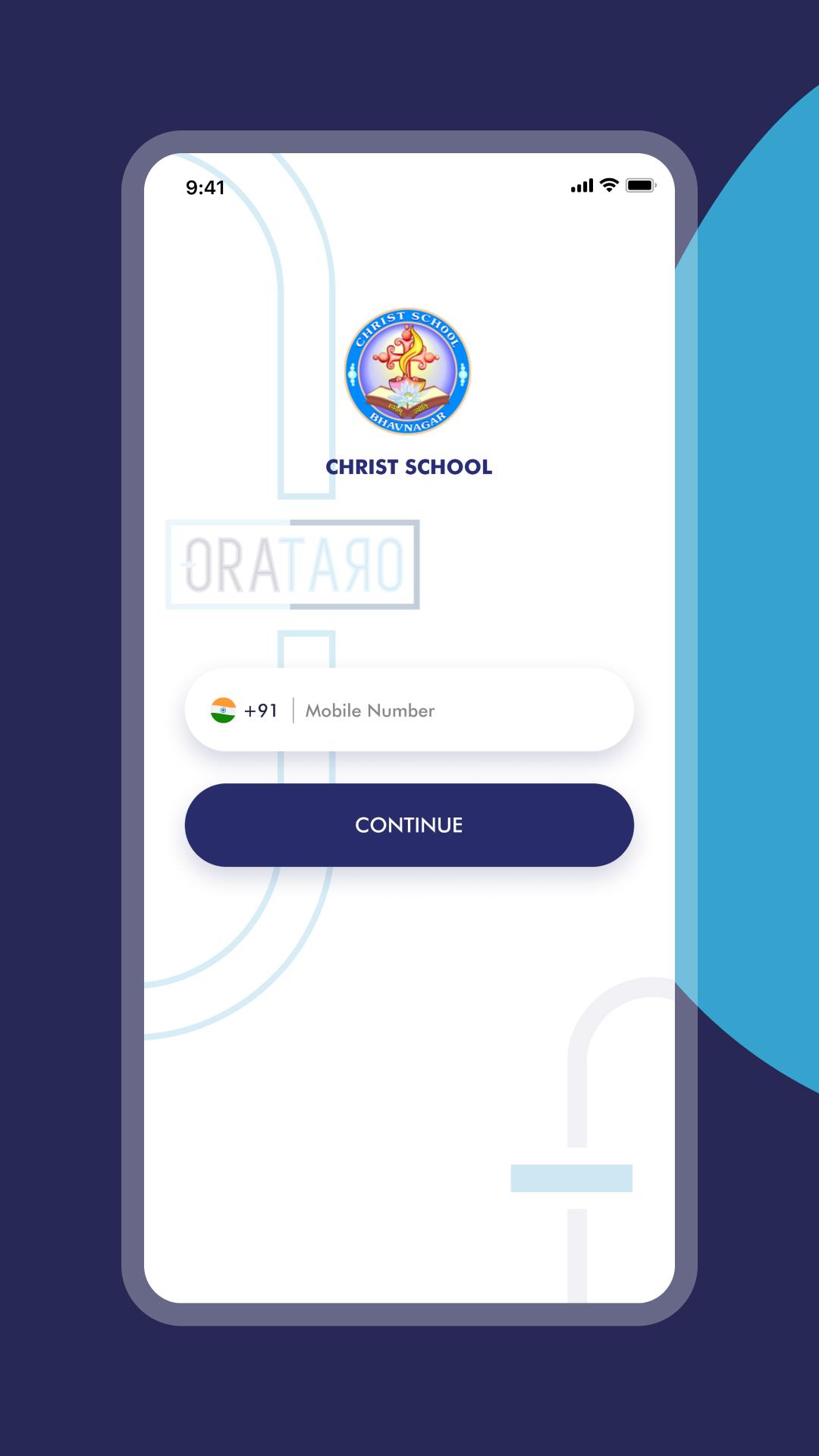
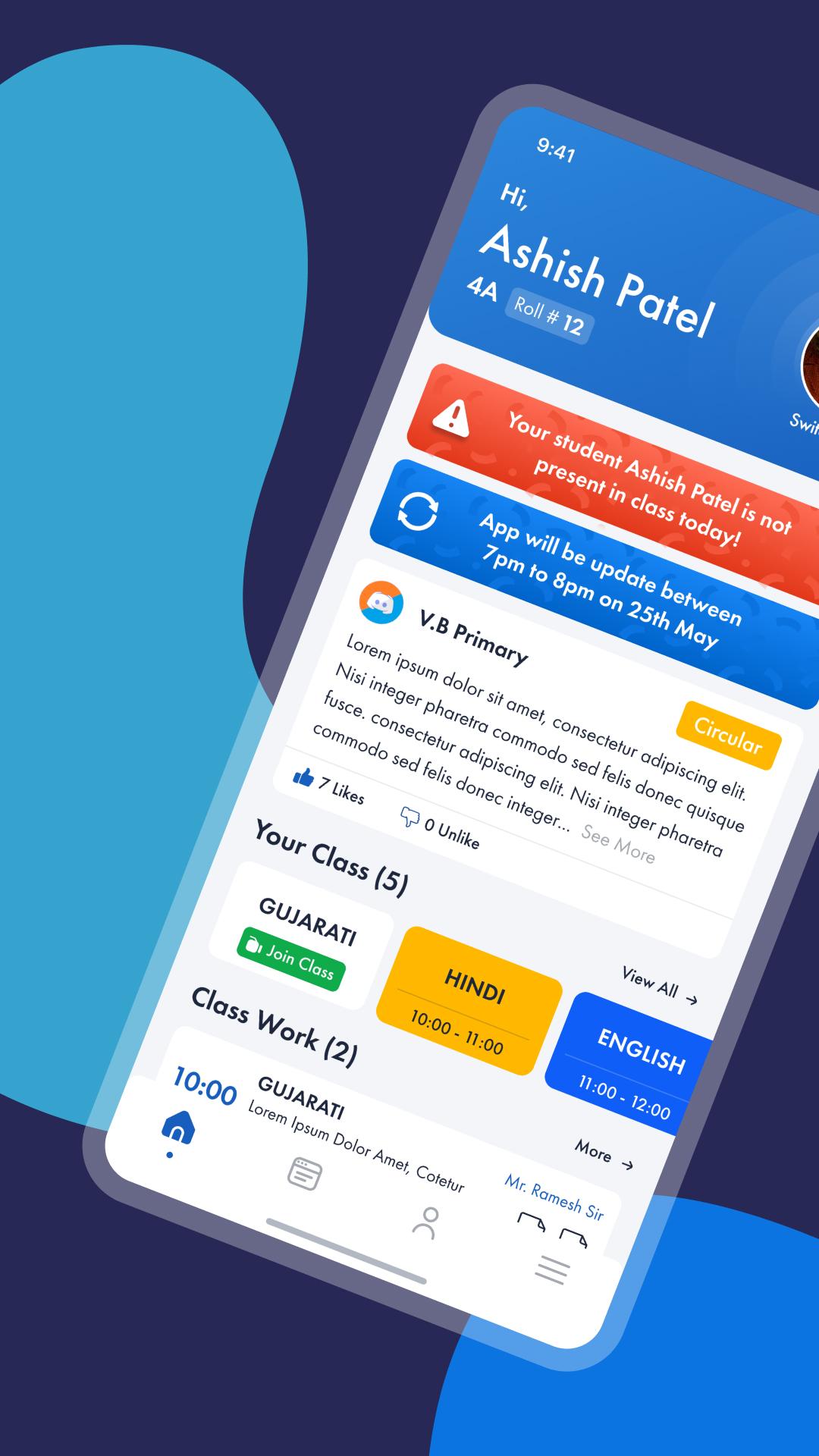
Christ School is a smart communication Platform for school, parents and teachers with a real time updates on Class activities, Homework, Circulars, Academic calendars, Progress updates and group discussion for brainstorming and other project work within a class or at a school level. Super smart features of Christ School will reinforce the scale of teacher and parent interaction and will influence more involvement of parents and teachers in advancements of the child education.
Here are some silent features of Christ School.
• Real time Homework / Class work updates to parents Mobile.
• Test and Exam schedule calendar or academic calendar alerts via push notification.
• Student can update status with course work, and other things on personal wall and share within his group, friends or publicly
• Share pictures or albums and other important materials among the group, projects or within friends
• Student can Download test exam papers to practice at Home.
Avance
Etiquetas
EducaciónInformación
Desarrollador
Sunsoft Eduware Solutions LLP
La última versión
7.1
Última actualización
2024-05-14
Categoría
Educación
Disponible en
Google Play
Mostrar más
Cómo jugar Christ School con GameLoop en PC
1. Descargue GameLoop desde el sitio web oficial, luego ejecute el archivo exe para instalar GameLoop.
2. Abra GameLoop y busque "Christ School", busque Christ School en los resultados de búsqueda y haga clic en "Instalar".
3. Disfruta jugando Christ School en GameLoop.
Minimum requirements
OS
Windows 8.1 64-bit or Windows 10 64-bit
GPU
GTX 1050
CPU
i3-8300
Memory
8GB RAM
Storage
1GB available space
Recommended requirements
OS
Windows 8.1 64-bit or Windows 10 64-bit
GPU
GTX 1050
CPU
i3-9320
Memory
16GB RAM
Storage
1GB available space