
Amway Start para PC
Amway Russia
Descarga Amway Start en PC con GameLoop Emulator
Amway Start en PC
Amway Start, proveniente del desarrollador Amway Russia, se ejecuta en el sistema Android en el pasado.
Ahora, puedes jugar Amway Start en PC con GameLoop sin problemas.
Descárgalo en la biblioteca de GameLoop o en los resultados de búsqueda. No más mirar la batería o llamadas frustrantes en el momento equivocado nunca más.
Simplemente disfrute de Amway Start PC en la pantalla grande de forma gratuita!
Amway Start Introducción
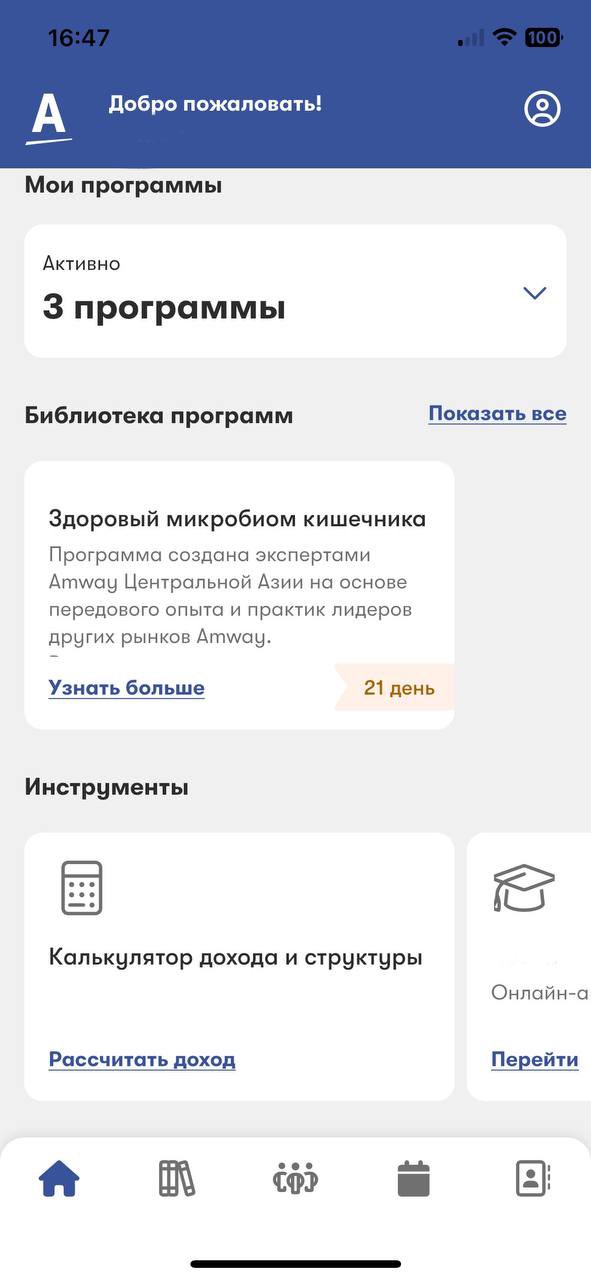
Meet the updated Amway Start app, your digital assistant for doing business
Content library with useful business materials and product information
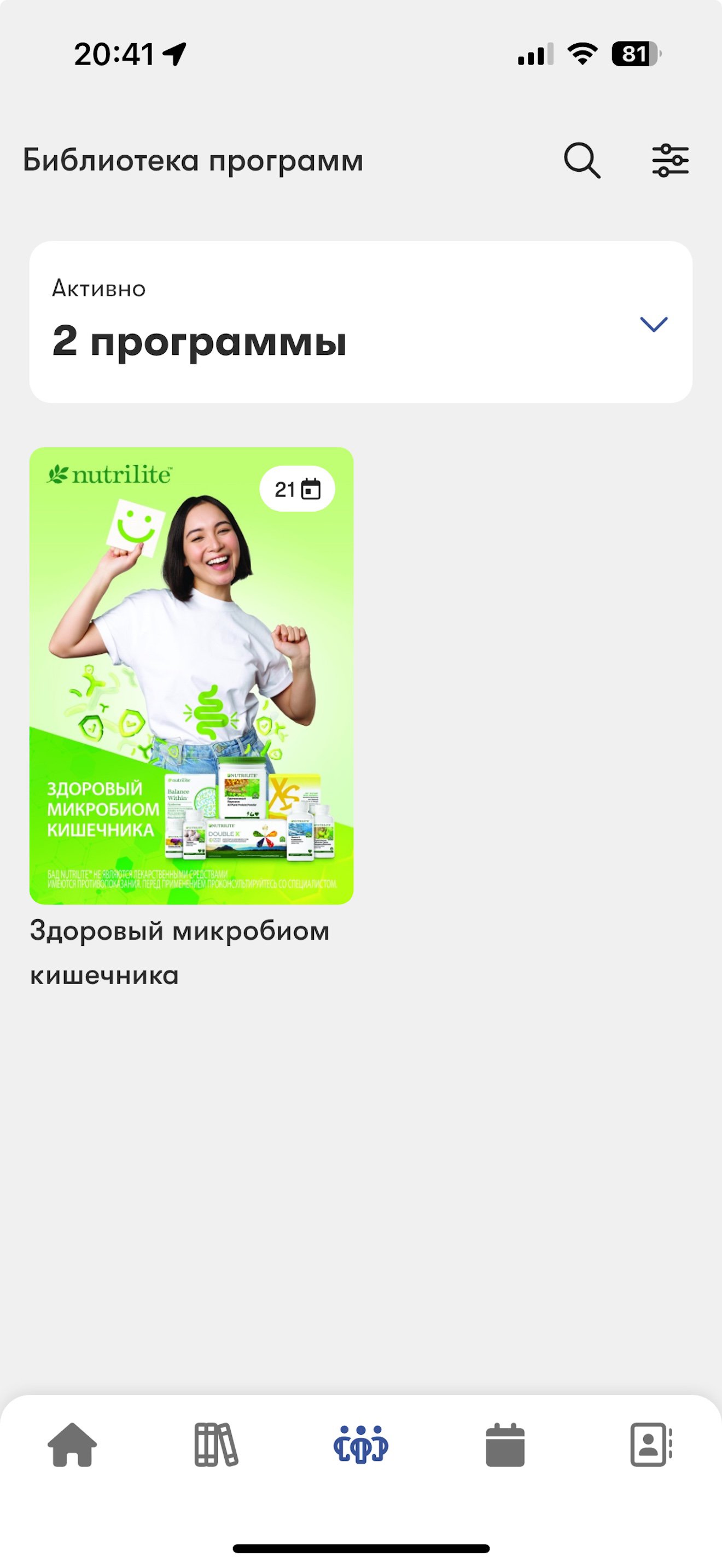
Library of programs with the ability to run marathons
And a lot of useful things!
— theory about methodology and the opportunity to consolidate and practice knowledge after completing an online course at the Institute of Entrepreneurship;
— quick access to the necessary training and tools to build a stable business;
— a contact database with information about each partner and convenient notes;
— your own profile in which you can track tasks and achievements;
— addresses of Amway centers and the ability to contact the contact center;
— a dictionary of terms used in the Amway world.
Amway Start shows the way through the Amway world, helps you start and run your business. This is not only a textbook, but also a communication tool with your clients and partners.
Amway Start - new tools for your business!
Avance
Etiquetas
EducaciónInformación
Desarrollador
Amway Russia
La última versión
3.2.7
Última actualización
2026-01-28
Categoría
Educación
Disponible en
Google Play
Mostrar más
Cómo jugar Amway Start con GameLoop en PC
1. Descargue GameLoop desde el sitio web oficial, luego ejecute el archivo exe para instalar GameLoop.
2. Abra GameLoop y busque "Amway Start", busque Amway Start en los resultados de búsqueda y haga clic en "Instalar".
3. Disfruta jugando Amway Start en GameLoop.
Minimum requirements
OS
Windows 8.1 64-bit or Windows 10 64-bit
GPU
GTX 1050
CPU
i3-8300
Memory
8GB RAM
Storage
1GB available space
Recommended requirements
OS
Windows 8.1 64-bit or Windows 10 64-bit
GPU
GTX 1050
CPU
i3-9320
Memory
16GB RAM
Storage
1GB available space