
FBOX 電腦版
FUN FORTUNE LIMITED
用GameLoop模拟器在電腦上玩FBOX
FBOX 電腦版
來自發行商 FUN FORTUNE LIMITED 的 FBOX 能夠在安卓系統上運行。
現在,您可以在電腦上使用 GameLoop 模擬器流暢地玩 FBOX。
在 GameLoop 遊戲庫或搜索結果中下載。 不需要再暢玩遊戲時盯著電池電量或被令人懊惱的來電打斷。
只需在電腦大屏幕上免費下載暢玩FBOX 電腦版!
FBOX 簡介
FBOX is a simple and efficient automatic operation management platform for our Intelligent Oil-Based Liquid Cooling Mining Box;
It has the following features:
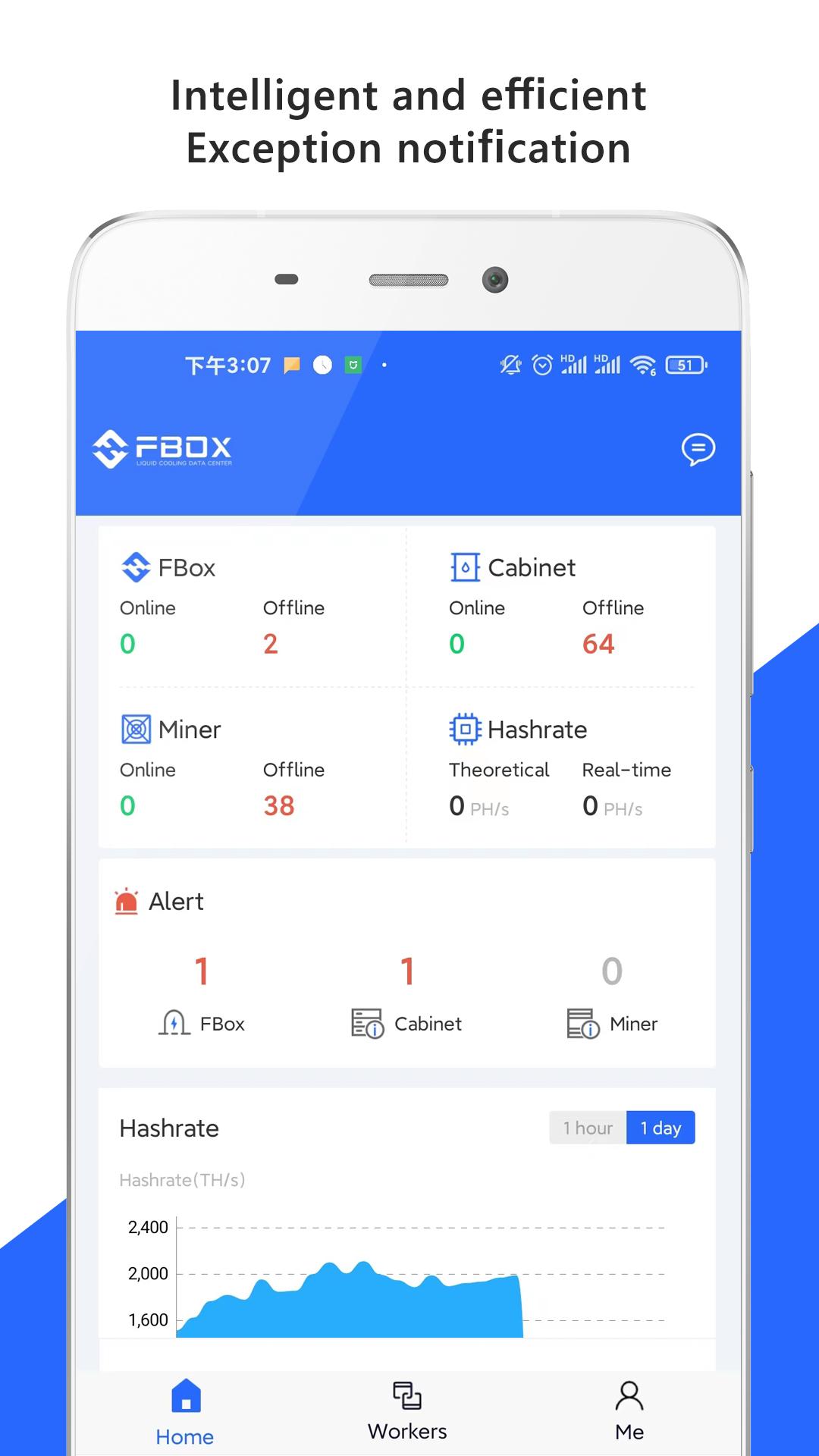
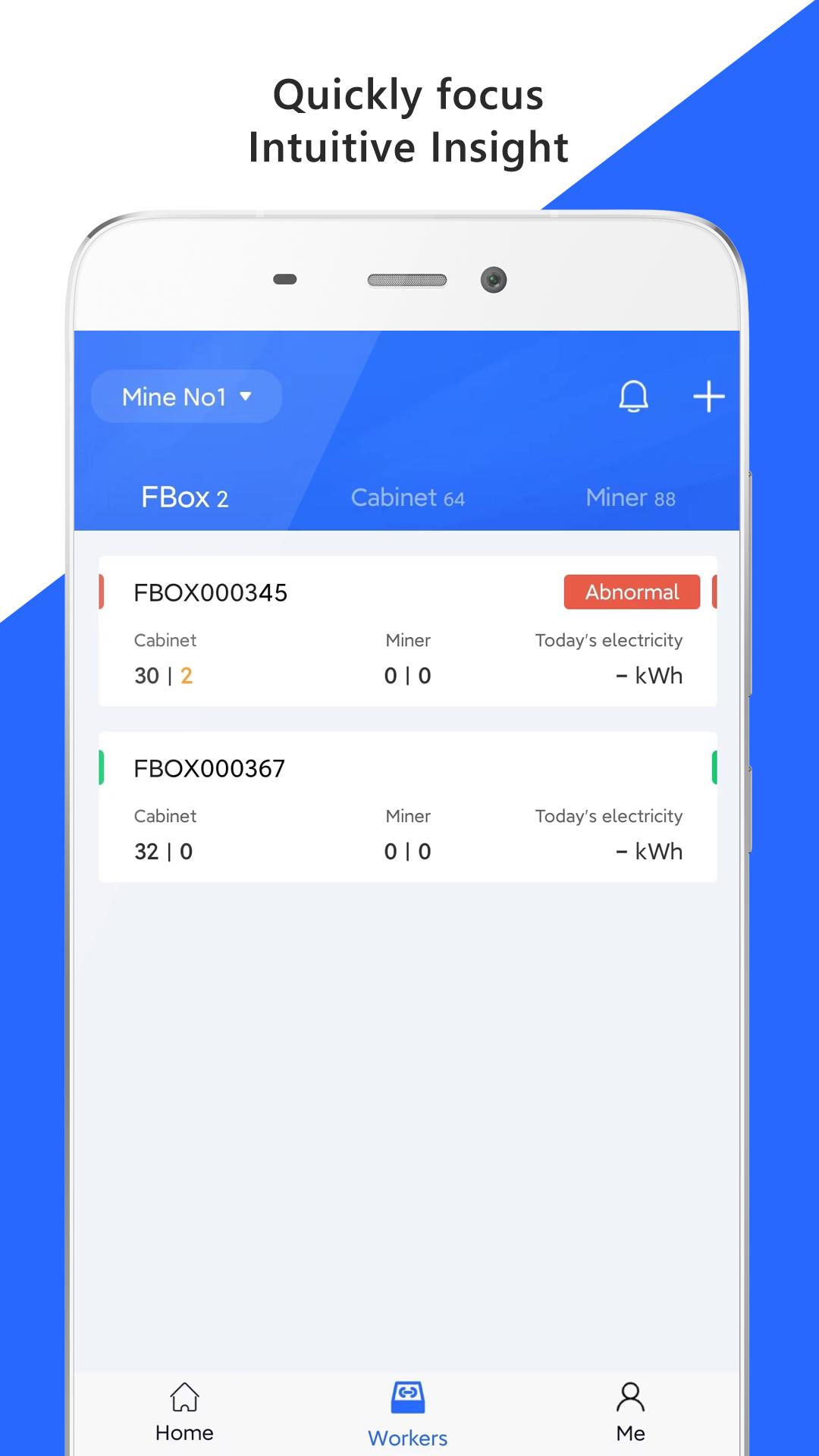
Visual monitoring to locate faults. The machines running data can be displayed in various types of diagrams, revealing the operation status, hashrates, and fault situation.
Real-time alarm of abnormal conditions. The machines running data is monitored and refreshed every 2 minutes. Real-time alarm for various type of abnormal conditions, and the notification frequency and mode can be flexibly configured.
The optimal strategy to achieves the intelligent mining farms, FBOX give you a security, efficient and intelligent mining farm by flexibly configure parameters, automatically restart the abnormal miner and so on.
預覽
標籤
工具訊息
開發商
FUN FORTUNE LIMITED
最新版本
2.1.8
更新時間
2025-04-17
類別
工具
同時可用
Google Play
更多
如何在電腦上用 GameLoop 玩 FBOX
1. 從官網下載GameLoop,然後運行exe文件安裝GameLoop
2. 打開GameLoop,搜索“FBOX”,在搜索結果中找到FBOX,點擊“安裝”
3. 享受在 GameLoop 上玩 FBOX 的樂趣
Minimum requirements
OS
Windows 8.1 64-bit or Windows 10 64-bit
GPU
GTX 1050
CPU
i3-8300
Memory
8GB RAM
Storage
1GB available space
Recommended requirements
OS
Windows 8.1 64-bit or Windows 10 64-bit
GPU
GTX 1050
CPU
i3-9320
Memory
16GB RAM
Storage
1GB available space