
Jamong Player PC
duongame
Jamong Player'i GameLoop Emulator ile PC'ye indirin
PC'de Jamong Player
duongame geliştiricisinden gelen Jamong Player, geçmişte Android systerm üzerinde çalışıyor.
Artık Jamong Player'i PC'de GameLoop ile sorunsuz bir şekilde oynayabilirsiniz.
GameLoop kitaplığından veya arama sonuçlarından indirin. Artık yanlış zamanda pile bakmak veya sinir bozucu aramalar yapmak yok.
Jamong Player bilgisayarın keyfini büyük ekranda ücretsiz olarak çıkarın!
Jamong Player Tanıtım
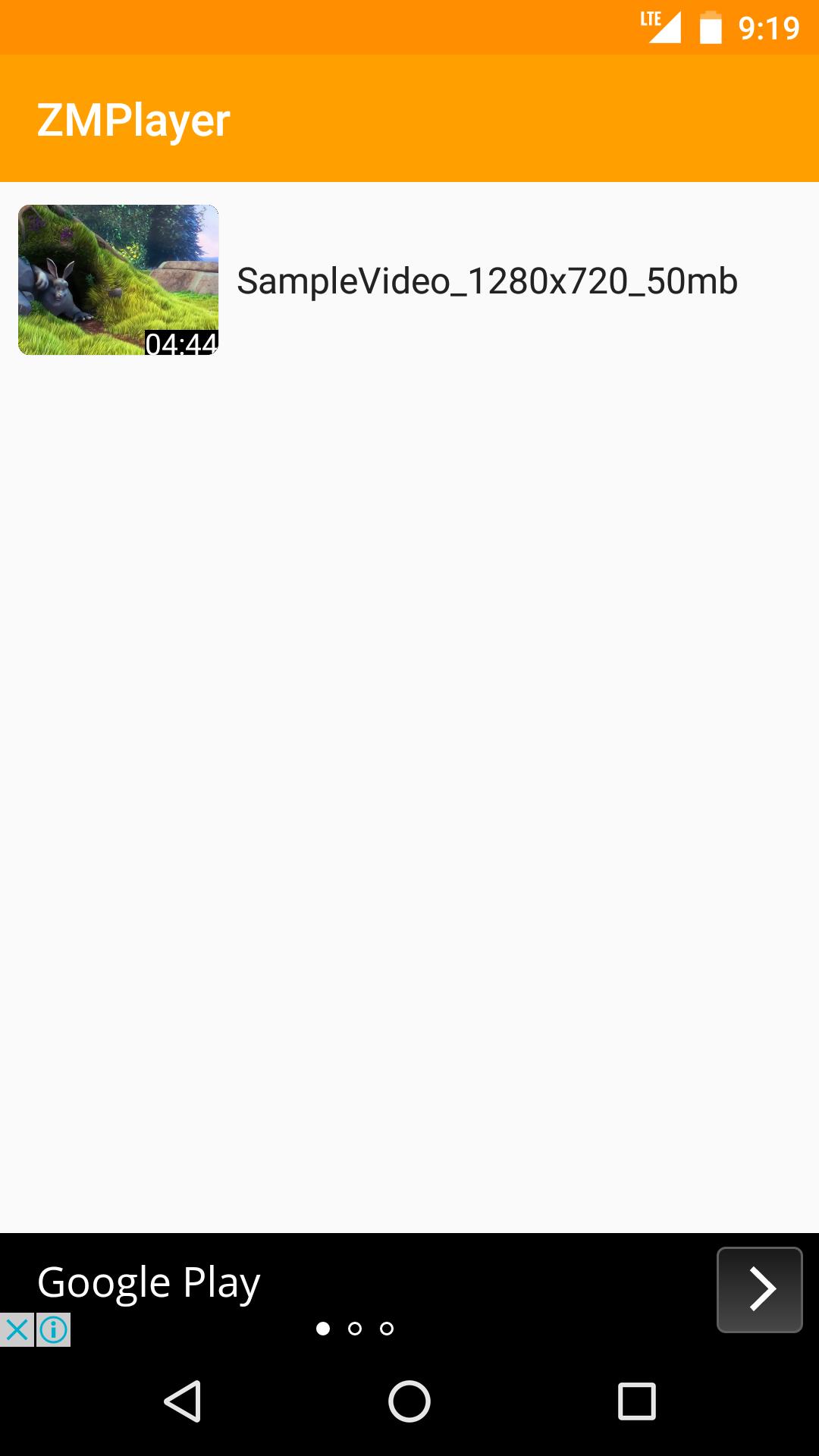
Jamong Player(HD Video, Subtitles)
-Supports All Video Formats
-Supports Subtitles include non Unicode Text
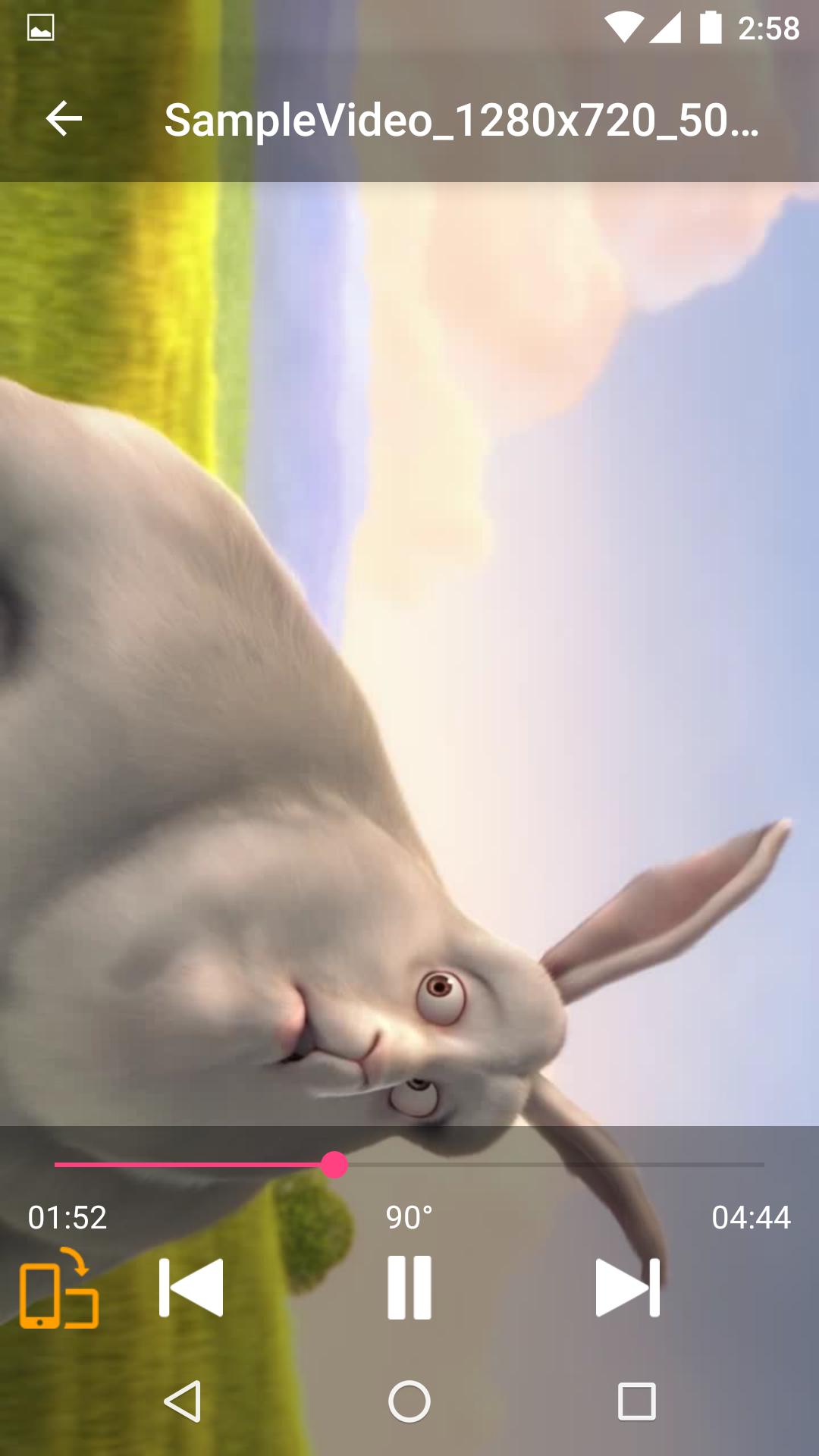
-Supports Force Video Rotation(Recent file's rotation information will be saved)
'Force Video Rotation' is the reason why we made Jamong Player.
User recorded videos often save wrong rotation information.
With Jamong Player, you don't worry about that.
If you have any suggestion or question, please send us an email.
Thank you.
--
Some of the screens are from the Big Buck Bunny licensed under the Creative Commons Attribution 3.0 Unported.
(c) copyright 2008, Blender Foundation / www.bigbuckbunny.org
Ön izleme
Bilgi
geliştirici
duongame
En Son Sürüm
1.0.2
Son güncelleme
2017-06-30
Kategori
Video-players-editors
üzerinde mevcut
Google Play
Daha fazla göster
PC'de GameLoop ile Jamong Player nasıl oynanır
1. Resmi web sitesinden GameLoop'u indirin, ardından GameLoop'u kurmak için exe dosyasını çalıştırın.
2. GameLoop'u açın ve “Jamong Player”i arayın, arama sonuçlarında Jamong Player'i bulun ve “Yükle”ye tıklayın.
3. GameLoop'ta Jamong Player oynamanın keyfini çıkarın.
Minimum requirements
OS
Windows 8.1 64-bit or Windows 10 64-bit
GPU
GTX 1050
CPU
i3-8300
Memory
8GB RAM
Storage
1GB available space
Recommended requirements
OS
Windows 8.1 64-bit or Windows 10 64-bit
GPU
GTX 1050
CPU
i3-9320
Memory
16GB RAM
Storage
1GB available space